Desert Online General Trading LLC
Dubai, United Arab Emirates
Desert Online General Trading LLC
Dubai, United Arab Emirates


💼 Secure your digital life with speed and style — because your data deserves the best.
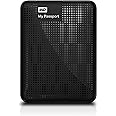
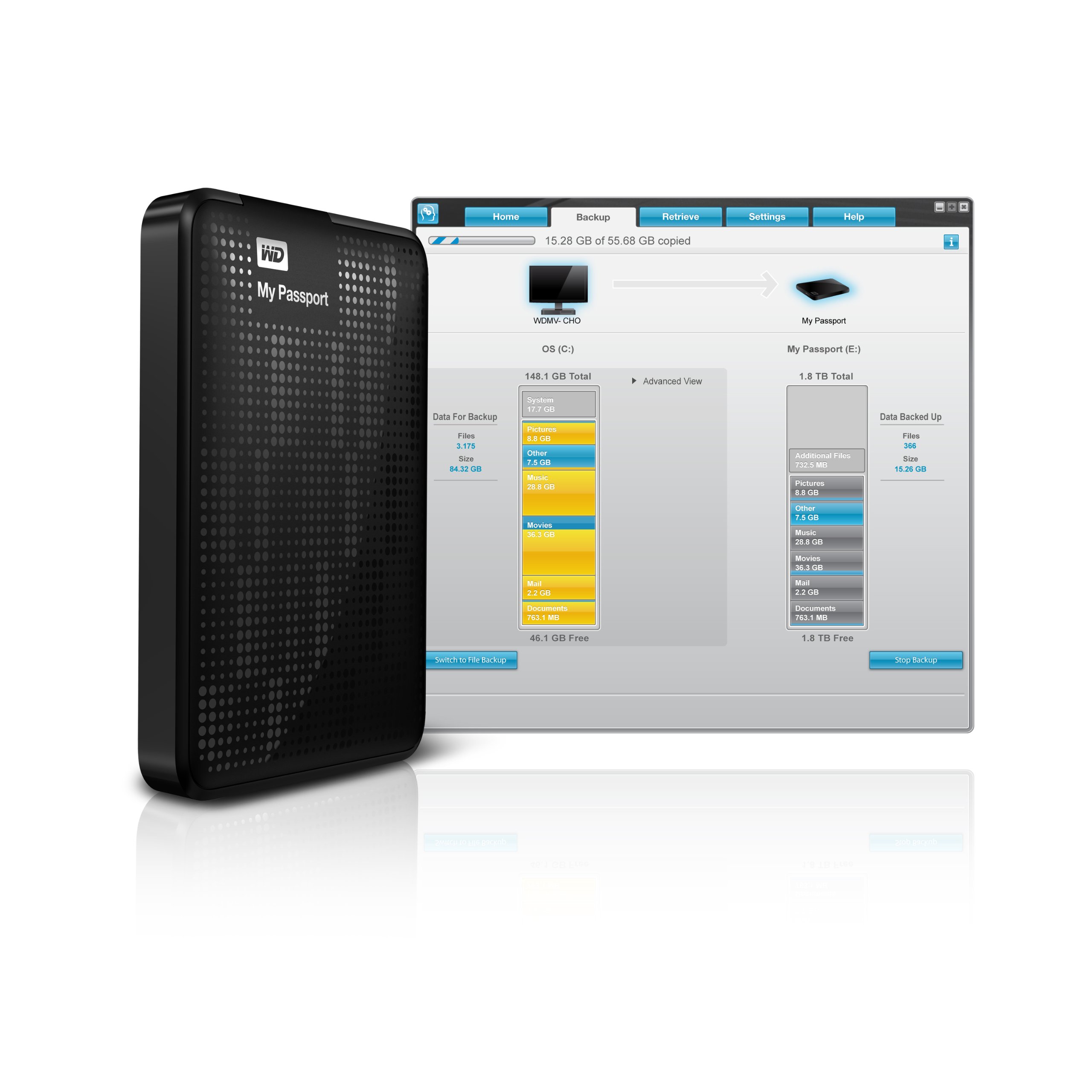
The WD My Passport 500GB Portable External Hard Drive combines ultra-fast USB 3.0 data transfer speeds up to 5 Gbps with robust hardware encryption and password protection. Its compact, lightweight design makes it the perfect travel companion for professionals needing reliable, high-capacity storage. Featuring automatic backup software and USB-powered convenience, it ensures your files are safe, accessible, and effortlessly managed across Windows and Mac systems.
| Hard Drive | 500 GB Portable |
| Brand | Western Digital |
| Series | My Passport |
| Item model number | WDBKXH5000ABK-NESN |
| Hardware Platform | Mac, PC |
| Operating System | Formatted NTFS for Windows XP, Windows Vista, or Windows 7, Requires reformatting for Mac OS X Leopard or Snow Leopard, or Lion |
| Item Weight | 4.8 ounces |
| Product Dimensions | 4 x 1 x 3 inches |
| Item Dimensions LxWxH | 4 x 1 x 3 inches |
| Color | Black |
| Flash Memory Size | 500 GB |
| Hard Drive Interface | USB 3.0 |
| Manufacturer | Western Digital |
| Language | English |
| ASIN | B006Y5UV4U |
| Is Discontinued By Manufacturer | No |
| Date First Available | October 5, 2010 |
D**E
The hardware works fine!
This external hard drive does what it is supposed to: write, store, and read back large quantities of data at high speed. It must also do so reliably for a period of years, but at this early stage I cannot vouch for that. Ease of installation is also essential; a mass storage device should be completely plug-and-play; and it is helpful for it to be preformatted--this one is formatted NTFS for Windows XP and above. These are all the qualities that I want in such a device, but this drive also provides a couple of bonuses: portability and backup software. Although I use the drive with a desktop, portability, i.e. small size and ability to be powered from a USB port, are nice to have anywhere; not having to have an extra cable with a transformer plug that takes up a lot of space on a power strip is a convenience to cheer.As to reliability over a period of years, I have only had my new drive for a week, so I cannot speak to that; however, I will try to make it a point to update this review should the drive fail prematurely (I expect about a five-year lifespan--knock on wood). Thus far, I have written 340 GB of data to it; and from it I have played back HD video (full-frame-rate, full-HD mpeg-type, not just Flash) without a hitch or a glitchAmong these reviews I noticed a lot of complaints about the backup software. They may very well true; and this is not to excuse WD; but I have to say that I have never met a backup program that I liked. Most, including some top-rated, have vital functions that simply don't work. I currently use Windows 7's own backup program; it isn't great--not much flexibility and control; but it's free, and it works (so far).My main motivation for writing this review is to try to provide a little help with installation, which should reassure prospective buyers disturbed by the experiences reported by some other customers. I said above that installing mass storage should be a simple matter of plugging it in, and under the right conditions that is all that this drive requires. But "under the right conditions" can be a big "if"; and a variety of issues can plague the installation of this drive as a USB 3.0 device. In my case, I had never attached a USB 3.0 device to my system before; and I found that Windows would not recognize the device when plugged into a USB 3.0 port. As a search on "WD Passport USB 3.0 Installation Problems" reveals, there are several problems that can occur; and dealing with all those is not the purpose of this review; however, I simply want to do two things: (1) reassure you that this device does in fact come with a good USB 3.0 cable, and that it transfers data at a considerably higher speed over USB 3 as compared with USB 2; and (2) to warn the buyer that (s)he may require a driver update for his/her PC. Regarding the first point, I am getting better than 2.5 times the data transfer rate with USB 3.0 versus USB 2. Regarding the second, the updated driver required will most likely be the one associated with the USB hardware on the motherboard of your PC; if you have problems using your WD passport on a USB 3 port, but not on a USB 2 port, visit either your PC vendor's website, or that of the maker of the motherboard, and do a search on USB 3 drivers. WD also provides firmware updates for its drives; but in my case at least, the Passport's firmware was already up to date as received.While I am in the business of giving tips related to the purchase of an external HD, be aware that if you want a hassle-free installation you might want to avoid drives with over 2TB of capacity. I, and others, have had issues, especially with Windows Backup, with 3TB drives. It turns out that the solution is fairly simple: use the WD Quick Formatter tool (available on WD's website) *before* attempting to use the drive (reformatting will wipe out any data you've already put there). As long as you're willing to take that extra step, it's fine to get a 3TB drive; and I have had no further problems with a 3TB drive. To be clear, the drive I am reviewing here is a 2TB drive; but I just thought I'd throw in this extra tip for people who are reading these reviews and are still undecided about what size to get.
R**R
An outstanding external drive!
The only reason I am not giving 5 stars to this product is because the Western Digital (WD) SmartWare software that comes with the drive is terrible. Completely unintuitive and not user-friendly. Plus if you use it to move files it takes FOREVER! However using the cut and paste method in Windows Explorer or other file managers the files moved very quickly. The drive was immediately recognized by Win 7 and installed quickly and without any problems. The drive arrived properly formatted and ready for use. The form factor is surprisingly small for such a huge amount of storage. It is only slightly larger than my Raspberry Pi case, or about the size of 2 decks of cards, side by side. What was most amazing to me though was when I connected the My Passport to my Raspberry Pi through my Plugable 10 Port Powered Hub, the Pi recognized it right away and mounted it with no problems. Then when I hooked it up to my Pi running XBMC Media Server, XBMC recognized it and allowed me to store my media on the Passport and access all my media without having to make any changes or modifications at all. That is pretty amazing. Many people have trouble connecting external media storage devices to XBMC and I hooked up the Passport, formatted for Windows, and didn't have to do anything to use it with my Raspberry Pi running a Linux kernel. Last but not least I ordered a 1.5TB drive and got a 2TB drive, I really should give it 5 stars, huh? I'll change it when I do an update after using it for awhile.EDIT: Still working like new. Always detected and accessible by various OS's, Windows, Linux, Qubes, Mac, whatever I connected to. I ordered an identical Passport from a competing retailer and that one stopped working after 6 months. There is almost certainly no correlation but Amazon's unrivaled customer service means I will replace the non-working one from Amazon. The customer service here is in my experience hands down light years ahead of any other retailer I have dealt with. If something costs a bit more on Amazon I'm willing to pay it because I know I'm going to get world class support if there are any problems.
Trustpilot
1 month ago
2 months ago
2 weeks ago
2 months ago