We remain fully operational. Our teams are working around the clock to ensure your deliveries continue safely.

DOWNLOAD THE APP


Customer Services
Copyright © 2025 Desertcart Holdings Limited
DOWNLOAD THE APP
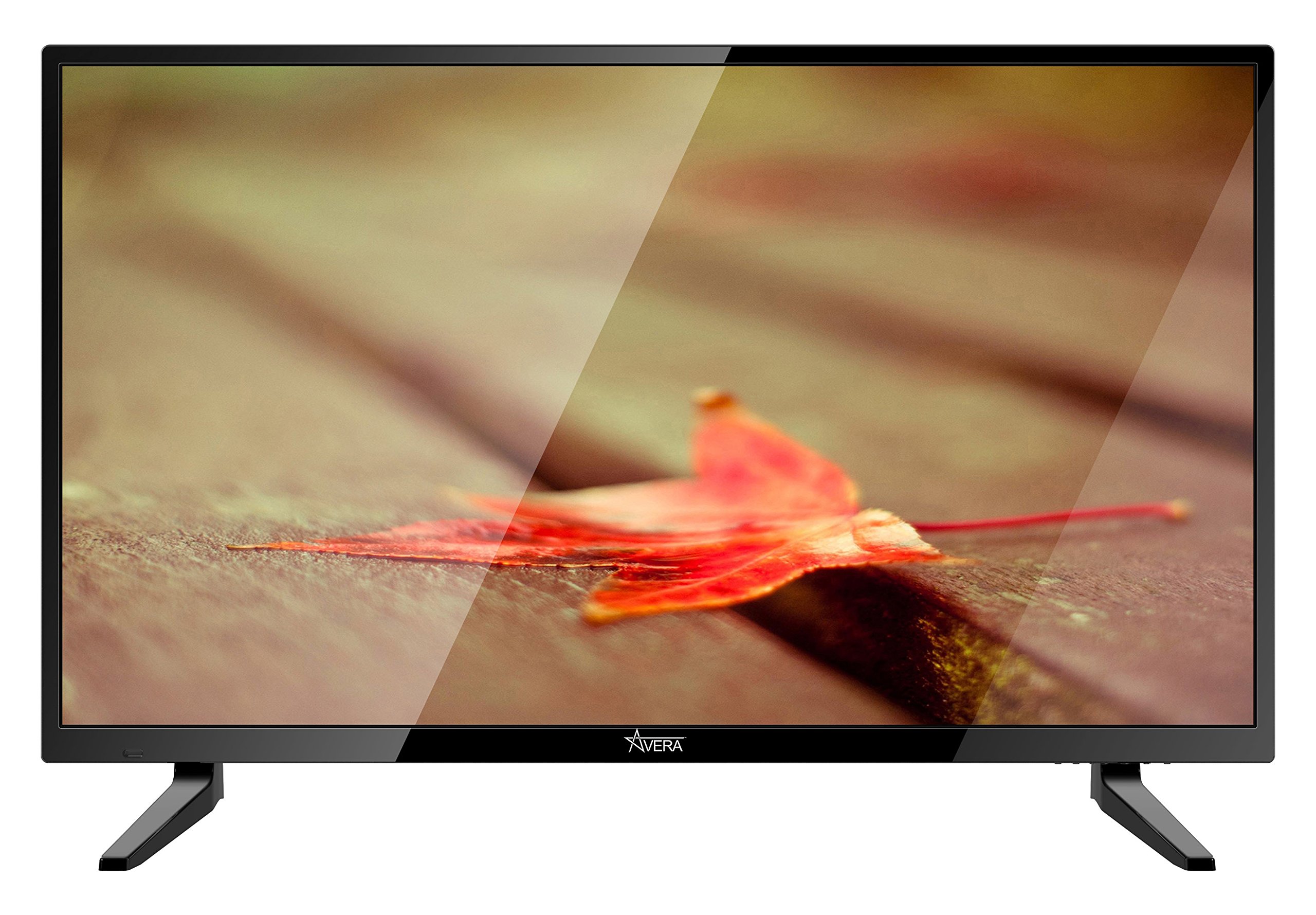

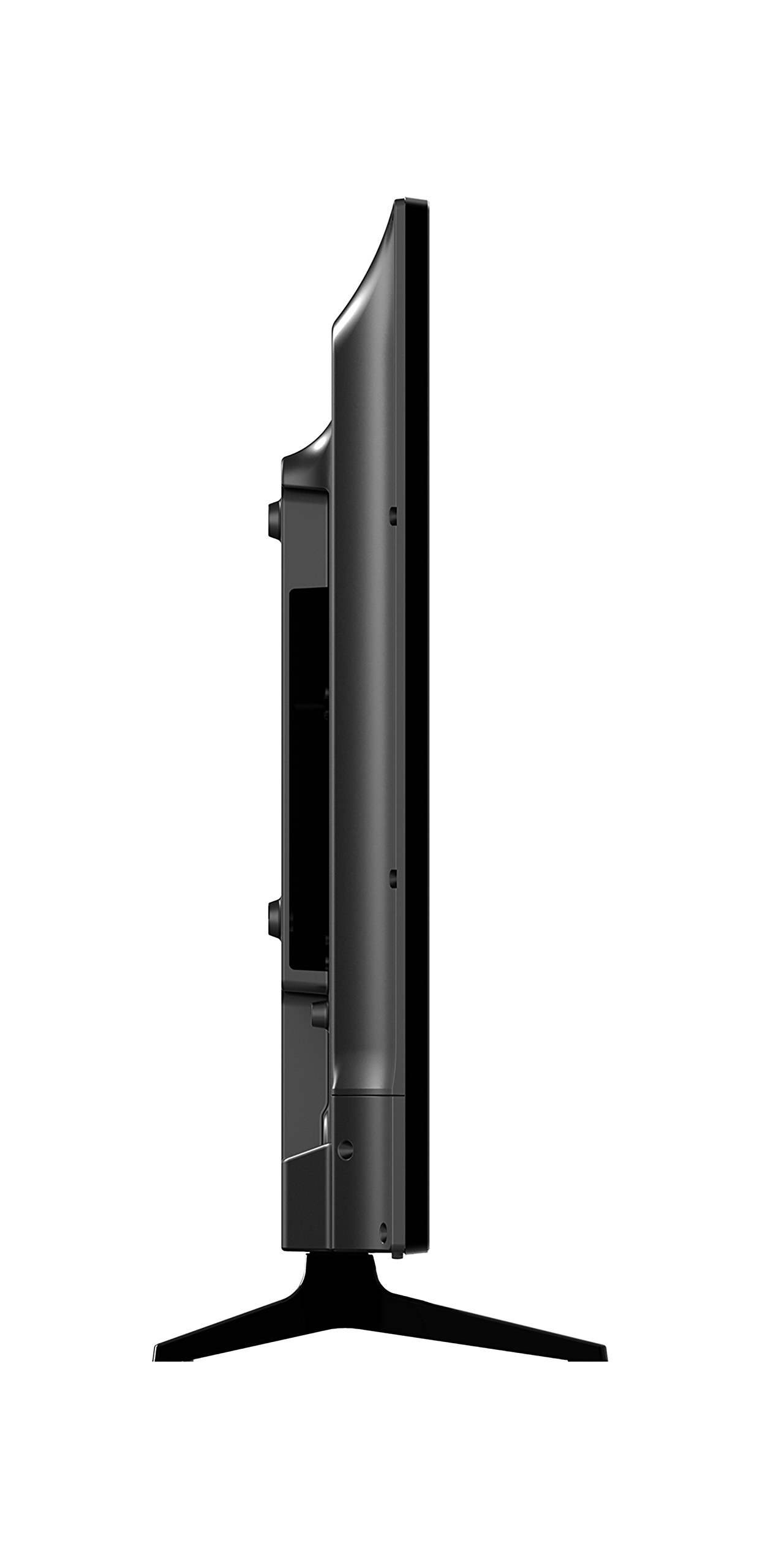
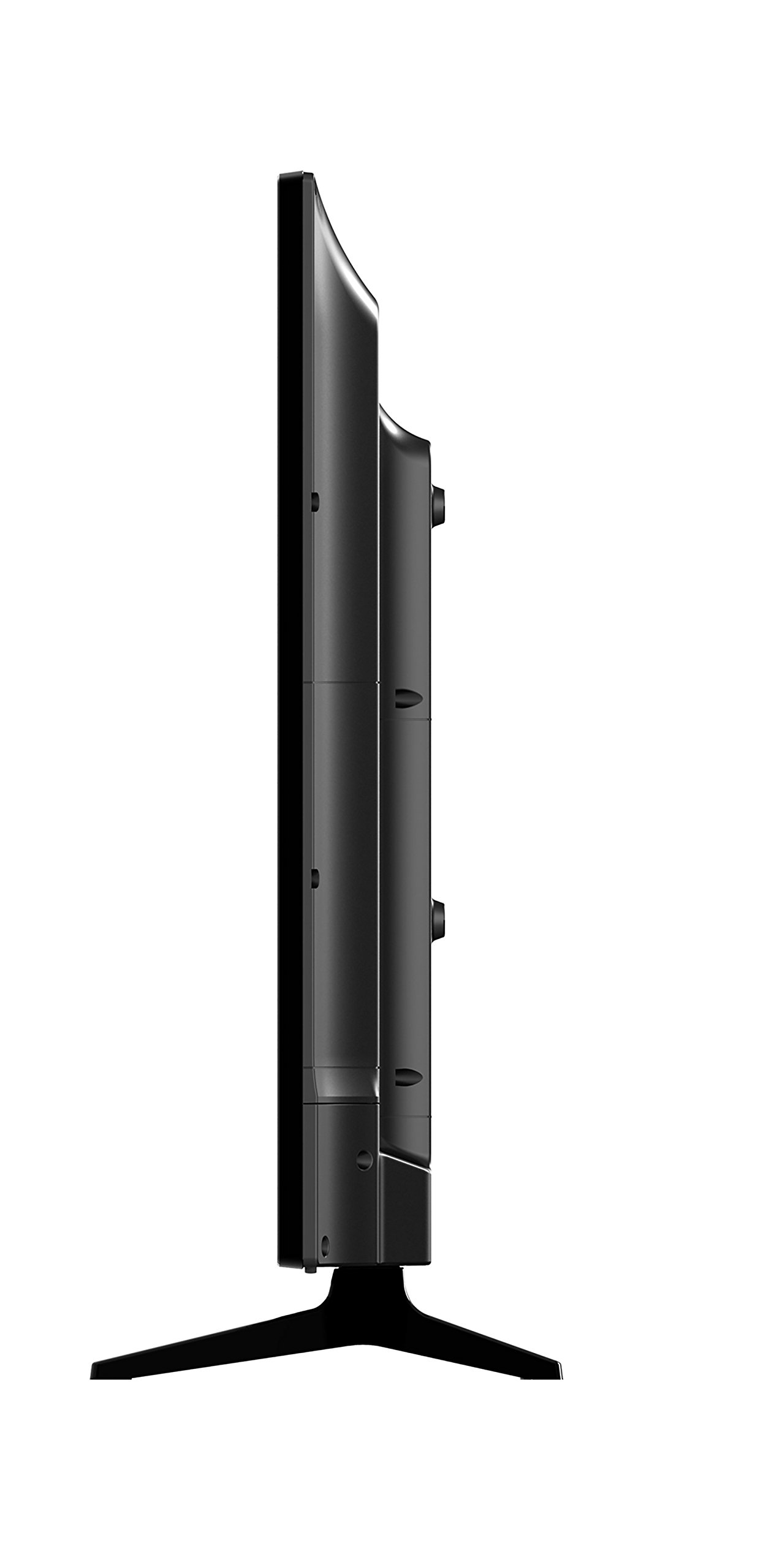

Elevate Your Viewing Experience! 📺
The Avera 40EQX20 40-Inch 4K Ultra HD LED TV combines cutting-edge technology with eco-friendly features, offering a premium viewing experience with vibrant colors, powerful processing, and versatile connectivity options.


| ASIN | B071FQDQQ9 |
| Batteries | 2 AAA batteries required. (included) |
| Brand Name | Avera |
| Color Name | Black |
| Customer Reviews | 3.3 3.3 out of 5 stars (13) |
| Date First Available | June 29, 2017 |
| Item Weight | 20 Pounds |
| Item model number | 40EQX20 |
| Product Dimensions | 36.6 x 9 x 26 inches |
| Special Features | Flat |
| Specification Met | Energy Star |
| Standing screen display size | 40 Inches |
M**A
What a value
Its a 4k 60 monitor on the cheap. Yes, the colors are visibly worse off than my Sonys and the OSD voice prompts are annoying. I often switch inputs and having audio cues about the new input and resolution and just useless and jarring. But for the price - this is an excellent value prop for a secondary monitor.
A**R
Five Stars
I'm happy
B**D
18 month warranty doesn't cover anything
The display is not covered by the warranty it cracks very easy the screen is not cracked... Walmart has much better warranty
P**N
They they hide all the basic necessary options behind a ...
They they hide all the basic necessary options behind a special service menu that requires the remote, such as backlight and sharpness. And then my remote doesn't work, and I contact them, they say they will send a remote over, and they don't. Its been several months now.
G**M
Verical line of dead pixels after probably a year. Hide brightness settings behind secret menu.
Just pretty cheap. Image is only OK if you really change the options in the secret menu. You gotta press menu, then 1147.
D**T
40EQX20 a lot for the money, but I needed help.
Pros: Pretty OK picture. 4 HDMI 2.0 inputs. Cheap! Cons: The manual is provided on paper but I couldn't find a digital copy anywhere. In fact the 40EQX20 is currently nowhere to be found at their site, not in any of the ~6 product lines. I think it's one of their Equinox offerings, but it's not listed there. I downloaded a somewhat similar manual, for a 49" display. That would be some use for a sleuth. Slow to turn on,16 seconds. I got into a jam, described in Other below. That shouldn't have happened, but a solution was achieved via tech support. Other: You can turn off the default startup behavior, being a bright white screen with Avera in giant letters. In the menu it's called Retail vs. Home behavior, the default being Retail. The giant "Avera" logo is likewise optional in that menu. I turned those intrusive features (for home use). By default, Voice Guidance is On, and I was getting annoyed and couldn't figure out how to turn it off. Then a show stopper: poking around the menu system including the infamous Service Menu (Menu + 1147), I was trying to turn off Voice Guidance and somehow inadvertently turned on a feature (or was it a bug???), being a dynamic test pattern. It turned on the TV function and was set to the first channel that was picked up the day before via Autoscan. It included audio and the screen rotated every 3 seconds in this sequence: White/Red/Yellow/Blue/Black, ad infinitum. OK, nice, a test utility. Problem was I couldn't find a way out of this. No button or sequence of buttons on the remove changed this including the audio, much less turned it off. Unplugging the display and plugging it back in even hours later had zero effect. I called and got tech support (1-866-528-1109) and resolved both issues. The guy said leave it on and 1/2 hour or an hour later it might resolve. But we achieved a quicker solution. He said to press the power button on the bottom right of the display, unplug it and plug it back in. I hadn't realized there were buttons at the bottom right. I'd turned the display on initially and every time since using the remote. His sequence stopped the test pattern thing and it's acting normally. Voice Guidance is turned On/Off in the Setup Menu. It's a tough find: you can't see it's there unless you scroll down to the bottom of the Setup Menu and KEEP SCROLLING. You wouldn't know there's a 2nd Settings page unless you tried to keep scrolling. On the 2nd page you see Voice Guidance and can turn it off.
A**E
☺
☺
E**I
Horrible TV and Horrible customer service.
Terrible TV overall and broke within a couple months of purchase. Would not recommend this brand or seller.
J**6
very good tv , great picture well worth the money , a few of the options are buried deep in the menu , other than that this tv is well worth the money let me add after 8 weeks use it no longer works and no way to contact manufacturer avoid at all costs . THERE IS NO WAS TO USE THE 18 MONTH WARRANTY . Really upset that the tc dies after 8 months use . great tv if you ot 8 weekss to live
N**K
The tv screen cracks too easily. One soft hit can crack the tv internally. This was the second one I’ve purchased. Never again.
Trustpilot
1 week ago
2 weeks ago