
DOWNLOAD THE APP


Customer Services
Copyright © 2025 Desertcart Holdings Limited
DOWNLOAD THE APP
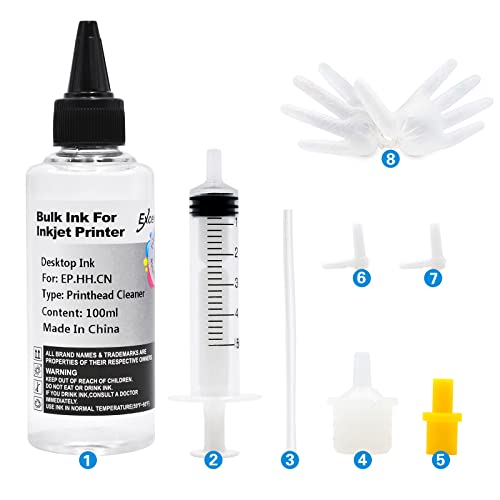

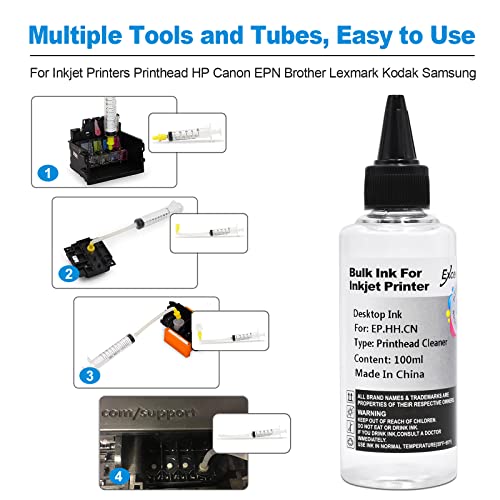
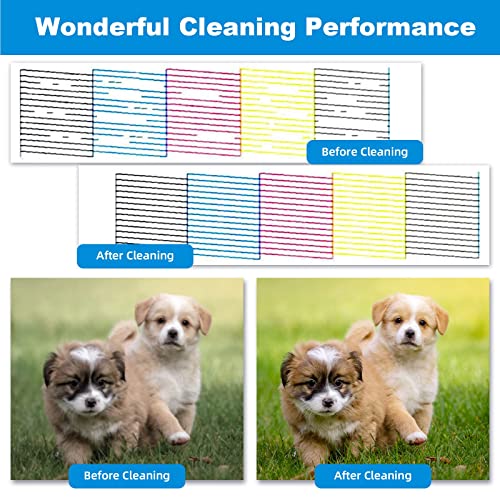
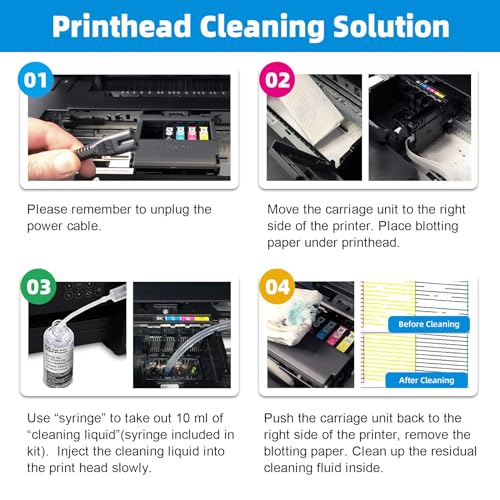
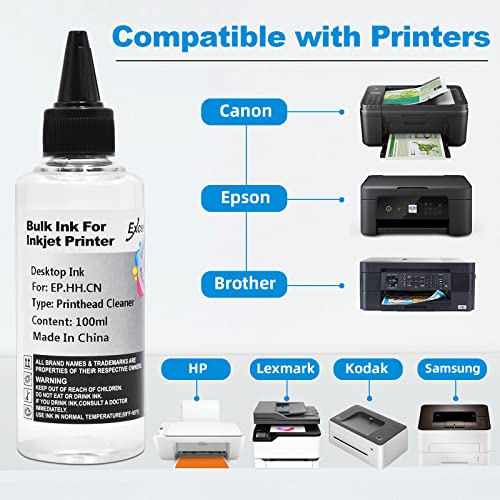
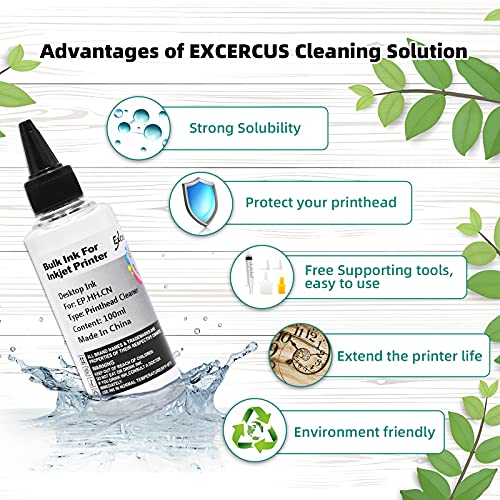


🧼 Clean smarter, print sharper — don’t let clogged nozzles hold you back!
The EXCERCUS Printhead Cleaning Kit offers a powerful enzyme-based solution compatible with major inkjet printers including HP, Epson, and Canon. Featuring 2×100ml cleaning liquid, syringes, nozzles, and accessories, it delivers a 95% success rate in dissolving dried ink and unclogging nozzles. Certified for quality and safety, this kit not only restores print quality but also protects and extends the life of your printhead, making it an essential tool for maintaining professional-grade printing performance.


| ASIN | B08TWJZ2X2 |
| Batteries Included | No |
| Batteries Required | No |
| Brand | EXCERCUS |
| Compatible Devices | Printer |
| Country of Origin | USA |
| Customer Reviews | 4.3 4.3 out of 5 stars (206) |
| Date First Available | 8 May 2025 |
| Ink Colour | White |
| Item Weight | 299 g |
| Item model number | Cleaning Kit(2) |
| Manufacturer | EXCERCUS |
| Model | Cleaning Kit(2) |
| Model Name | Cleaning Kit(2) |
| Net Quantity | 1.0 Count |
| Number of items | 1 |
| Package Dimensions | 15.49 x 15.19 x 4.8 cm; 299 g |
| Printing Technology | Inkjet |
| Special Features | Enzyme-based Cleaning and Printhead Protection |
| Supports Dual Sided Printing | No |
A**.
Didn’t do much I had high hopes but it did not work for my ink tank printer.
S**N
My Brother printer MFC-465CN was printing blank pages. Despite cleaning over and over only blank. This product works! Few tips you need to use the yellow adapter on the end of the syringe for this Brother printer. You will have to wiggle small end of the yellow adapter unto the print nozzle. I needed curved tweezers to pull adapters off nozzle- be gentle. I kept my printer resting on the back end- tilted up. I did put paper towels inside but couldn’t get them under the printer head. I put several folded paper towels inside. Keeping it up with the end facing down ( resting on the back end) allowed me to be able to see clearly and allowed flushed ink to seep out the back so you will need a lot of paper towels there as well, but positioning this way makes liquid flow out and away from components. Keep unplugged! I had to flush each tube twice. Then I ran it through the clean cycle about 10 times . It was now printing but quality was still poor . Then I had a light bulb moment- maybe the actual ink cartridge is also clogged since printer had been sitting for quite awhile. So I soaked Q-tips in the same solution and placed them where the ink comes out and let it sit for several minutes. SUCCESS!
T**T
Worked well for Epson ET-3850. Watch youtube videos to see how to do it correctly. This kit cleared clogs. It made the printer head clean cycle actually work for most colors. I ended up using a power clean for the last color.
G**L
I used this to clean out my printer ink, it worked. It does stay wet for a bit so make sure you let it dry completely. I made that mistake and my printer died. I try does clean out the ink.
M**E
Printer did not print before solution cleared heads and printer prints fine now.
Trustpilot
1 day ago
1 month ago