We remain fully operational. Our teams are working around the clock to ensure your deliveries continue safely.

DOWNLOAD THE APP


Customer Services
Copyright © 2025 Desertcart Holdings Limited
DOWNLOAD THE APP
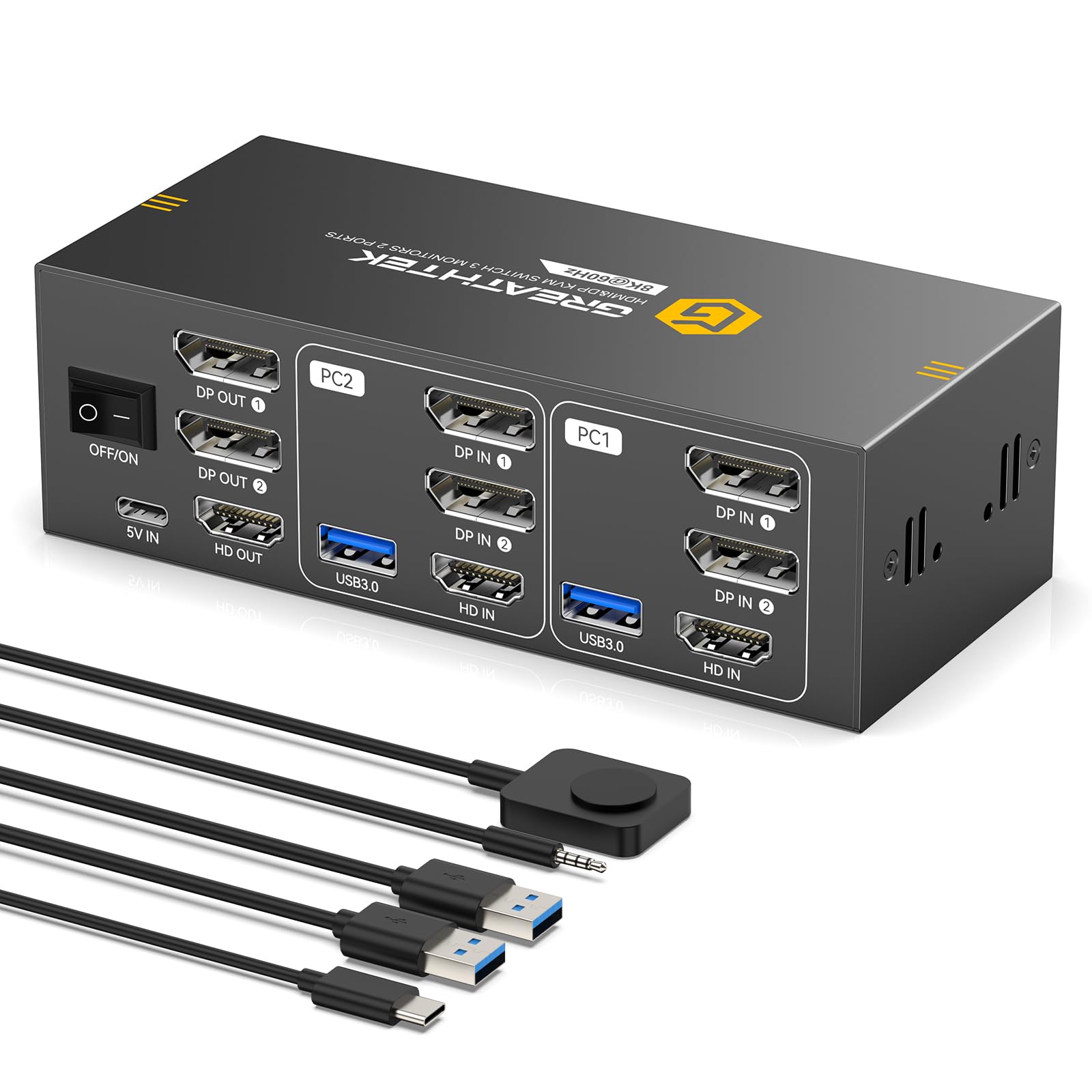
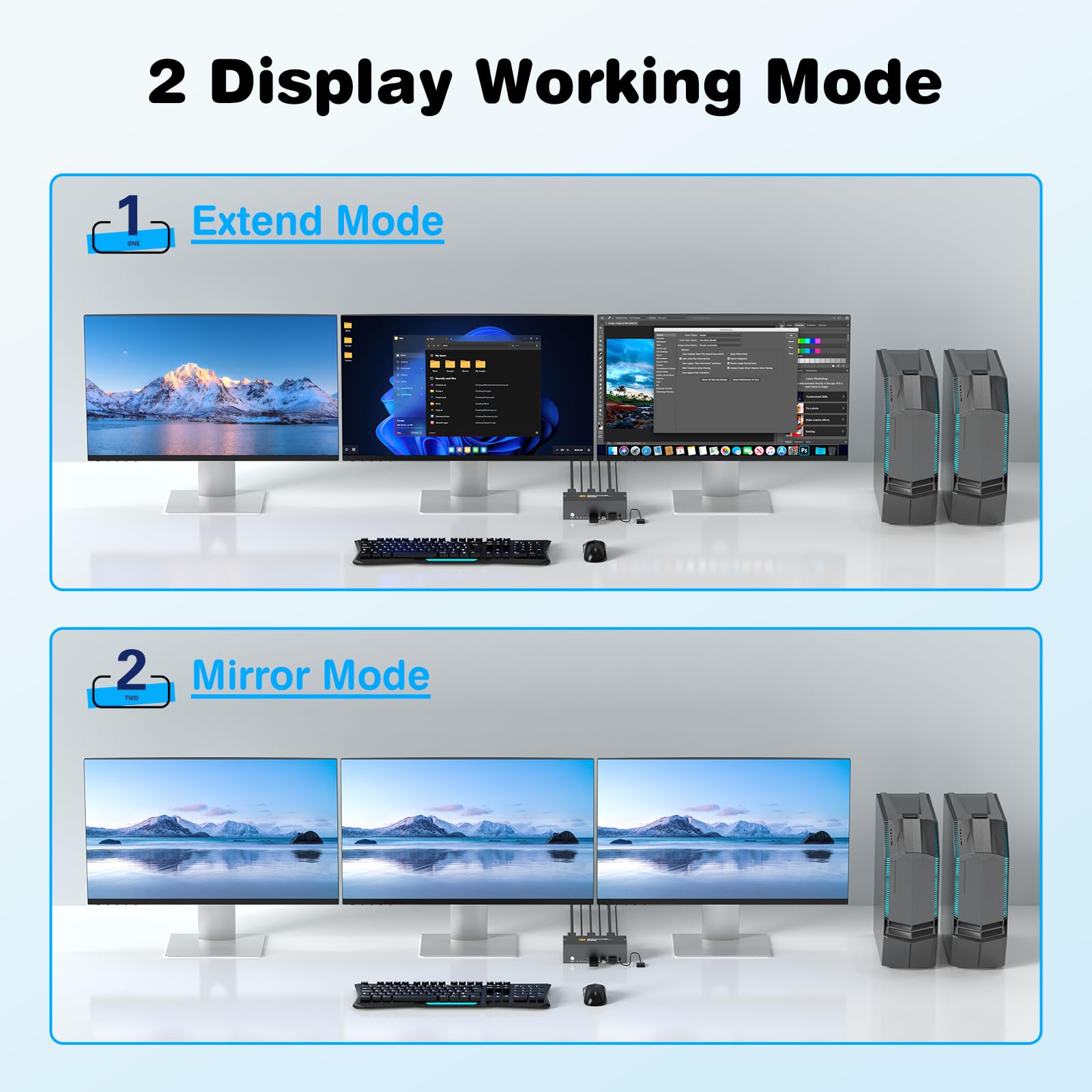
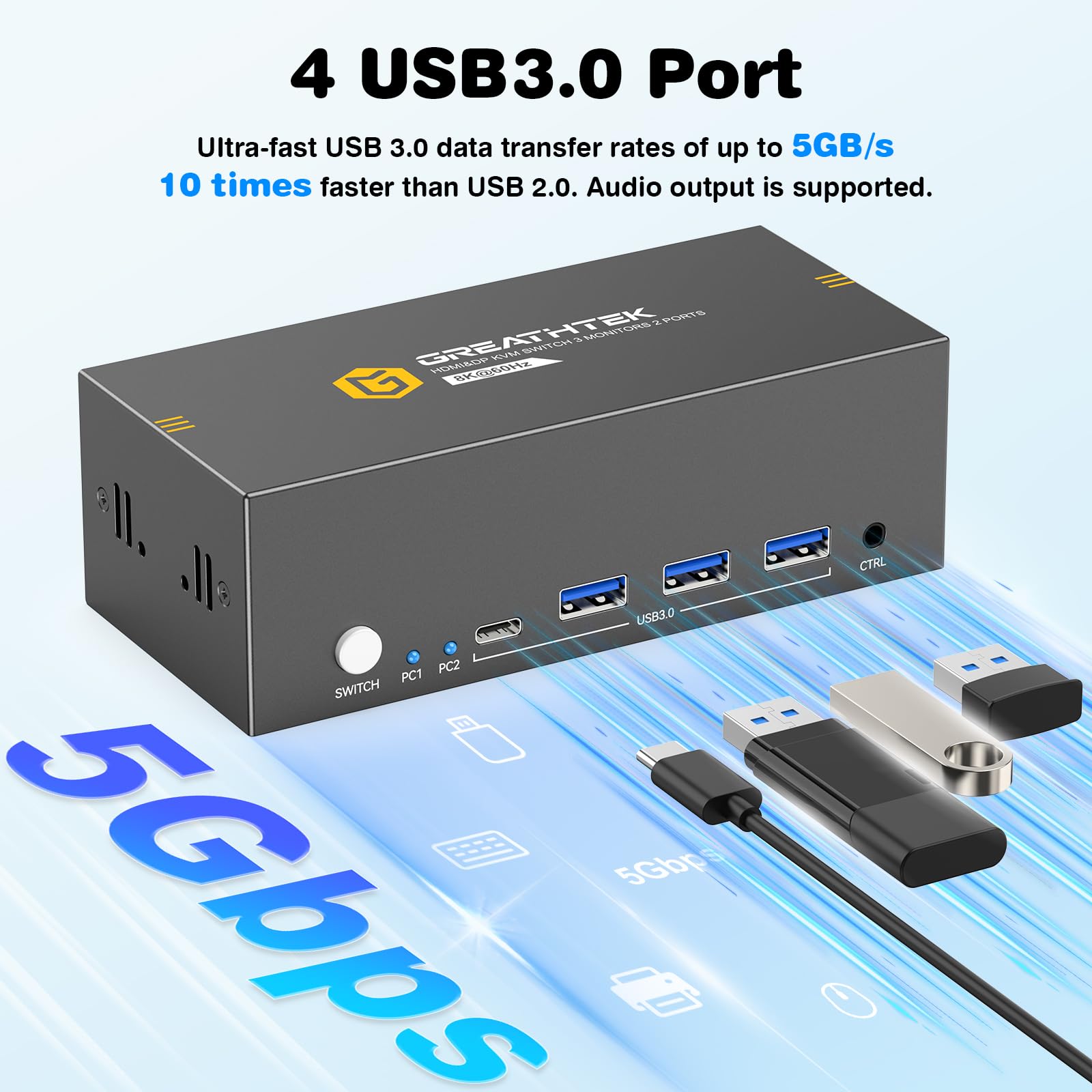

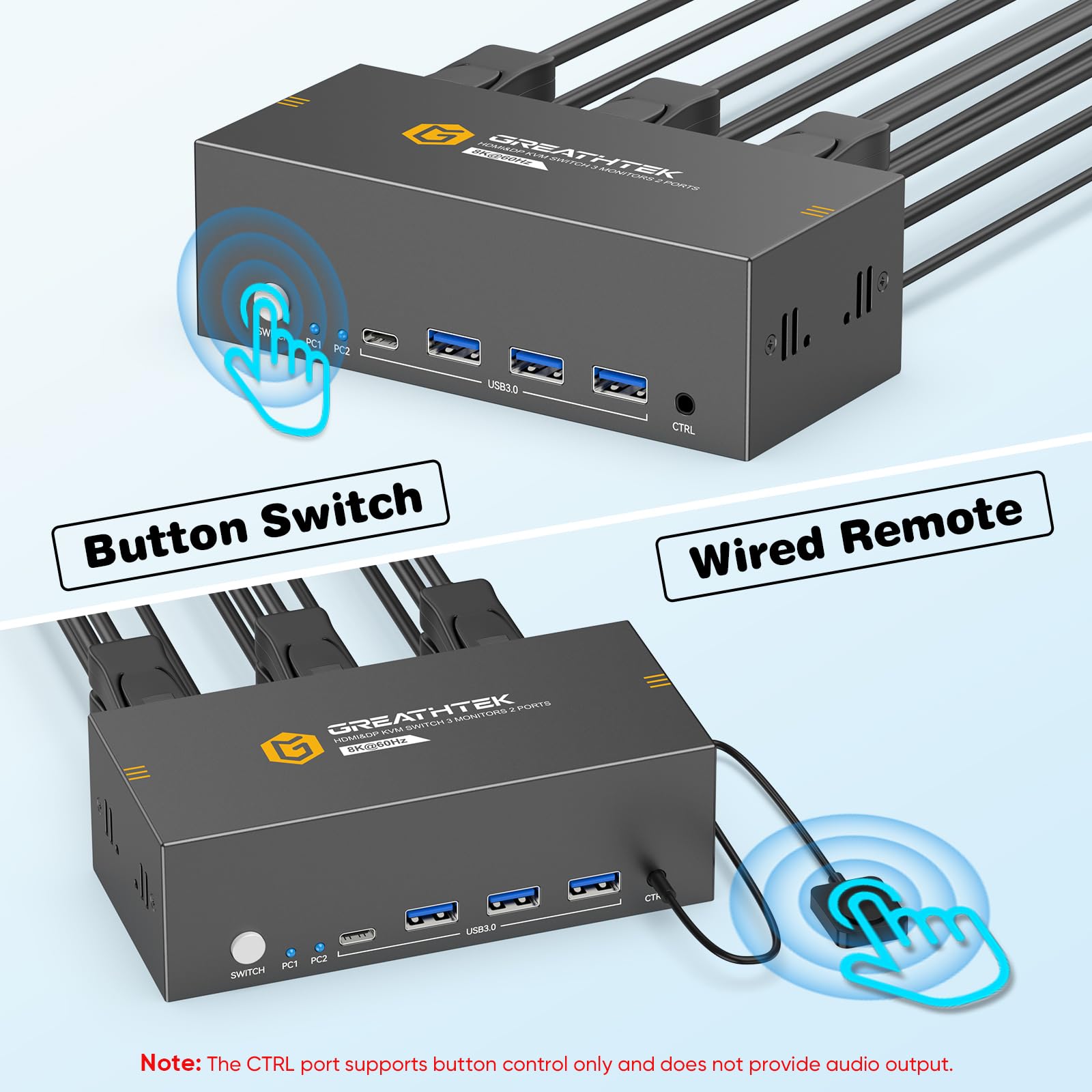
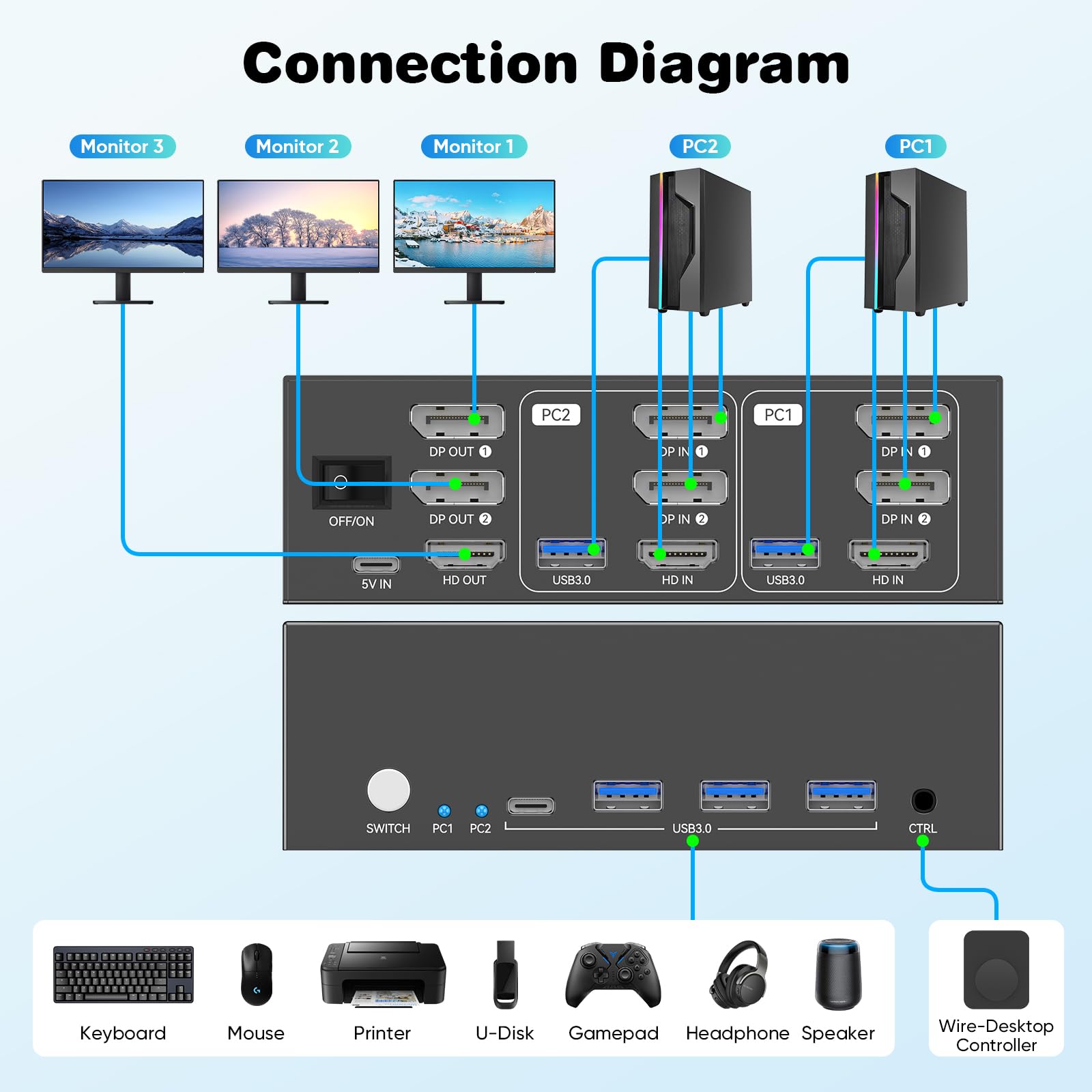
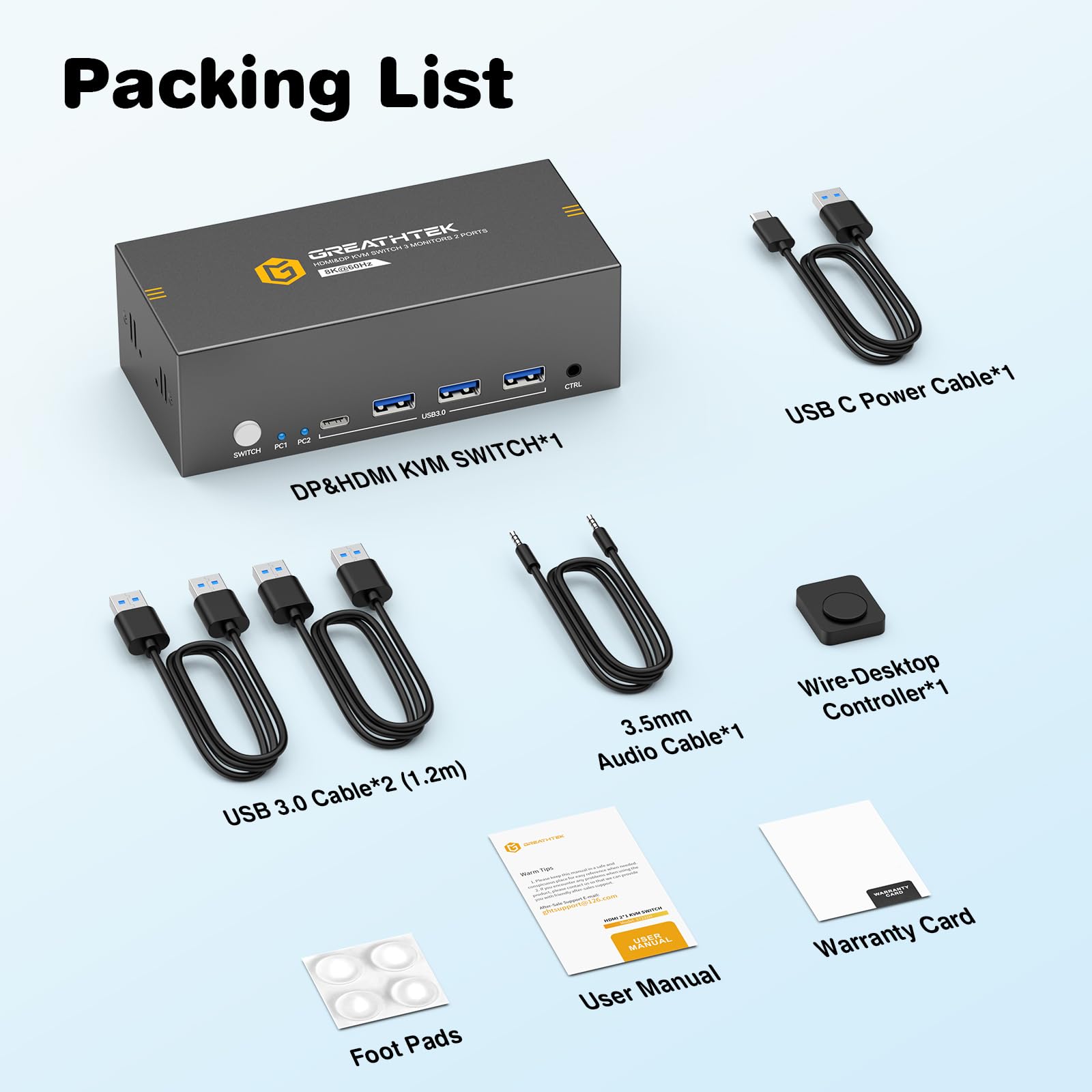
🚀 Elevate your dual-PC setup with 8K clarity and seamless control—because multitasking deserves the best!
The GREATHTEK 8K HDMI+DisplayPort KVM Switch empowers professionals to control 2 computers using a single keyboard and mouse while sharing 3 monitors (1 HDMI, 2 DisplayPort). Supporting ultra-high resolutions up to 8K@60Hz and 4K@144Hz, it ensures stunning visuals with adaptive EDID technology for stable, flicker-free display. Equipped with 4 USB 3.0 ports for rapid peripheral sharing and offering dual switching methods (panel button and wired keypad), this plug-and-play device is compatible with Windows, macOS, and Linux. Its robust metal build and included accessories make it a premium solution for streamlined multi-PC productivity.


| ASIN | B0G4TTKSV3 |
| Batteries Required? | No |
| Batteries included? | No |
| Customer Reviews | 4.4 4.4 out of 5 stars (345) |
| Date First Available | 17 Jan. 2026 |
| Included components | 1 |
| Item Weight | 399 g |
| Manufacturer | GREATHTEK |
| Manufacturer reference | 1 |
| Part number | 1 |
| Product Dimensions | 14.73 x 14.48 x 4.57 cm; 399 g |
| Style | 8K DP+HDMI 3 Monitors 2 PC |
| Switch Type | 1-way |
I**D
Setup: Literally a breeze. Plug everything in and it just works. No drivers or anything. Worked for me on Windows 10, 11 and several flavors of Linux servers. Performance: The switch handles video in an expedient manner. Meaning the switching between machines is almost instantaneous. I had no rendering issues such as screen resolution changes or color funkiness. There is no distortion when inseting this KVM into the chain. I have had other KVM’s where the mouse would lag a bit. That is not the case here. In fact, I was using a wireless mouse and had no lag. To switch machines it is a simple press of a button. Switching is quick and simple. Build: The KVM is made of metal! Nice as compared to a plastic alternative. Cables: The cables that come with the unit are functional, but you may find them a tad short for some applications. Fortunately 6 foot USB and HDMI cables are not expensive. However, in terms of quality the cables are good and present no issues. Conclusion: If you regularly juggle two or more computers at one desk, or have multiple servers in a closet this is the ticket to cleaning it up. Sharing a monitor between 4 systems is a worthy benefit. This unit is priced well and I feel it is a good value in terms of performance.
F**Z
Funciona bien por unos minutos, y luego deja de detectar los periféricos, y los reconoce de nuevos después de unos segundos. Es muy molesto y parece que le pasa lo mismo a otros compradores de este producto.
M**N
For the price, you simply can't beat this KVM! It has a nice compact footprint, is super-quiet (no cooling fans, etc.), transitions from session to session smoothly with little lag and uses standard USB and HDMI cables (no proprietary KVM cables needed). My main complaint is when switching from host to host the USB devices are connected/disconnected - this causes the sound for "USB Device Disconnected" to be played on the machine you are transitioning from, and "USB Device Reconnected" to be played on the machine you are transitioning to. Of course this is SUPER annoying, but you can turn off these sounds in the Themes on each of the machines connected to the KVM (unfortunately this will apply to ALL USB Connect/Disconnect actions not just those on the KVM). The sounds can be dealt with, but because of the way the KVM manages these devices you're going to see a LOT of USB Device Disconnect/Reconnect messages in your hardware audit log, and of course this introduces a slight lag when transitioning from session to session. My prior KVM (a Belkin F1DP116G) kept signal to the keyboard and mouse on each host machine active (whether USB or PS/2) so this was not a problem - if this KVM could do something similar it would be a HUGE improvement! Gripe #2 is the location of the 3 USB ports, they are all in the front of the unit. Meanwhile all OTHER cables connect in the back. I think it's great to have USB ports in the front for things you might want to plug in and take out (like a thumbdrive), but could you put at least two or three in the BACK so we can connect the keyboard and mouse (and maybe one other permanent device) in the back and not have their cables visible on the front of the unit? Lastly, the unit is powered by a USB-C cable to an AC power adapter. I have this plugged into a power distribution switch on the same circuit as my monitors. At the end of the day I flip the switch to turn off this circuit to power down my monitors and KVM switch - but the KVM still has power! It must be drawing power from the USB cable to one of the hosts (that is up and running 24/7)! It would be helpful if the KVM would power down when the power supply to it via the USB-C cable is terminated. Bottom line: Great value for the price, seems efficient and reliable - but with room for improvement.
B**Y
This KVM made things much easier for me. I can use the same monitor, keyboard, and mouse with multiple computers without constantly plugging and unplugging cables. Switching between computers is quick with just the press of a button, and the image looks great in 4K. No setup was needed—just plug and play. It feels well built and works exactly as advertised. Great purchase
R**S
EDIT They've reached out and sent a replacement. Hopefully this one lasts longer than the previous one. Their support took a few days to respond but I appreciate them being so kind and helpful nonetheless. ----------------------- Worked great when I first set it up; it was the perfect solution for my home lab. Unfortunately it stopped working within a month. It can still switch display inputs but USB inputs stopped working. I tested different keyboards and mice and none of them powered on. I've reached out to support but no response yet. I will gladly update this review if they can provide support, but disappointed for now as I had planned to do some work on the homelab this weekend.
Trustpilot
2 weeks ago
2 weeks ago