
DOWNLOAD THE APP


Customer Services
Copyright © 2025 Desertcart Holdings Limited
DOWNLOAD THE APP

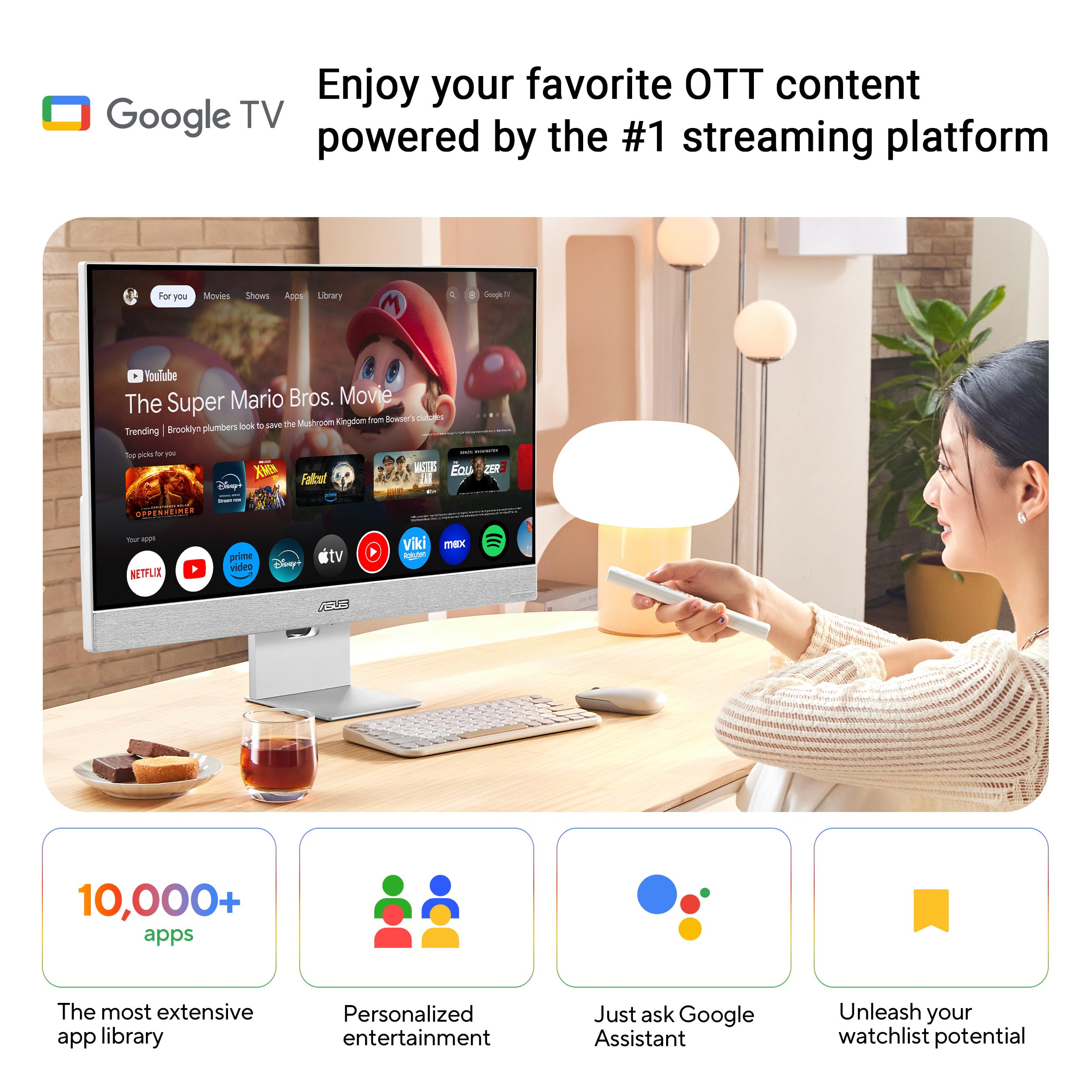


✨ Elevate your workspace & play zone with ASUS ZenScreen 27” 4K Smart Monitor 🖥️
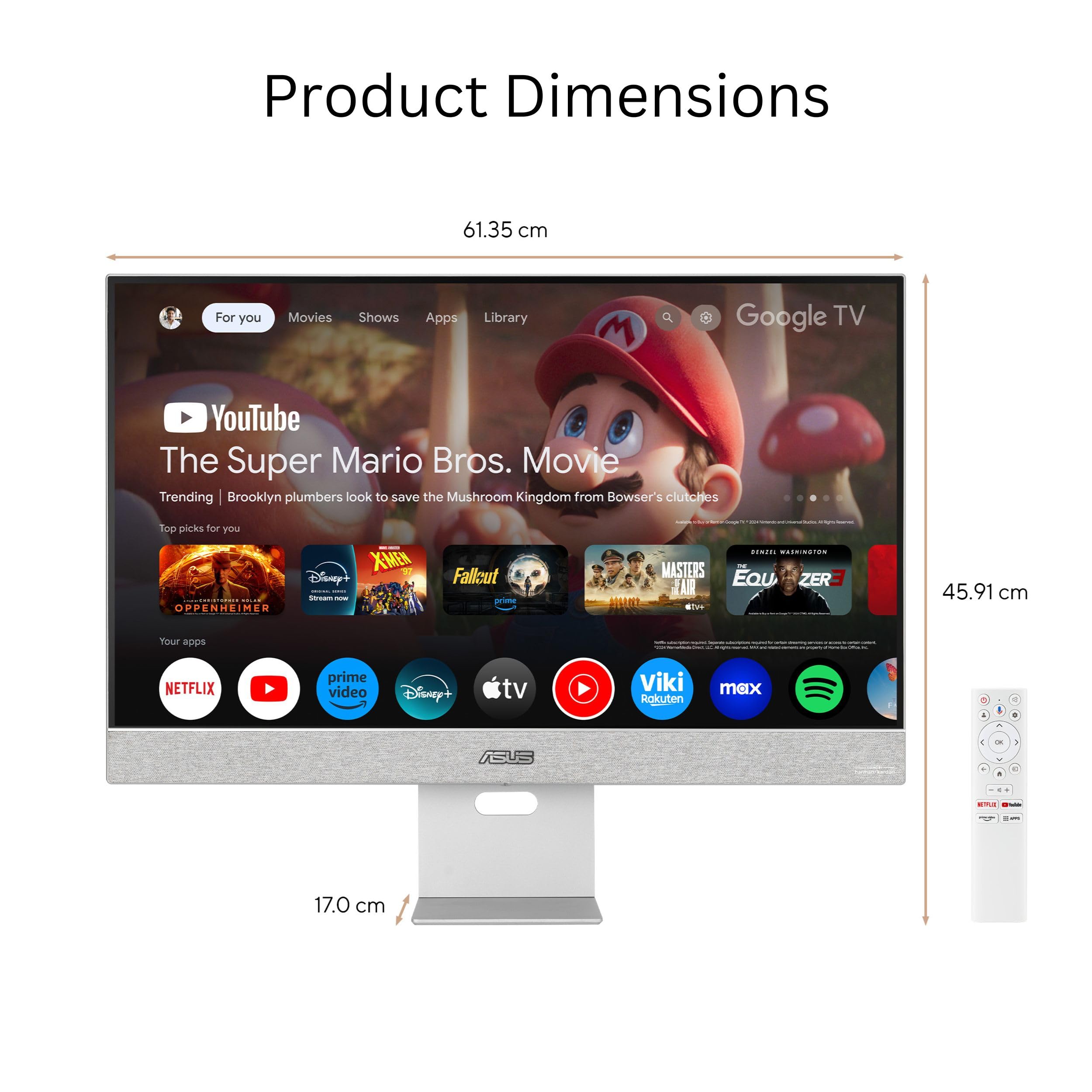
The ASUS ZenScreen MS27UC is a 27-inch 4K UHD IPS monitor delivering vibrant 99% sRGB color accuracy and a 60Hz refresh rate. It features built-in Harman Kardon speakers, extensive connectivity including USB-C with 90W power delivery, HDMI, and DisplayPort, plus Google TV integration for direct streaming access. Designed for professionals and creatives, it offers eye-care tech, a sleek matte finish, and versatile mounting options backed by a 3-year warranty.


| ASIN | B0D6CQ7B7J |
| Best Sellers Rank | #11,875 in Electronics ( See Top 100 in Electronics ) #366 in Computer Monitors |
| Brand | ASUS |
| Color | BLACK |
| Customer Reviews | 4.4 4.4 out of 5 stars (924) |
| Date First Available | September 16, 2024 |
| Item Dimensions LxWxH | 24.2 x 1.8 x 20 inches |
| Item Weight | 13.2 pounds |
| Item model number | MS27UC |
| Manufacturer | ASUS |
| Max Screen Resolution | 3840 x 2160 Pixels |
| Product Dimensions | 24.2 x 1.8 x 20 inches |
| Screen Resolution | 3840x2160 |
| Series | MS27UC |
| Standing screen display size | 27 Inches |
S**E
These are the Asus monitors to get
With the blue light filter and high color accuracy, these have been the best Asus monitors I have used so far. On some of the less expensive Asus monitors, I have noticed dead pixels and maybe a weird stand configuration. These are not issues that I have dealt with on these monitors. Currently I personally use four of this model of Asus monitor. The two in the picture have been in use every day for the past two years. No flickering, no issues. If you are trying to charge a laptop, and also get video from the usb c connection, that is apparently possible (depending on the device), but you will need to do a software update on the monitor first. You will need a clear usb drive for the software update. I would not plan on using power and video through a single cable though, especially for a laptop. Maybe you can use your iPad like that, but there can be issues with laptops. Plan to use a separate power cable, and second video only cable. This should not be a deal breaker, as there are so many docking station options that you probably should be using. Do not expect a monitor to act as a docking station as well. These monitors do have smaller speakers integrated into the frame. You can only send video with audio over hdmi, so do not expect to connect a DP or usb c cable up and get audio over video. Expect to install other speakers if you are using this as your main desktop though. The integrated speakers are more for OS sounds or to listen to someone talking. Music will not be full sounding, with the flat monitor speakers only of course. The 75 mhz screen refresh rate is correct, and works for me through both hdmi as well as dp video connections. Certainly a good value when you compare other monitors in this price range. For the same price you can get a non color accurate HP monitor. Or a Chinese made Samsung with a bunch of dead pixels. Or a reliable, but basic Dell monitor. I chose this monitor, again four times. Depending on the monitor size, you may receive different types of stands. The stand for the 24” version allows you to flip the monitor sideways without disassembling anything. The stands also hold the monitors securely, and do not move around while you are typing. Surprisingly I never thought the stand would be an issue until using some other Samsung monitors. These are VESA mount compatible. When you take the stand off, the mounting holes are underneath. Very clean monitor mounting as well. No extra weird part of the stand is poking out or anything. Like on some other HP and Samsung monitors. Games look super clear. But these monitors are really designed for the designer using illustrator or photoshop. Someone who needs color accuracy for correct print designing. Normal things, like the windows desktop, look beautiful though. So yes you can play games and it will look very clean. If you are debating going up to the 27” or 32” size, you will probably only need one monitor at either of those sizes. The 24” size is perfect for most normal desks with a two monitor setup. A single 27” could work in place of two 24” monitors, like at the desk setting in my pictures. I would not recommend the 32” unless you are using it in a conference room or sitting back from your screen a considerable distance, like minimum six feet. I have set up thousands of computer workstations throughout the mega office buildings around Northern Virginia and DC (this is not an exaggeration). This information has come from that experience in dealing with these workstation setups, and the issues created when moving all these items around. Make sure you are able to take your monitors out of the box and thoroughly test the screen before final install, within the return window time. This way you are not finding strange artifacts or scratches on your screen, from a rough delivery, after going through the trouble of removing the old monitors and installing the new ones. I have not run into monitors ruined from the delivery process often. But if you do, you will be glad you are in the return window still.
E**R
Nice displays!
I bought a pair of these to replace my old set and chose them because of a good balance of cost, versatility in connectivity and promise of color uniformity. I mounted them on hydraulic adjustable arms, but that's where I encountered one of my two issues I had. The VESA indentation was about 1/16" too small for the old mounting plates, so I had to get new arms. The stands were not of poor quality, in fact they were attractive and worked well, I just need the extra desk space. Connection options were varied and I had several options to connect my personal PC and work MacBook. I ended up using HDMIs with a special hub to extend both displays on the Mac and initially the daisy-chained DisplayPorts for my PC - the Thunderport option worked very well for the Mac (to only one display). After about a week the daisy-chaining DP port failed and that display was returned & replaced. While waiting for the replacement, I used separate direct cables for the DP-to-PC connection and have just kept that in place with the new display. The displays themselves are crisp and clean, very easy on the eyes at 75Hz refresh. Settings and adjustments are easily accessed with the front buttons and directional control nub/joystick. One annoying thing I don't know how to fix - I have backlighting LEDs on the backs of both displays which plug into the USB ports, and they don't turn off with the monitors on computer shutdown no matter how long I wait and hope. lol I have to turn both displays off manually. I'm pretty sure the USB power should be cut off when the monitors are asleep, but that doesn't happen. Any suggestions to remedy that would be lovely. All in all though, I'm quite happy with these.
J**N
Wow! Well, what I really mean is... WOW!
This review is for the ASUS ProArt Display 32” 4K (3840 x 2160) HDR monitor, model PA329CV. After purchasing two, replacing a pair of HP Pavilion 32" 2K monitors, the packaging alone impressed me. Upon unpacking the monitors, I was equally impressed by the very hefty, well-made monitor base and the post that the monitor attaches to. My last monitor purchase (the Samsung UR59 4K curved monitor) was a complete disaster, very light plastics, and chintzy feeling, so actually feeling the quality of the Asus ProArt display - and you can feel the quality - was notable to me and worth mentioning. Connecting the base to the back of the monitor was very easy. I found it best to stand and turn the base around so that I could see the backside of the monitor as I aligned the male to female connectors on the base. After attaching the display to its base, this is when I realized that not only could I adjust the height (which I already knew), but I could also swivel the monitor left to right. BUT that’s not all! I could also rotate the display 90-degrees, turning it into a vertical display. Wow! I always wanted a vertical display for coding. You only see features like these in more expensive monitors, so that sort of blew my mind. Connecting the power cord and the DisplayPort cable was effortless, although I did find it helpful to use a hand mirror to assist me, because the ports are tucked underneath the backside of the cover. But it wasn't too hard. Upon connecting the monitors to my computer, I had to manually flip the power switch located next to the power cable input on the rear side. Once I did that and pressed the front-side power button, the Asus logo animation was kind of neat to see and out-of-the-box, I could tell that the displays had been color corrected. I am using these Asus ProArt monitors in my work as a graphic artist, video editor, 3D modeler, and my work in film. So, color correction is a necessary step in my creative process. I have a color meter and plan on testing the accuracy of the Calman verification, but having been through this process in the past, I am confident that they've been calibrated, and BOTH MONITORS look identical, in case others considering using these for creative work are wondering. Note: because LED monitors are made in batches, sometimes a monitor from a different batch can have a slight color temperature difference. But not these. They're identical. I also really love that the power and menu buttons are on the front-side of the display’s bezel. They remain unlit, so if you work in a dark environment, like me, there’s no distraction from annoying LED lights. Another note on brightness. At the onset, I thought I was going to need to adjust the display’s brightness, but after using them for a few minutes, my eyes adjusted nicely, so I think the brightness is just fine out-of-the-box. My last pair of monitors were a bit jacked up in brightness, so I think that's what my eyes were responding to. That's why I only gave it 4 stars in the brightness department. Truthfully, I am still testing them. But I honestly do believe that anyone, especially a digital artist like me, will feel and see the quality in these monitors, and the price is well worth it especially considering that the ASUS ProArt Display 32” 4K PA329CV displays rival the BenQ monitors I've used in the past, and for over $200 less! Come on. Give them a try.
I**F
الشاشة مناسبة للمونتاج والجرافيك
S**N
I bought this monitor to replace the LaCie 319 I'm currently using. I love the look of the 319, but you need to have higher resolution these days. Based on the description of the PA248CRV, I was hopeful it would fill the 319's boots. Yes, the ProArt does have nice colours, but edges seemed overly sharp to me. In particular when scrolling a page with large display fonts, edges that appear smooth when standing still would become jagged and ghost in the direction of scrolling. I haven't seen this behaviour before. After scrolling, with the image still again, the edges would go back to normal. If I switched the display into the HDR mode the scrolling problem would go away, but in HDR mode pages with a lot of white would be uncomfortably bright on my eyes. If this display were smoother on the eyes I would have kept it as the extra resolution was very nice. Despite its extra size, I was happy to return to my trusted 319.
A**R
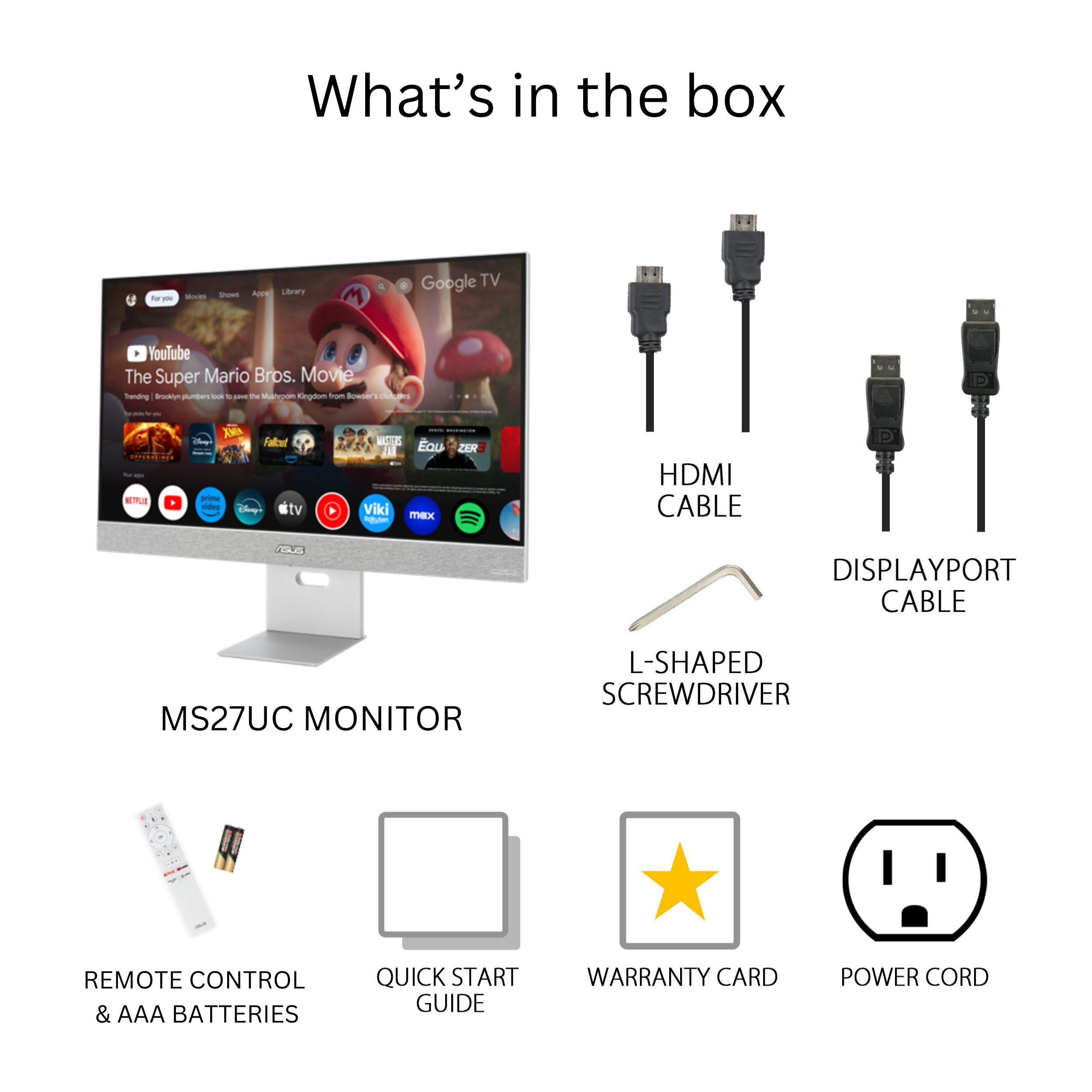
Excellent monitor for content creation, color grading and occasional gaming (not fps, as it caps out at 75Hz). My only gripe is that there is no included HDMI cable in the box, despite what the description says. But it does come with a type C cable, so it's not nothing. Other than that, excellent product.
A**Z
Me encanto la gama de colores que tiene. Las imágenes se ven muy bien. Si te dedicas a editar foto/video o a cualquier otra cosa de diseño y no quieres gastar tanto, esta opción me parece muy ideal. Las características con las que cuenta son muy buenas. Los materiales se sienten de buena calidad y me agrada el “plus” de tener todas esas conexiones en la parte posterior. Como recomendación: Si quieren poner el monitor en algún soporte, brazo o como lo quieran llamar. Tienen que tomar en cuenta que el monitor en sí es algo pesado. Así es de que procuren comprar un buen soporte de calidad y que se mantenga firme Otra recomendación: NO ES PARA VIDEOJUEGOS. Aunque creo que esto último está de más decir… pero por si alguna persona se lo está preguntando… ¿se puede jugar? Si, pero puedes encontrar mucho mejores opciones por el mismo precio si lo quieres para ese fin.
A**R
Gran monitor con una excelente calidad de imagen acorde a su precio y gama. Muy feliz con la compra.
Trustpilot
1 month ago
2 days ago