Some deliveries may take a little longer than usual due to regional shipping conditions.

DOWNLOAD THE APP


Customer Services
Copyright © 2025 Desertcart Holdings Limited
DOWNLOAD THE APP


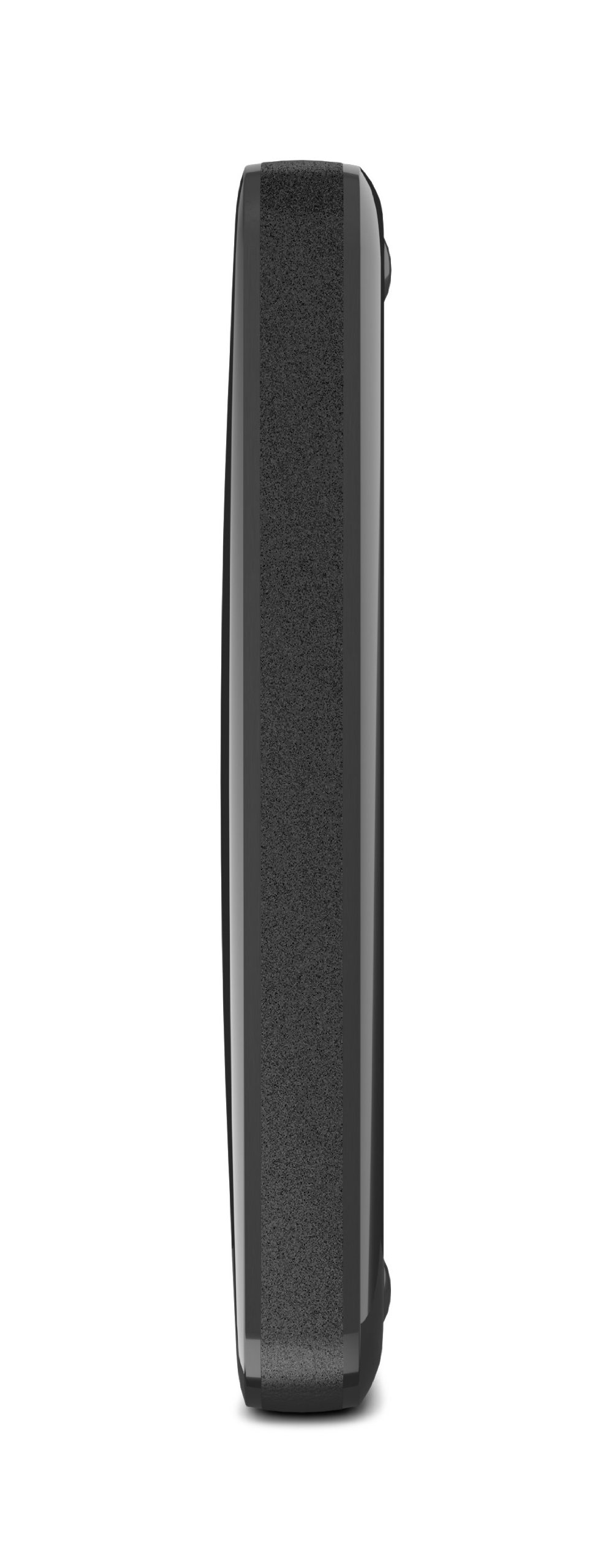
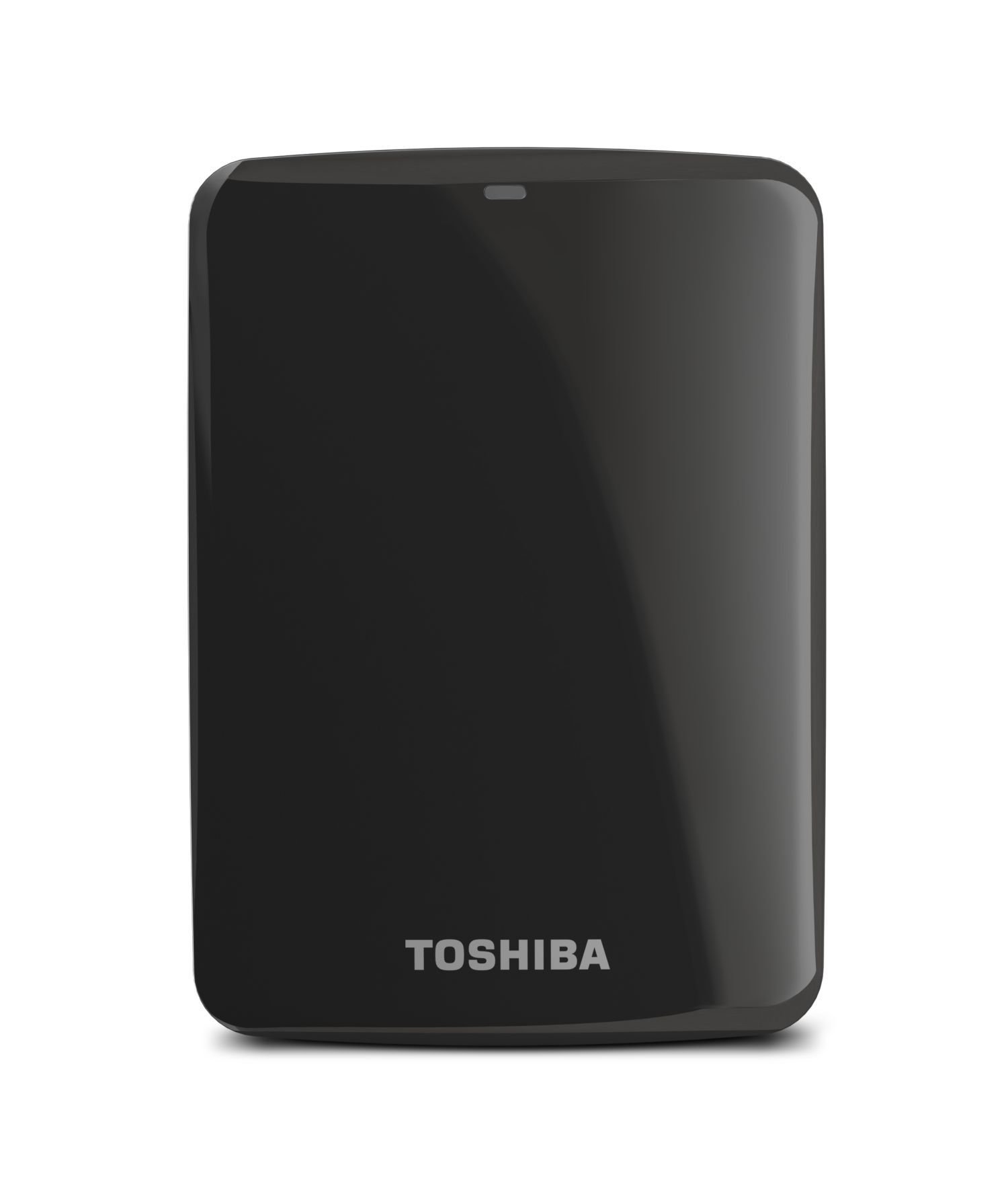


💼 Backup, share, and secure your digital life—because your data deserves the VIP treatment.
The Toshiba Canvio Connect 500GB Portable Hard Drive offers fast USB 3.0 connectivity, cross-platform compatibility, and secure password-protected backups. Its intuitive interface enables remote access and sharing from any device, making it an ideal solution for professionals seeking reliable, on-the-go storage with a trusted 2-year warranty.
| Hard Drive | 500 GB portable |
| Brand | TOSHIBA |
| Series | HDTC705XK3A1 |
| Item model number | HDTC705XK3A1 |
| Hardware Platform | Mac, PC |
| Item Weight | 5.8 ounces |
| Product Dimensions | 4.37 x 3.11 x 0.59 inches |
| Item Dimensions LxWxH | 4.37 x 3.11 x 0.59 inches |
| Color | Black |
| Flash Memory Size | 500 GB |
| Hard Drive Interface | USB 1.1 |
| Hard Drive Rotational Speed | 5400 RPM |
| Manufacturer | Toshiba |
| Language | English |
| ASIN | B00CGUMVHW |
| Is Discontinued By Manufacturer | No |
| Date First Available | May 1, 2013 |
B**R
Excellent 1TB drive, USB 3.0 speed, uses USB 3.0 cable. But you can also use a USB 2.0 cable just so you know
1TB, lightweight, I velcro this to the cover of my Macbook Pro when traveling. I partition it to be 500GB to be used as Time Machine to backup the internal/startup drive, and use the 2nd partition of 500GB to be additional data... which these days is all above video, TV shows, etc. Works perfectly. The USB cable is just the right length -- which is short, prob 15" total. It's also a USB 3 drive, which means if you have a computer or laptop that has USB 3 ports, then the transfer speed is super fast -- especially for a bunch of large 2GB or larger video files.One thing to understand, which a lot of people don't know, because the industry doesn't explain this:The USB 3.0 port, and it's cable end, are very different from regular USB ports you have been used to. So the USB port on this drive looks different from the Mini USB or Micro USB port you are probably used to from previous portable hard drives. It's done that way in part to identify it as a high speed USB 3.0 drive vs a 2.0 drive. But you only get the high transfer speed using the corresponding new 3.0 cable type at the device end (a hard drive, or an Android tablet or phone, for example), and the other end of the cable looks like a regular USB cable you plug into your laptop or computer in that flat rectangular shape.2 things to be aware of, but the good news is not to worry! :(A) If your laptop or computer is pre-2013 or so, it is very likely that the USB speed system of your computer's USB ports is USB 2.0, and not the faster 3.0 . But that's OK, you can still use these great lightweight and high capacity drives! *I* do. My MacbookPro is older, and uses USB 2.0, but I use this drive and everything works perfectly, no problem whatsoever! ... The only thing I need to understand (and I do!) is that I won't get USB 3.0 superfast data transfer speeds -- because my Macbookpro was not built with that speed capacity. So, even though my new Toshiba drive is "USB 3.0", and I am using the correct "USB 3.0 cable", everything works fine but the data is still only going to travel at USB 2.0 speeds. So, just know that having a USB 3.0 drive does not, in itself, "upgrade" the speed of your data transfer. It DOES do that IF your computer/laptop also has USB 3.0 ports. You're probably asking "how the hell do I know?" ... and the answer is: If you're techy you know how to find that out, but if you're not, just don't worry about it because it doesn't change anything. But a good gauge to use is this: Is my computer as new as 2013? If so, you probably have USB 3.0 ports. If older, you probably have USB 2.0 ports.(B) The other thing NO ONE tells you! --- If you've looked everywhere but you've misplaced the special USB 3.0 cable that came with this TOSHIBA drive, you are not dead in the water! You can still use it with a MICRO USB cable -- the kind you have used to hook up to a previous portable hard drive -- or connect to your Android phone or tablet (Apple of course uses its own propriety cable forcing everyone to pay more to lock into their system). One end of the cable is the regular looking flat-horizontal slot that fits into your laptop or computer... and the other end is really small and flat.I did not know this until it was explained to me -- and then I thought, "wow, that's pretty cool!". This MICRO-USB cable will fit & slot right into the larger width section of the USB-3 cable port on your Toshiba drive (or your phone, etc). So, USB 3 ports were very carefully designed to combine the shape/size of the MICRO-USB cable + an additional new section adjacent to it. (This will only make sense if you are looking at a USB 3.0 cable or port -- so don't even try to follow along with this if you are not doing that, it is just a bunch of babble otherwise.) So, if you don't have a USB 3.0 cable, you can always substitute and use a MICRO-USB cable to connect the USB 3.0 device to your computer or laptop. It works! By design!But just remember: If you use this Micro-USB SUBSTITUTE cable, everything works beautifully. There is no issue at all. There's no problem. You just have to understand that the data will travel at USB 2.0 speeds, and not at 3.0 speeds. .... But you see, for people like me who are using these portables with a USB 2.0 Computer or laptop, the highest speed I can get out of the TOSHIBA drive is USB 2.0 anyway, so, using the Micro-USB cable doesn't make me lose any transfer speed in my case. It only will slow you down IF your computer or laptop has USB 3.0 speeds. Do you follow? :) I hope so.The bottom line is: Don't worry! These drives are great. And don't let USB 3.0 confuse you. It's an added advantage when your computer or laptop has 3.0 built into it.... and when your computer/laptop is older, then this drive works exactly as if it were a USB 2.0 drive in terms of data transfer speeds.I hope that helped at least ONE person out there. It will have made typing this out worth it :)
N**N
Works wonderfully.
This hard drive is rather more compact than I was expecting, which is great for it's portability. It comes with some backup software and a few other optional things on it that you may or may not need. If you're using Vista, be warned that the backup software (which is optional to install) really slowed my old hunk of junk laptop down to the point where I had to uninstall it. You're better off just copying over files as needed anyway.So I purchased this to do a transfer of data from my old clunker of a laptop to a new one. The end result is that I have seen the transfer speeds on both USB 2.0 and USB 3.0. With USB 2.0 the transfer rate was SLOOOOOOWWWW when you have huge piles of data in the GB+ range. I mean, like reminiscent of downloading updates on Windows 98 with dialup slow. Like set it, go get make a sandwich, eat it, and then come back and it might be done. (then again, that backup software might have been interfering and trying to backup the transfer while I was transferring it. It wasn't too bright.)With USB 3.0, transfers moved rather noticeably faster, like, 10+ GB moved in under a minute or so faster. No noticeable bogging down of resources (then again, new laptop with Windows 8 [don't get me started on Windows 8]).I'm currently using this harddrive as storage space for all of my entertainment that may or may not have been acquired with peer to peer networking. It may be storing just 2TB of cat pictures YOU DON'T KNOW.At any rate, in whichever capacity it is being used, the hard drive works wonderfully.MY ONE COMPLAINT was the free super saver shipping took two weeks and for some reason shipped from Las Vegas through Ontario to New Hampshire. Weird. (so you might want to spend a buck or two to get it home faster)
O**S
Buying a hard drive can be a crap shoot. All hard drives fail in time
Buying a hard drive can be a crap shoot. All hard drives fail in time. The trick is to try and find one with the best track record.I needed a 1TB portable to simply drag and drop music, pics, vids and documents to so I could free up some space on my laptop. I had been trying to decide between a WD and a Seagate for about a week. I read numerous reviews online complaining about some issues with both. I decided against the WD drive because of all the complaints about being locked into using their loaded software, faulty cables, and poor customer service and 1 year warranty. The Seagate Backup Plus 1 TB had some complaints about suddenly not being recognized by windows after dismounting and remounting so I started looking at the Canvio Connect. If you read the reviews it's obvious that the Canvio has some complaints as well, but since it was on sale locally for less than I could buy it from Amazon I grabbed one.So far so good. I've had the 1TB Canvio Connect plugged in for 3 days now to my 3 year old Windows 7 laptop with USB 2.0 ports. I've transferred, deleted and re-transferred 75GB's of MP3's. I've had it hooked up directly to the USB port and also through a cheap Belkin 4 port USB hub. The transfer rate (USB 2.0) for me is 13MB/s. The drive is nearly silent, did not get warm during transfers and so far has given me zero issues. I am not using the included software. I may check it out but for now I am simply dragging and dropping files onto the drive. I went with 4 stars because of the local sale price (64.99) and the plug and play simplicity I've experienced so far. I'll come back in a year and give it 5 stars if it's been reliable.
Trustpilot
1 month ago
1 month ago