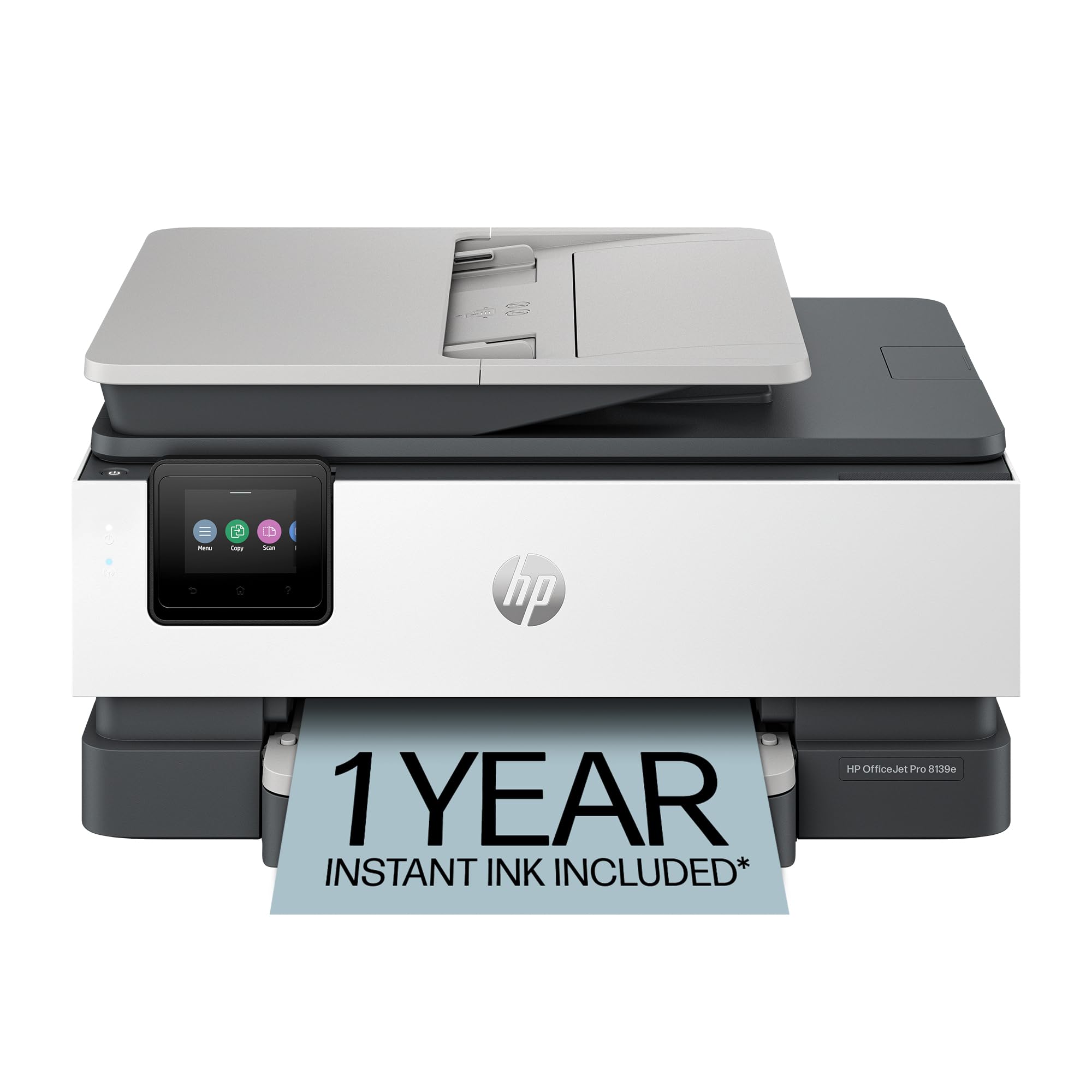
🚀 Elevate your home office game with smart, speedy, and sustainable printing!
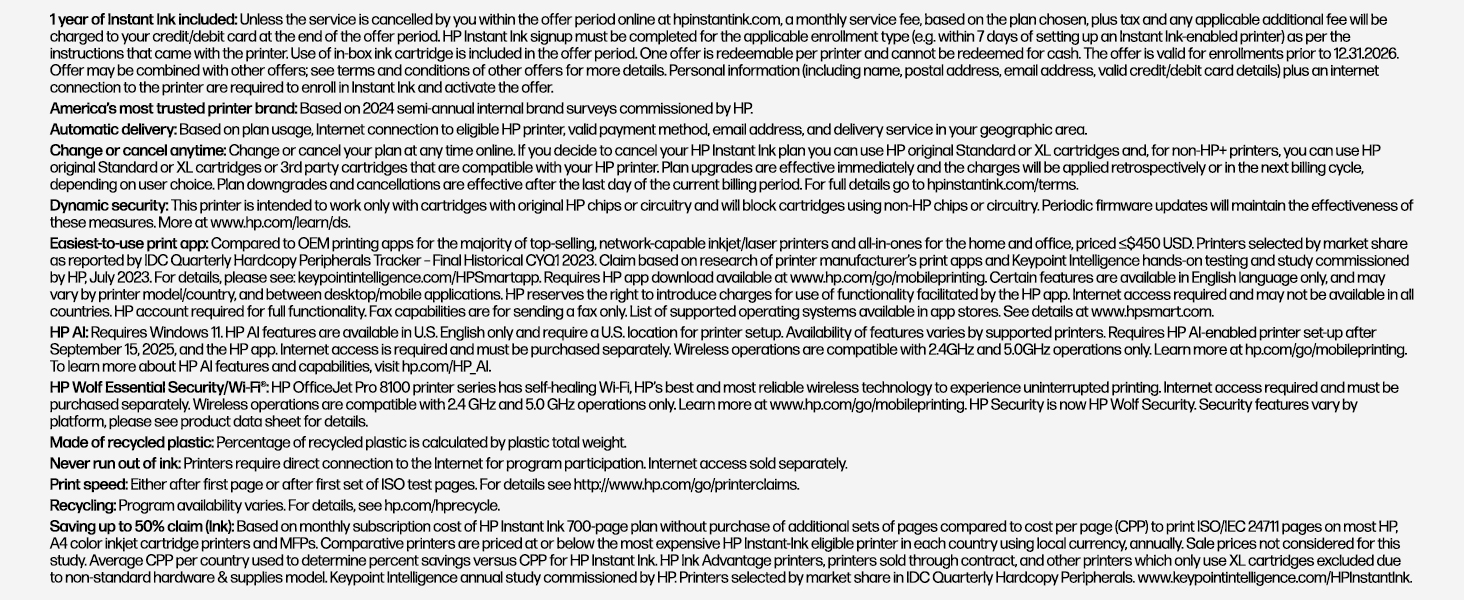
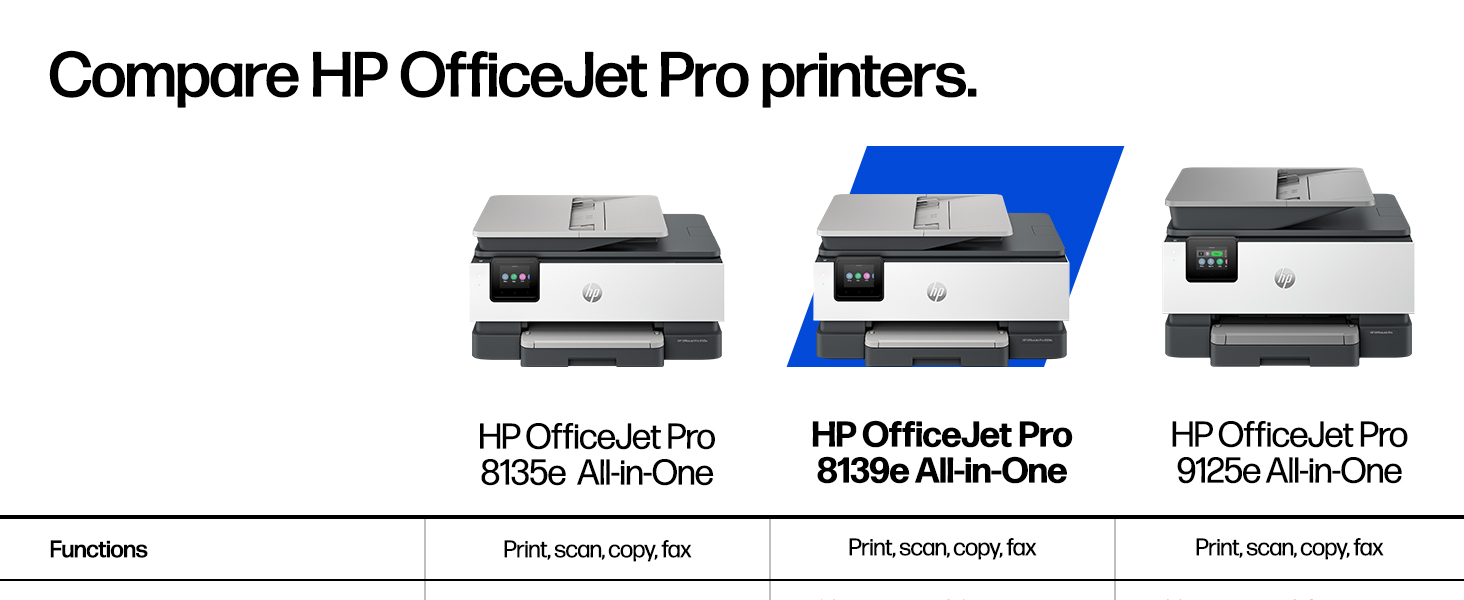
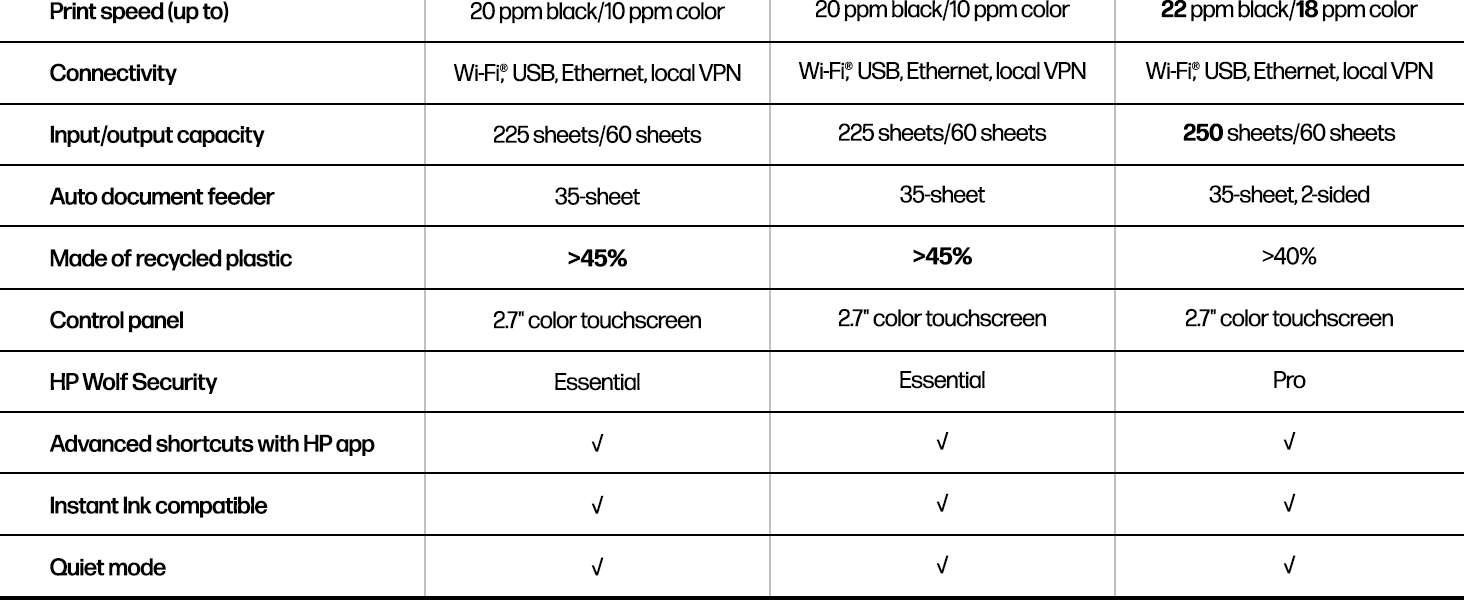
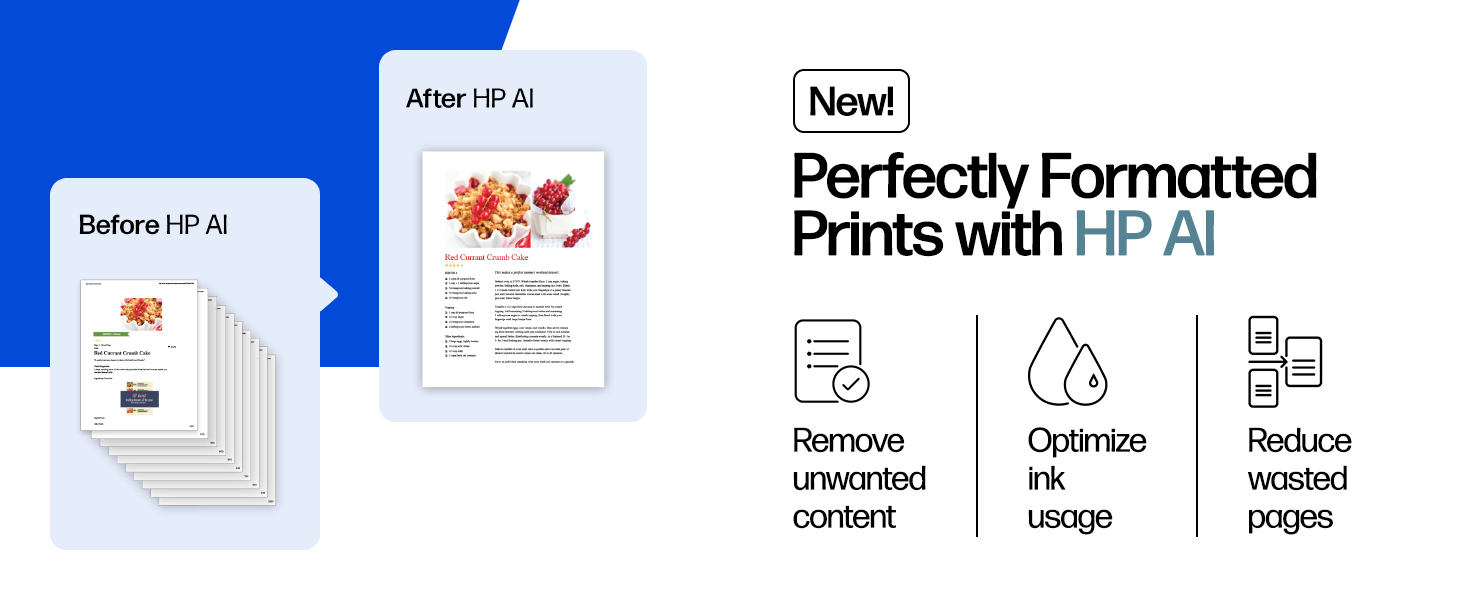
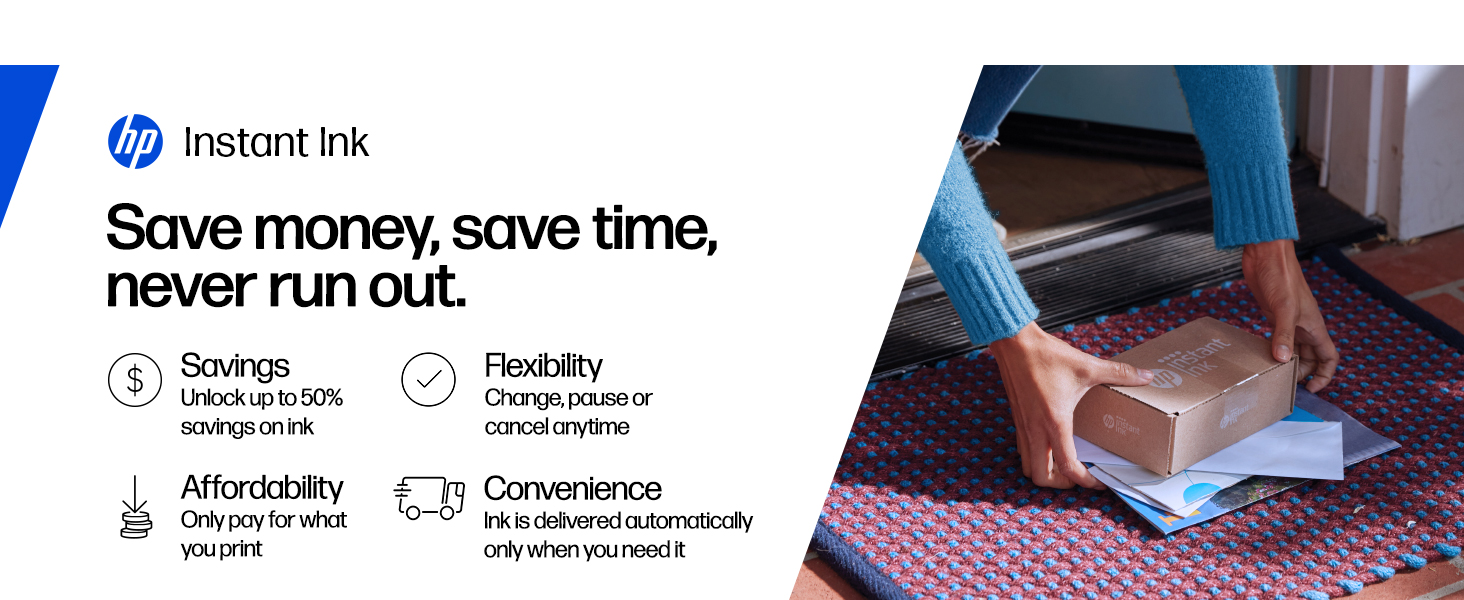
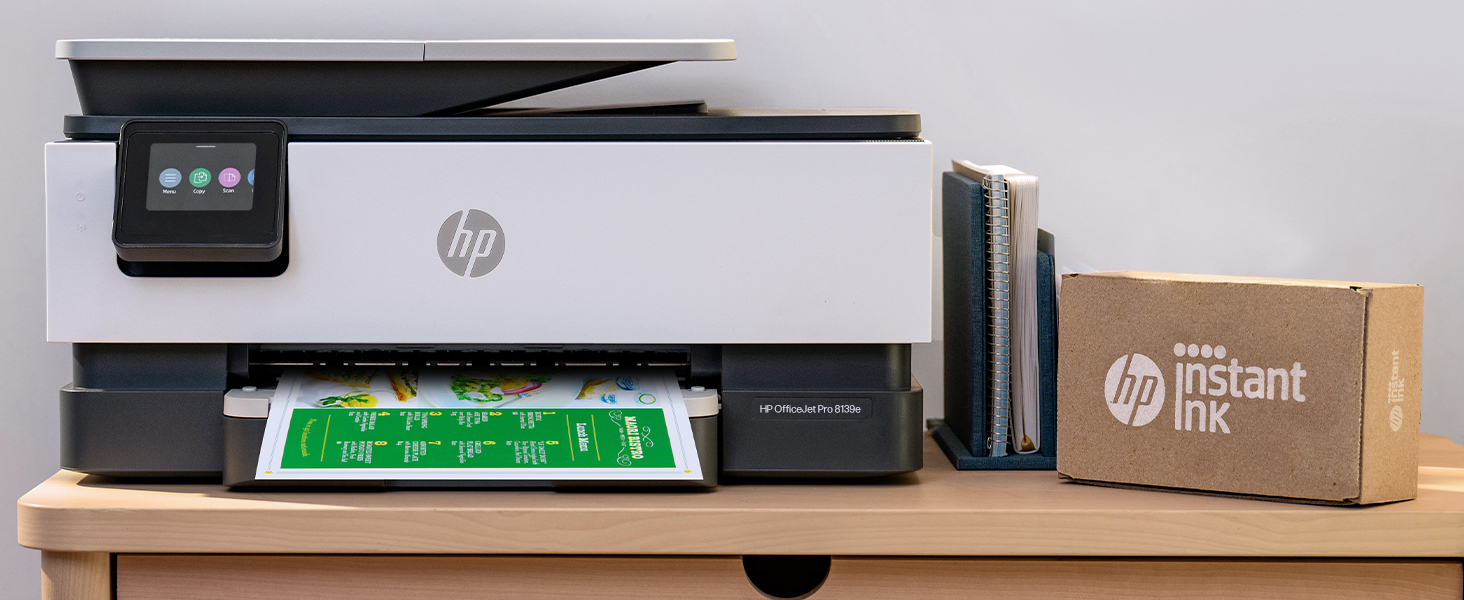
The HP OfficeJet Pro 8139e is a versatile wireless all-in-one inkjet printer designed for home offices, delivering fast print speeds up to 20 ppm black and 10 ppm color. Featuring AI-powered print optimization, automatic duplex printing, a 225-sheet input tray, and a 2.7-inch touchscreen, it supports seamless mobile printing via the HP app and dual-band Wi-Fi. Built with sustainability in mind, it contains over 45% recycled plastic and includes a 1-year Instant Ink trial for hassle-free ink delivery.


| ASIN | B0CFM8KL9G |
| Additional Printer functions | All In One |
| Best Sellers Rank | #3,216 in Office Products ( See Top 100 in Office Products ) #19 in Inkjet Computer Printers |
| Color Depth | 24 Bits |
| Compatible Devices | Laptops, PC, Smartphones |
| Control Method | App |
| Controller Type | Android |
| Customer Reviews | 3.8 3.8 out of 5 stars (1,683) |
| Date First Available | January 14, 2024 |
| Dual-sided printing | Yes |
| Duplex | Automatic (standard) |
| Hardware Interface | Ethernet, USB |
| Included Components | HP 923 Setup Black Ink Cartridge; HP 923 Setup Cyan Ink Cartridge; HP 923 Setup Magenta Ink Cartridge; HP 923 Setup Yellow Ink Cartridge; Power Cord; Regulatory Flyer; Ink Caution Flyer; Setup Poster; Reference Guide |
| Initial page print time | 18 Seconds |
| Ink Color | Black, cyan, magenta, yellow |
| Item Weight | 17.6 pounds |
| Item model number | 40Q51A#B1H |
| Manufacturer | HP |
| Max Copy Speed (Black & White) | 12 ppm |
| Max Input Sheet Capacity | 225 |
| Max copy resolution black-white | 1200 x 1200 dpi |
| Max copy resolution color | Up to 600 dpi |
| Maximum Black and White Print Resolution | 1200 x 1200 rendered dpi Dots Per Inch |
| Maximum Color Print Resolution | Up to 4800 x 1200 optimized dpi on HP Advance Photo Paper 1200 x 1200 dpi input Dots Per Inch |
| Maximum Media Size | 8.5 x 11.7 in |
| Maximum copies per run | Up to 99 copies |
| Memory Storage Capacity | 512 MB |
| Model Series | 40Q51A#B1H |
| Number of Trays | 1 |
| Number of USB 2 Ports | 2 |
| Output sheet capacity | 60 |
| Power Consumption | 4.45 Watts |
| Print media | Paper (plain) |
| Printer Ink Type | Inkjet |
| Product Dimensions | 13.29"D x 18.12"W x 9.17"H |
| Scanner Type | Flatbed, 1-sided ADF |
| Sheet Size | 8.5 x 11;8.27 x 11.7;8.5 x 14;7.16 x 10.12; Inches |
| Specific Uses For Product | Office |
| Supported Media Sizes | 11 x 14 inches, Half Letter (5.5 x 8.5 inches), Legal (8.5 x 14 inches), Letter (8.5 x 11 inches) |
| Total Ethernet Ports | 1 |
| Total USB Ports | 2 |
| UPC | 197029817341 |
| Warranty Type | One-year limited hardware warranty with option to extend to two-years with acceptance of HP+ Offer. For more info please visit us at support.hp.com . |
| Wattage | 100 watts |
M**E
Works with Apple Air Print and Air internet--many don't
This printer is a replacement for the previous version that no longer works with Apple Air Print. Smooth installation and great function. Ink is expensive and will not work with "knock off" brands that are labeled to look like HP ink. Proceed cautiously in reordering ink or go with the HP ink program.
E**9
Worst Printer I Have Ever Owned!
This is the worst printer I have ever owned. It is very disappointing because the one previous to this I had for about 14 years and it was HP. It worked like a charm until I think the Wi-Fi got too advanced for it and it just didn’t always air print. So I searched through the reviews and did a bunch of research to buy this one. I’m so disappointed because when I got it, I almost returned it that day because it wouldn’t set up. You set this up on an app and it does it wirelessly versus pressing any buttons on the actual printer. I tried for about two hours and it just wasn’t working well Then all of a sudden I finally had a breakthrough and got it to set up. However, from that point on it was touch and go on whether it was going to actually print from my iPhone or my iPad. I had a good run where I didn’t have many problems at one point. I would occasionally have to unplug it, power it off and reset the Wi-Fi, but that generally would make it print again. However, over the last couple months, it just stopped working and then I spent four hours on the phone with product support. This printer only has like a one year warranty and so I knew that in a couple months I wouldn’t be able to call to get support on it not printing. I just don’t have the time to sit there and try to make this printer work. The second guy I got on the phone said that it was my Wi-Fi service and I needed to contact my Internet provider to get help. However, I’ve never heard of such a thing because everything else that I have that is Wi-Fi works completely fine. I basically have a smart home with over 80 devices attached to the Internet. This is the only one that doesn’t function properly. So… The only thing that doesn’t work consistently is this printer. I got so frustrated that I boxed this thing up, and I put it in the donation pile to send to paralyzed veterans. I then bought a competing brand which oh by the way is working perfectly and printed right off the bat. It also set up like a charm. I read some other reviews to see if other people had problems with printing from my iPhone and iPad. It looks like over the reviews online that this problem I was experiencing is not just one that I had. It may be the Internet provider or it could be the actual compatibility with iPhone and iPad products. I am not sure exactly because you don’t get all that information in the reviews of others to be able to distinguish if it’s just one factor. I have AT&T as an Internet provider and I can tell you that I had real troubles with this particular model. I know that I set up the Wi-Fi 1 million times. I also defaulted it back to the original settings. I deleted the app. I reinstalled the app. I let it be unplugged. I did everything trying to make this work. I spent probably 40 hours or more trying to get this printer to work so take this information as you would like to make an informed decision for yourself. I’m trying to save others from wasting their money on this printer.
R**E
great printer
Came fast and easy set up
B**K
Slow but reliable
Got this because my old HP printer finally started having problems after a number of years. Like all the previous ones I have owned, this one is slow and seems to go through a lot of mechanical motions before it actually starts printing, but it has been reliable so far and the printing is flawless. I think it's well worth the price, and the slow startup speed is what you have to expect in this price range. The most important thing to me is a quality of the printing, and the reliability of the printer. So I'm happy with it.
D**E
Love my printer !
This printer does it all! Love everything about it - - compact ✔️ - color and black n white ✔️ - print speed is great✔️ - WiFi compatible, no cords ✔️ - accepts thumb drive ✔️ - can buy ink @ Wal mart, super convenient ✔️ - great price ✔️ - and more Got rid of my big printer and so thankful to have this little powerhouse replacement. ✔️✔️✔️
E**A
Winner, Winner, Chicken Dinner!
So far so good! This printer is being used exclusively office/business use. Setup was easy and wireless communication with the laptop was seamless. I was surprised how fast the printer connected to the computer and had already retrieved the WIFI info on its own. I barely had to do anything. The double sided printing takes a bit to get used to because I'm always trying to grab the printed page before it gets sucked back into the printer to complete the print job on the other side of the page. Print times are adequate and not slow. The print quality is crisp and colors are accurate. I have not experienced any of the problems brought up in the one star reviews. If you're looking for a decent all-in-one printer that you wont have to search for cords, this one is a very good option.
S**.
Alright, not like they used to make them
Works alright, maybe I’m old school but set up was a pain in the a** due to the fact that you have to download apps for software instead of a disc like they used to. 1year supply of ink is a lie, I’ve printed maybe 20 pages in the 7 months I’ve had it and my ink is dried up already
D**A
Do not recommend. Find another Printer.
I’m a big HP user. Always had HP printers. Both at home and work. But Suggest you look at another HP printer. Or least find an older one that is still built and works right. This thing does not do wifi printer well. Cant ever find it on AirPrint via mobile devices. MAC has to reset HP app to even print. It shows “ready” online but have to power down and restart every other item. * Very very slow too. * Timed at 55-62 secs. * One minute per page. Normal simple page. Not a book page full of words. Specs call for 18secs. Old printer was under 10secs. The paper tray is small and very cheap. Hard to get out and hard to get in. Keeps jamming paper. On the pull through. The double side won’t work. I don’t like using it but once in awhile you need it and have to manually print side 1 and then refeed side1 into tray and print side2. Our previous HP was a mule. Worked fine since 2017, until HP discontinued support and no more updates. Can’t use instaInk, and no more scanning. HP support can’t help much but turn on/off, reset, reinstall. One tech said HP having problems with this model. Shame. Thank you HP. This unit was closest and supposed to replace our current printer, per reviews and HP direct. Yes, HP bashing. But can’t say this is a good printer if it doesn’t work. Look else where.
Trustpilot
1 month ago
1 month ago