Some deliveries may take a little longer than usual due to regional shipping conditions.

DOWNLOAD THE APP


Customer Services
Copyright © 2025 Desertcart Holdings Limited
DOWNLOAD THE APP

🔒 Elevate your home security game with Wyze Cam OG — clarity, color, and control in one sleek cube.
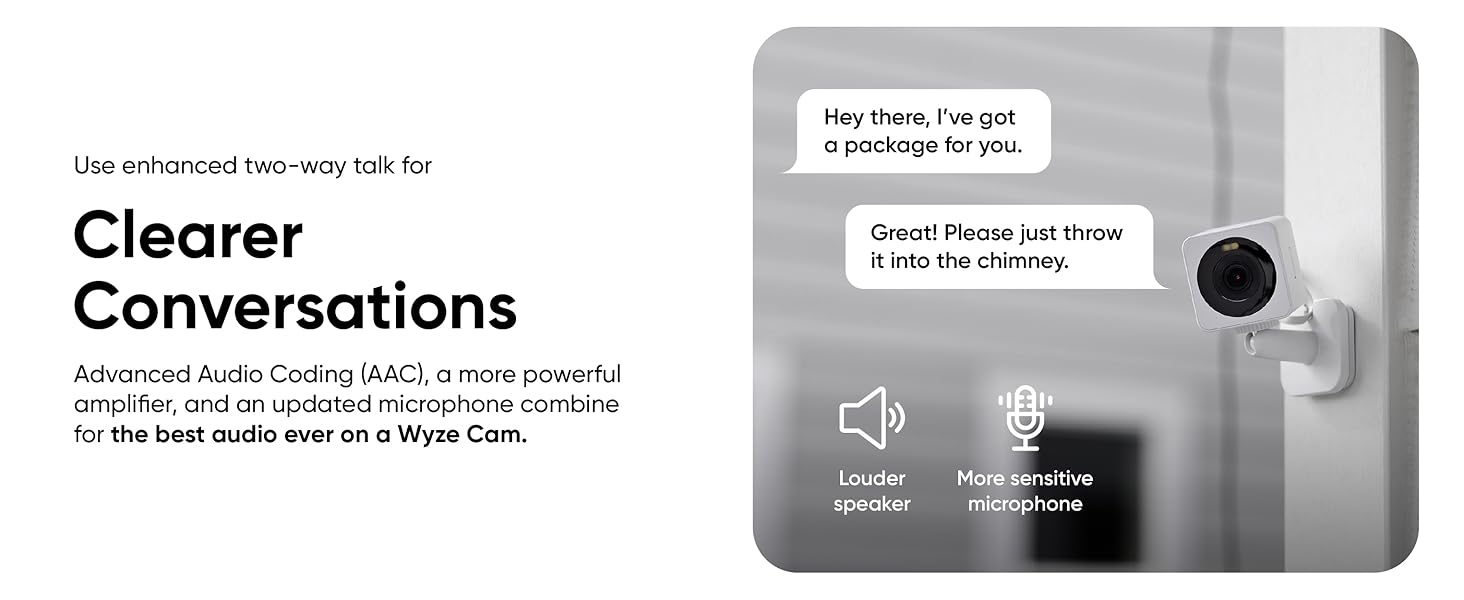
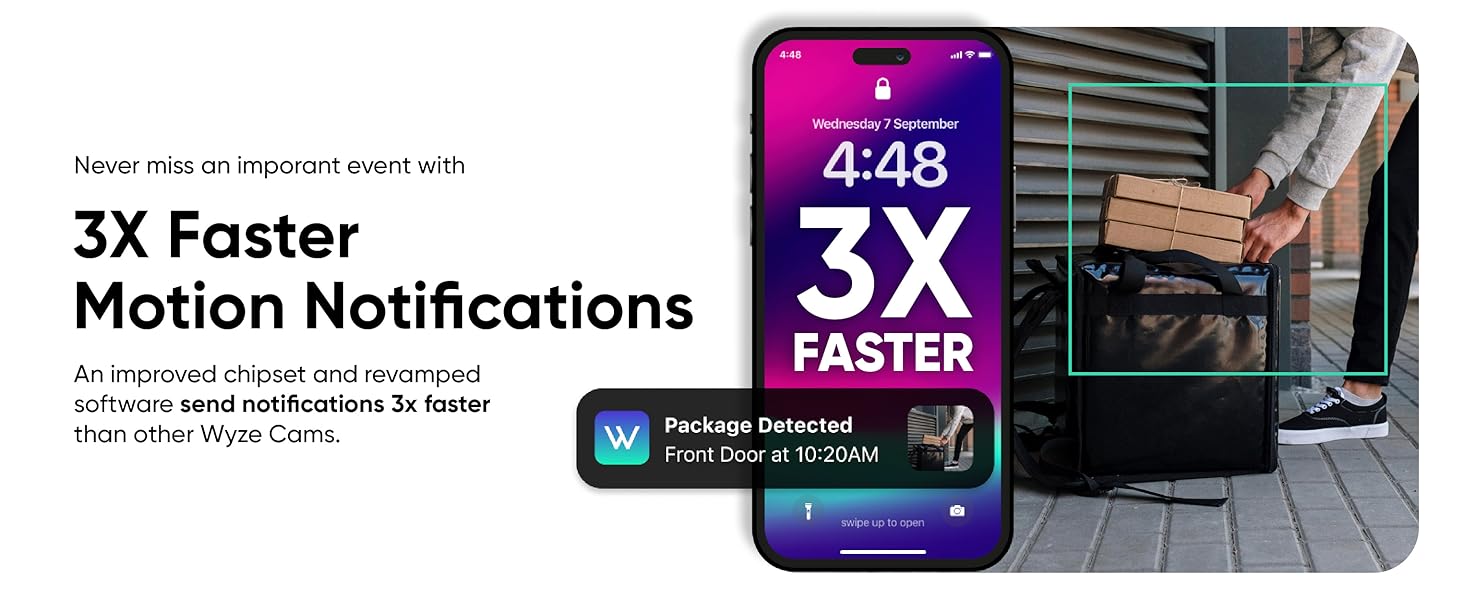
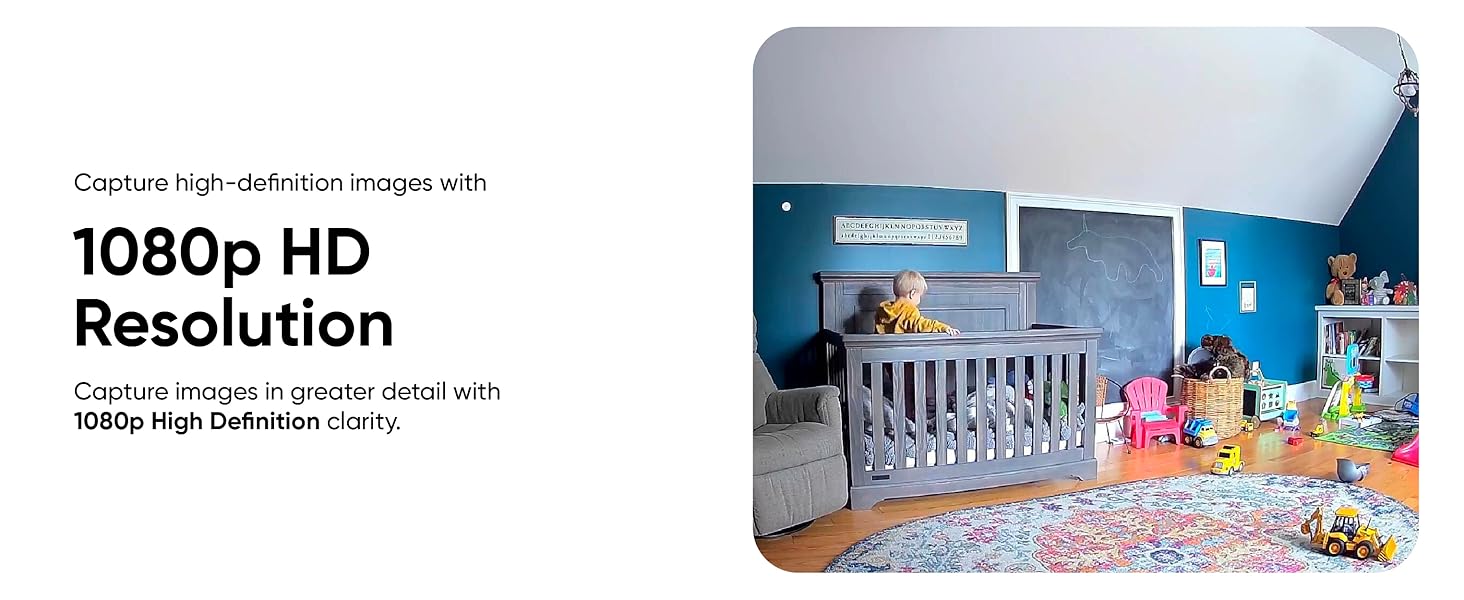
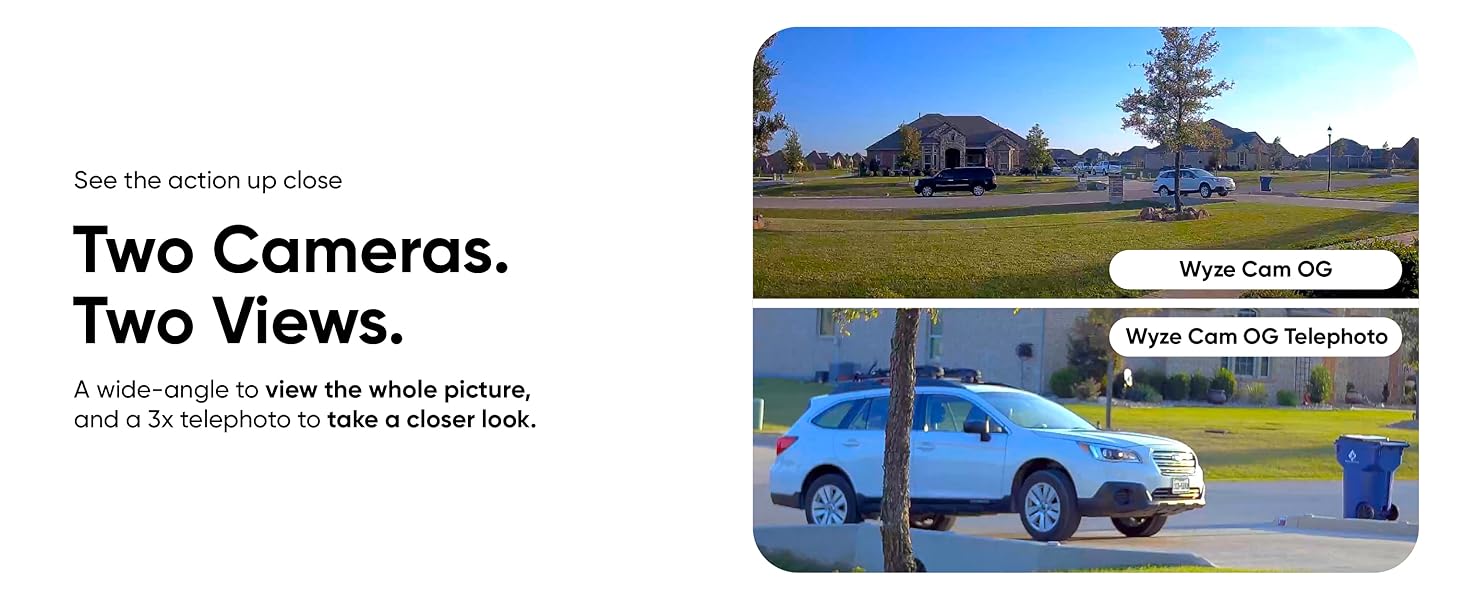
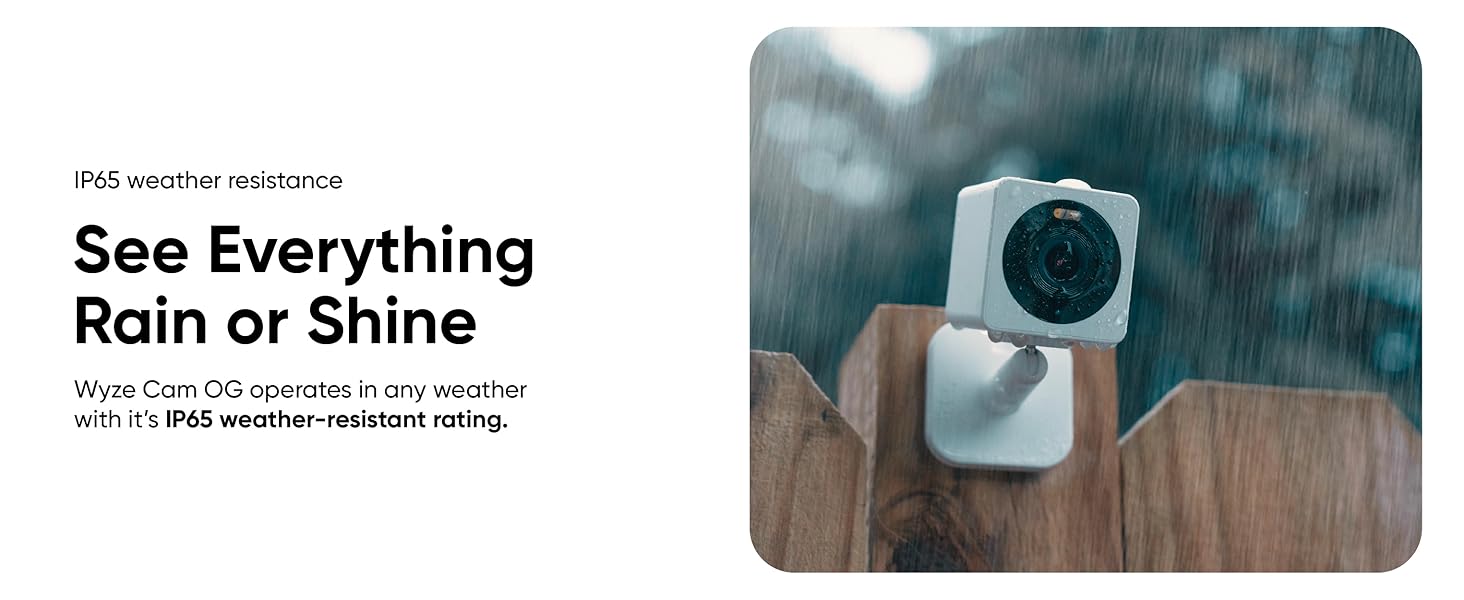
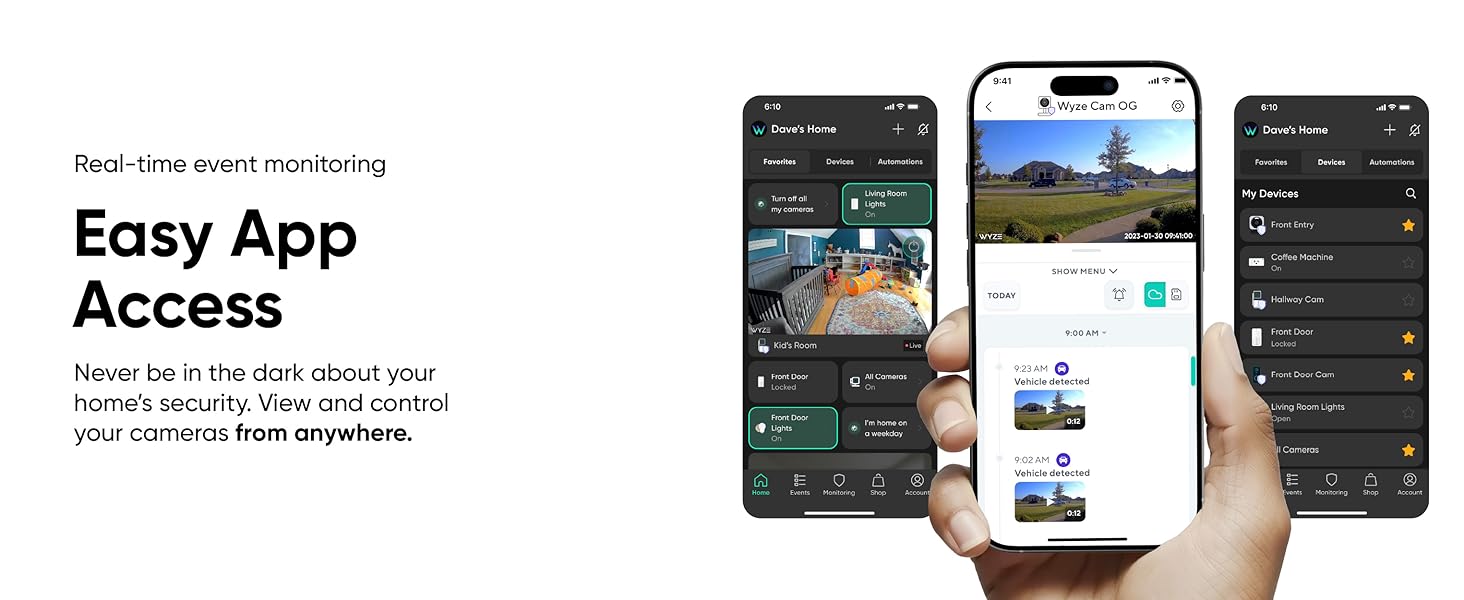
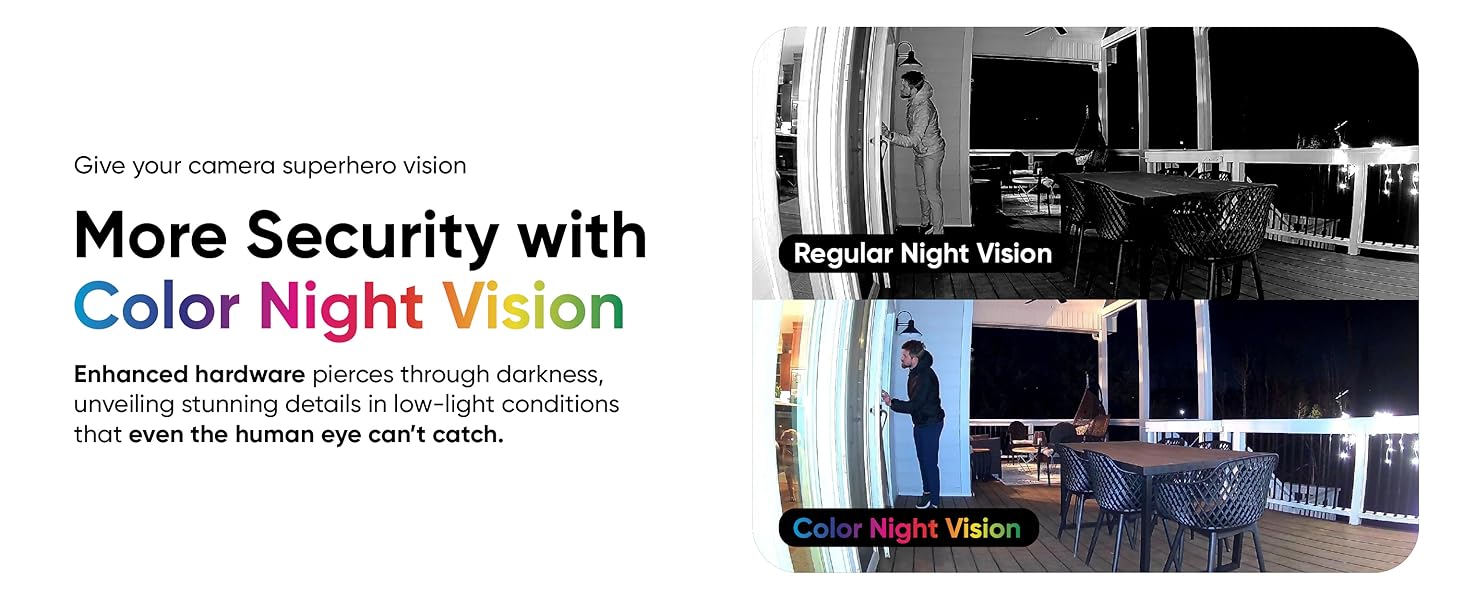
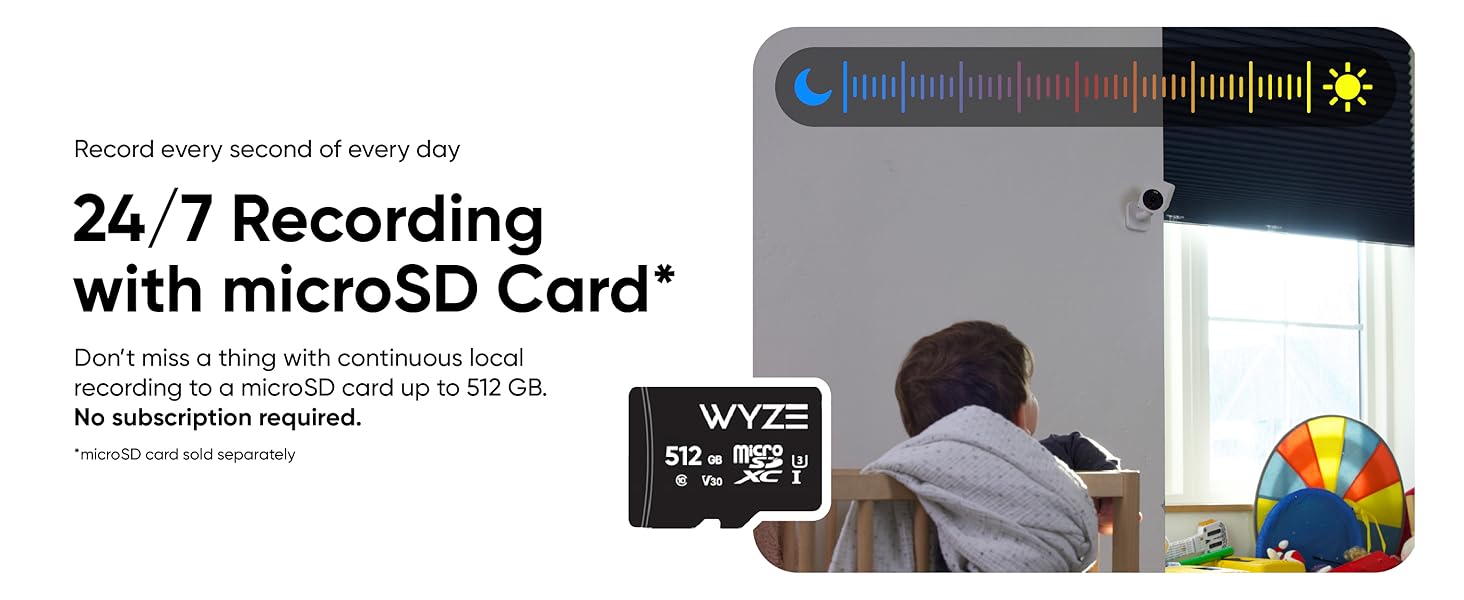
Wyze Cam OG is a versatile indoor/outdoor smart security camera delivering 1080p HD video with vibrant color night vision and IP65 weatherproofing. It features instant motion and sound alerts, enhanced two-way audio, and easy setup with Alexa and Google compatibility. Designed for millennial professionals seeking reliable, stylish home monitoring, it offers cloud or local storage options and mounts quickly for seamless integration into any smart home.




| ASIN | B0B75T6CTH |
| Alert Type | Audio and Motion |
| Batteries Required? | No |
| Best Sellers Rank | #1 in Surveillance NVR Kits |
| Color | White |
| Compatible Devices | Laptop, Smartphone, Tablet |
| Connectivity Protocol | Wi-Fi |
| Control Method | Voice |
| Controller Type | Amazon Alexa, Google Assistant, IFTTT |
| Customer Reviews | 4.4 4.4 out of 5 stars (21,189) |
| Date First Available | January 17, 2023 |
| Effective Video Resolution | 1080 |
| Focus Type | Auto Focus |
| Form Factor | Cube |
| Global Trade Identification Number | 00810083471044 |
| Included Components | Wyze Cam OG, Indoor Power Adapter, USB Cable, Wall Anchors, Wall Plate, Mounting Screws, Quick Start Guide |
| Indoor/Outdoor Usage | Indoor, Outdoor |
| International Protection Rating | IP65 |
| Item Weight | 4.4 ounces |
| Item dimensions L x W x H | 2.05 x 2.05 x 2.05 inches |
| Item model number | WYZECGS |
| Low light technology | Night Color |
| Manufacturer | Wyze |
| Material | Cam, Plastic, cameras for home security, indoor camera, secuity camera |
| Mounting Type | Wall Mount |
| Night Vision Range | 30 Feet |
| Number of Channels | 2 |
| Number of Items | 1 |
| Optical Zoom | 1 x |
| Power Source | Corded Electric |
| Product Dimensions | 2.05 x 2.05 x 2.05 inches |
| Room Type | Classroom, Hallway, Kitchen, Living Room, Office |
| Shape | Rectangular |
| Smart Home Compatibility | Smart Home Compatible |
| Specific Uses For Product | Baby Monitoring, Indoor camera, Outdoor Camera, Pet Monitoring, Surveillance |
| UPC | 810083471044 |
| Unit Count | 1.0 Count |
| Video Capture Format | MP4 |
| Video Capture Resolution | 1080p |
| Voltage | 3 Volts |
| Water Resistance Level | Water Resistant |
| Wattage | 24 watts |
| Wireless Communication Technology | Wi-Fi |
C**A
Affordable and Reliable Home Security Camera
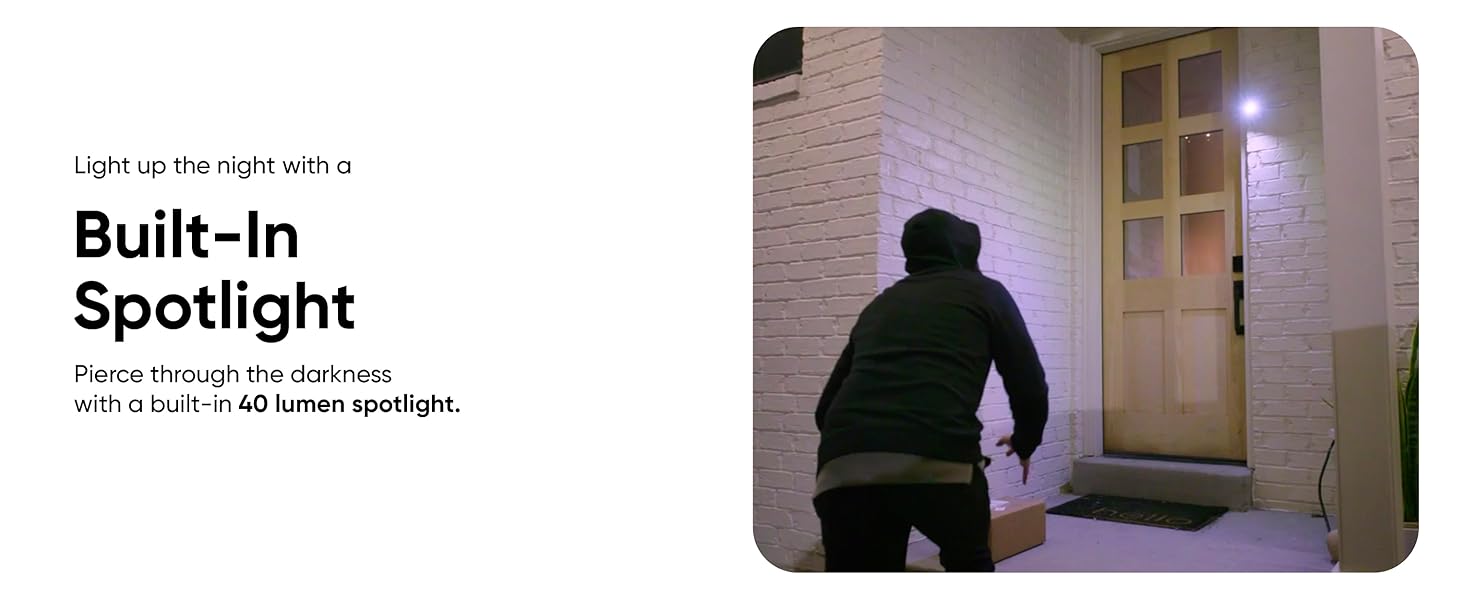
Great home camera. Easy to set up, clear 1080p video, color night vision, and built-in spotlight. Fast motion alerts and two-way audio. Perfect for basic home security at a great price.
E**R
I will buy more. Good for the money.
Easy to use. Cheap. Pretty good image quality and good night vision as well as good sensitivity to motion and sound.
R**4
Great price and quality Camera
Easy to use and set up, love the video quality, along with the micro SD card for easy storage. Set up the app and cameras over you home Wi-Fi, app gives easy access with zero subscription needed. Best peace of mind for anyone's home or business.
S**S
Title: The OG Returns: Still the King of Budget Home Surveillance
I'm calling it now: the Wyze Cam OG is the best budget cam you can get. Wyze basically delivered a security camera that punches way above its weight class, and the price point is just ridiculously reasonable for what you get. It’s hard to beat this value proposition. I've been running a split deployment—some indoors, some outside—and the outdoor units are holding up like champs. That IP65 weatherproofing protocol isn't just a number; it’s genuinely resilient. The 1080p feed is crisp, the Color Night Vision is a must-have feature that makes low-light footage actually usable, and the live view loads significantly faster than older models. They really optimized the firmware/chipset here. Here's my quick system assessment: Pros (System Optimal): Value-to-Performance Ratio: Unbeatable feature set for the low price tag. Outdoor Stamina: IP65 rating keeps the lens watching through rain and weather. Color Night Vision: Turns night footage from grayscale guesswork into actionable data. Cons (Critical Error): Mounting Fumble: Why, Wyze? Why abandon the standard 1/4-20 threaded hole? This baffling deviation limits us to proprietary mounts or kludgy adapters, forcing us to abandon a universal industry standard. It’s a design fail for anyone with existing camera gear. Despite the mounting annoyance (seriously, I shouldn't have to engineer a solution for a simple tripod screw), this camera is a workhorse. If you can live with the integrated base and are looking for serious surveillance performance on a shoestring budget, the OG is a solid 9/10.
A**Z
WYZE
Great, versatile security camera This 1080p Wi-Fi camera is ideal for indoor and outdoor use, featuring color night vision, two-way audio, and an integrated spotlight for improved visibility in the dark. Easy to install and use, weather-resistant, and with instant motion notifications. Excellent value for home security.
M**.
Recommend!
I just bought four of these little cameras in the last month. They are very reasonably priced and I was afraid they wouldn’t be of good quality. I was wrong. The pictures are clear, the colors are crisp. The app is easy to use and has many useful functions and options for settings. The whole set up of cameras and app took about 5 minutes each. They are very responsive to movement and sound and you can adjust the sensitivity. I like that you can set a “detection zone” if you want to cut down on extraneous detections, so instead of monitoring the entire front yard I can just set it to detect if someone actually comes onto my porch if I want. I like that I can also hear what’s outside when in the live mode (and speak to someone outside). The siren, microphone and spotlight work very well. You can set it to make an audible “WYZE” tone outside if it detects someone OR to let them know they are being recorded. I actually have a couple of mine sitting on outside window ledges with the cord coming in under the window to plug in. The cords are flat so it works. The others are mounted outside near outlets and they came with what you need to mount them. I’m not paying for the iCloud storage for the videos because I don’t need it. And since I’m not doing the advanced monitoring there are functions that I don’t get. But that is ok for me right now. Overall, I’m very happy with them. Considering getting one more. You can look back through the recording and they are marked where there were sound/movement detections. My only negative is that you can look back at the video on the app in 30 second increments rather than actually “scrolling” so you could miss something that wasn’t detected. If I take the SIM card out and put it in my laptop I can do more of a “scroll”. I have had a few episodes of verified movements that weren’t detected/notified/marked on the video but nothing big. That aside, I highly recommend. And I’ll add that 10 days after getting these one of my cameras recorded a neighbor’s trailer being stolen. So while I didn’t have the alarm/notification set to go off overnight on that particular camera I was able to give them the footage which they say has been helpful.
O**A
Súper calidad en la imagen. Tanto de día como de noche. La calidad de imagen en la noche súper
W**P
I recently purchased the WYZE Cam OG 1080p HD Wi-Fi Security Camera, and it has been a fantastic addition to my home security setup! The camera delivers sharp 1080p video quality, both during the day and at night with color night vision. The built-in spotlight is a great feature, providing extra illumination when needed. The setup was straightforward, and the Wyze app is user-friendly, allowing me to customize settings such as motion detection zones and notifications. The two-way audio is clear, and I love being able to communicate through the camera. The camera also supports local and cloud storage, giving me flexibility in how I save my recordings. Overall, the WYZE Cam OG has exceeded my expectations in terms of performance and value. It's an affordable option that doesn't compromise on quality. Highly recommend it to anyone looking for a reliable and budget-friendly security camera!
D**A
Excellent product!
G**H
I received a camera that doesn't work. Is still within return n replace window. The chat window that opens on selecting replace doesn't provide any resolution other than technical trouble shooting. Amazon and vendor no one is reachable. finally call gets connected on the last day of eligible returns, and they refuse to acknowledge 6 days of chat history. And Amazon declined to replace, even though within return /replace window. Not worth buying, based on the terrible customer service interface
T**.
It came with a usa two pin usb plug but other than that it's good
Trustpilot
1 week ago
1 month ago