Some deliveries may take a little longer than usual due to regional shipping conditions.

DOWNLOAD THE APP


Customer Services
Copyright © 2025 Desertcart Holdings Limited
DOWNLOAD THE APP
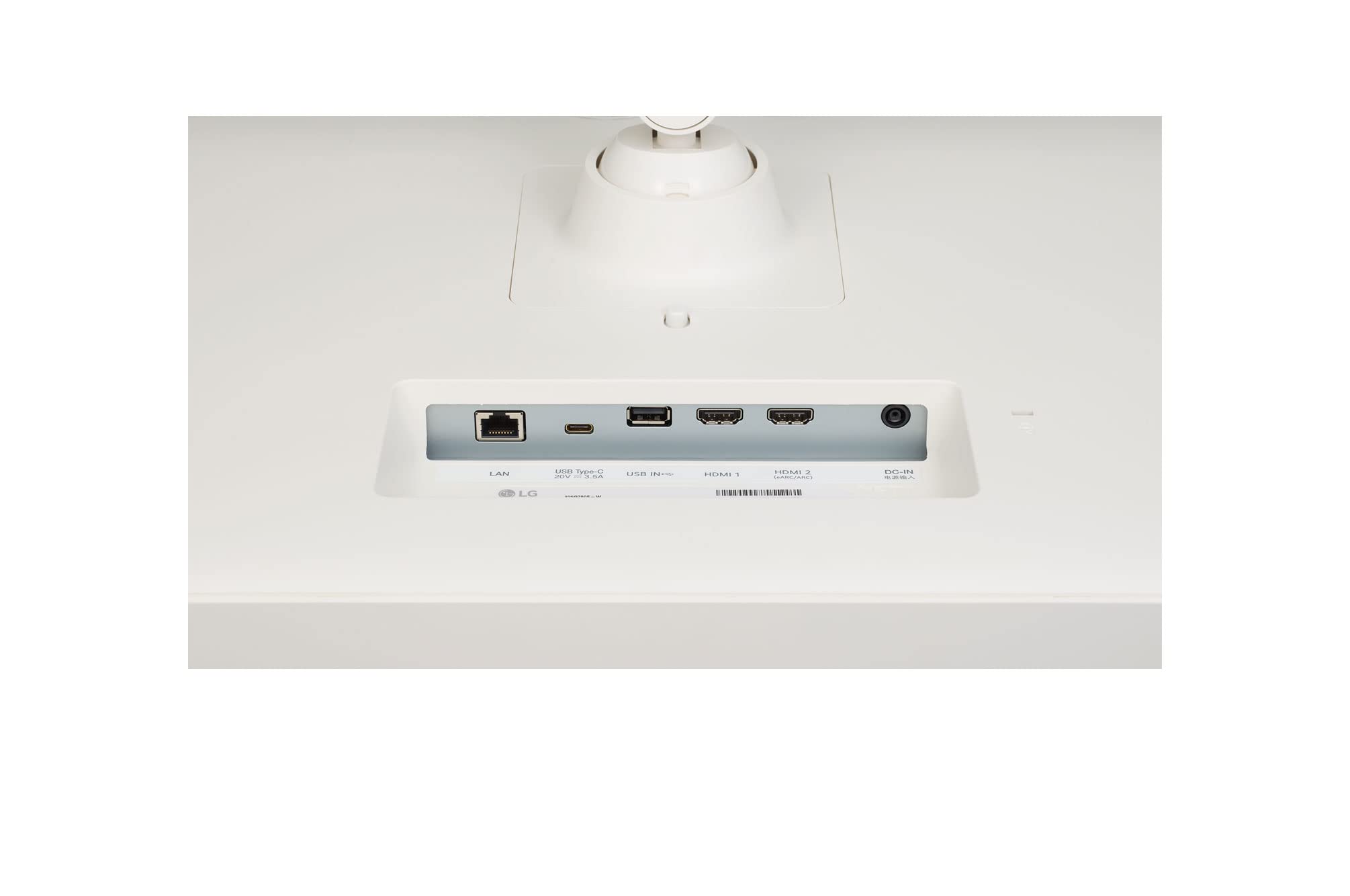

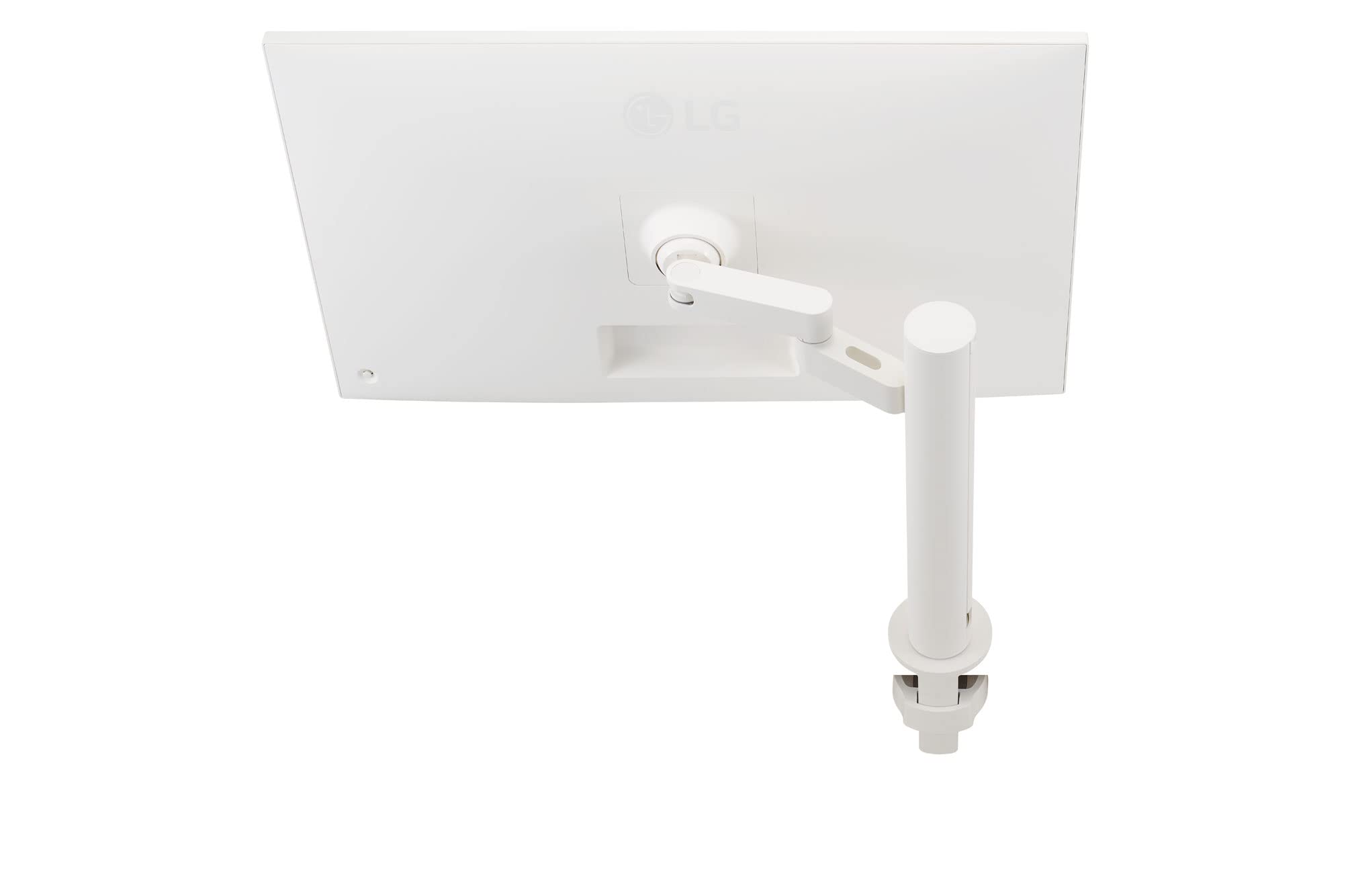
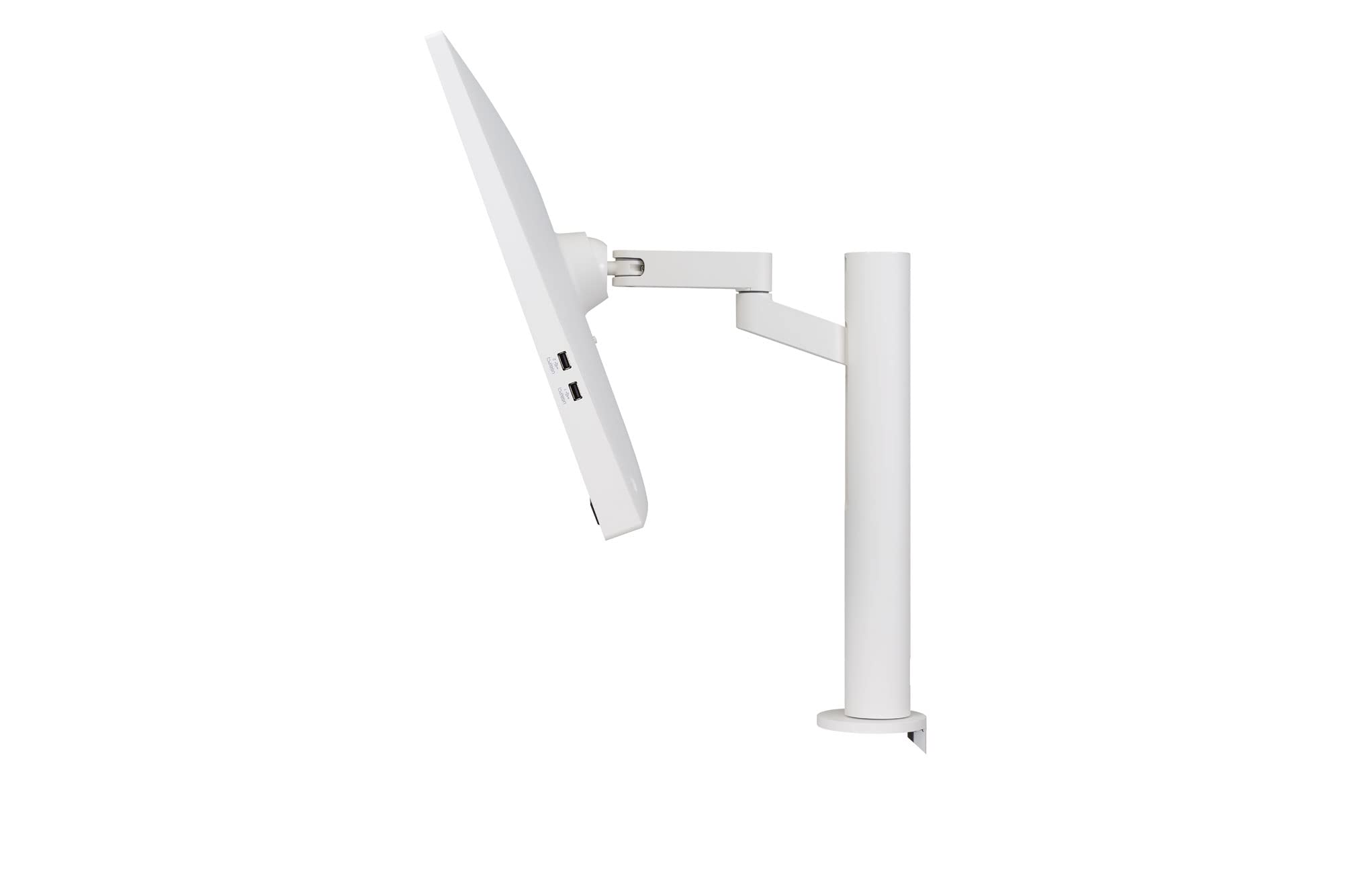


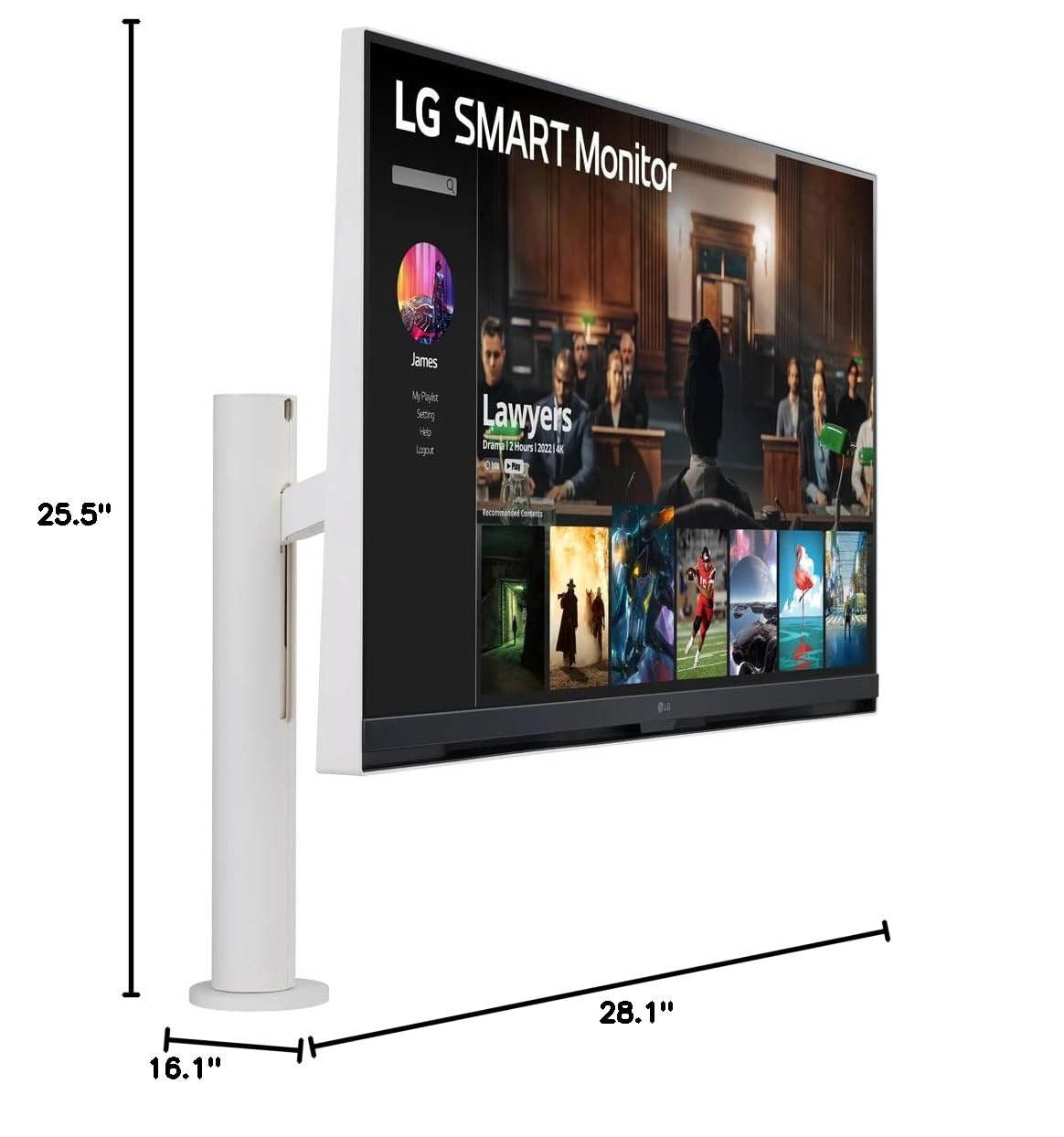

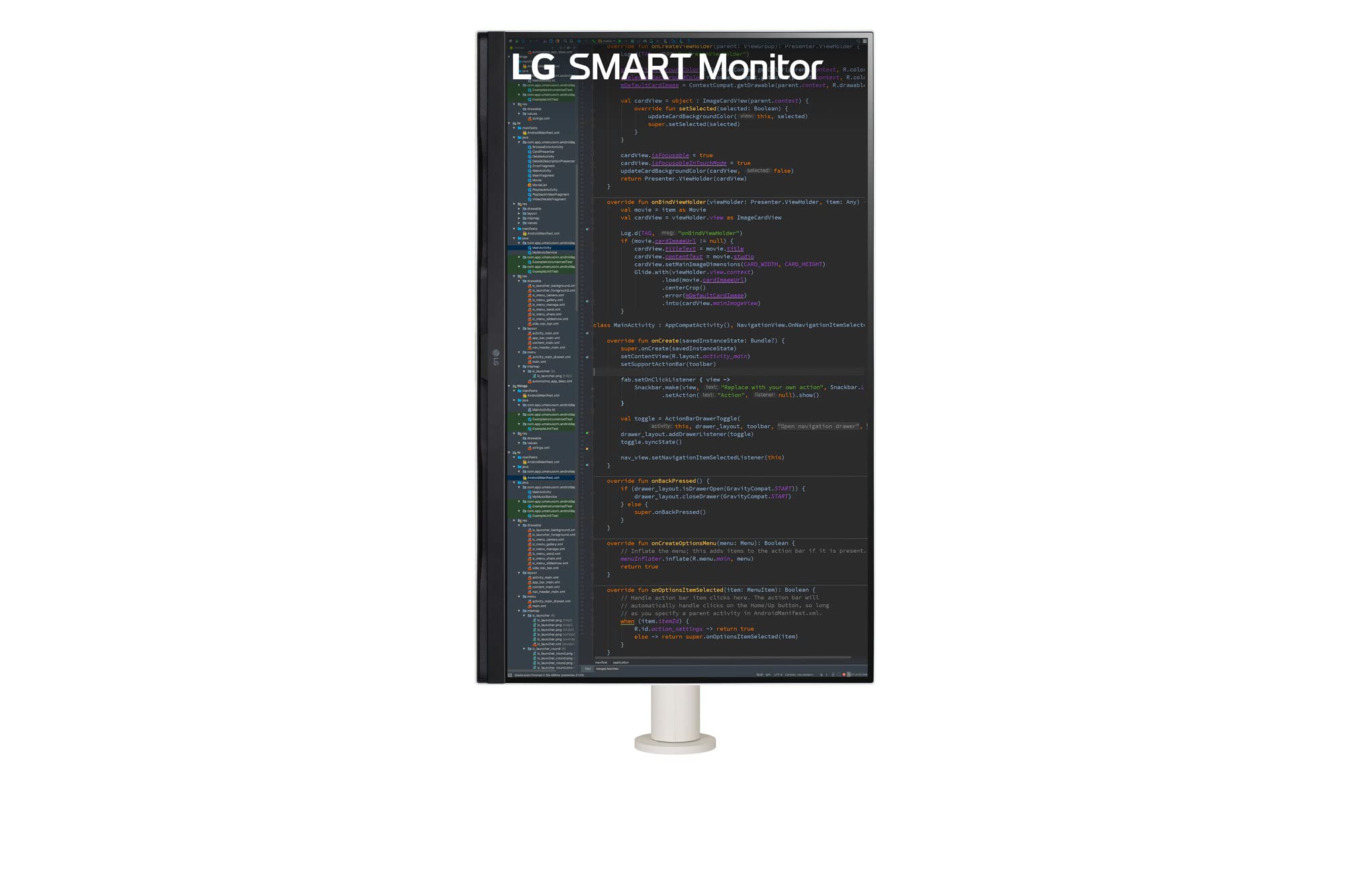


🚀 Elevate your workspace and unwind in 4K brilliance—because your monitor should work as hard as you do.
The LG Smart Monitor 32SQ780S combines a 32-inch 4K UHD display with advanced ergonomic design and smart home integration. Featuring USB Type-C with 65W power delivery, dual HDMI ports, and built-in streaming apps on webOS22, it’s engineered for seamless multitasking and entertainment. Its Ergo stand offers extensive adjustability, while AirPlay 2, Bluetooth, and Screen Share ensure versatile connectivity. Ideal for professionals seeking a sleek, all-in-one monitor and smart TV solution.


| ASIN | B0BHXMY5DX |
| Adaptive Sync | G-Sync Compatible |
| Additional Features | AirPlay 2, Bluetooth, Screen Share |
| Aspect Ratio | 16:9 |
| Best Sellers Rank | #153,148 in Electronics ( See Top 100 in Electronics ) #3,040 in Computer Monitors |
| Brand | LG |
| Brightness | 250 Candela |
| Built-In Media | USBType-C(65W), twoHDMIports, threeUSBports, and LANport |
| Color | White |
| Color Gamut | 90 |
| Compatible Devices | Gaming Console, Speaker, Smartphone, Laptop, Desktop, Tablet |
| Connectivity Technology | HDMI, USB Type C |
| Contrast Ratio | 3000:1 |
| Customer Reviews | 3.9 out of 5 stars 197 Reviews |
| Display Resolution Maximum | 3840 x 2160 |
| Display Technology | LCD |
| Display Type | LED |
| Hardware Connectivity | HDMI, USB 2.0, USB Type C |
| Has Color Screen | Yes |
| Image Contrast Ratio | 3000:1 |
| Item Dimensions D x W x H | 3.5"D x 25.5"W x 16.1"H |
| Item Weight | 24.5 Pounds |
| Manufacturer | LG |
| Model Name | 32SQ780S |
| Model Number | 32SQ780S |
| Mounting Type | Wall Mount |
| Native Resolution | 3840x2160 |
| Number of Component Outputs | 1 |
| Picture Quality Enhancement Technology | [INF] Dynamic Contrast, Wide Color Gamut, Fast Pixel Response |
| Pixel Pitch | 0.18159 |
| Power Consumption | 65 Watts |
| Processor Count | 1 |
| Refresh Rate | 65 |
| Resolution | 4K UHD 2160p |
| Response Time | 5 Milliseconds |
| Screen Finish | Matte |
| Screen Size | 32 Inches |
| Screen Surface Description | Matte |
| Shape | rectangular prism |
| Specific Uses For Product | business, personal |
| Total Number of HDMI Ports | 2 |
| Total USB 2.0 Ports | 3 |
| Total Usb Ports | 3 |
| UPC | 195174045015 |
| Viewing Angle | 178 Degrees |
| Voltage | 240 Volts |
| Warranty Description | 1 Year Parts & Labor |
| Warranty Type | 1 Year Manufacturer Warranty |
J**R
Great monitor and tv! Beautiful and simple!
Great monitor and tv! Beautiful and simple!
A**L
Love it
I work from home and I wanted a monitor that can also be used as a television after work. I prefer this LG smart monitor (left side of my desk) to my Samsung smart monitor (on the right side of my desk). No other monitor mount I've ever used comes close to this LG Ergo stand. This has more inputs than my Samsung smart monitor. Probably the best part about this monitor that I prefer instead of my Samsung monitor is the input button on the included LG remote. Way too many clicks on my Samsung smart monitor remote to change inputs and switch from monitor to TV. The 4k quality is great. The sound is fine. Only downsides I can think of are that it doesn't include a webcam (but I only average about 1-2 hours each day on video calls and I now use my iPhone instead), sometimes it is a bit slow when switching inputs to the LG streaming channels (but similarly slow to old cable boxes), and I wish the monitor and Ergo stand went down about 2 more inches in height. The LG streaming channels are almost identical to the Samsung streaming channels. Haven't used this for video games as those are still hooked up to my Samsung smart monitor.
S**8
If you buy two monitors, consider this
Monitors are amazing - the picture quality, design, and setup are all fantastic. However, if you purchase two monitors to place them side by side, there is a problem with the remote controllers that come with the monitors. Due to the proximity of the monitors to each other, the remote controller works on both monitors simultaneously, causing an issue. No matter which controller you use and point to the monitor, it will activate the prompts on both screens. It becomes worse during the monitor setup because it will not prompt the same prompts on both screens, so you need to turn one monitor off to set up one, and once that is done, turn the second monitor off and turn on the first one or use a manual control button located on the lower backside of the right monitor. I reached out to LG customer service to see if there is a way to disconnect these controllers and set them up so that each controller is linked to a different monitor. Unfortunately, there is no fix since the controller scan registers both monitors as the same. The only way to get this functionality is to have the monitors placed further apart, which is not ideal. They should have done a better job fixing this issue, but at the moment, it is something you need to consider if purchasing two monitors for the same purpose as I did.
S**S
Low quality LCD panel
It is a monitor and the primary expectation of a monitor is not some "smart" features, but usability as a computer monitor. LG apparently put very cheap LCD panel, so the viewing angles are super narrow without deterioration of the colors - at 20 degrees angle the picture is already noticeably bad. Black text has color fringing which makes it difficult to use at the highest resolution. When McBook is connected the default resolution is shown as 1080, while the monitor advertised and actually supports 3840x2160, i guess this is done to hide some defects of the panel. USB-C cannot be used for the monitor display, apparently it is just a charging port which very disappointing. Tiny smart TV is ok, but obviously that is not a meanigfull selling point for a monitor - there are much better TV and bigger TVs at this price point. To conclude LG did very poor job with this monitor and deceptively hiding detailed tech specs. It is pretty bad monitor even for light office tasks at quite high price point.
A**C
Best part is the stand unfortunately
It's ok, good picture stand is great. Looks nice. My speakers do not work unfortunately but I didn't feel like going through the pain of returning although I probably should have. It functions as a smart TV but it's unbelievable slow and sluggish to the point you don't even want to bother. Pretty lousy of LG. Why even bother. Overall I would suggest either waiting for a very good sale or finding something else and buy your own ergo mount separately.
A**Y
Awesome monitor, not the greatest tv.
Great monitor, good colour reproduction, ergo stand is incredible, but the tv functionality is super slow. Requires a lot of patience. But works exactly as advertised. And the remote makes changing the inputs super easy.
D**E
Great monitor for the money
Love the picture quality. supports HDR which is great for watching movies. The only thing that would improve it (at least is my case) is the ability to switch inputs using a keyboard shortcut. I think LG has a tool for that but this monitor is not supported. But that's a minor thing, switching inputs is easy enough with the remote or the mobile app.
S**C
Knew it wasn't a great value for the money but product quality is a big let down.
It is a great looking monitor that works with a single USB C chord with my M1 Macbook Pro. I bought it primarily for productivity. Lots of excels, zoom meetings, toggling multiple windows etc. First time I was trying to turn the monitor to portrait mode to do some long writing, the monitor powered off and noticed that the tip of the power chord that is plugged into the monitor came away from the chord and was stuck to the DC in. Reached out to LG support and they gave me a part number to order for a replacement. The part number does not list this monitor as compatible. So finger crossed as to whether it will be a good solution or not. Otherwise this will be a $500 piece of garbage that I hope will at least be recyclable. Not sure If I will be buying other LG products going forward based on this experience. Edit 1 : Part received from LG was indeed the wrong part. Second support person I reached out today was able to find the right part number. Going to order that. Noticed that original cord came with a safe detach and extension connector. I have plugged it in without the extension and the monitor is currently working. So that is a saving grace. LG support is a hit or miss.Need it to get better.
Trustpilot
4 days ago
3 weeks ago