Desert Online General Trading LLC
Dubai, United Arab Emirates
Desert Online General Trading LLC
Dubai, United Arab Emirates

⚡ Power your productivity with Crucial speed and seamless upgrade!
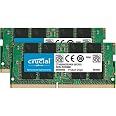
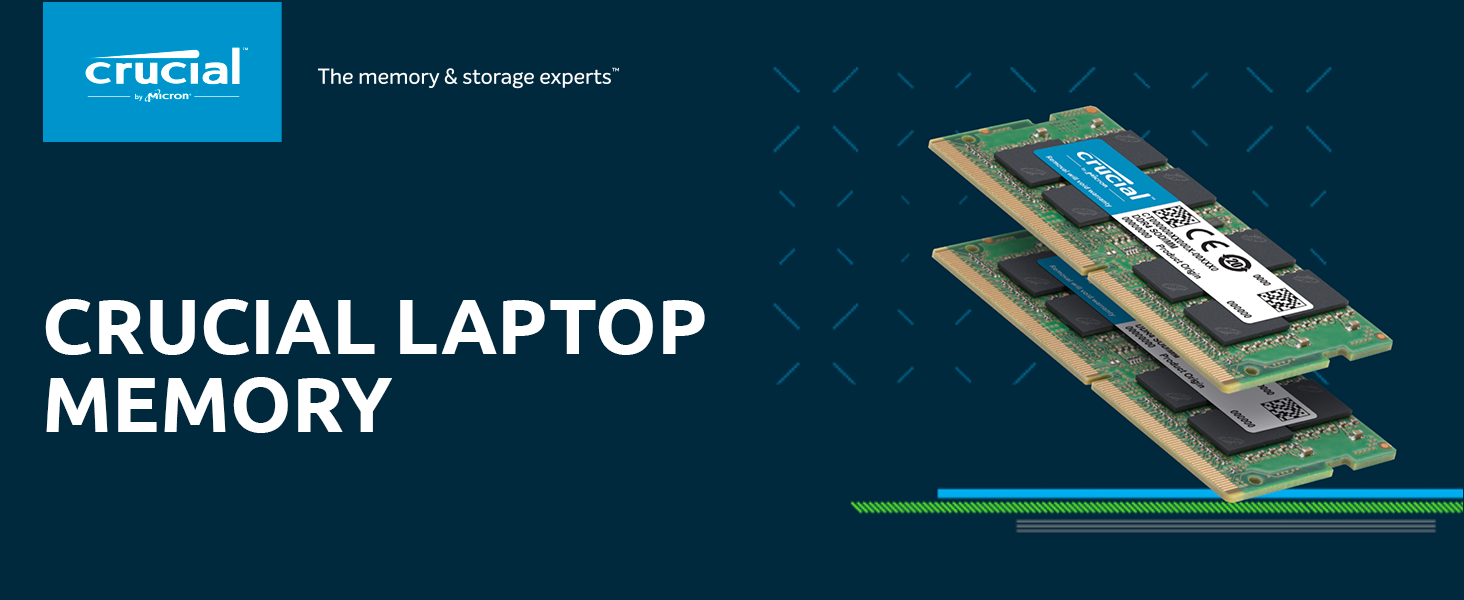
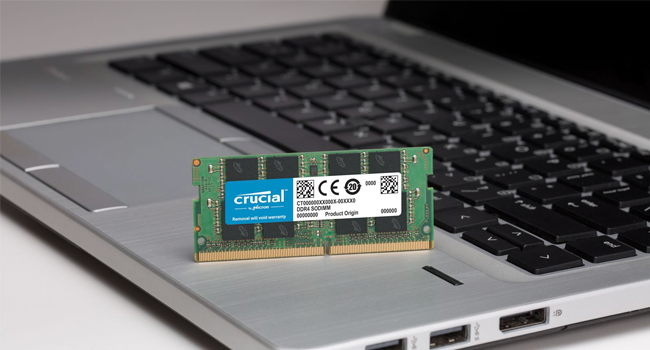
The Crucial 16GB Kit (2x8GB) DDR4 PC4-19200 SODIMM offers 2400 MT/s speed with CL17 latency, designed for laptops requiring 260-pin DDR4 memory. This dual-channel kit boosts bandwidth by up to 30%, delivering reliable, high-performance memory to enhance multitasking and system responsiveness.







| RAM | 16 GB DDR4 |
| Memory Speed | 2400 MHz |
| Brand | Crucial |
| Series | CT2K8G4SFD824A |
| Item model number | CT2K8G4SFD824A |
| Item Weight | 0.64 ounces |
| Product Dimensions | 0.52 x 0.03 x 0.12 inches |
| Item Dimensions LxWxH | 0.52 x 0.03 x 0.12 inches |
| Color | Multicolor |
| Computer Memory Type | DDR4 SDRAM |
| Manufacturer | Crucial Technology |
| ASIN | B019FRDAY6 |
| Is Discontinued By Manufacturer | No |
| Date First Available | December 22, 2015 |
J**A
Perfect RAM
Worked perfect to fix slow running computer!
R**A
Works Like a Charm, Easy Install
I am very please with this ram stick. I just popped it in to my empty slot in my MSI GF65 thin and it worked right away upon rebooting. Now I can run some more resources heavy games :-). 10/10 would recommend
J**Y
Crucial Is awesome
Great quality, fair price, terrific performance
F**E
compatible with ROG Zephyrus G14 and works like a charm
tl;dr, review title + turn computer off completely and unplug your computer before upgrading your ram b/c some tutorials won't remind you to do that when you install ram into your computer on your own. just closing the computer will not do anything.I got 1 ram card, which came in one of those cheap little plastic packages that everything comes in these days and was mailed in a small parcel. i installed the ram myself, and it works well, as expected from something made by crucial.I own the ROG Zephyrus G14 that comes with 8gb of ram soldered to the motherboard. It has one upgrade slot for an additional 8gb of ram (i believe the 16gb model is the same: 16gb soldered onto motherboard and 1 open slot, but I'm unsure of whether you can put a 16gb ram chip in the slot or if it can only be 8gb).since most highly demanding games can, but barely, run on 8gb, i opted for another 8gb of ram. i've done ram upgrades before, but for those who haven't, there's a lot of good videos out there on youtube that show you how to install a new ram chip into an open slot (or conversely, take a ram stick already in your computer out of a slot, and put in a new ram stick in). some videos won't say as much, but ALWAYS turn your computer completely off and unplug it before performing any kind of upgrade on it. you can fry the whole computer doing that or electrocute yourself.
P**R
Like getting a new computer!
My laptop (7th gen i7) originally came with 6GB of RAM (it's a couple of years old now) and it's really been slowing down lately. It's always been a bit clunky with numerous tabs open, or a bunch of programs open. After installing this 16 GB, it's now lightning quick.I can even play WoW again, without it being painfully glitchy.If your computer is getting slow, but has a decent processor, I definitely suggest bumping the RAM. The laptop manufacturer (HP) claims that the memory is not user serviceable, but that's because they just want to sell another computer. It was super easy to do and, so far, well worth it!For reference, this is my system: HP Notebook - 15-bs053od.
J**L
Muy buen producto
Muy buena calidad, funciona perfecto
G**I
Awesome
Great RAM option. Installed in an Acer Aspire 5. Easy to install and use. Literally plug and play. Planning to get another set (came two in a package) to install in a MacBook Pro.
D**N
Worked Perfectly in my Wife's New Dell Inspiron
Fit like it said in my Wife's New Dell Inspiron.No errors and was able to bump the laptop up from 8GB to 16GB installing this in the second memory slot.Recommend A++
Trustpilot
3 days ago
1 month ago