

Desert Online General Trading LLC
Dubai, United Arab Emirates
Desert Online General Trading LLC
Dubai, United Arab Emirates

📈 Elevate your printing game with the EcoTank revolution!
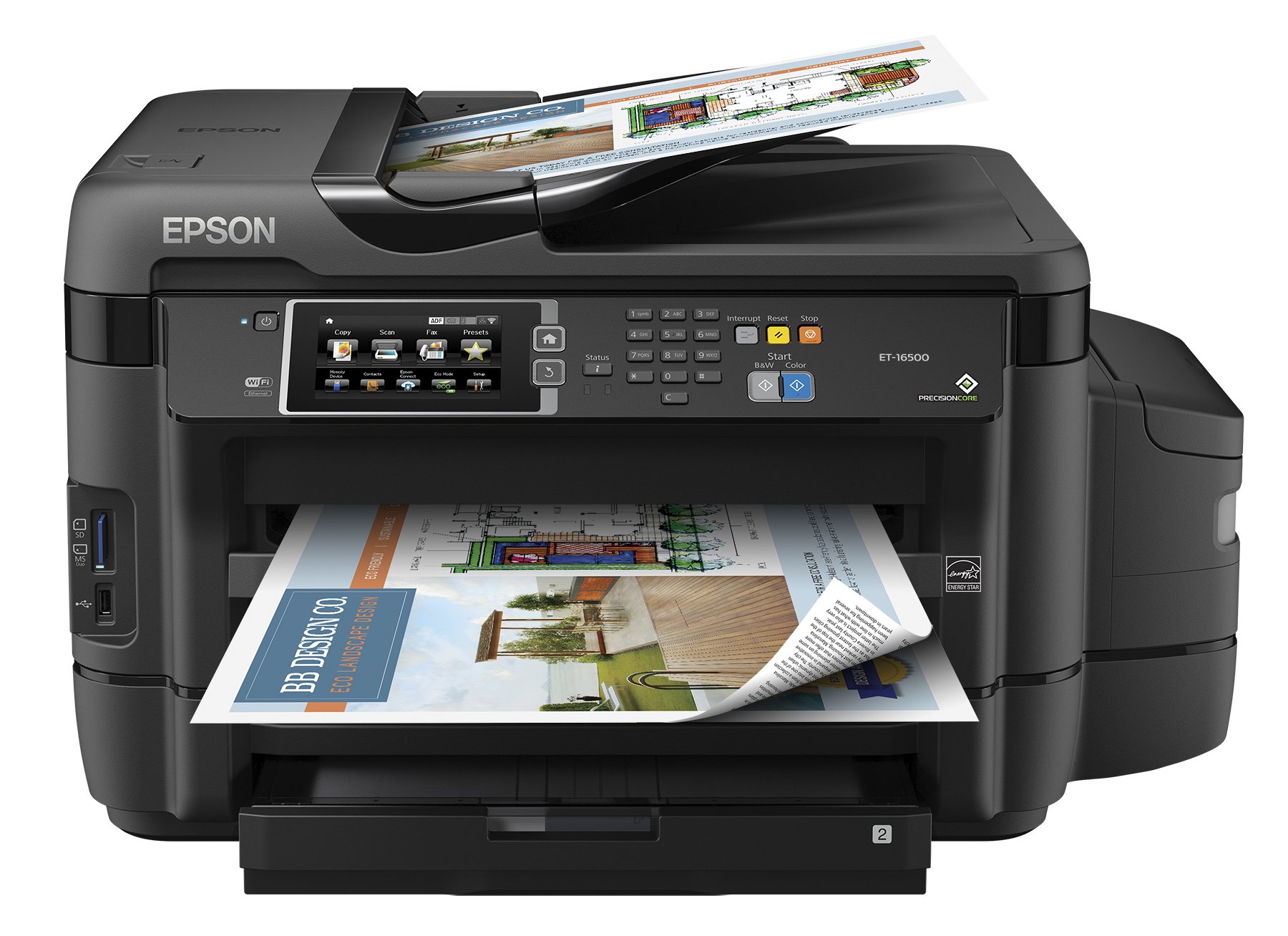
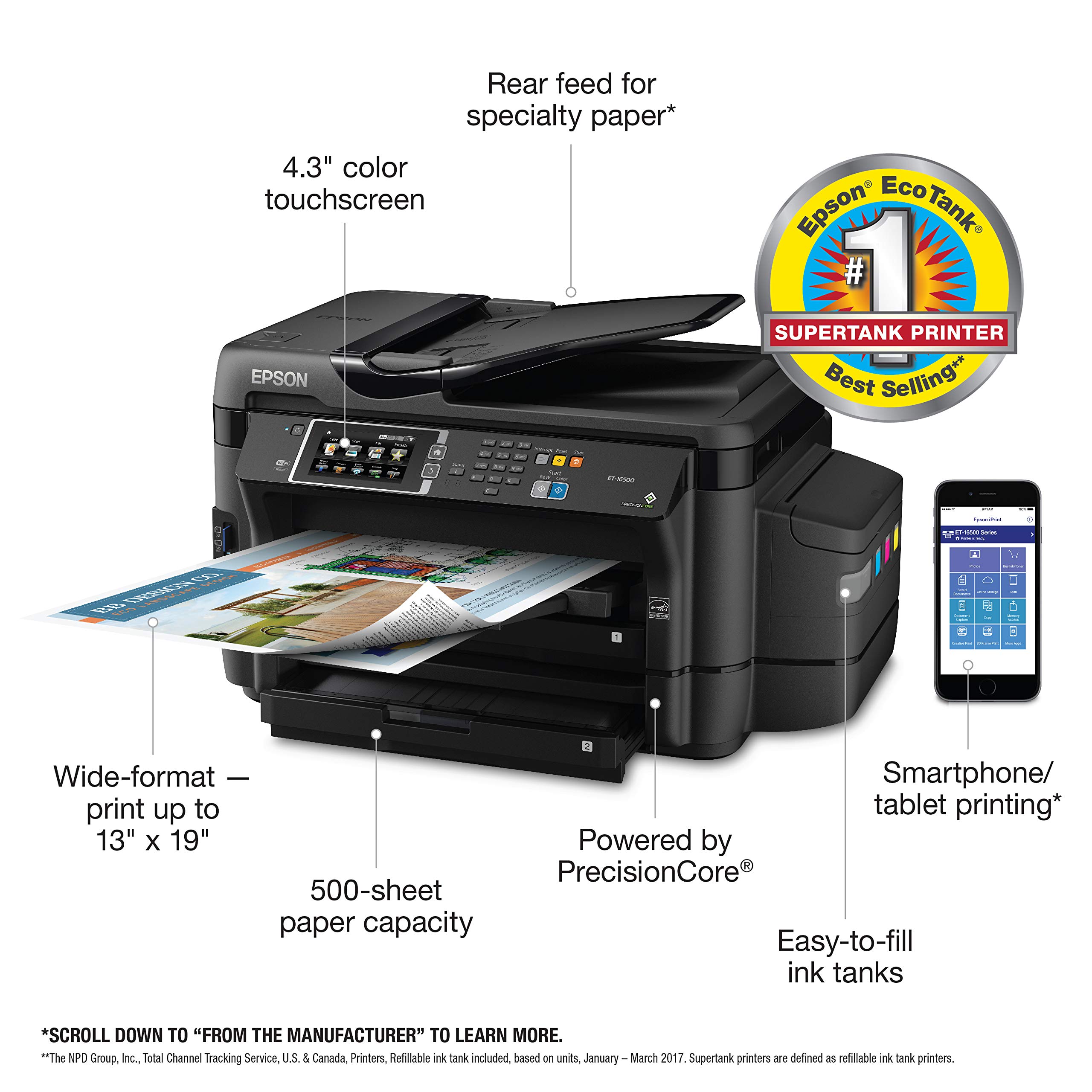
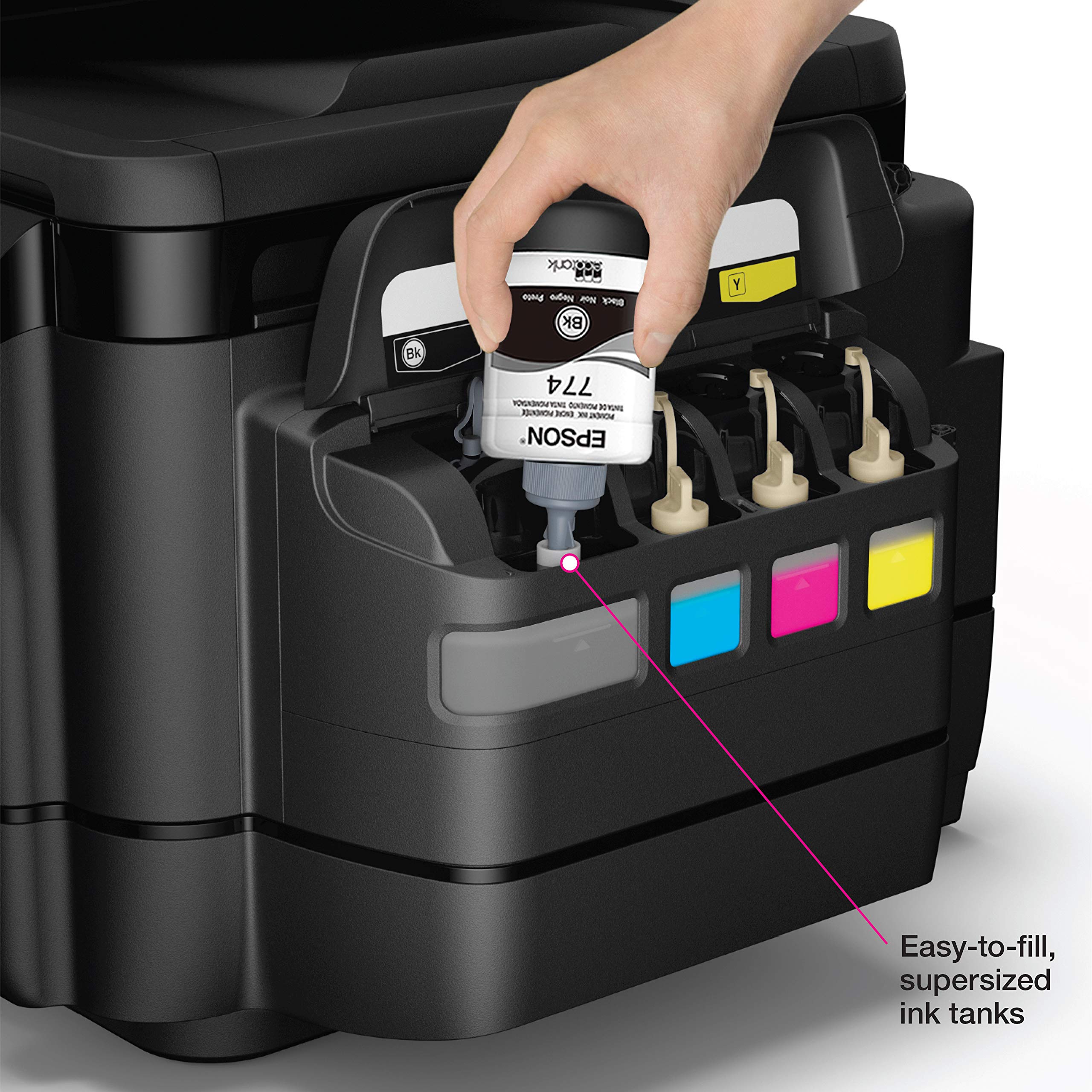
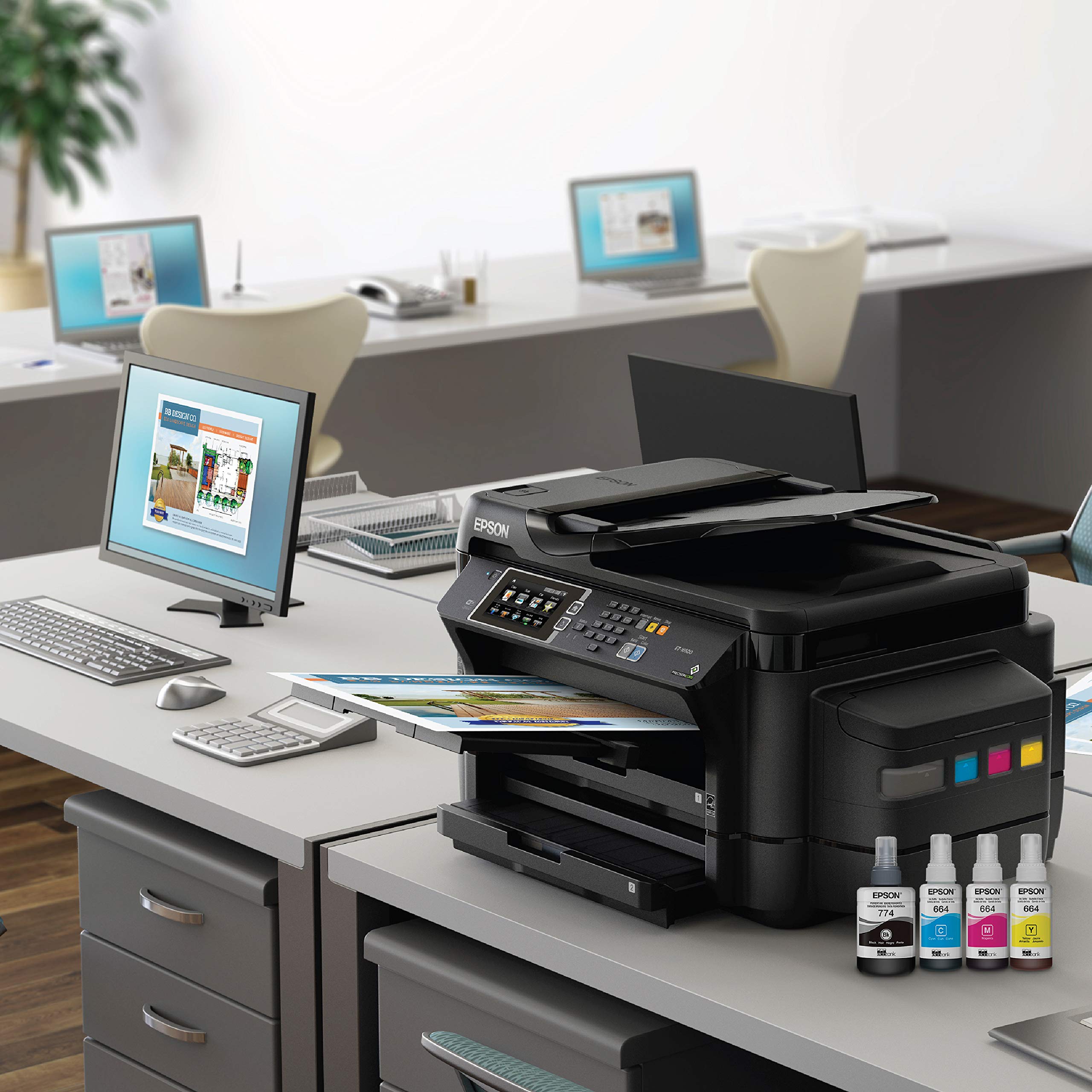
The Epson ET-16500 EcoTank is a versatile all-in-one printer that offers cartridge-free printing with up to 2 years of ink included. Capable of wide-format printing up to 13" x 19", it features a 500-sheet capacity and easy setup with a 4.3" color touchscreen. Enjoy significant savings on ink and paper with its efficient design, making it the perfect choice for professionals seeking quality and convenience.


G**D
Robust Printer With Excellent Print Quality
Our home-based HP7500 large-format printer bit the dust after many years of good service. I wanted to replace the HP with another large-format printer because I occasionally print photos bigger than 8x10. I decided I also wanted a printer with ink tanks in order to avoid the exorbitant cost of ink cartridges – each time I purchased the four ink cartridges for the HP it would cost over $100.00 so my ink costs were $300 to $400 per year. (One consumer publication labeled cartridge printer ink as one of the most expensive liquids we buy.) After looking at the reviews on a number of websites, I decided to purchase the Epson ET-16500. The price was a bit steep, but I figured that the ink cartridge savings over two years would offset the high cost. (I assume the manufacturers’ pricing structure has changed with tank printers – instead of selling printers for under cost and making the money on the ink cartridges, the printer’s cost is higher because the user will be paying less for ink.) A factor in the purchase too was that on electronics stores’ websites other than Amazon, the reviews for this printer are much higher than here on Amazon. (I suggest you check the reviews on sites other than Amazon to get more information, although Amazon likely will turn out having the best price.)The printer was delivered on time and, much to my surprise, in a rather large box. This printer is much heavier than my old HP and makes a larger footprint on my desk. I suggest you have a helper when moving the printer because it is heavy. Also, you will need a spot for the printer where you can assess the rear paper feed assuming you are printing anything on larger than letter-size paper which, I assume, you will be doing or you would not be purchasing a large-format printer.Unpacking is relatively simple – just remove the wrapping and all the blue tape (don’t forget to remove the paper trays because there are tape strips on each of those too). Two sets of inkbottles are included. Be sure to use the bottles labeled “initial” for the initial filling of the tanks. The instructions direct that the entire “initial” bottles be used so don’t be concerned that it might appear that the ink is going over the fill line. Wear disposable rubber gloves because I can guarantee you that you will get some ink on your hands. Load your paper and then follow the instructions to charge the ink system. The charging does take about twenty minutes. I noticed that after the charging, the ink in each of the ink tanks was at the fill line.The wireless network setup didn’t work using the WPS option and, although I have two more robust Wi-Fi networks running, the only network the printer recognized was the one created by my Wi-Fi extender located in a room at the opposite end of the house from where the printer is located. My son eventually figured out that the printer would not recognize a network with a space in the name. He accessed the router and changed the network name to eliminate the space; miraculously, the printer then recognized the network and linked up.Concerned about the negative reviews on Amazon about the print quality, I printed an 8x16 photo using the best print resolution on premium glossy A3+ paper (in the print menu on my Mac it shows up as Super B). Took about 5 minutes to print the photo and, to me, the quality was excellent, certainly good enough that I would feel comfortable framing the photo and hanging it in my home or giving it as a gift. (Glad the print quality was acceptable because it would be difficult to repack and return this printer to Amazon.)In summary, if you want a large-format printer with ink tanks for use as your everyday home and occasional business printing and can afford the price, I recommend this printer. Whether a good printer for full-time business use, I can’t say because that was not our intended use, but I do have to say that many of the features seem appealing if I were using the printer in an office setting.
A**R
Not worth the money unless you need 11x17 then it's the only one on the market
1/22/2017 UPDATE: Cassette 1 is refusing to detect paper. Doesn't matter what type of paper I put in but the tray keeps giving me an error - either paper jam or out of paper. Neither is true. Printing from Cassette 2 works fine but doesn't allow photo paper so basically, I am stuck with a $50 printer right now. Will return printer for full refund. Very disappointed with this printer. Will look into Canon's version of the EcoTank - MegaTank, but it seems like they aren't available any where at this time.Original ReviewI just received this printer and for a whopping $1,000, this printer is crap. First of all, I own a small business and we do marketing for other businesses. I was looking for an eco tank printer that will do 11x17 for the longest time and jumped at the opportunity to buy it once I found out Epson made one. Lets list out some of cons:1. No Border-less Printing At All: Doesn't matter what size paper, this printer just doesn't support borderless. I don't know why this doesn't allow for it but I just feel that Epson want some separation from their prosumer printers and their pro printers. Cheap printer for $100 can do it this so it's obviously not the hardware.2. Slow Printing In Color: Want decent photo quality for your flyers? Well be prepared to wait 6 mins per page to get it. That's 10/hour if it's one sided or 5/hour for both sides. I timed it using matte photo paper and high quality setting. Lower settings produced under saturated photos and weird color shifts.3. Cassette 1 Won't Detect Envelope: Specs states it supports #10 envelopes but the printer won't detect it. I tried the rear feeder - which is one by one and half of the envelopes came out bad.4. Envelopes Prints Out Crooked: The envelope would shift the last half inch coming out of the printer, which is where the return address lies. I tried printing out 260 envelopes and it took me 6 hours trying to diagnose this problem but at the end, I got about 30 good ones, 20 bad ones and gave up trying to make this work. Will try printing out labels instead.5. Only 1 Cassette Support Photo Paper: I was hoping that to put photo 8.5x11 on the top and 11x17 on the bottom but it doesn't allow you to do that.6. No Duplex for Photo Printing: It won't allow for auto duplex printing on photo paper. Its probably because the ink won't be dry yet and it will smear on to pick up wheels. If you are doing photo printing, you'll have to do one side first then then back side.7. Smearing Occurred After 50 Prints: The pick up wheel was already getting dirty so I had clean it to remove the smear. This was the center wheel inside the printer.
Trustpilot
2 days ago
1 week ago