
DOWNLOAD THE APP


Customer Services
Copyright © 2025 Desertcart Holdings Limited
DOWNLOAD THE APP


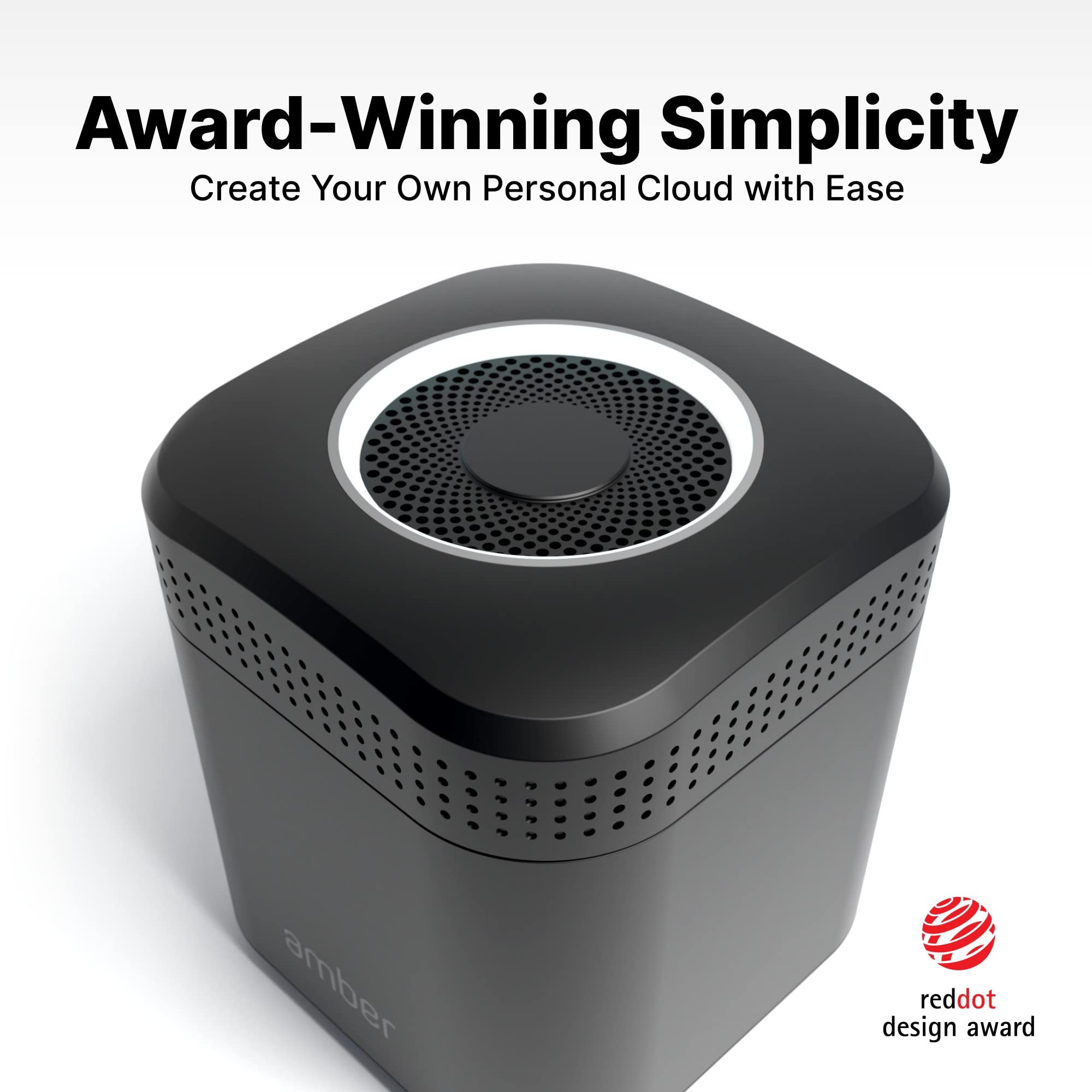
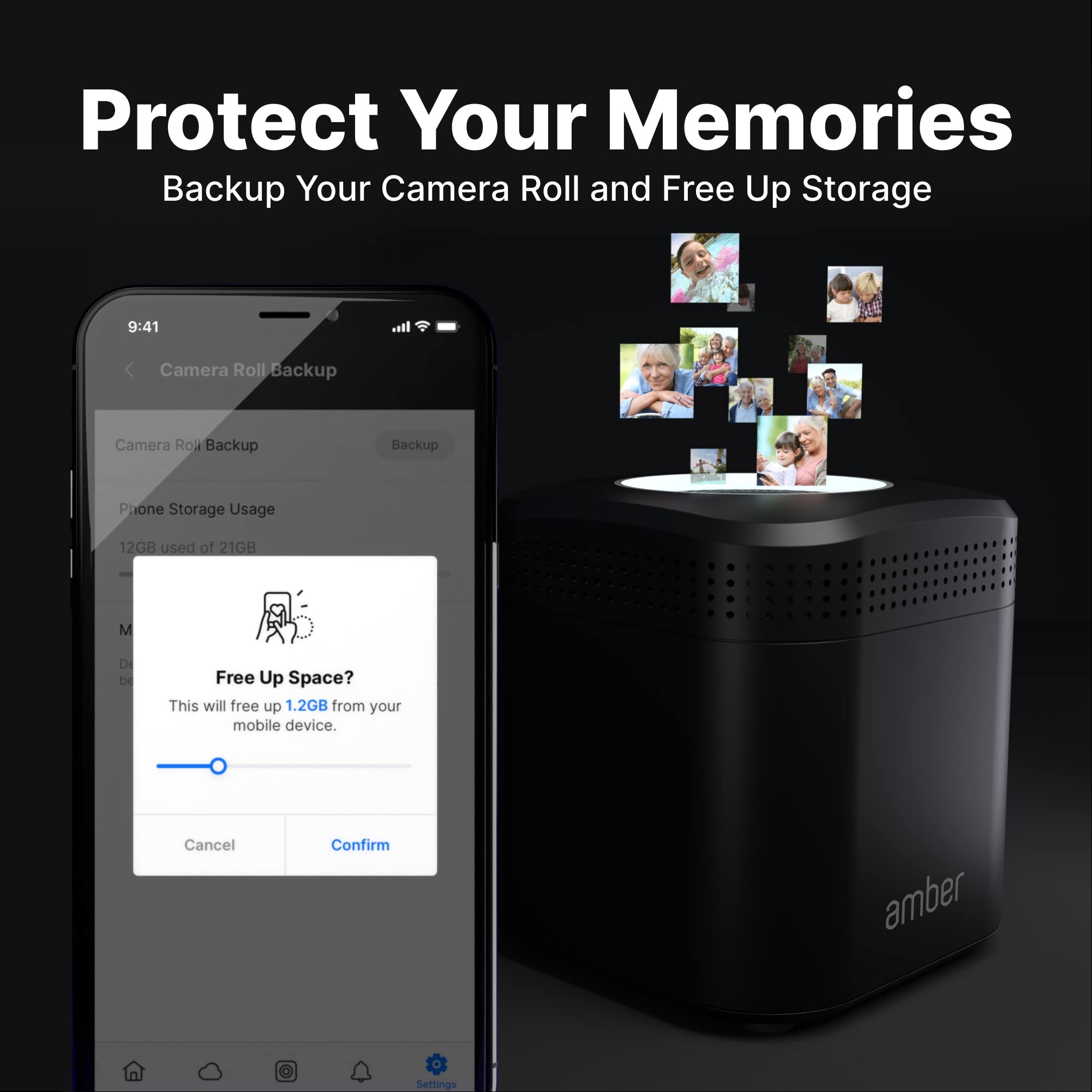
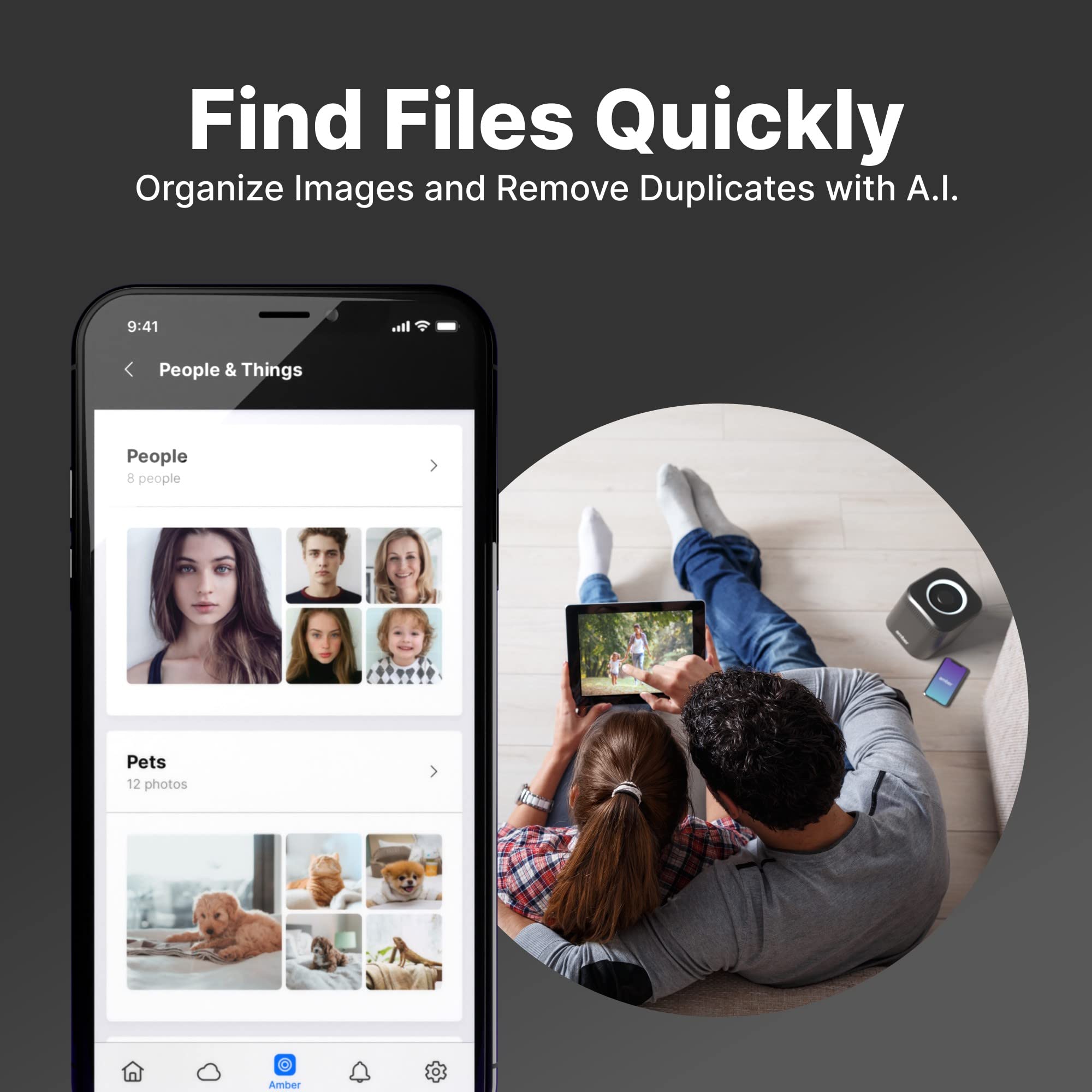


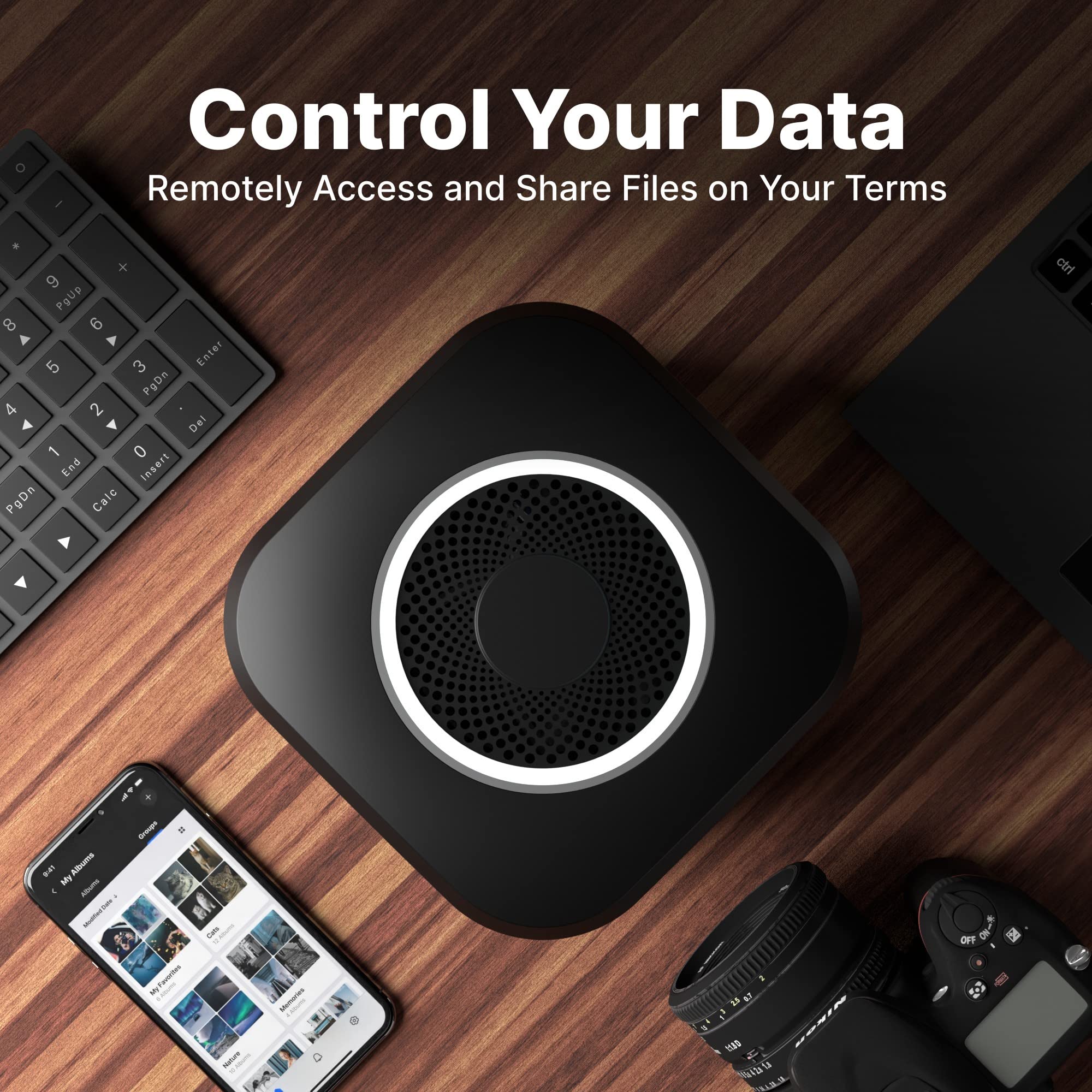
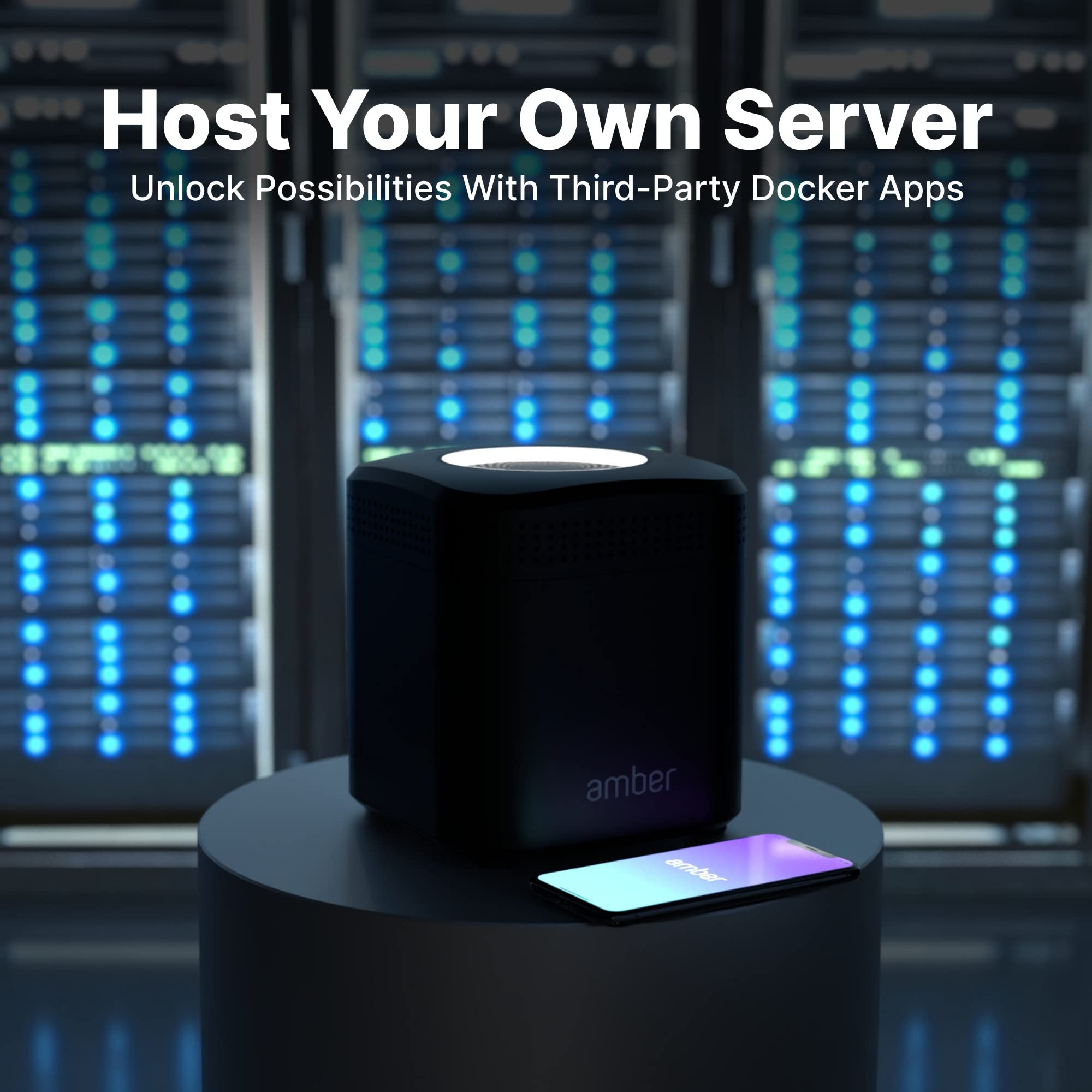
🚀 Own your data universe with AmberPRO — where speed meets security!
AmberPRO is a sleek personal cloud storage device paired with a high-performance AC2600 WiFi router. Featuring dual 2TB hard drives configured in RAID 1 for robust data protection, it supports Plex and Home Assistant for smart home and media management. With built-in Docker support and AmberAnywhere, users can run custom apps and access files remotely across iOS, Android, Windows, and Mac platforms. Its advanced 4x4 MIMO WiFi and USB 3.0 ports ensure fast, flexible connectivity and expandability, making it a powerful hub for professionals who demand secure, always-on access to their digital life.


| ASIN | B07T33MHJX |
| Additional Features | WPS |
| Best Sellers Rank | #82 in Network Attached Storage (NAS) Devices |
| Brand | AMBER X |
| Built-In Media | Amber Unit, Quick Start Guide, Welcome Card, AC Power Cord, AC Power Adapter, RJ-45 LAN Cable |
| Color | Black |
| Compatible Devices | Windows PC, Andriod, Mac, iPhone |
| Connectivity Technology | Ethernet |
| Customer Reviews | 3.7 out of 5 stars 283 Reviews |
| Data Transfer Rate | 2600 Megabits Per Second |
| Digital Storage Capacity | 2 TB |
| Enclosure Material | Aluminum, Glass, Or Ceramic |
| Form Factor | Compact |
| Hard Disk Description | Mechanical Hard Disk |
| Hard Disk Interface | PCIE x 16 |
| Hard-Drive Size | 2 TB |
| Hardware Connectivity | USB 3.0 |
| Installation Type | External Hard Drive |
| Manufacturer | Latticework, Inc. |
| Media Speed | 100-160 MB/s |
| Model Name | AM1211-2TB |
| Model Number | AM1211-2TB |
| Number of Items | 1 |
| Special Feature | WPS |
| Specific Uses For Product | Multimedia, Documents |
| UPC | 850002274035 |
| Unit Count | 2.0 Count |
| Warranty Description | 1 year |
A**R
Great photo backup, documents not so much . Works but needed tech support help
Update: so an update on my most important need…the auto backup of document files. The iPhone app can not manage auto backup of document files ….but you can browse amberx drives using the iPhone app and see file names….the app does have trouble opening them. You can setup auto backup (from pc to amberx using the desktop app….you set the desktop app to auto launch by coping the amberx icon to the pc startup folder…you setup a backup task of what you want backed up and upon startup the backup task will do a. Compare and backup differences. Limitation is that amberx will only let you use a folder name once in the backup task name….so you can backup c:\user\loginname\documents but you can’t create a second backup task of c:\documents since the backup feature only allows the use of a folder name once…but…if you have external drives you can create an additional backup task from folders with the same name and send the backup destination to a different drive resulting in being able to get around the singular use of folder name restriction. I think this work around is limited to drive and don’t think it will work at the partition level..don’t know if an external drive with 3 partitions will support 3 uses of the same folder name in destination back up’s Update: found a way to drop the desktop app into the start folder…this allows the Amber desktop software to do a sync check at each startup. But…something spooky about trying to backup sub folders…choices get greyed out once you select high level folder…so if you have a folder with 10 sub folders and want to only back up 3 of them you can’t . Also…sometimes backing up one sub folder to an external amberx drive and another sub folder to the amberx internal drive works. Also…amberx doesn’t like the use of the same folder name even if that are located in different trees…you can’t va k up a folder call document at the root of c: and a folder call document at the root of d: Update. Found out some software only saves to local docs folder. Problem is OneDrive makes a copy of local docs and downloads folder to a new location and only syncs the new location. Resulting in local docs and downloads not being synced to cloud. Fortunately I had backed up my local docs and documents to Amber x. So when I replaced my laptop and could not find 4 years of important files in OneDrive, iCloud, or drive….i checked Amber x and they were there. Only thing missing is a task scheduler to do regular backups. Right now each back up task is one time use. I
K**R
Terrible product - convoluted setup doesn't work
The AmberPro comes with two different "quick setup" instructions. And then when those fail, customer support directs you to a third set of setup instructions. The device also has TWO admin pages with two different sets of login credentials. Why two? Why can't all admin functions be under one admin portal? Why make this more complicated than necessary? When connecting via Wifi, allocating storage gives an error about network issues. When connecting physically via non-Windows machine, (DNS) name resolution for the admin URL fails... the instructions then say try using the IP address... but there's no IP address provided for the SECOND admin page and the link on the first page which cust. support tells you to use... uses the failing DNS so you're stuck... their own instructions paint you into a corner. So off to the store you must go, to buy a Windows machine just to set this thing up. Then, after you've also had to buy a USB-Ethernet adapter because your new Windows laptop doesn't have an ethernet port AND Amber customer support told you to use a physical connection instead of wifi.... you get the same exact network error message as you got in the beginning. Firmware's up to date... Amber just packages convoluted garbage and markets it as easy-to-use. I have never been more frustrated setting anything up and I work in IT. I feel bad for any non-IT people who bought this brick. Two weeks back and forth with support and it's still not working.
T**S
Reallt great entry level NAS
This is a really great entry level NAS for anyone who wants to have a NAS but doesn’t want to deal with all the admin that comes with a lot of NAS systems. Out of the box, this device just works - I wouldn’t say it’s easy enough for your mom to use, but if you know what an ip address is you can probably figure this thing out. It automatically creates web access + smb access, and sets up a secure username and password for you that is shared across both places. You can also choose to encrypt the disk when you first set it up, if you are worried about the device itself getting stolen with sensitive data. In a recent update they have unlocked the ability to use this as a homeassistant server and a plex server. I have set up the plex side of that, and it works perfectly- can handle multiple direct play streams to my Apple TV, iPad, and computer at the same time. Not a huge surprise, since the hardware in here is more powerful that synologys, wd, qnaps, etc. that are twice the price. I don’t personally use this for photo backup, but the app makes it easy enough to set that up. All in all, if you want an easy to maintain NAS that that’s relatively affordable - and you don’t need many TBs of redundant data (i.e. if the built in 512gb + an external drive is enough for you) then this is hard to beat.
S**O
Great idea, poor execution
The idea for this device is great. An entry level all-in-one home NAS that's basically plug and play, requires little tech knowledge, and has its own software is hard to find anywhere else. What really let's the Amber X down is the Amber iX software. It's bad, it's slow, it's unintuitive, it's aesthetically very ugly and outdated, and the "smart" AI is incredibly dumb which makes for some hilarious categorizarion mistakes. For example it tagged a picture of my daughter reading a book as food. There are even more hilarious ones such as tagging people as pets. In short, the software is nowhere near good enough to use as your primary photo app. Setting up automatic backups of your phone's camera roll is simple enough and works well. I also installed the software on my Windows PC and wanted to back up my user folder. That all went well, but the issue was then on the Amber iX app on my phone, it shows all those files and folders in the My Photos section. Once again, this shows the software isn't good enough to be used as a primary photo app or even just to browse your photos. The app allows you to free space on your phone by deleting photos already backed up, but once you do that you can only use the godawful app to view your photos. I've had the device for over a year and half, and still hopeful they'll do a major update/redesign of the app, but not holding my breath. Essentially at the moment the Amber X is just an expensive NAS device that's good for simply backing up your photos. In that case, there are a lot more affordable options.
R**N
Great Little Device - has some limitations, but big potential
I got it to expand on my cloud storage as I did not want to go with the Google Cloud or iCloud or One Cloud (Office 365), but wanted something in house and easy to setup and get going rather than a NAS. Pros: - Ease of setup - 8/10 Was extremely easy to set it up. I had a small hiccup during initial setup, I killed the app thinking it is taking too long. But it was apparently still setting it up, just no progress and looked frozen. Next time around I let it sit for longer and it was fine. - Ease of use 8/10 I use it chiefly to store my phone pictures and share with family. It does all that extremely well. There is one glitch or shortcoming in the iOS app - where the AI recognizes the same person differently (it is possible and expected) but then it does not let you merge those two person as one, and then I have the same person appearing multiple times because in reality it is the same person - just the face detection AI does not see that. Overall for all above all features this is a great device - but if you do not want data on multiple places, then this is not safe in my eyes. Because of following CON. Cons: - [HUGE] no backup of the data on this device. This is not RAID - expected. But has no easy way to setup an off device backup process. I wanted to connected an external drive and want all data from this Amber-X to be backuped on there, but nope - no easy way. We can drag and drop all the files/folders, but there is no automated way to make it do that daily/weekly. And Because of this reason - I had to return my device and then I upgraded to their Amber Pro - which allows for external backups. - which has its own pros and cons. But I have that one has RAID and 2 TB, so more peace of mind.
C**L
Subscription free and private, easy to use
I love technology and I love privacy and the two don’t generally mix. This company does not use a bunch of Google products or other questionable companies in regards to privacy. I can stream videos and music from this device anywhere I back up all of my photos from my phone automatically to it instead of iTunes. I put a USB splitter on it and have six hard drives hooked up to it. It works extremely well for pictures and videos on your phone. It works excellent like a dropbox and for private file sharing. The app is fairly intuitive to use. I like this product so much I bought a second one for my sister. Worth the money easy to use
S**.
Sleek and sweet
I set up my iPhone to backup my photo app automatically. That went smoothly and I freed up storage spaces from my iCloud which had been full for a long time, and from my iPhone which was at the verge of being full all the time. Now I am able to take photos and videos without having to worry about running out of storage and being forced to delete some of my photos and videos. I like the fact that I can share my photos with my family and friends. The next step is to organize my oldest photos into meaningful albums. I first downloaded the PC amber iX app but was confused because I actually needed the mobile amber iX app for initial setup. But setup was easy once I have the mobile app. I would recommend that the PC app explicitly message first-time users to setup their amber X using the mobile app to avoid the confusion I encountered. I haven’t tried many of the other features on amber X. I will be providing more review feedback once I try them out.
S**H
Good product but Uses a lot of system data
I have been using the product everyday since a month now. When I installed this on and using it on iPad, iPhone - the app does something coz of which system data usage increases exponentially. I need to offload n delete app n reinstall to get back device storage. Ps- my devices are all updates to latest iOS , also uses all good recommendation to save storage . I can use cloud with my existing hard disk - definately a plus point given that this cloud has only 512 gb storage . Product support is poor - I left chat messages n emails but no response.
Trustpilot
3 days ago
2 weeks ago