
DOWNLOAD THE APP


Customer Services
Copyright © 2025 Desertcart Holdings Limited
DOWNLOAD THE APP
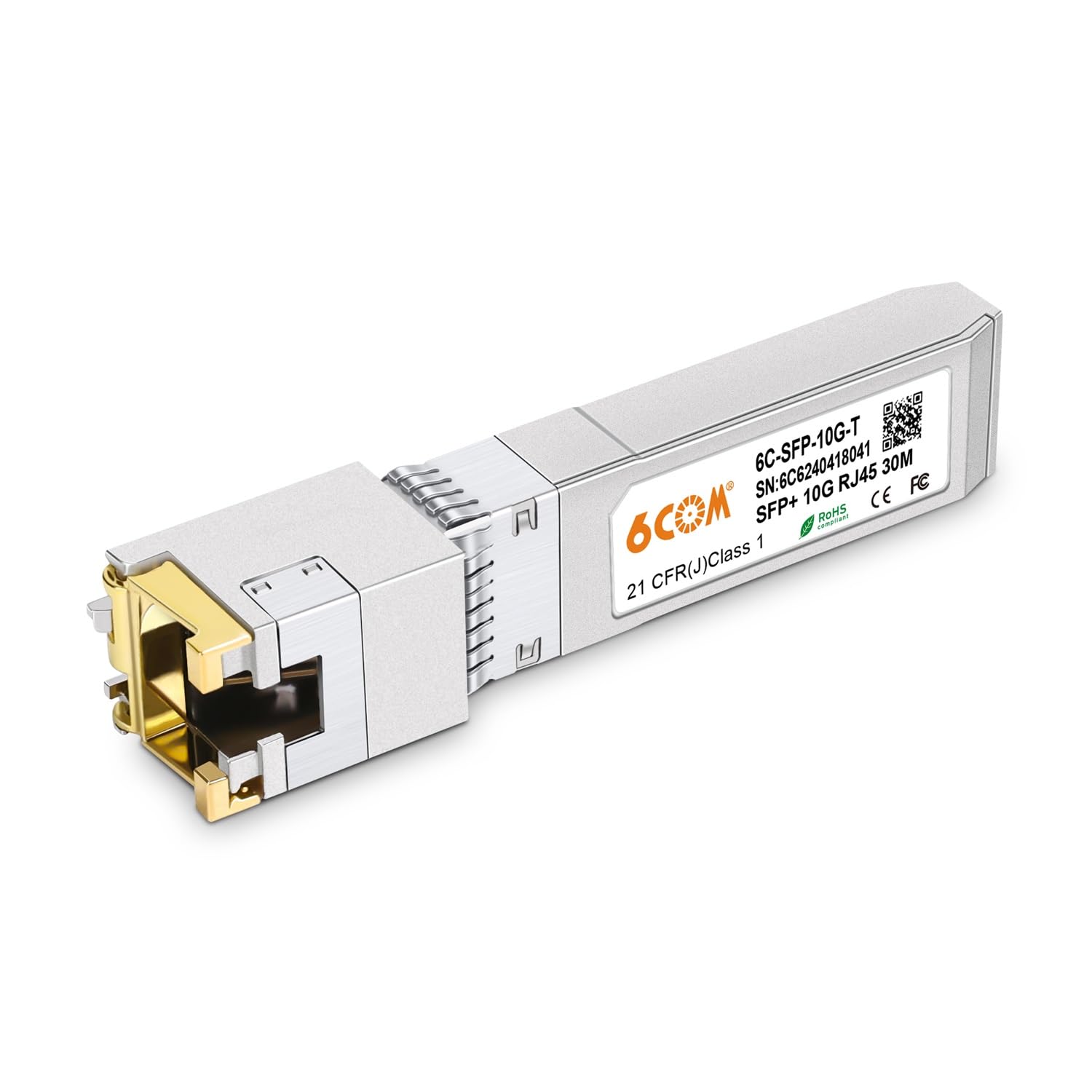
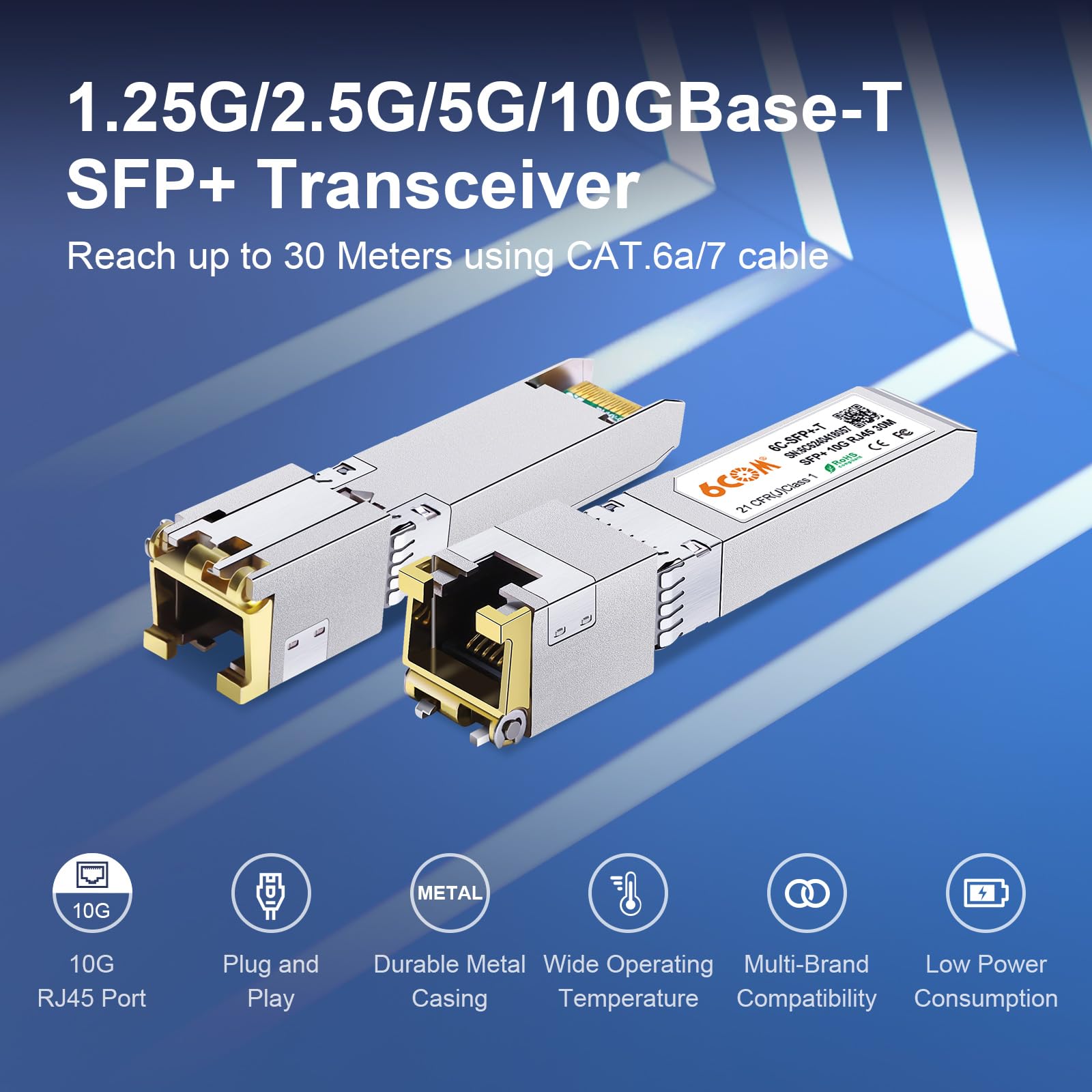
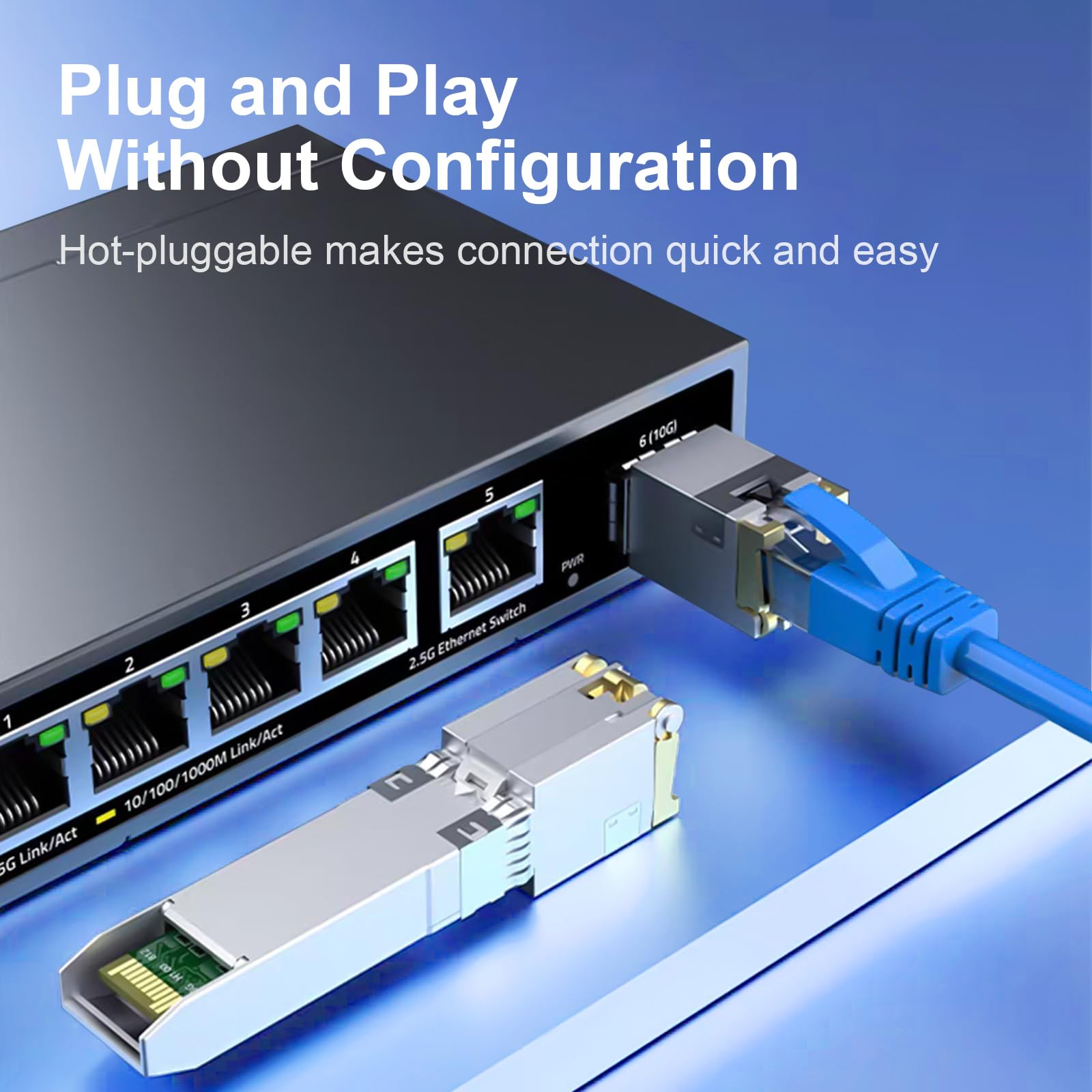
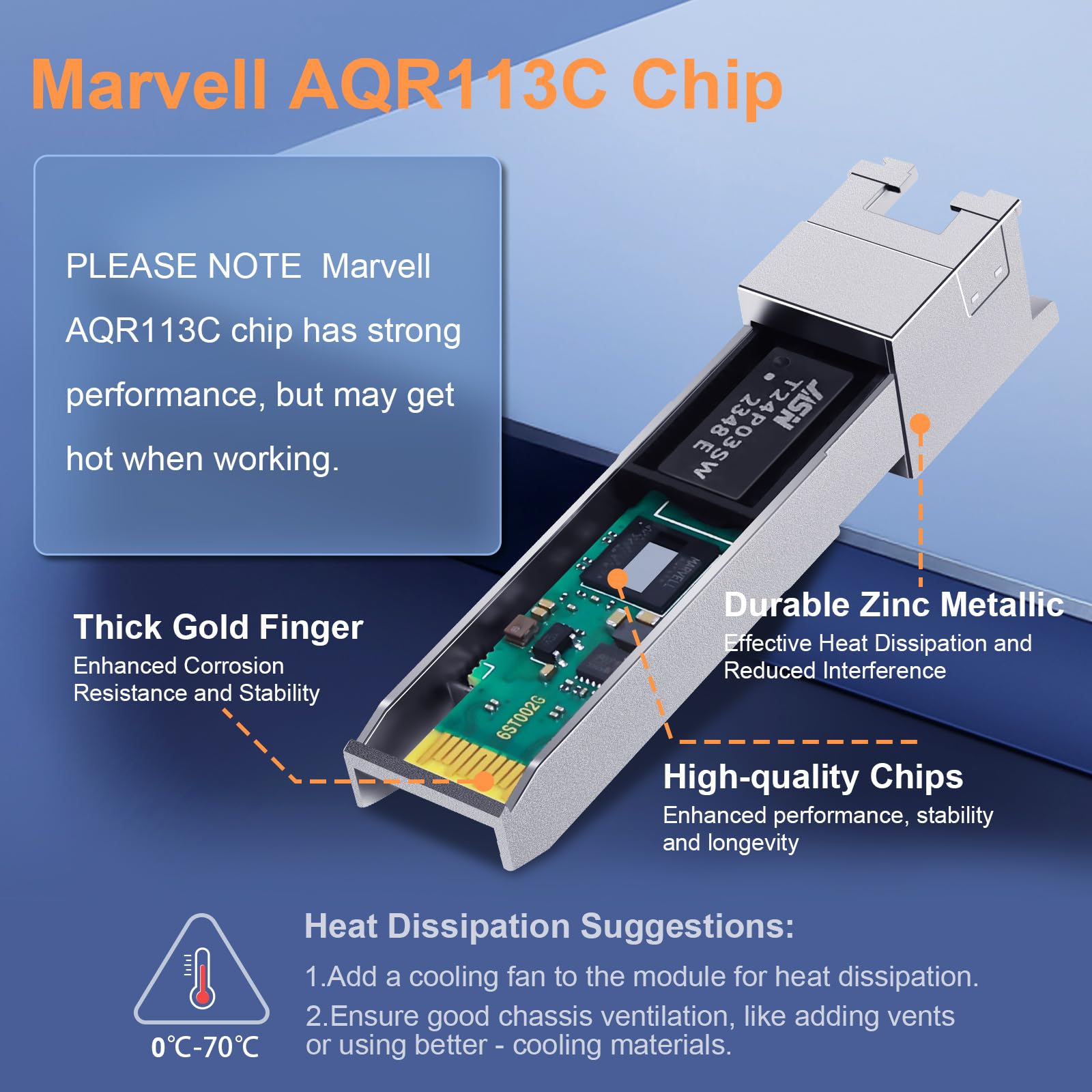
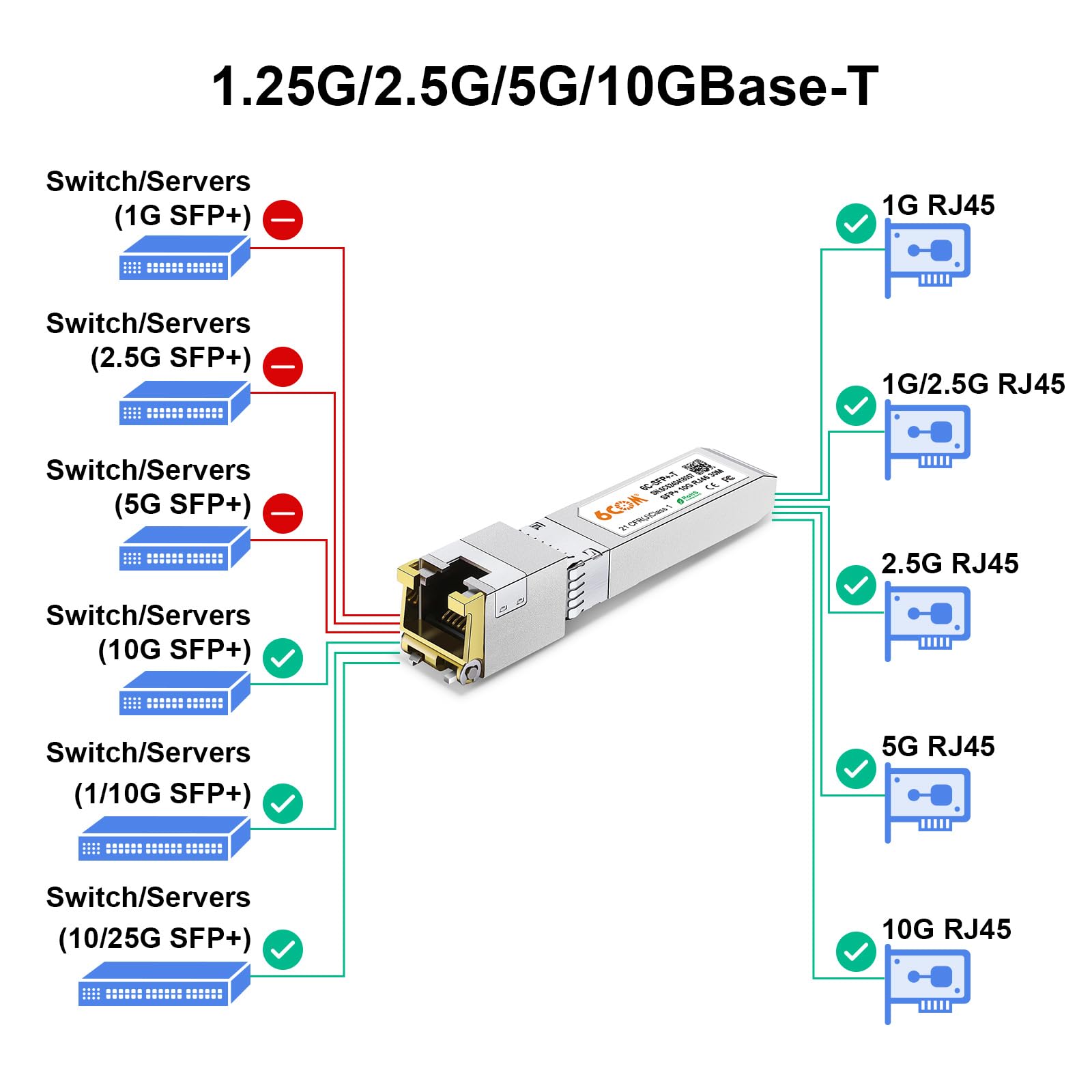
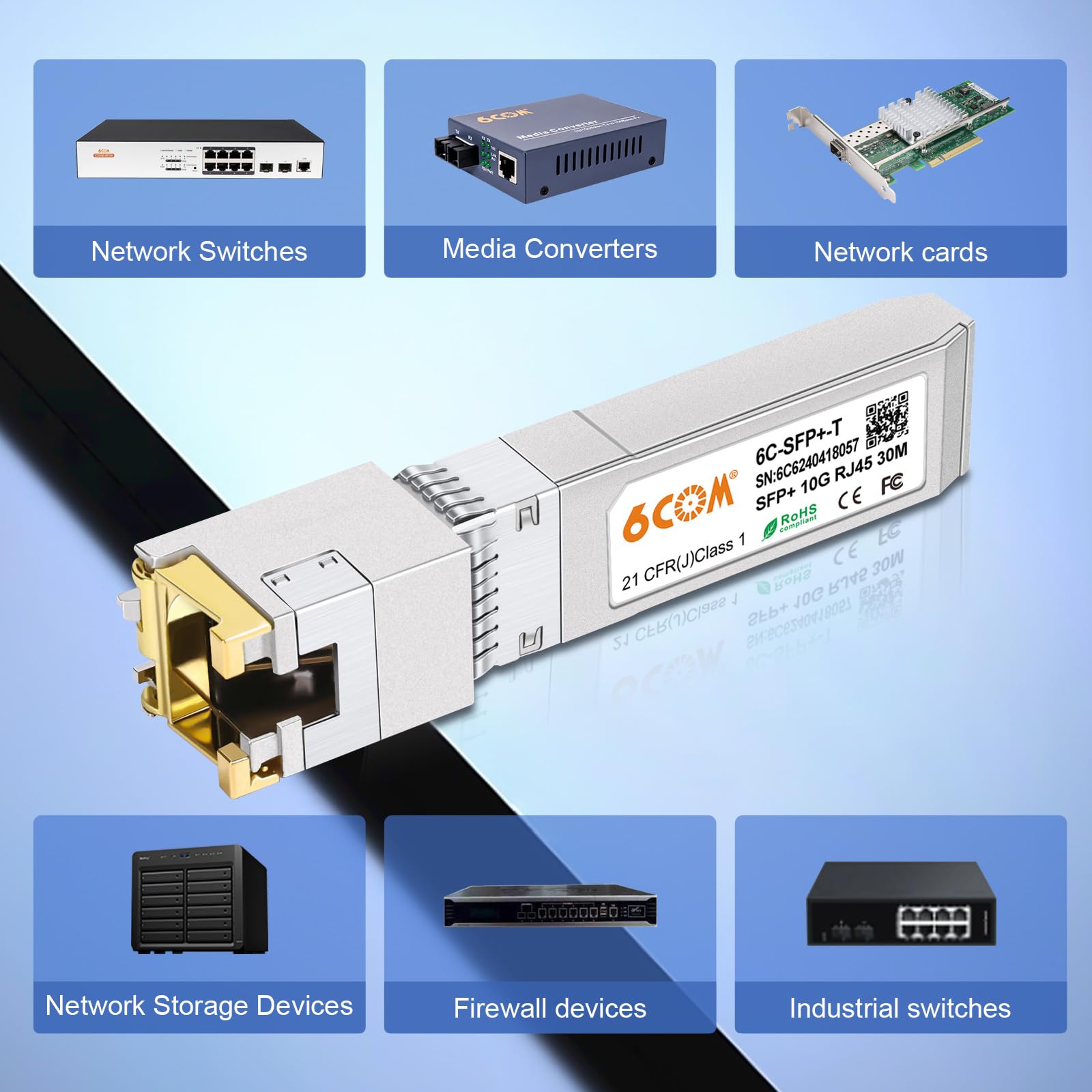
🚀 Upgrade your network, stay ahead of the curve!
The 6COM 1.25G/2.5G/5G/10GBase-T SFP+ Transceiver is a high-performance copper RJ45 module compatible with major switch brands. Supporting up to 10Gbps over CAT6a/7 cables up to 30 meters, it offers plug-and-play ease, rigorous quality testing, and a 3-year warranty, making it the go-to choice for professional-grade network upgrades.


| ASIN | B07RN7JCM6 |
| Best Sellers Rank | #31 in Computer Networking Transceivers |
| Current Rating | 6 Amps |
| Customer Reviews | 4.3 4.3 out of 5 stars (751) |
| Data Transfer Rate | 10 Gigabits Per Second |
| Date First Available | May 10, 2019 |
| Interface Type | RJ45, SFP+ |
| Item Weight | 0.598 ounces |
| Manufacturer | 6COM |
| Maximum Power | 2.5 Watts |
| Product Dimensions | 3.94 x 1.77 x 0.98 inches |
| UPC | 630792955013 |
| Upper Temperature Rating | 70 Degrees Celsius |
C**Z
great
works great
A**Y
Does as advertised
* Immediately negotiated at the max rate and has been working flawlessly for a few days now. It does get hot but nowhere near a warning temperature.
L**C
Works well with unfi equipment
Works perfectly in my unfi setup and I now get 1.5Gbps throughput from my att router.
D**S
Does what it says
Been running this for a month ( only at 2.5gb) have had not issues so far.
I**N
Perfect Solution, highly recommended, details below
My use case is a personal development network with two high end desktop workstations, one with AMD Ryzen 9 and the other with Intel i7. Both are running Ubuntu Linux 22.04.2 PRO and I am using a Mikrotik CRS306-4S-1N switch. Both Desktop systems have dual 10G NICs and cable into the switch with 6COM 6C-SFP-10G-T SFP+ 10G RJ45 Adapters and CAT8 cabling. As soon as everything was plugged in the systems came right up and everything was fast and sweet. Don't forget to plug in the backhaul cable from the switch to your in-house network feed otherwise no DHCP and the 10G connections don't com up. Highly recommended. This is plug and play and the most practical sense. Installation time was about an hour and that include putting boards in two machines, running cables, attaching adapters and installing switch. "Settings/Network/Ethernet/Wired/enp11s0f0 showed connected at 10000 Mb/s immediately.
J**Y
False adertisement.
Advertises that this device supports link speeds of 1gb 2.5gb 5gb and 10gb but my Unifi router only shows 1Gbs or 10Gbps as the options available and my motherboards NIC is 5Gb so I am not quite sure if that is the main issue that is causing voice calls to cut in and out on discord as when I first set it up I was originally going to use the SFP module on my WAN port but that kept disconnected and reconnecting to my ISP so the device may just be unreliable all together. Also find it unacceptable that it advertises that it supports the links speeds 2.5gb and 5Gb as that appears not to be the case. For those curious I was trying to use this SPF module with the Ubiquiti UCG-Fiber Cloud Gateway would not recommend.
N**R
Works well!
Works as described.
M**L
It works.
It’s a thing. It works.
A**E
Funktioniert ohne Probleme in beiden Richtungen (RX + TX) mit iperf3: $ iperf3 -4 -c 192.168.19.4 Connecting to host 192.168.19.4, port 5201 [ 5] local 192.168.19.1 port 43986 connected to 192.168.19.4 port 5201 [ ID] Interval Transfer Bitrate Retr Cwnd [ 5] 0.00-1.00 sec 297 MBytes 2.49 Gbits/sec 59 489 KBytes [ 5] 1.00-2.00 sec 296 MBytes 2.48 Gbits/sec 0 472 KBytes [ 5] 2.00-3.00 sec 295 MBytes 2.47 Gbits/sec 0 489 KBytes [ 5] 3.00-4.00 sec 295 MBytes 2.47 Gbits/sec 0 472 KBytes [ 5] 4.00-5.00 sec 295 MBytes 2.48 Gbits/sec 0 489 KBytes [ 5] 5.00-6.00 sec 295 MBytes 2.48 Gbits/sec 0 472 KBytes [ 5] 6.00-7.00 sec 295 MBytes 2.48 Gbits/sec 0 489 KBytes [ 5] 7.00-8.00 sec 295 MBytes 2.48 Gbits/sec 0 489 KBytes [ 5] 8.00-9.00 sec 294 MBytes 2.47 Gbits/sec 0 472 KBytes [ 5] 9.00-10.00 sec 295 MBytes 2.47 Gbits/sec 0 472 KBytes - - - - - - - - - - - - - - - - - - - - - - - - - [ ID] Interval Transfer Bitrate Retr [ 5] 0.00-10.00 sec 2.88 GBytes 2.48 Gbits/sec 59 sender [ 5] 0.00-10.00 sec 2.88 GBytes 2.47 Gbits/sec receiver iperf Done. $ iperf3 -4 -R -c 192.168.19.4 Connecting to host 192.168.19.4, port 5201 Reverse mode, remote host 192.168.19.4 is sending [ 5] local 192.168.19.1 port 41356 connected to 192.168.19.4 port 5201 [ ID] Interval Transfer Bitrate [ 5] 0.00-1.00 sec 295 MBytes 2.47 Gbits/sec [ 5] 1.00-2.00 sec 295 MBytes 2.47 Gbits/sec [ 5] 2.00-3.00 sec 295 MBytes 2.47 Gbits/sec [ 5] 3.00-4.00 sec 295 MBytes 2.47 Gbits/sec [ 5] 4.00-5.00 sec 295 MBytes 2.47 Gbits/sec [ 5] 5.00-6.00 sec 295 MBytes 2.47 Gbits/sec [ 5] 6.00-7.00 sec 295 MBytes 2.47 Gbits/sec [ 5] 7.00-8.00 sec 295 MBytes 2.47 Gbits/sec [ 5] 8.00-9.00 sec 295 MBytes 2.47 Gbits/sec [ 5] 9.00-10.00 sec 295 MBytes 2.47 Gbits/sec - - - - - - - - - - - - - - - - - - - - - - - - - [ ID] Interval Transfer Bitrate Retr [ 5] 0.00-10.00 sec 2.88 GBytes 2.48 Gbits/sec 2 sender [ 5] 0.00-10.00 sec 2.88 GBytes 2.47 Gbits/sec receiver iperf Done.
L**U
Fonctionne parfaitement avec ma Freebox Ultra et mon switch ugreen, n'ayant que 8gb max je ne peux pas dire pour les 10gb mais les 8 sont bien transmis sans perte.
S**.
Fast delivery and no issue on 1gbit on unifi dream machine pro.
T**A
Funktioniert auf Anhieb und ohne Probleme mit Netgear GS110TP und GS728TP. Das Teil macht einen wertigen Eindruck und ist gut verarbeitet.
B**O
Nello switch mi servivano altre due porte RJ45 gigabit e l'adattatore originale MikroTik S-RJ01 costava quasi il doppio di questo. Ho acquistato allora qui due moduli SFP scegliendo il mod. "6C-SFP-T", che sembra essere del tutto equivalente all'originale, supportando i tre data rate 10/100/1000M. Ho testato le sole velocità 100M e 1000M ed è tutto OK. Durante l'acquisto occorre fare però attenzione nella scelta del modello perchè c'è anche il "6C-SFP-M", che però supporta solo il data rate 1000M e non permetterebbe pertanto la connessione LAN di dispositivi con velocità 10/100M. Considerando che costa come l'altro, tanto vale prendere quello più compatibile.
Trustpilot
1 day ago
1 week ago