

Desert Online General Trading LLC
Dubai, United Arab Emirates
Desert Online General Trading LLC
Dubai, United Arab Emirates

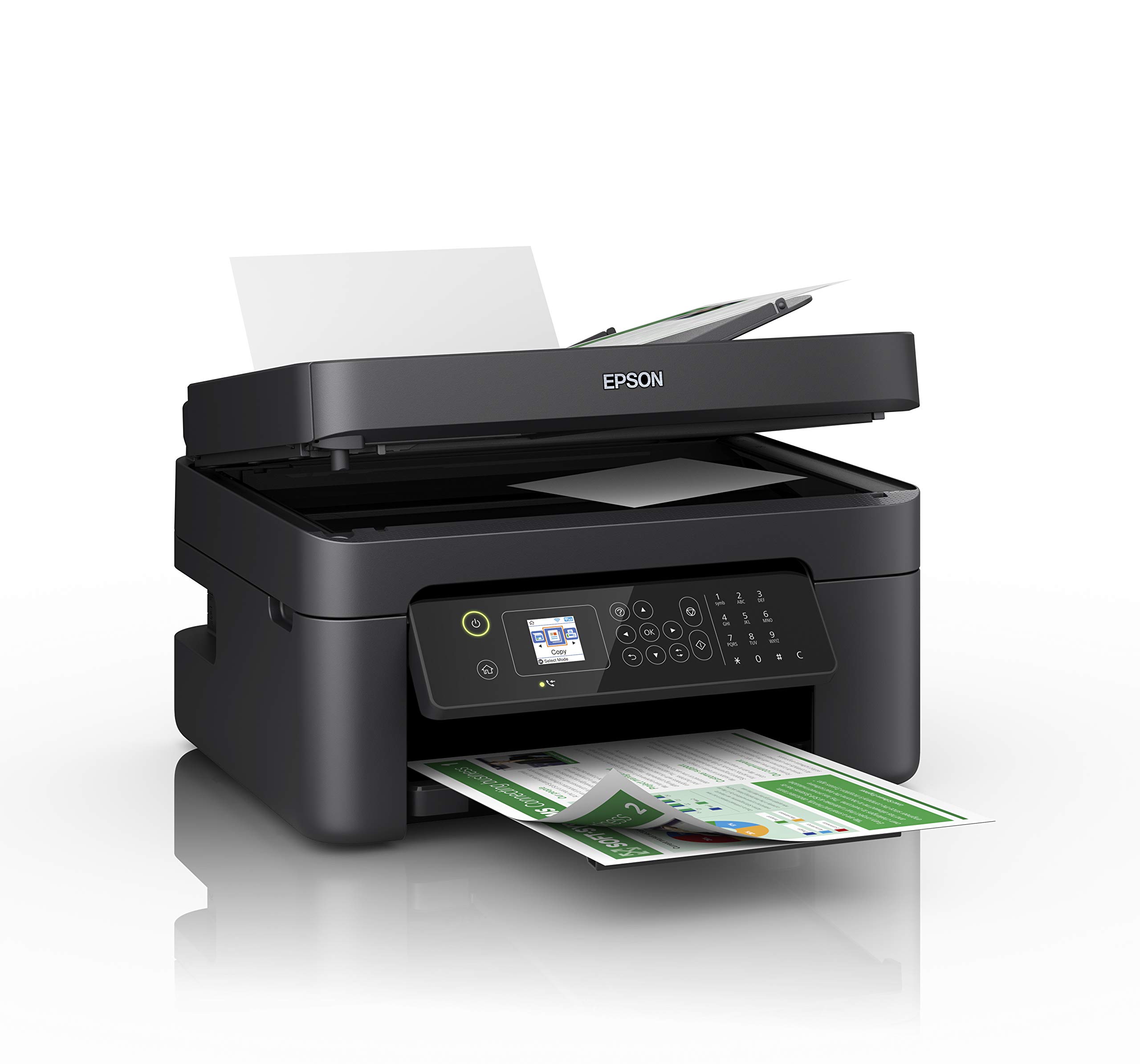
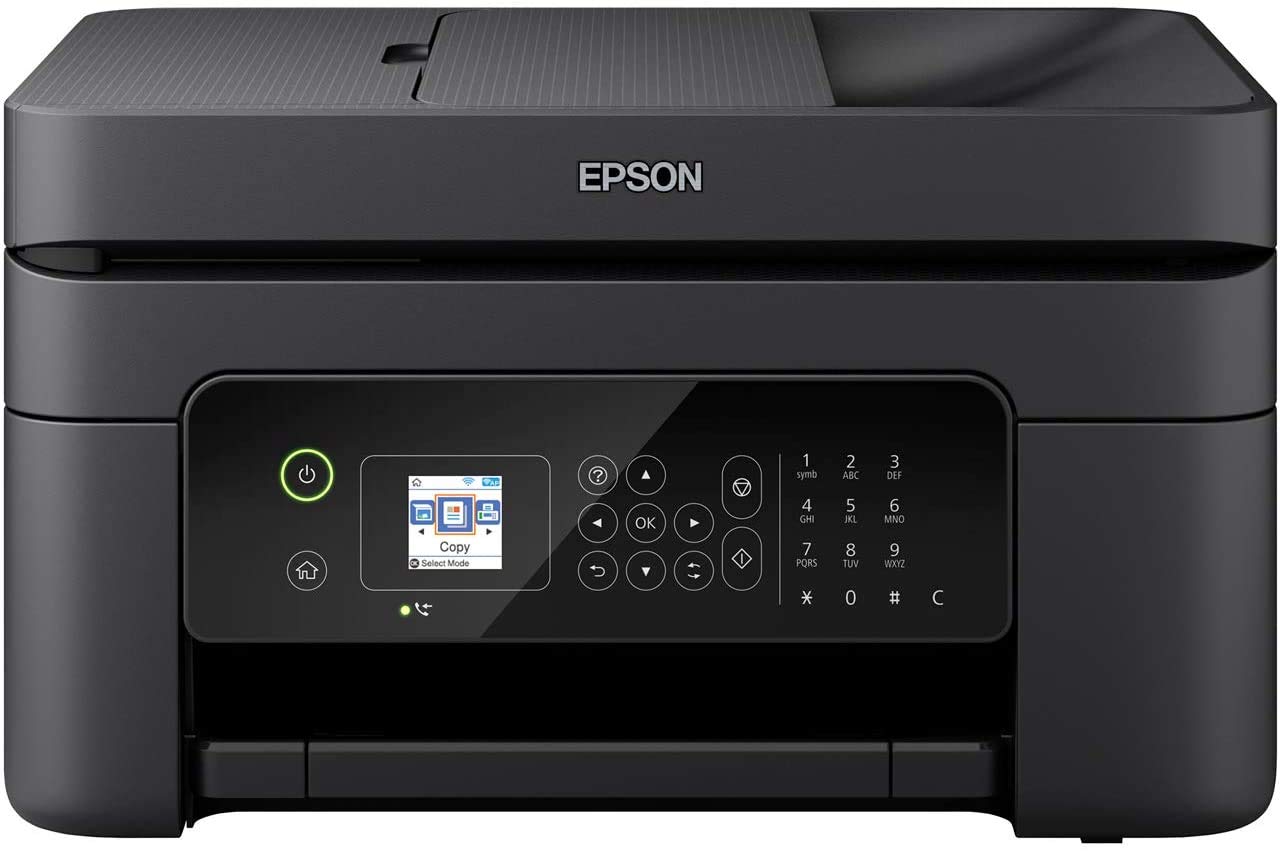

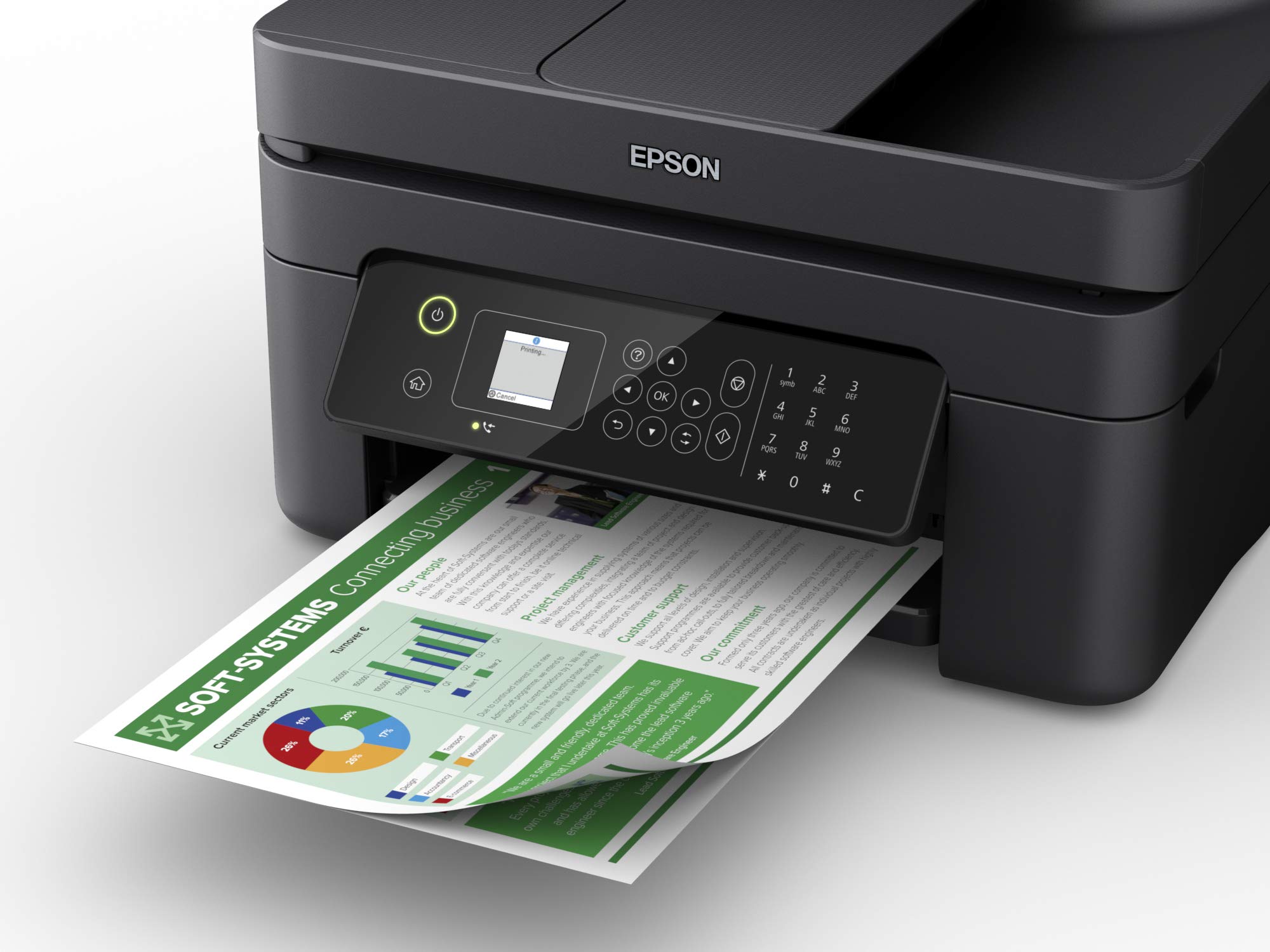

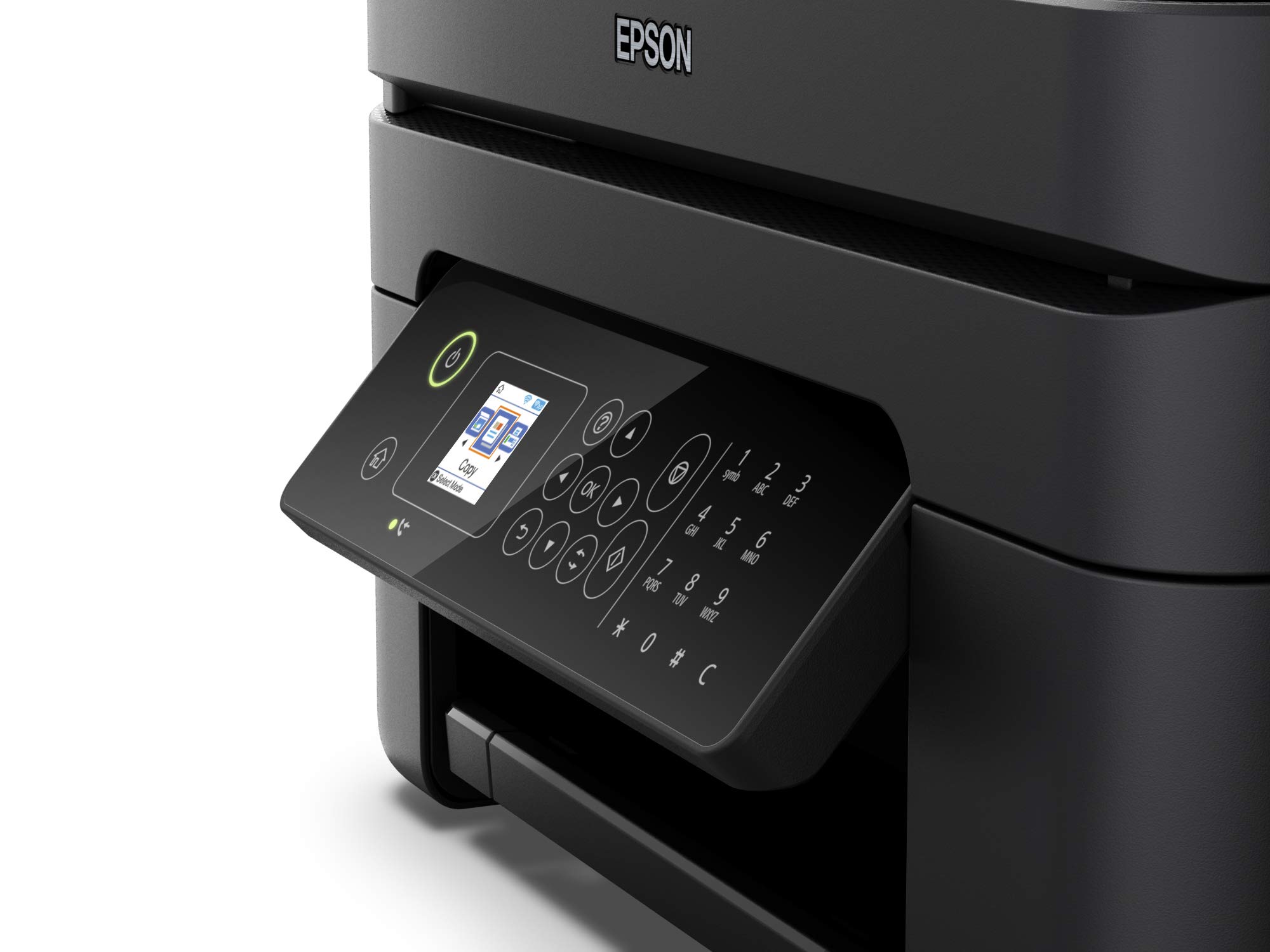
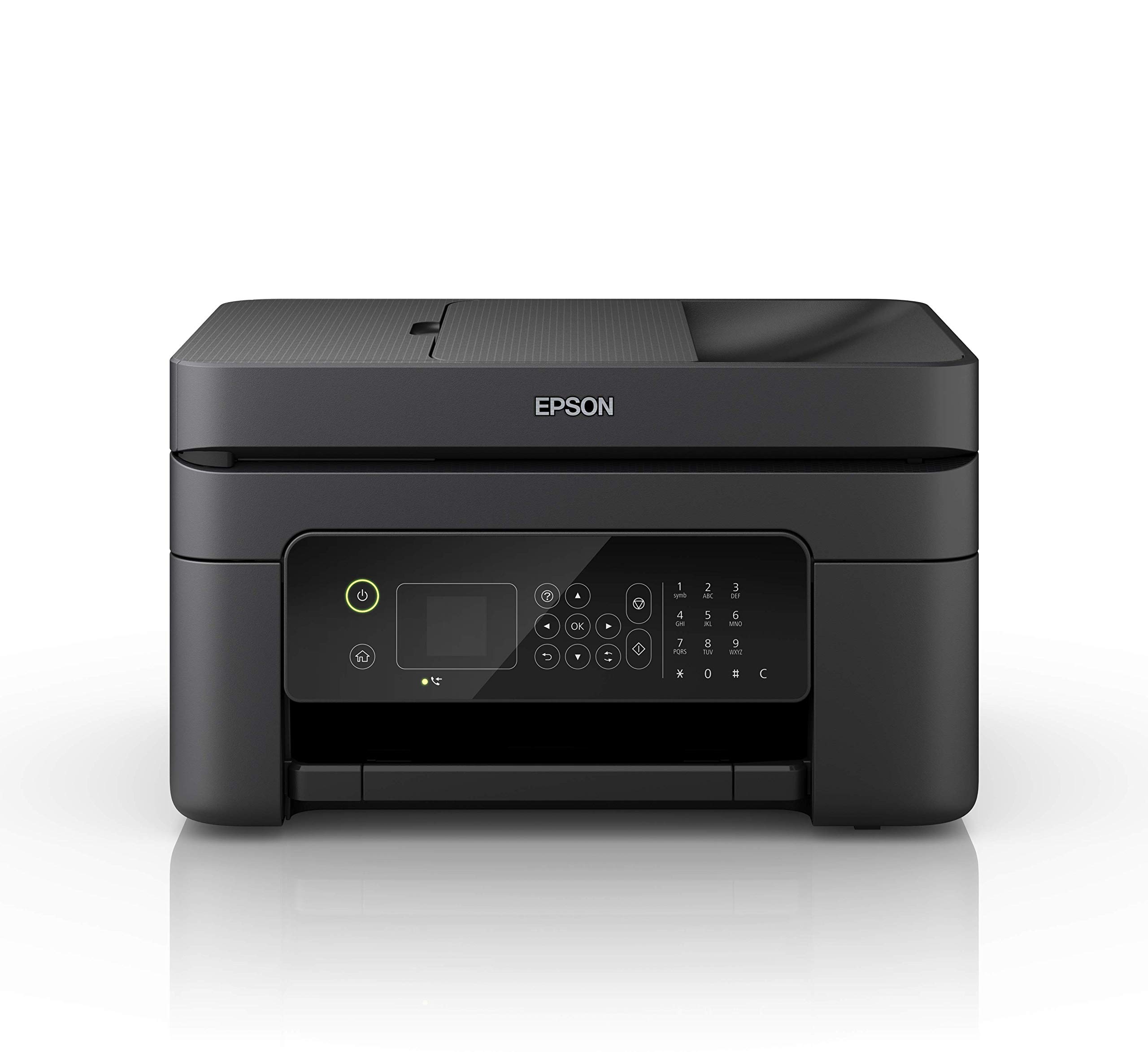
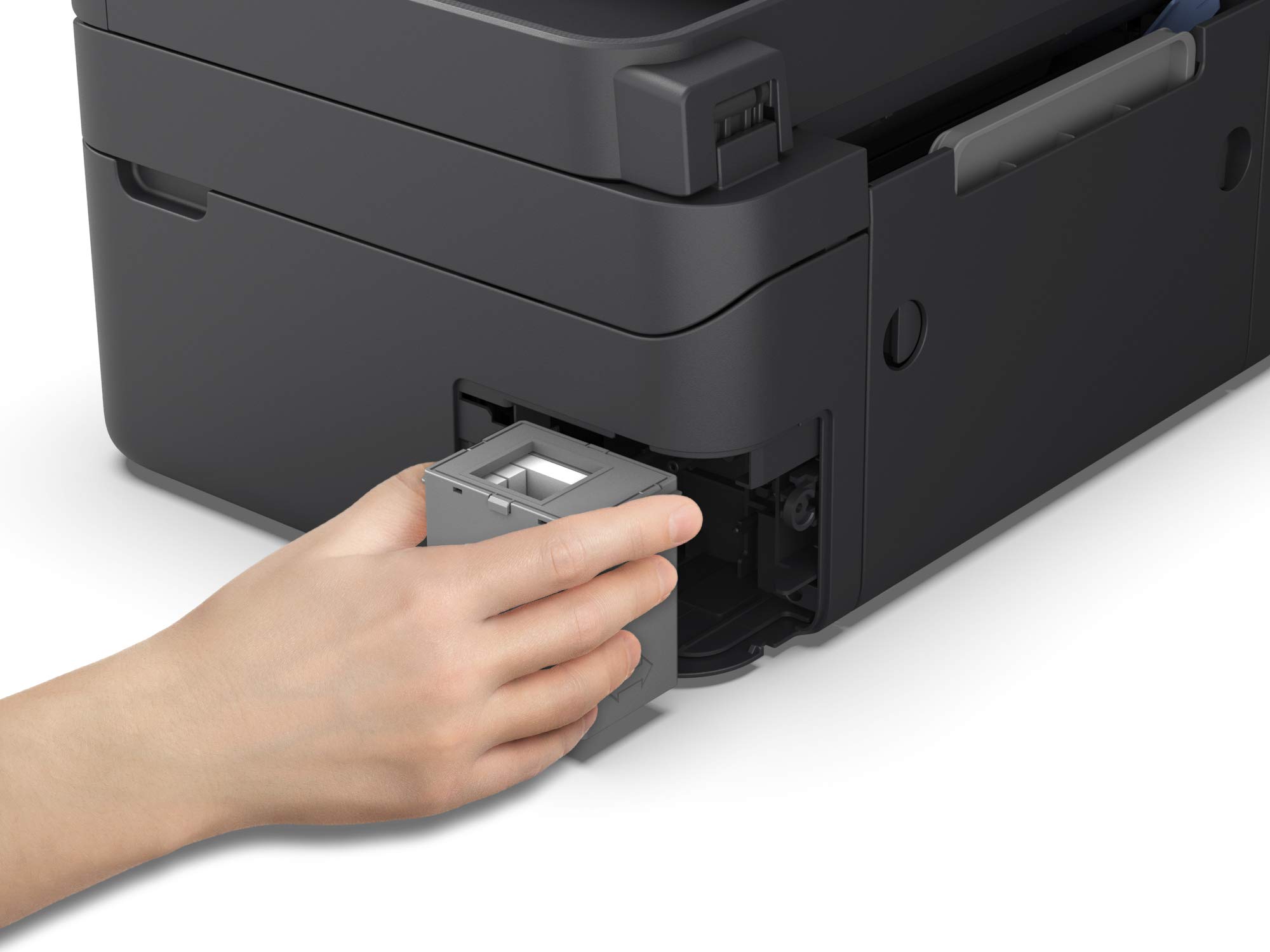
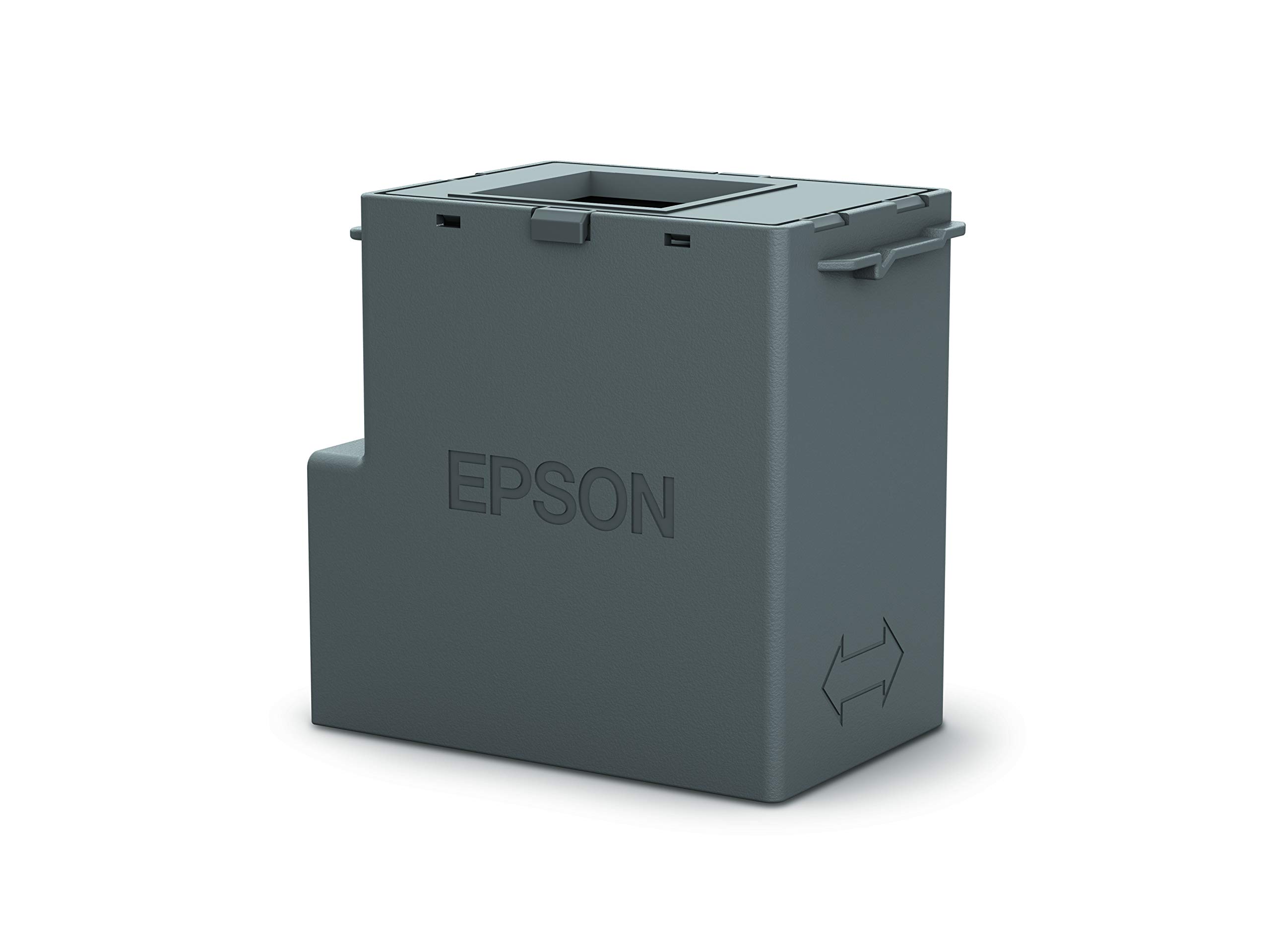
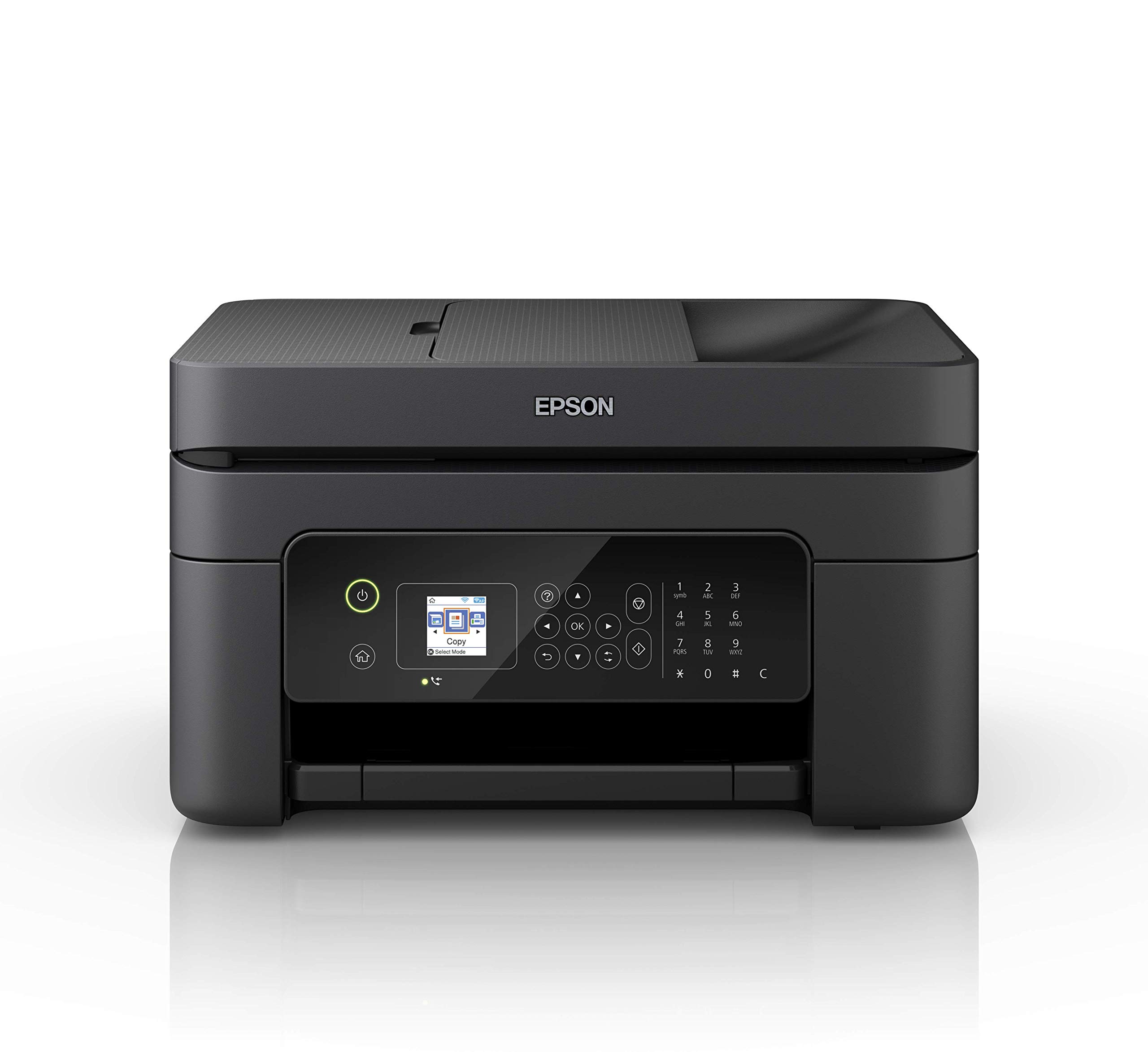
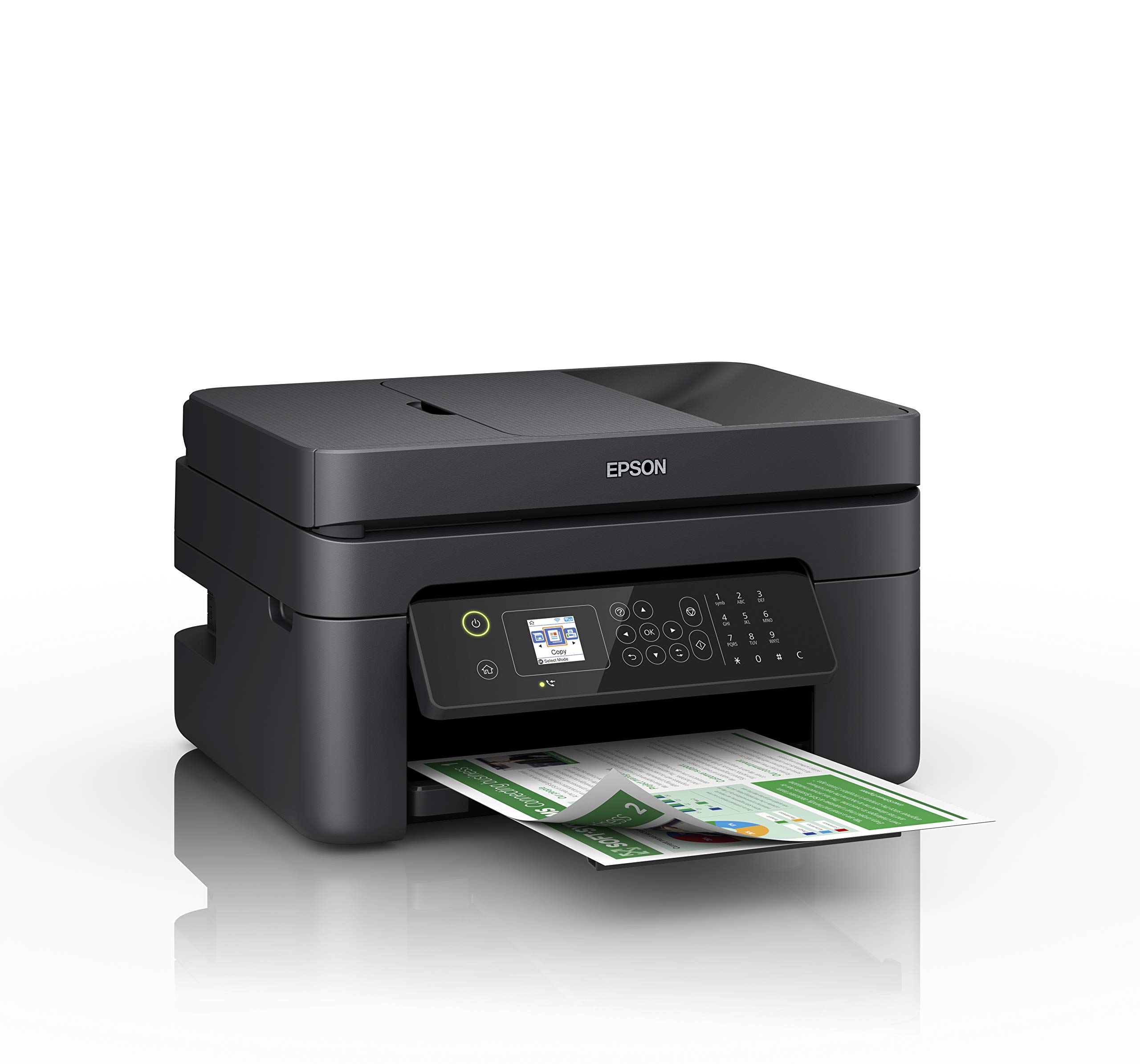
🖨️ Elevate your workspace with smart, sleek, and sustainable printing power!
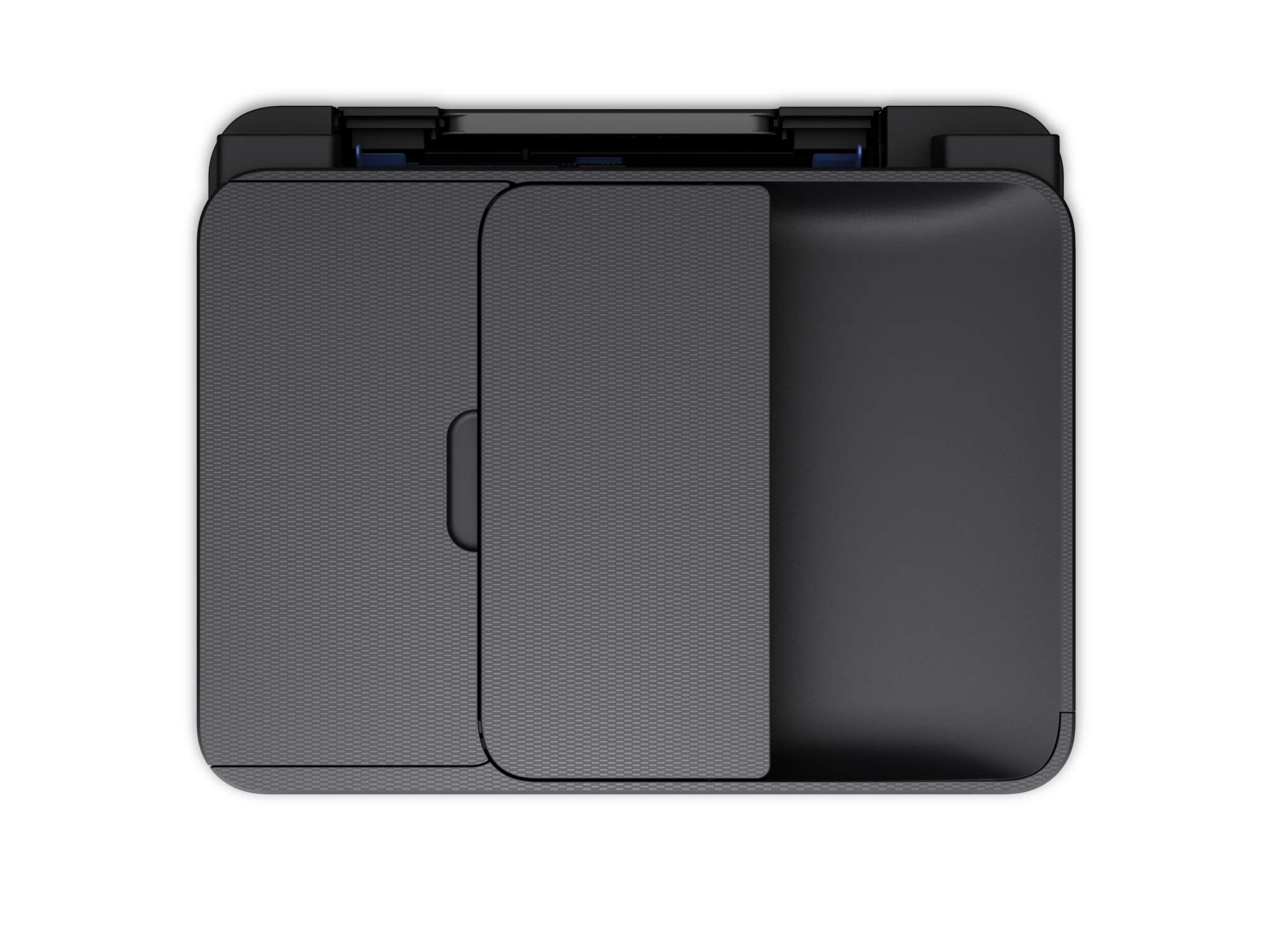
The Epson WorkForce WF-2830DWF is a compact, energy-efficient 4-in-1 Wi-Fi printer offering high-resolution printing (up to 5760 x 1440 dpi), automatic document feeding, and duplex printing. Designed for seamless mobile integration and cost-effective ink management, it’s perfect for professionals seeking reliable, multifunctional office tech.


| Controller type | Android |
| Maximum Supported Paper Size | 8.5 x 11 inch |
| Power consumption | 13 Watts |
| Included components | Driver and utilities, Individual Ink Cartridges, Power Cable, Software |
| Print media | Paper (plain) |
| Scanner type | Sheetfed |
| Max copy speed (black and white) | 30 ppm |
| Compatible devices | Smartphones, Tablets |
| Maximum colour print resolution | 5760 x 1440 dpi |
| Sheet size | 8.27 x 11.69 |
| Maximum black and white print resolution | 5760 x 1440 |
| Dual-sided printing | Yes |
| Wattage | 13 watts |
| Manufacturer | Epson |
| Model Number | WF-2830DWF |
| Package Dimensions | 45.5 x 40.2 x 29.8 cm; 5.2 kg |
| Number of Items | 8 |
| Size | WF-2830 |
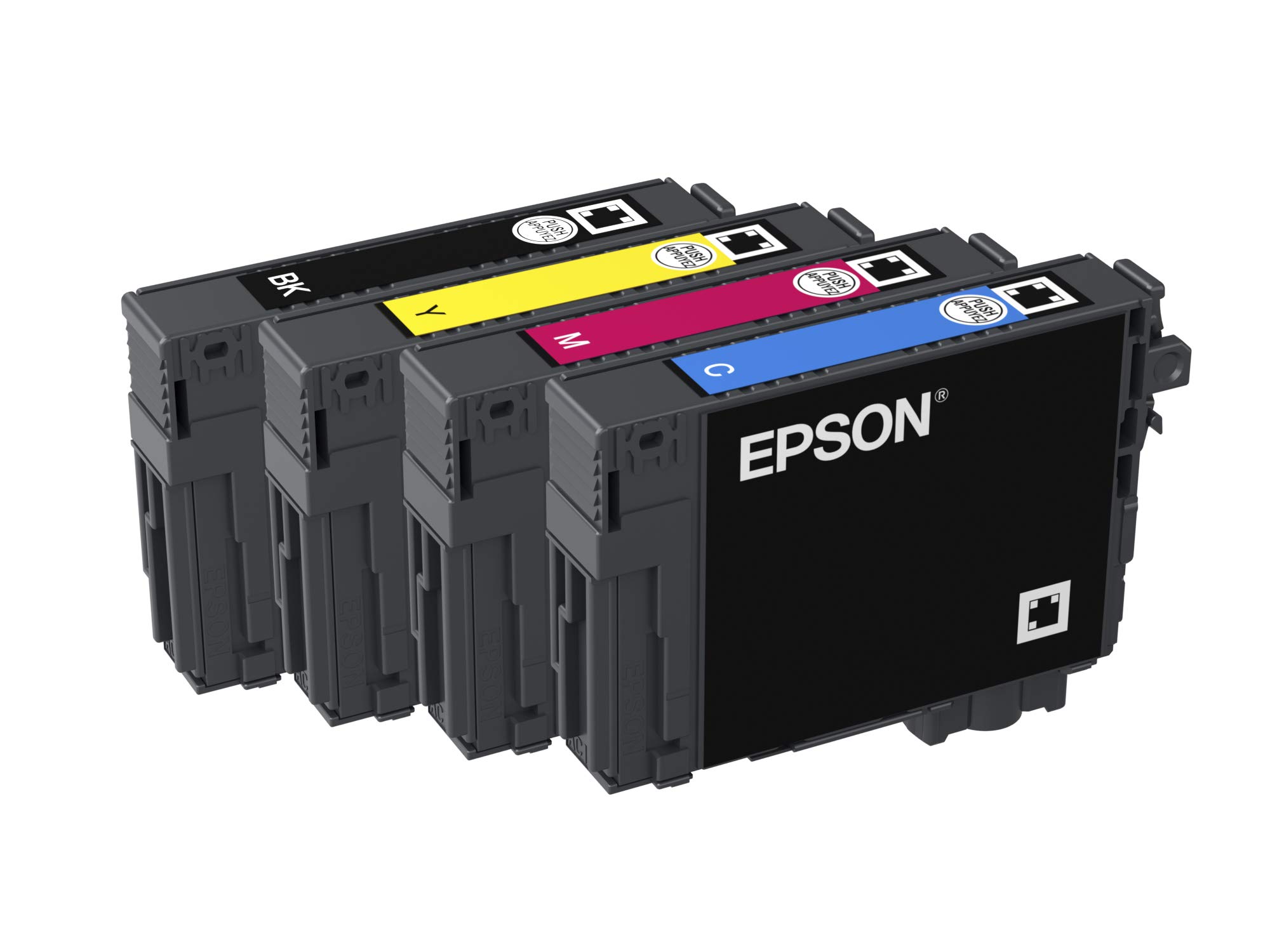
| Ink Colour | Black, Cyan, Magenta, Yellow |
| Manufacturer Part Number | WF-2830DWF |
| Item Weight | 5.2 kg |
B**S
Very good printer one of the best i brought so far
The media could not be loaded. I bought this printer because I needed a double side printer I had a printer at my home already and it just didn’t do double side and the ink was very expensive I bought this printer to print a whole homeschool curriculum and I found the ink for this printer very cheap comparing it to the printer I had before I’ve managed to print and still have ink to print again. The only bad thing I have to say is that at the moment I’m out of yellow ink and it’s not allowing me to print at all not even in black-and-white but I think this is due to the lack of knowledge of the printer so I will be phoning up Epsom and finding out how can I fix that maybe is just a simple thing in the settings to reset or something I don’t know
B**Y
steady reliable printer, good for home use.
Pros: prints just fine, being wireless it can be put in most positions about the house. The scan2 program for windows works great and isn't the slowest printer i've ever used.Cons: Scanner can be a tad slow but not terrible, the biggest problem is replacement ink costs. The cartridges look virtually identical to the cheap epson xp345 cartridges but cost about three times as much, even for compatibles. That said, HP, Canon etc can be as expensive.
M**N
A genuine workhorse
Fairly easy installation instructions but not an absolute breeze. A reliable WiFi connection and an ADF for bigger copying jobs. A sturdy machine and seemingly good value for money. I have only had it for a month.There is a UK-based subscription for cartridge supplies with a variety of plans starting at £1.29 per month. My previous printer could not even connect with the Supplier for a similar package. The dial face should be bigger as the instructions on the face are rather small. I am happy with the purchase.
M**R
Has worked well for several months.
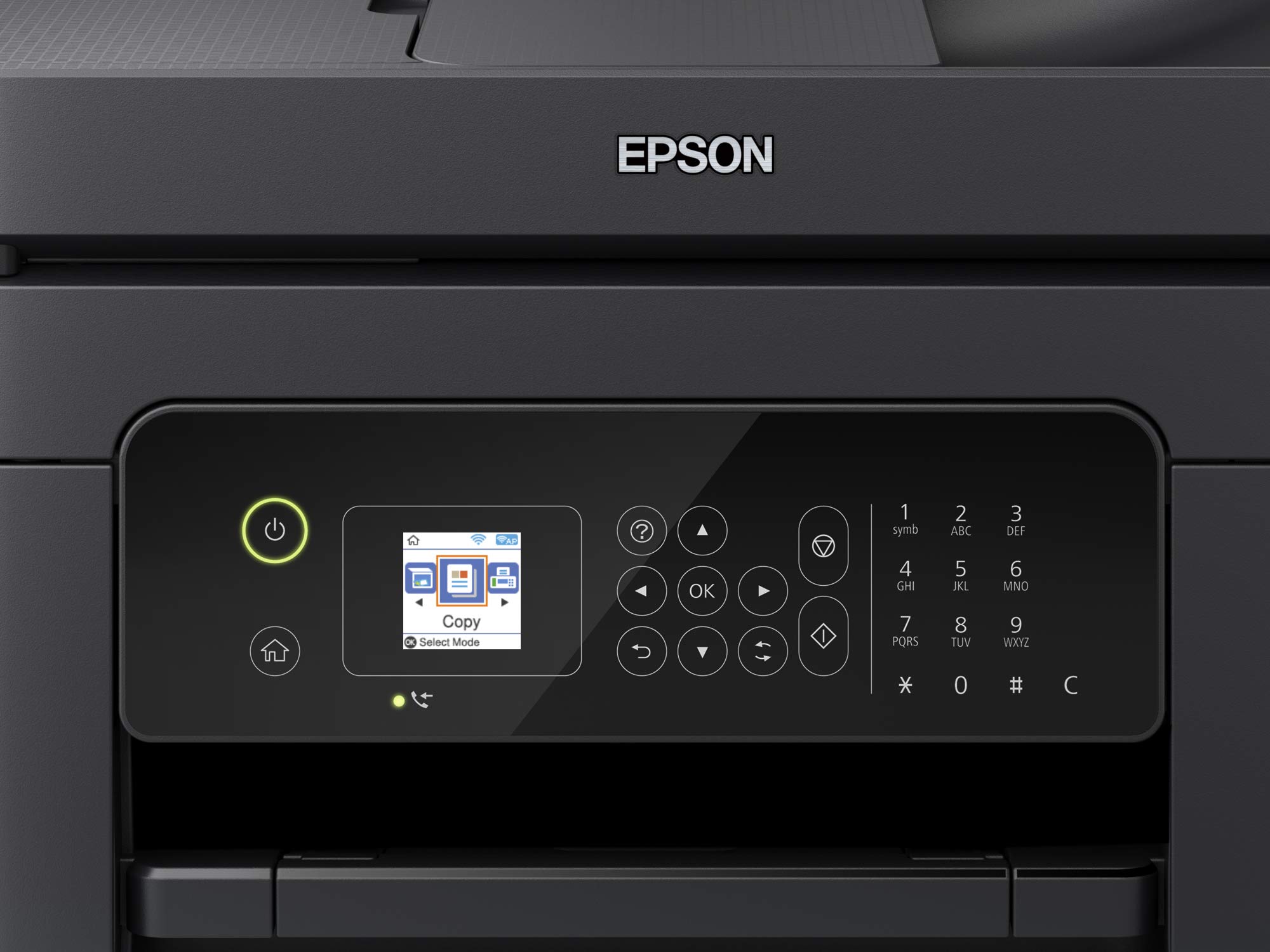
Usual excellent Epson quality. Only gripe is the small screen which is difficult to read. Haven't had to use tech support so unable to rate this.
W**N
Need help in fixing it
Hi can someone get back to me I bought this printer in feb and worked fantastic but all of a sudden it’s gone into recovery mode and will not come out of it no matter what I do to try and fix it will not connect with usb cable either anyone any ideas cheers if anyone could email me how to fix it [email protected] I have turned it on and off does not work
A**R
Too expensive to run!
This is a low cost printer which is OK for some basic printing. It doesn't feel like a high quality machine but that's reflected in the price, and it will do some OK printing and scanning (but not great quality).The problem is, of course, ink. It runs out fast and it's expensive.What makes things worse is that that the printer won't let you print in black and white when one of the colour inks is depleted! The ink the printer comes with runs out very quickly and then you are forced to buy colour ink even if you only want to print in black!Update: after 2 years of owning the printer it just stopped printing. It works fine as a copier but no matter what I do, all prints come out garbled.The printer has a great feature called printer counter. Here's my stats:242 total pages printed. 25 colour pages printed. Yet I needed to replenish my colour cartridges, I think this reinforces my argument above
P**T
Dearer to buy, dearer to run and less capable than the previous epson printer it replaces. Garbage
I've learned that Epson printers tend to last 4 years before needing replacing.This one feels cheaper than the previous two epson printers and certainly wasn't foolproof to get connected to a Mac via wireless. I could get the printer to join the network but a Mac (latest OS, latest patches) couldn't auto-install and didn't provide any helpful messages. It was only after downloading the epson software bundle and starting from scratch that everything connected.Again, a downgrade in capability over the previous two printers which just installed out of the box with no issues.2 months in, it looks like this printer also eats ink cartridges like crazy. Colour cartridges used to last 11 months and now last 1!I really wouldn't recommend this printerLess than a year into printer ownership and it continues to prove itself as a cheap piece of garbage. Regularly gets paper jams where you need to remove a flimsy back panel to remove the eaten pieces of paper.Of all the printers I've owned over ~25 years, this is absolutely bottom of the pile.Update after 12 months of ownership and 700 pages printed, the printer has died.I know printer companies make their money from ink but I don’t think this printer could be made any cheaper.Has now been replaced with a brother colour laser.
L**.
Good value and good quality print
Ordered to replace an old HP. Very impressed with print quality - colour spot on printing a photo from my phone. V easy set up with wizard on the screen, driver CD did not work in my old laptop (May be the laptop causing it) and was easy to download drivers online. Cartridges v easy to fit, although replacement cartridges are not the cheapest on the market. Haven’t yet tried the feeder or scanner.
Trustpilot
5 days ago
1 month ago