Some deliveries may take a little longer than usual due to regional shipping conditions.

DOWNLOAD THE APP


Customer Services
Copyright © 2025 Desertcart Holdings Limited
DOWNLOAD THE APP
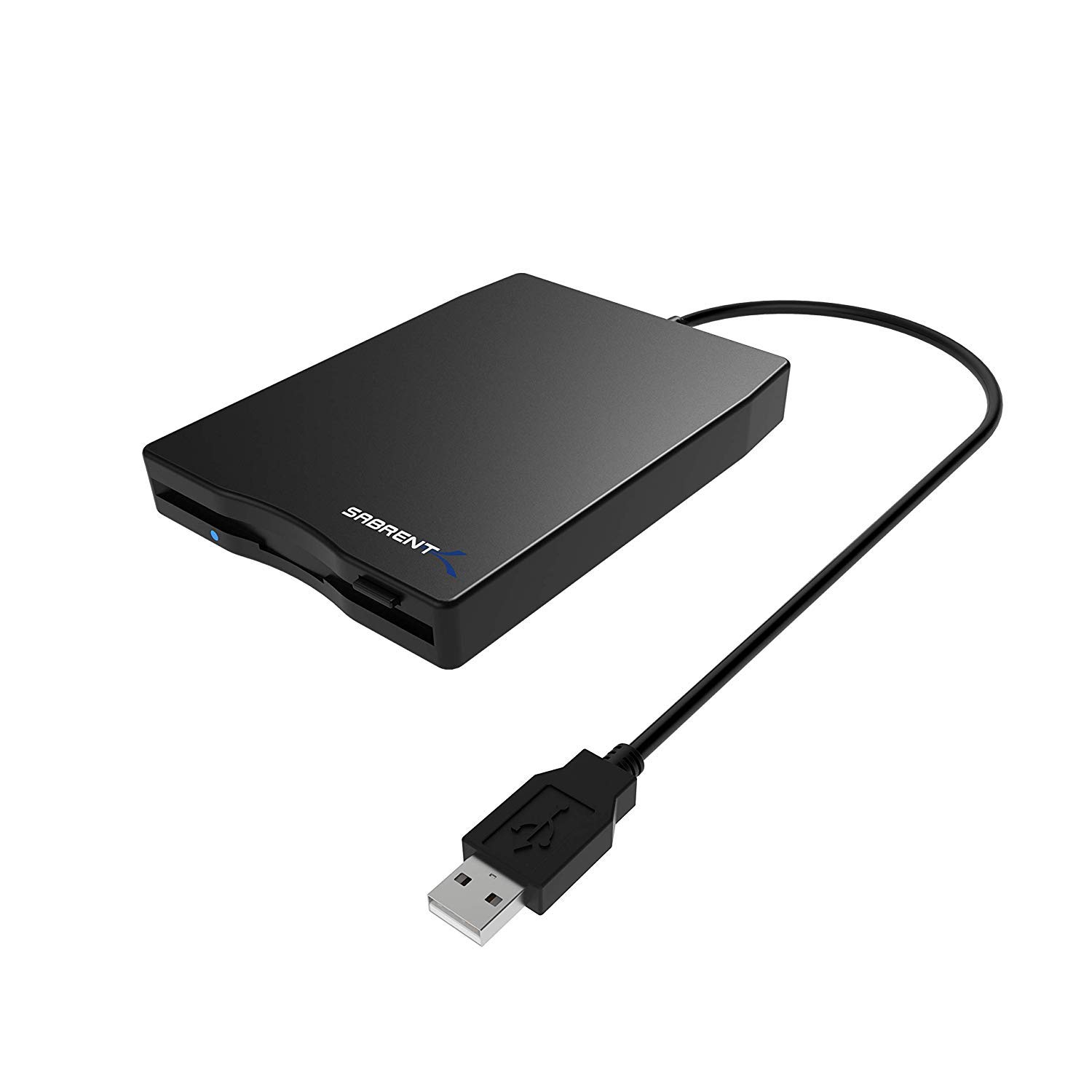




💾 Unlock your digital archives with sleek, effortless nostalgia!
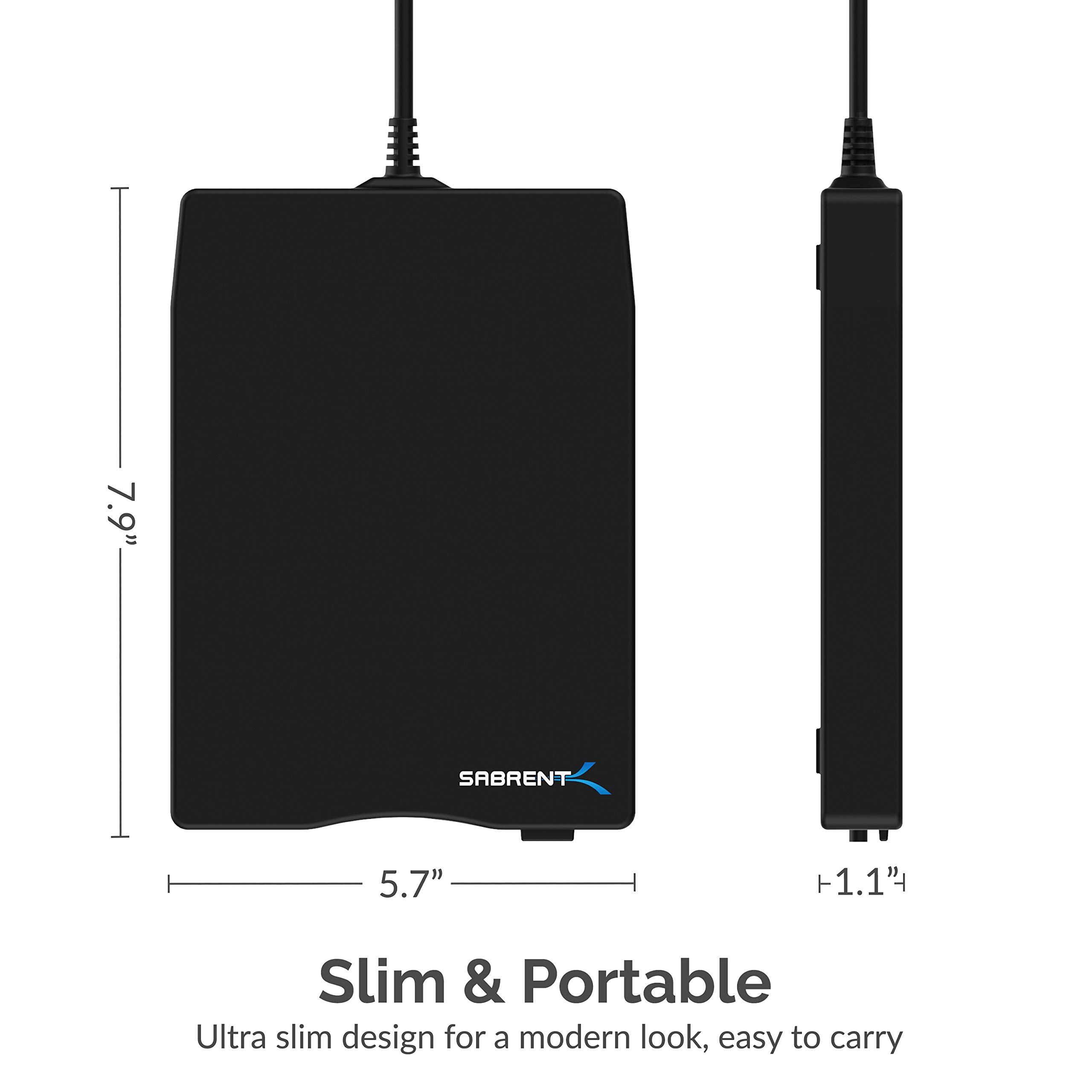
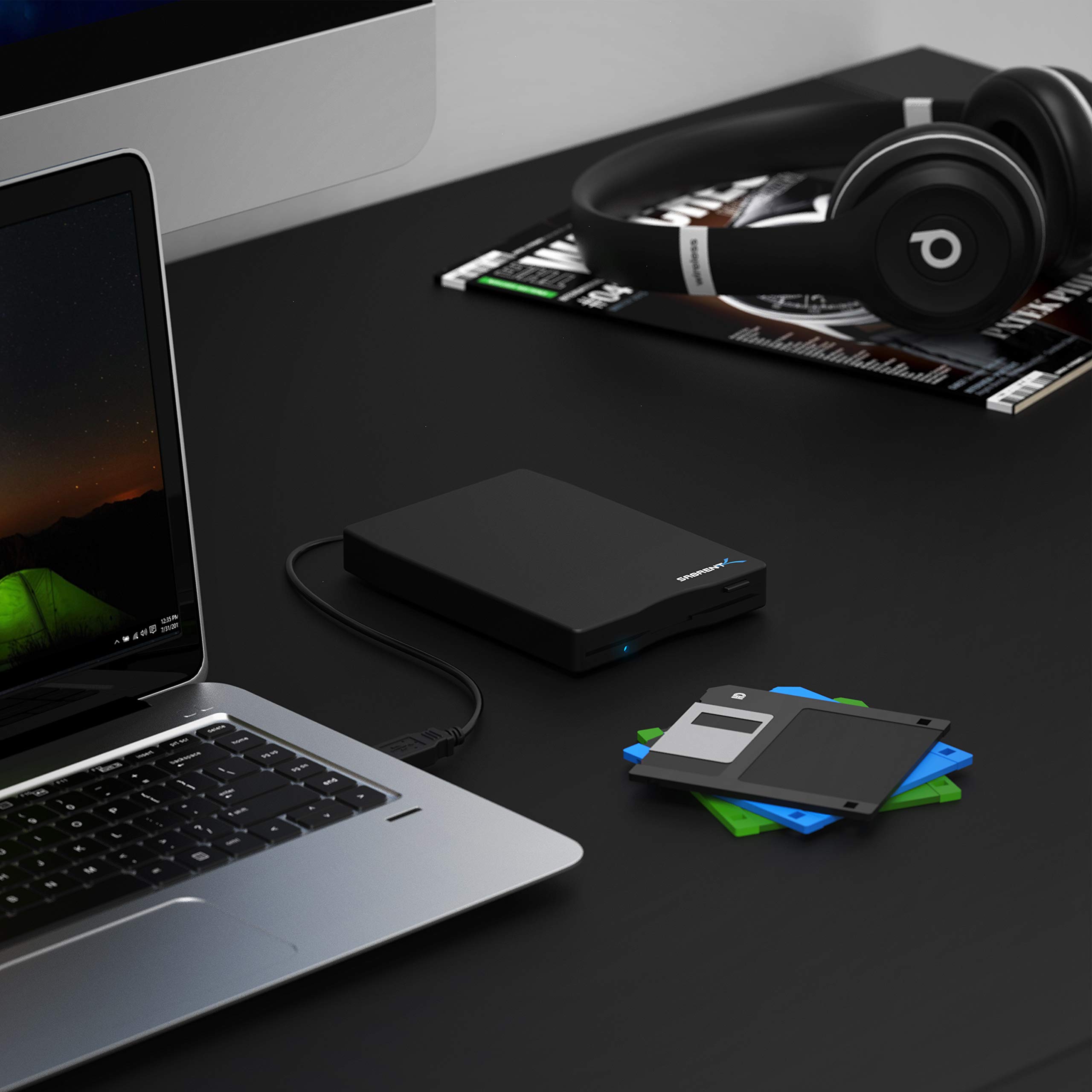
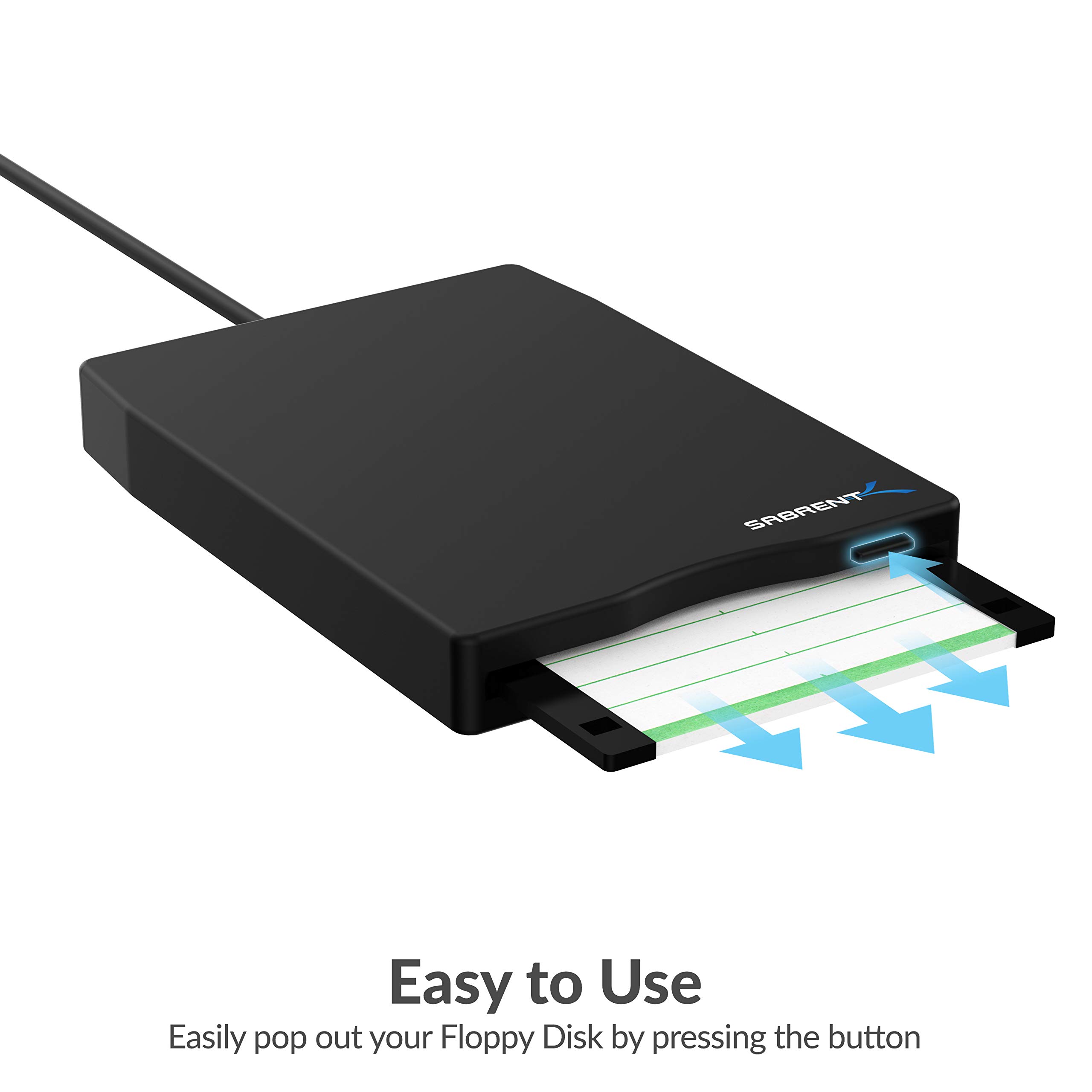
The Sabrent External USB 1.44 MB 2X Floppy Disk Drive is a compact, USB-powered device designed to read and write legacy 3.5" floppy disks. Featuring plug-and-play functionality with no additional drivers required, it supports Windows and Mac OS platforms. Its ultra-slim, lightweight design makes it highly portable, while delivering a data transfer rate of 1 Mbps and a formatted capacity of 1.44 MB, perfect for accessing and preserving vintage data effortlessly.
| ASIN | B00E9MD700 |
| Additional Features | Portable |
| Best Sellers Rank | #303 in Floppy & Tape Drives |
| Brand | SABRENT |
| Built-In Media | Sabrent External USB 1.44 MB 2x Floppy Disk Drive |
| Cache Memory Installed Size | 1.44 |
| Color | Black |
| Compatible Devices | Desktop |
| Connectivity Technology | USB |
| Customer Package Type | Standard Packaging |
| Customer Reviews | 4.1 out of 5 stars 3,194 Reviews |
| Enclosure Material | Flexible Plastic Disk |
| Form Factor | 1.8-inch |
| Global Trade Identification Number | 00078433269721, 00819921010667 |
| Hard Disk Description | External USB 1.44 MB 2x Floppy Disk Drive |
| Hard Disk Form Factor | 1.8 Inches |
| Hard Disk Interface | USB 1.1 |
| Hard Disk Rotational Speed | 300 RPM |
| Hard-Drive Size | 1.44 MB |
| Hardware Connectivity | USB |
| Installation Type | External Hard Drive |
| Item Height | 1.1 inches |
| Item Weight | 0.6 Pounds |
| Manufacturer | SABRENT |
| Model Name | FL-UDRV |
| Model Number | FL-UDRV |
| Number of Items | 1 |
| Read Speed | 0.13 Megabytes Per Second |
| Special Feature | Portable |
| Specific Uses For Product | Personal |
| UPC | 078433269721 819921010667 |
| Warranty Description | 1 Year limited |
R**Y
Does the trick!
This worked just fine in transferring files from old 3.5" floppy disks. Although this is plug-and-play, a few tips from the manual (found online at the URL mentioned in the slip of paper included in the package) may prevent frustration. 1. Make sure that the floppy disk you are using is 1.44 MB density. Any other density will not work with this drive. 2. After plugging the drive into your computer, make sure you allow a full minute or so for the disk to mount before inserting a floppy disk into the drive. Even if the drive shows up as “Floppy Disk Drive (A:) right away, it might not read the disk if you don't wait the full minute. 3. Connect the drive directly into a USB port, and NOT through a USB hub or extension. On some computers, the USB port may not be providing enough power to daisy chain through a 2nd device. 4. On some computers, the USB ports on the back have more power than the ones in front. So if it's not working when connected to the USB port in front, try one in back. 5. If the write-protect tab on the disk is closed, the drive might not work with the disk. The tab slides up and down to cover or uncover a square in the upper right-hand corner of the disk (when viewed from the label side). If the square is uncovered, then the disk is write-protected. FWIW, I had no trouble reading write-protected disks. 6. Before accessing any of the files, highlight (select) all of the files listed (you can use CTRL-A as a shortcut). This will cache the files and make transferring and opening the files much faster. A green progress bar should fill up in the explorer bar. Allow the bar to fill completely before trying to access the files.
T**A
Works great
Works great right out of the box with no issues. Excellent little device! Update: When I use it on my 6-year-old Toshiba PC running Windows 7, it's quiet, with no clicking or extraneous noises until the floppy is loaded. Then you hear the usual whirring noises. On a whim, I plugged it into my new MacBook Pro running OS X Yosemite. There was a rhythmic clicking from the unit before I inserted a floppy. I was afraid that it wouldn't work. Surprise - it accepted the floppy and I easily wrote a file to it using Word 2010. When I hooked the Sabrent back into my Toshiba to copy the MacBook file onto my PC, my Win 7 immediately told me that I would have to reformat the disk before I could use it. I closed that dialog box and opened the Sabrent floppy drive using Start/Computer. The drive was recognized, my file was on it, and I was able to retrieve it without any problems. This is a software issue, not a problem with the Sabrent floppy drive. It works great! Just Be careful if your computer tells you you have to reformat. You'll probably lose everything on the disk if you do.
M**H
a very helpful gadget
I was looking for a way to get old documents and photos off of about 60 floppies I had in a box. I had stored the documents and photos on the floppies on a 1996 windows pc, and now I have a mac. Additionally there were more photos and docs on the '96 machine that I wanted to save. I wasn't sure if or how this would work. The information provided didn't make me feel very confident. However the price was right, and I took a chance. Overall it worked very well. My goal here is to comment on the Sabrent floppy drive as well as explain what I did to recover all these documents and photos. I'm probably not the only one who let too much time go by without taking care of this sort of situation. First of all, I could have given the Sabrent drive 5 stars, but I chose to give it 4 because of a few issues. The instructions that came with it seem to only apply to windows machines. Would it really hurt to provide a little more helpful information?!?!? It is plug and play with my mac, but not always. Sometimes I'd plug it in and it would make a grinding noise indicating it was ready to read a disk. Sometimes it only made a humming sound, and I'd have to unplug it, wait, replug it in and try again. Sometimes I had to restart my mac to get it to work. Sometimes I was able to get through several disks in a row without any trouble. So it was temperamental, and that's why the 4 star rating. I must admit I'm very grateful that it did work because I'd forgotten about many of the photos. I was extremely happy to recover them again! It was like opening a time capsule! So please take this into consideration. There are several floppy drives available and I have no idea how well they work. In hindsight, based on my results, I would recommend buying this floppy drive. Just know that you'll need to invest some time and patience. The following is meant to be helpful to anyone faced with a similar situation. My old '96 laptop still worked, but it didn't have USB, and was only dial-up. So I had no way to connect it to a printer, the internet, or another computer. I was able to put everything I wanted from the old laptop on floppies and move them to my mac with the assistance of the Sabrent floppy drive. Most of the photos were jpegs, and they transferred just fine. I was able to put them right in iPhoto with no trouble. Most of the docs were created in Word '95, and Apple doesn't support that anymore. Google Drive can read just about anything. So I moved the docs from the floppy drive to folders in Google Drive on my mac, and they opened just fine. Some of the formatting didn't transition so well with old resumes, but I don't care about that. All in all there were only about 2 or 3 documents I was never able to open, and I was OK with that. I consider this project a long-overdue success.
L**I
nice people, product not what it once was...
UPDATE!!! 11.17.2016 Sabrent people are friendly, professional and quick to act. I was frustrated and disappointed my new external hard drive did NOT read the rest of the floppies I had to do to complete my project. Yes they did send another 2 days later and it too wouldn't work. HOWEVER as I reread my old floppies that had been opened by my old Sabrent External I randomly "snuck" an unread floppy into the mix and lo and behold it began to read the ones I had left!! Not sure why, but this product is working like a dream now. This makes me very happy as I have over 100 left to check before I toss them. The HelpDesk couldn't have been more helpful, patient and friendly throughout. Five stars all they way around. thanks. Had one for years. Worked great. Started an enormous project to go through all my old floppies before tossing them. Halfway through I pushed a disk that got stuck inside. Fine, I ordered another. Got back to work and it wouldn't read the disk. I could hear it spinning but nothing, then a message. I called company who was very friendly who sent me a new one they'd tested once I sent my invoice proving I'd purchased it. It didn't work. I could hear the disk going around etc. but nothing. A message came up about I/O disk. I tested it with disks I'd already read and it read those but would not read the disks left to do. They recommended I return it because they tested it. I have and am purchasing another brand and will update this when I receive and am able to get back to my project.
R**7
Sabrent External USB 1.44MB Floppy Disk Drive (FL-UDRV)
1 Star because it doesn't work. Apple: 2013 iMac - drive won't even register, just clicks away. Apple: 2009 MacBook Air - same as above. MS Windows 7 on a 2012 Acer laptop: Pulled up directions at mfr. website. FL-UDRV model number not found - it's under SBT-UFDB. Anyway, plugged drive in; Windows 7 installed the driver; checked to ensure it "mounted". I even had Windows search for an updated driver. Nope, the current one is good. Then the fun: inserted a 1.44MB floppy disk with data; the drive did not activate any Windows "window" like a CD/DVD does. I had to bring up Windows Explore to view the drive. Clicked on it, the drive actuated - click, spin, zoom, zing, the green status bar showed progress! But alas, Message Window! This disk in the drive is not formatted. Wow. Eject. Insert blank floppy with the tab set to unlock. Again, had to select from the Explore window. Again, click, spin, zoom, zing. Oops, disk needs to be formatted. Select Okay. Now it was hummin'. Windows green status bar once again showing progress - the drive is spinning - green light on - then stop. Then a new window pops up with formatting options. All fields looked correct so I selected the Format button. One more time for click, spin, zoom, and zing. Then stop. New window - Windows cannot format the drive. Several attempts followed to get this thing to work. Shut down the PC. Booted with the drive connected - no dif. Tried different USB ports - no dif. MS Windows 8 on a 2013 Toshiba laptop: See above. I'm not sure what's up with Sabrent and their models. I purchased the FL-UDRV. There is no manual on their website for it. There is for the SBT-UFDB, though. I took a chance on a product that had 22% negative reviews (39 out of 174 were 2 stars and below). The SBT-UFDB fares no better with 61 out of 197 reviews rated 2 stars and below. That's 31%! Guess I'll keep looking. Bottom line - it's going back.
Y**E
Take your chances if you try this. Caveat Emptor. (Revised 8/30/2016)
Sorry, won't work on either Win 8.1 or Win XP machines, not on mine, anyway. Guess I received a defective item, but I'm not taking any chances with replacements. Messed up the settings on my XP machine. Returned 59 Event ID 7 disk errors on my Win 8.1 machine. Said discs were not formatted. On XP machine, system nearly froze. Piece of junk. I followed all instructions carefully. In the end, it reported that discs were unformatted (but they were, and had files on them), or had bad blocks (which they don't, because they work in my old floppy drives that came with the XP machine), and on and on. Wasted an afternoon on this. Back it goes. I'll go back to my old system. Use the legacy FDDs on my XP machines, transfer files via USB stick to 8.1 machine. A pain I was hoping to avoid, but not as bad as this. Edit and update: Manny from Sabrent was kind enough to get in touch with me and send me a new unit. It does work on my XP machines, but I am sorry to report that it still won't work on my Win 8.1 machines. Following is my report to Manny: ........ The news on the unit is mixed. It worked fine on my XP machine. Even reads and writes to 720kB discs, despite what the box says. However, the bad news is that it won't work on any of my Windows 8.1 machines. One is a custom-built gaming PC; one is a Lenovo laptop; and one is a Microsoft Surface 3. It won't work on any of them. I ran the troubleshooter on the PC and it said that it won't work with USB 3.0 -- but that computer has USB 2.0 ports as well as 3.0, and the drive was plugged into the USB 2.0 input. And I had tweaked the BIOS to force floppy on that input. The laptop also had a USB 2.0 input, but there was no setting in the BIOS I could change. The Surface tablet only has one USB port, and that is USB 3.0. The behavior was the same with all three computers. Insert the drive connector into the port, wait for the port to register. The green line is drawn across the top of the frame. It never completes, the process freezes, and the user is unable to remove or eject the unit. The only recourse is to yank the connector out of the port. In the Event Viewer there is no error listed, but there is a warning: ========== The description for Event ID 153 from source sfloppy cannot be found. Either the component that raises this event is not installed on your local computer or the installation is corrupted. You can install or repair the component on the local computer. If the event originated on another computer, the display information had to be saved with the event. The following information was included with the event: \Device\Floppy0 0x0 0 \Device\0000018f =============================== The fault must be with the Mitsumi drive. The box only lists Windows compatibility up through Windows 7. It must not work with 8 or higher. The Teac drive in the Lenovo FDD unit that I bought later has no problems with any of my computers. I'm revising this review up a couple of stars, to reciprocate Manny's attention and kindness, but I can't really recommend this for users of new computers.
H**.
Plug and play, read Win98-formatted floppies
After the drive's arrival, I immediately plugged it into my desktop (running Win 7) with no issues. I was hoping it would work on a particular floppy from the days of Windows 98 that I had trouble reading on an old WinXP machine I had... and it did! The disk sadly faulted during the process of trying to get things off of it, and I had to use a program to try and salvage the rest, but the fact that I got as far as I did already made me happy with this purchase. It appears to read other floppies from that era well, so I plan on using it to move some of that information to hard drive for later DVD writing. I tried plugging this into my Macbook Pro running Mavericks, and at first I was rewarded with a drive that sounded like it was already searching a floppy and no sign of it on my Finder. I poked around, and found some documentation for a different Sabrent USB floppy drive (SBT-UFDB) and it mentioned that for OS 10.7.3 that you have to have a disk already in the drive before plugging it in. I tried with one that I had nothing useful on, and it worked with no problem. Removing the floppy before "ejecting" the drive will treat it as if you pulled a USB stick without ejecting properly. If you're worried about old data then I'd go the safe route of putting it in before plugging in and "ejecting" in Finder and unplugging before ejecting the disk. I figured I'd leave this description in just in case others found that disturbing sound on their Mac and were worried this was a sign of drive failure or incompatibility. I managed to get my Win98 to Win2000 disks to work to a degree, but remember that older disks might already be damaged by time and storage issues, so don't hold out all hope on a new USB floppy drive working. However, for the price, the drive is worth it just in case, especially if the data stored on your disk are not of a value to send it to professionals. And it did work with a few data recovery programs (trials for sure, as I tested a few when that disk failed and found most would work). So if you need to back up old data before you lose your disks to time, then I would recommend this drive.
F**N
Great Product, Great Savings
Worked fine to transfer old pics from 3-1/2 floppies. Didn't have driver for Windows 8, so I used older laptop with older Windows and it functioned just fine. Didn't check with mfg. to see if driver for Windows 8 is available, but if that is all you have, check with Sabrent before ordering. Uploading seemed slow, but then I remembered the kind of speeds we were accustomed to when all we had was the floppies and I think the speed was probably comparable to what we used to consider normal or, even earlier, as astounding. I bought this after checking the cost of having floppies converted commercially. The device cost less than the price of converting one disc, so, even if you pitch it when you're done with transferring your old discs, you're ahead of the game. Overall, excellent product. Well packaged. Delivered on-time. No complaints.
Trustpilot
3 weeks ago
1 month ago