

Desert Online General Trading LLC
Warehouse # 7, 4th Street, Umm Ramool, Dubai, 30183, Dubai
Desert Online General Trading LLC
Warehouse # 7, 4th Street, Umm Ramool, Dubai, 30183, Dubai
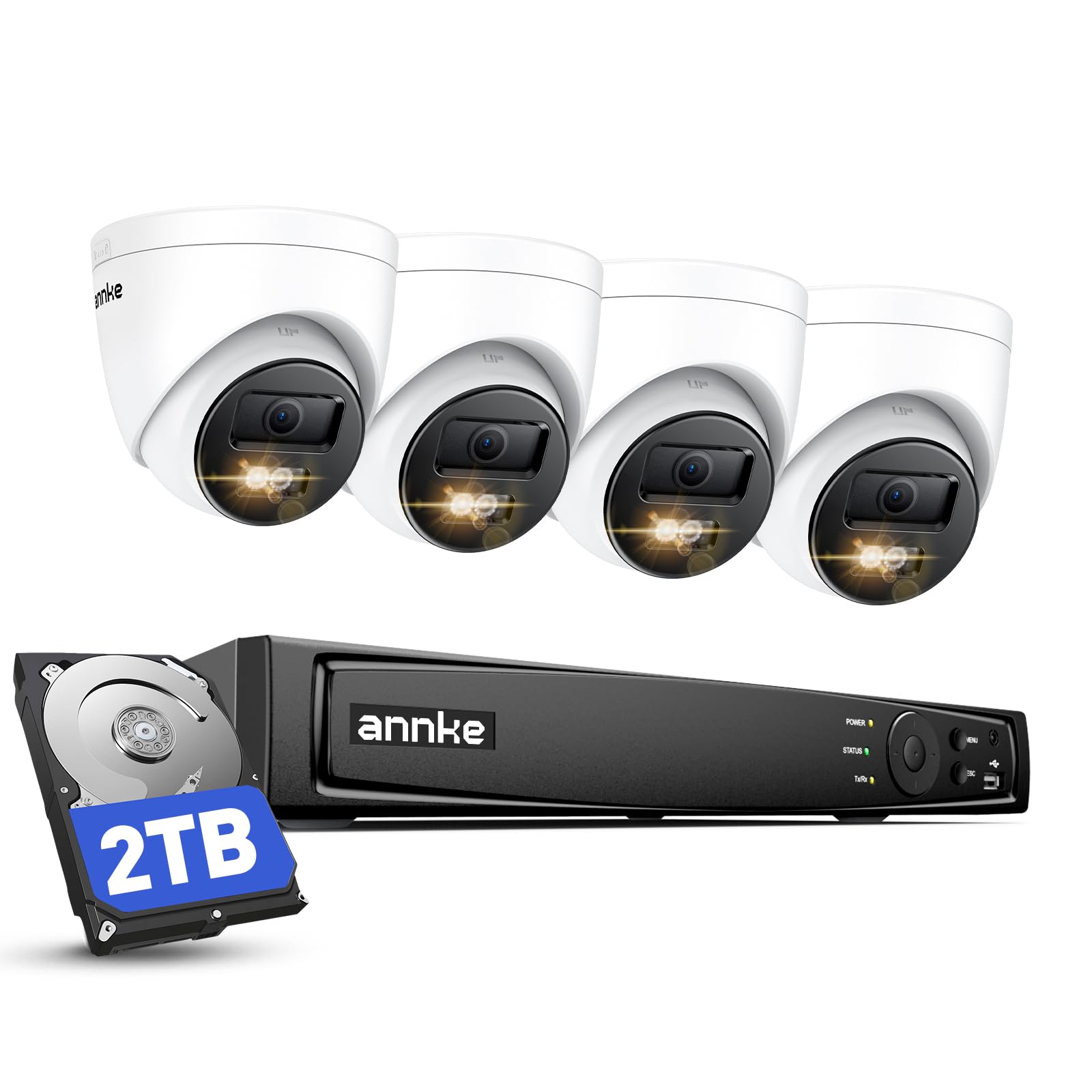

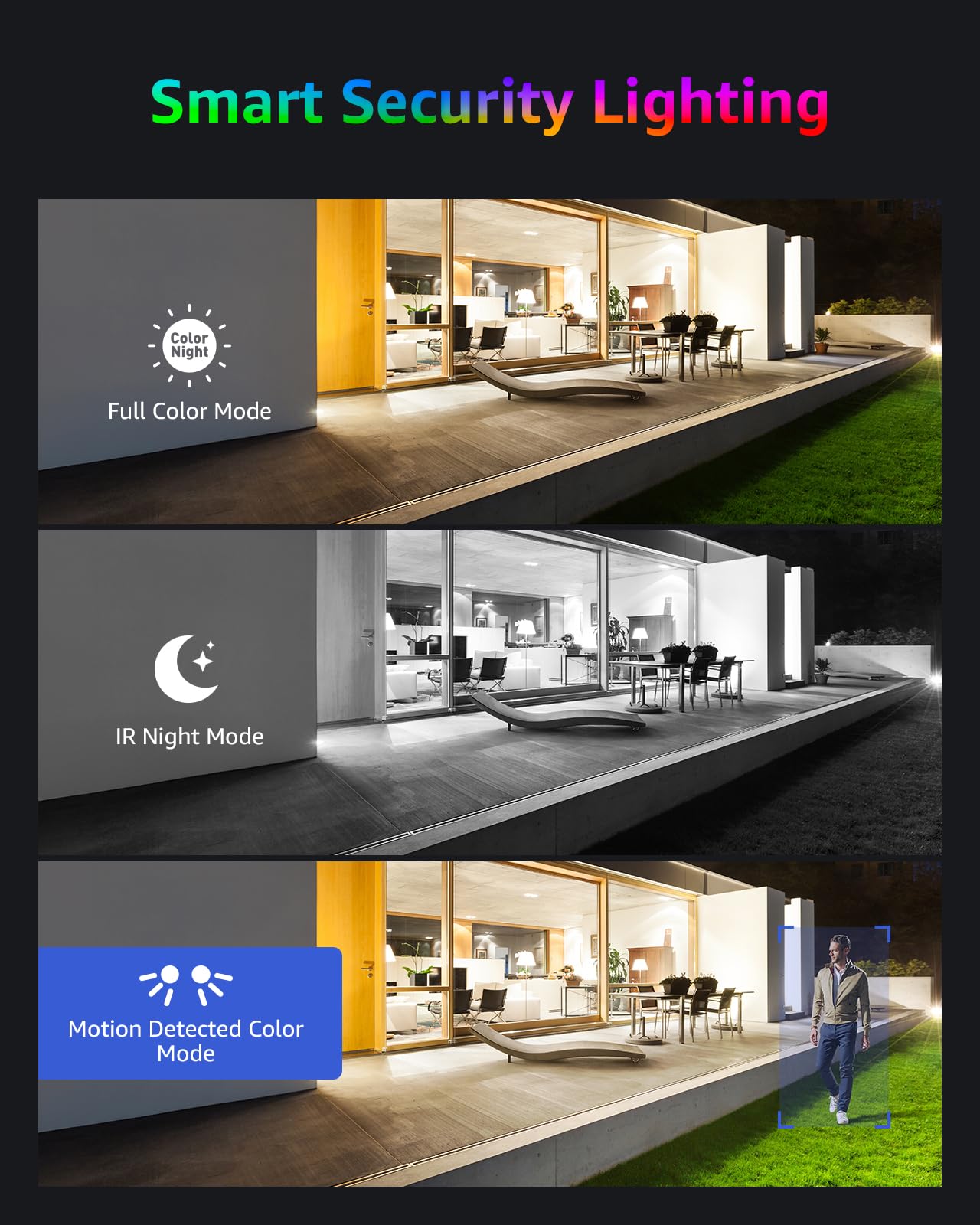
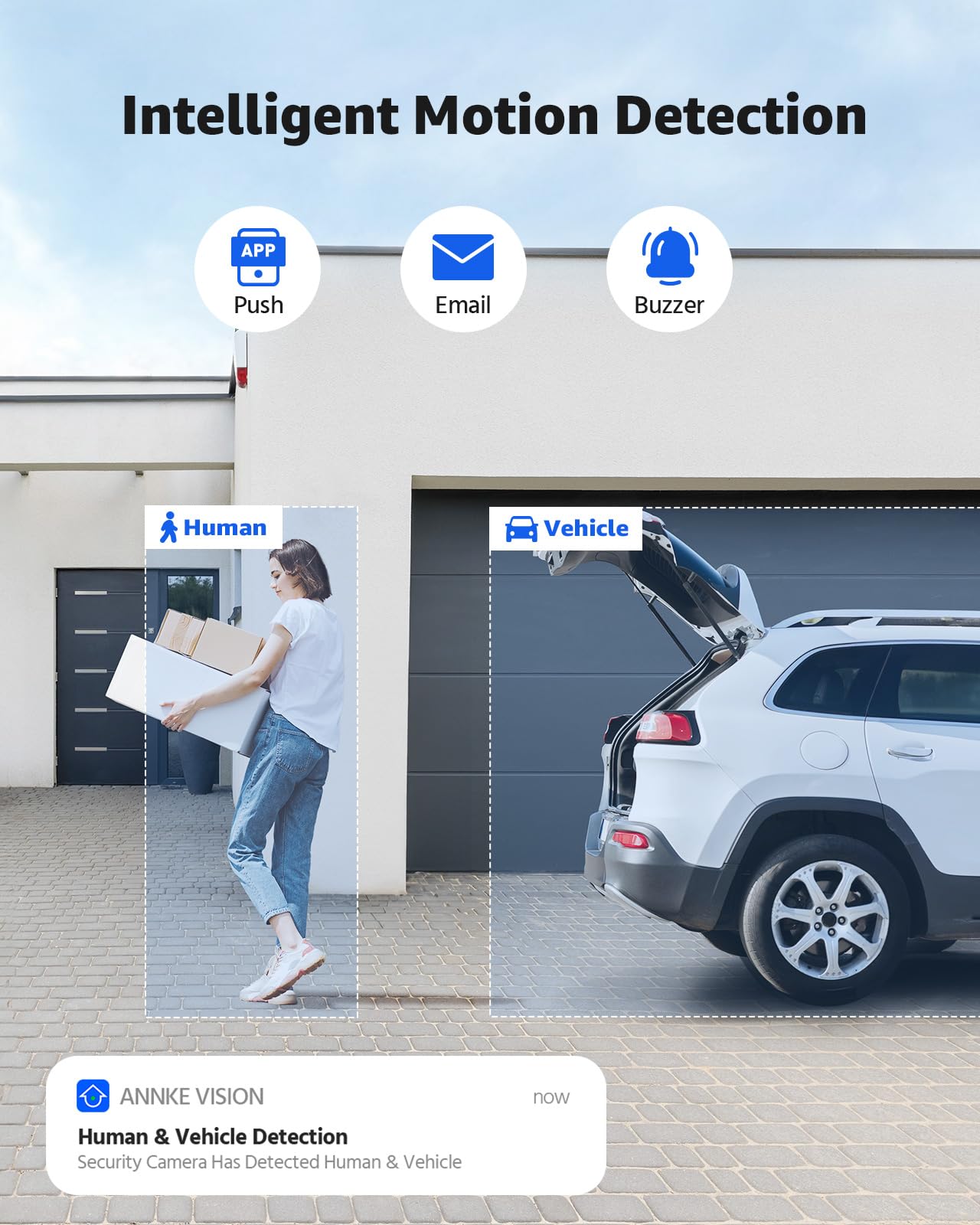
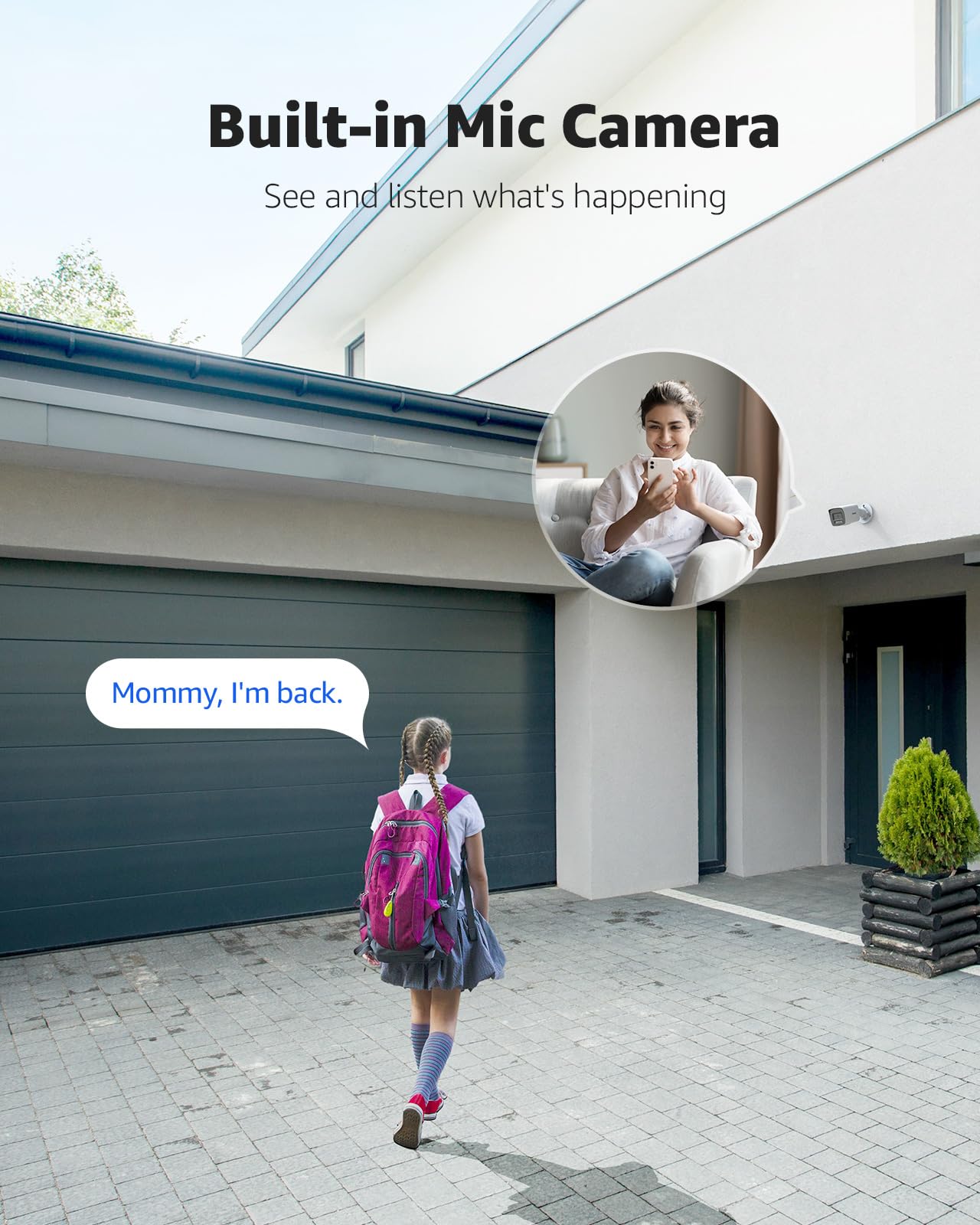


🔒 Elevate your security game with 4K clarity and AI smarts—because your peace of mind deserves the best!
The ANNKE 4K 8CH PoE CCTV Camera System features four 8MP outdoor IP cameras with AI human and vehicle detection, 24/7 color night vision up to 30 meters, and a 2TB NVR for continuous recording. Designed for easy plug-and-play installation, it offers remote access via the ANNKE Vision app and is built to withstand outdoor conditions with an IP67 rating.


| Manufacturer | ANNKE |
| Part Number | AK-N48PAW2-94BM-P#UKP |
| Product Dimensions | 41 x 30 x 28 cm; 7.66 kg |
| Item model number | 94BM |
| Size | 4K CCTV System |
| Colour | 8ch 8mp Poe Nvr With 4 Dome Cameras |
| Power Source | Corded Electric |
| Item Package Quantity | 1 |
| Special Features | AI Human&Vehicle Detection, Smart Motion Detection Alerts |
| Batteries included? | No |
| Batteries Required? | No |
| Item Weight | 7.66 kg |
G**R
Good upgrade from my previous system.
I've had an older Annke system for 7 years monitoring the outside of my house. I also have several TAPO wifi cameras on the inside (for pet monitoring). The old Annke system died recently so I looked for a replacement. I wasn't necessarily looking for the same brand, but having spent ages looking, the Annke system seemed to offer the best performance / features / price balance.I wanted an upgrade to 4K cameras, as there had been times with the old system when the picture wasn't clear enough. So I bought the 4 camera system and added a 5th dome camera for my front door. Installation went smoothly enough. It helped I'd done all this before and am comfortable making my own network cable terminations, as I used my own black exterior cable for some of the cameras (the cable supplied is a grey/beige). Point to note - the cables are obviously supplied with the RJ45 plugs fitted, so bear that in mind when drilling holes/routing the cables.The interface is similar to my old system, so I got on with it fairly easily. I would say that if you haven't installed one of these before, or aren't particularly IT savvy, you might struggle a little. I work in IT and have a lot of experience of these systems and networking in general, so had no issues.I got the 5 new cameras up and running in no time and I've also been able to add in 3 of my interior cameras using the ONVIF protocol (make sure you know the username/password for your other cameras!) and I now have exterior and interior cameras all nicely presented in a 7+1 grid. Very happy about that.One final note - make sure you only have one of your cameras displaying the main (high quality) stream on the live view on the monitor, as it can only handle displaying one 4K stream at a time. I have the front door as the large pane in the 7+1 and that's on 4K. The rest are small anyway surrounding it, so the resolution from the sub-stream is fine.
B**3
Superb video quality, simple setup and very handy App!
The media could not be loaded. I’ve been looking for an IP camera system for a while after having a system that used BNC cables that required a separate power cable.Firstly the setup, the hardest part of setting up the system is the cabling. The actual fixing of the cameras is made as easy with the supplied templates, and the ethernet cable simply clicks in to the socket on the end of the cable attached to the camera.Plan your cabling route very carefully, I have the DVR in our loft, and then fed the cables out of the fascia boards and down some trunking, I then used some weather proof junction boxes to put the connections in.The cameras feel extremely well made, heavy duty and very solid/robust. After tweaking the settings to use the main feed to record, meaning the highest quality recording. The cameras also have a removable panel, that hides a reset button. Should you have any issues with setting up your cameras, hold this when restarting the DVR and the cameras settings reset.The DVR itself seems like a mean bit of kit. The menus, once familiar, are easy to navigate and to set just right. I have set the DVR to record all channels continuously and then overwrite when full. I’ve also set it to set an “alarm” which is essentially a marker that shows up on the timeline when watching playback.The app, Annke Vision, is easily set up using a QR code scan and this enables you to monitor your cameras from your smartphone. At first, it doesn’t seem obvious (or didn’t to me) what to do, but you need to click the + sign on the top right of the app and then click “scan qr code” this then finds your DVR (when it’s connected to the internet) and allows you to check on your cameras/property.The final added little bonus, for me anyway, is the ability to connect it to the Annke Nova. This isn’t something that was advertised, however as soon as the DVR connected to my home network, it found the cameras that we have connected to WiFi. To add these as your IPTV cameras, note the IP address of your Annke Nova in the list and then edit one is the other 8 channels, set it to manual and change the IP address to that of your Nova.
Trustpilot
3 days ago
2 weeks ago