Buy anything from 5,000+ international stores. One checkout price. No surprise fees. Join 2M+ shoppers on Desertcart.
Desertcart purchases this item on your behalf and handles shipping, customs, and support to Cyprus.
🔥 Stream Smarter, Not Harder — Your 4K Gateway to Limitless Entertainment!
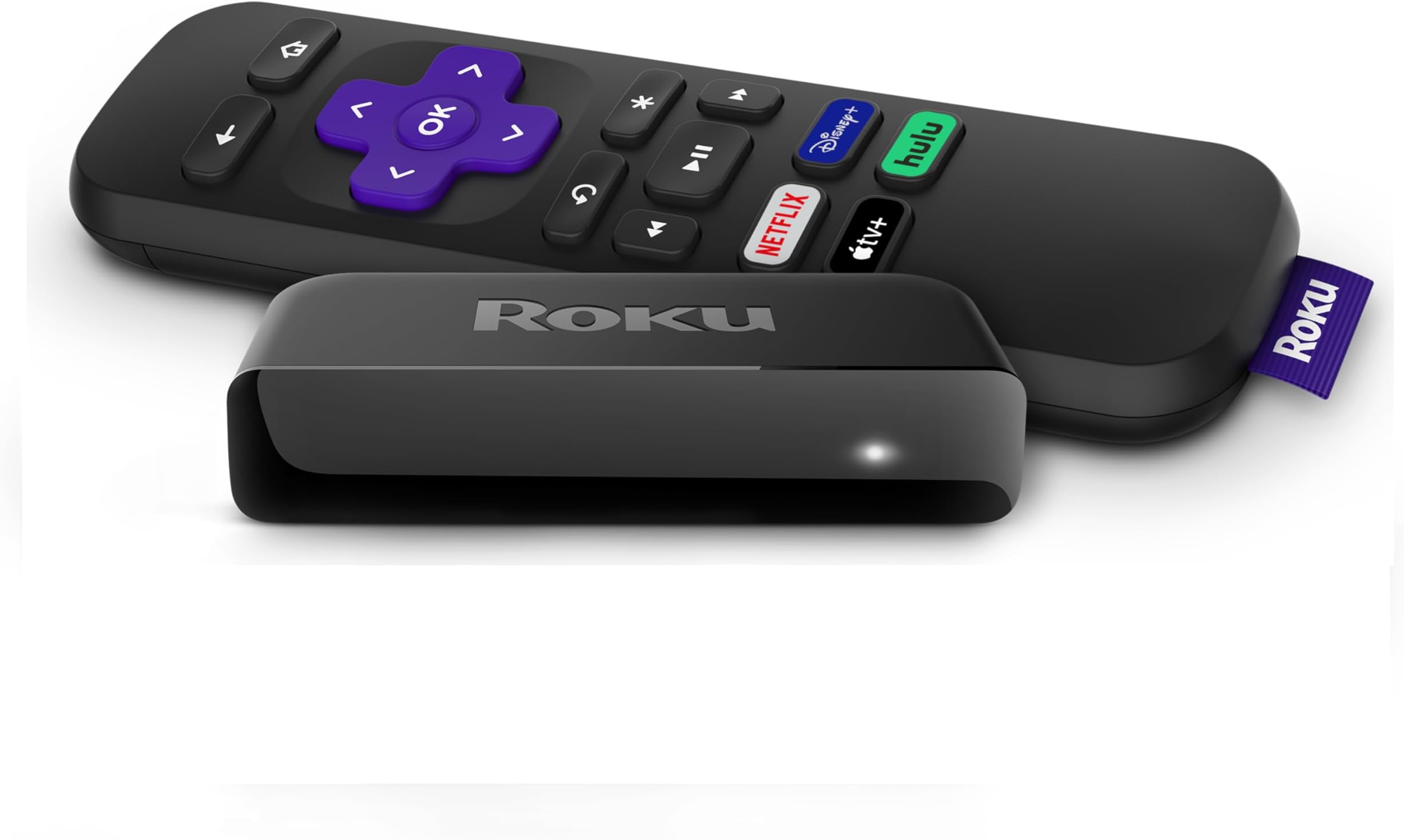
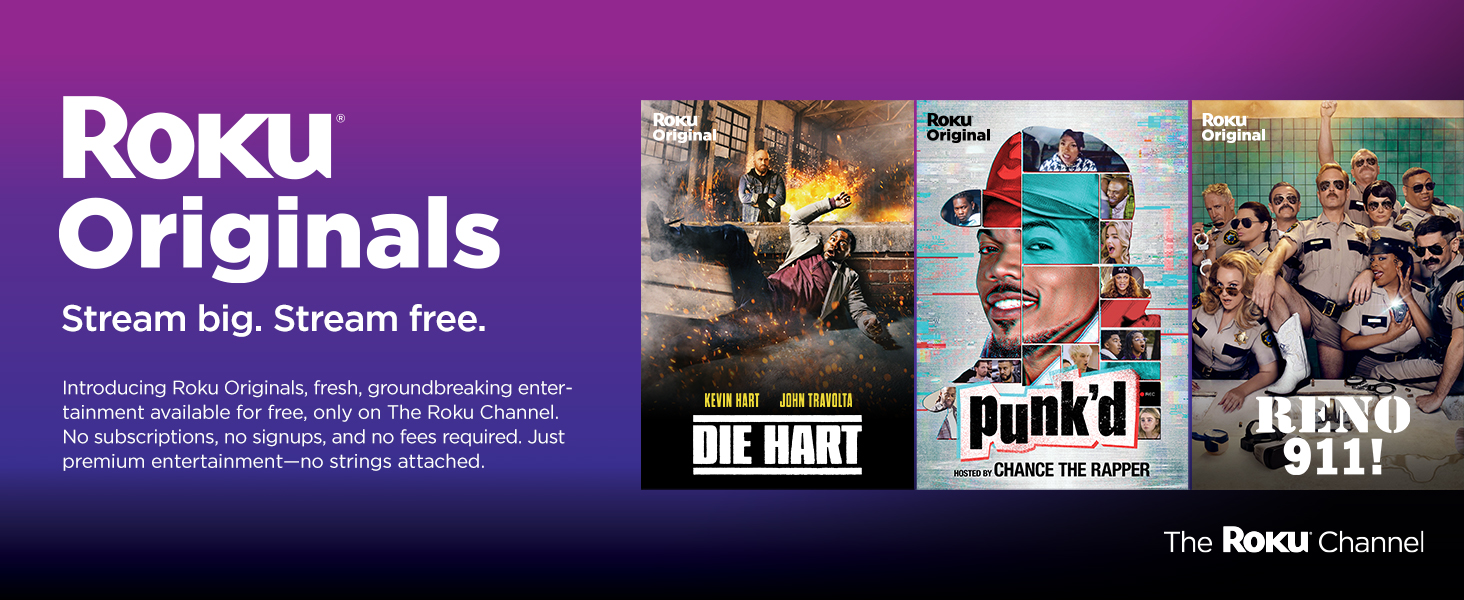
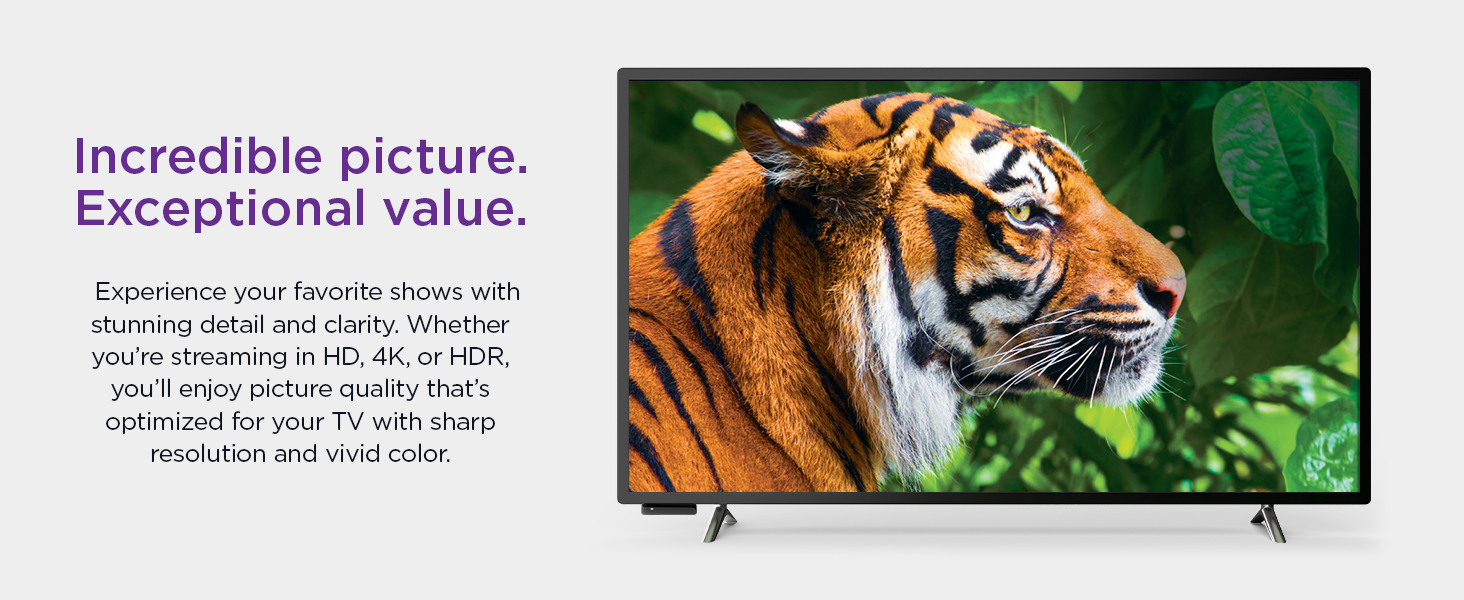
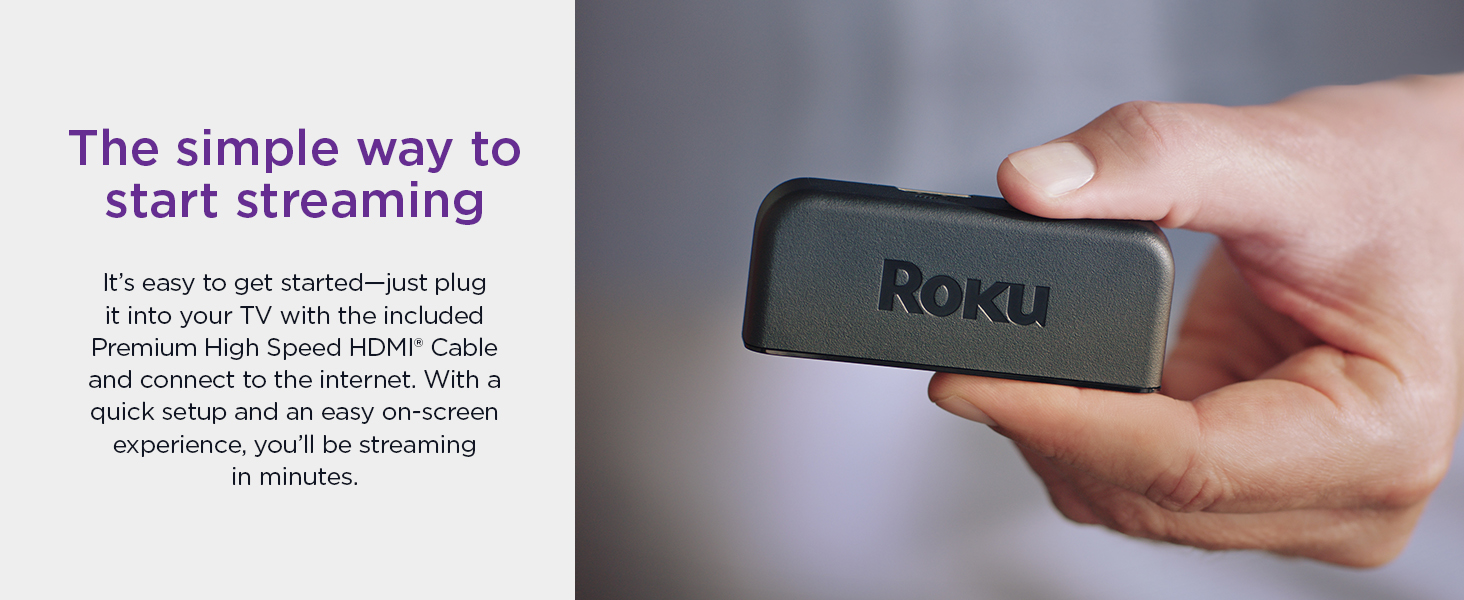
Roku Premiere is a compact, powerful streaming media player delivering stunning 4K HDR picture quality. It offers effortless setup with a premium HDMI cable and a simple remote featuring shortcut buttons to top streaming services. Compatible with Alexa, Google Assistant, and Siri, it supports voice control and Apple AirPlay for seamless content sharing. With access to 200+ free live channels and popular apps like Netflix and HBO Max, Roku Premiere transforms any TV into a smart entertainment hub, backed by automatic updates and a feature-rich mobile app.


| ASIN | B07HDBZN7Q |
| Best Sellers Rank | #21,931 in Electronics ( See Top 100 in Electronics ) #116 in Streaming Media Players #1,254 in Earbud & In-Ear Headphones |
| Brand | Roku |
| Built-In Media | Power Adaptor, Premium High Speed HDMI Cable, Remote, Removable Adhesive Strip, Roku Premiere, Two AAA batteries, USB power cable |
| Color | Black |
| Compatible Devices | Television |
| Connectivity Technology | Wi-Fi |
| Connector Type | HDMI |
| Controller Type | Voice Control |
| Customer Reviews | 4.7 out of 5 stars 95,288 Reviews |
| External Testing Certification | Não Aplicável |
| Form Factor | TV Stick |
| Global Trade Identification Number | 00829610002941 |
| Item Dimensions L x W x H | 3.3"L x 1.4"W x 0.7"H |
| Item Type Name | Streaming Media Player |
| Item Weight | 0.08 Pounds |
| Manufacturer | Roku |
| Mfr Part Number | 829610002941 |
| Model Name | 3920R |
| Model Number | 3920R |
| Other Special Features of the Product | Foldable |
| Resolution | 4k |
| Smart Home Compatibility | Smart Home Compatible |
| Special Feature | Foldable |
| Supported Internet Services | Amazon Instant Video, Netflix, Pandora, Vudu, YouTube |
| UPC | 829610002880 829610002941 |
| Unit Count | 1.0 Count |
| Video Codec | H.264, H.265/HEVC, VP9 |
| Video Output Resolution | 1920x1080 Pixels |
| Warranty Description | 1 year warranty |
L**E
This thing is AMAZING!!!
Had I known just how great Roku devices are, I probably would have saved a few hundred dollars and bought another "dumb" tv. I recently moved into a new apartment and though I already had a large flat screened tv, granted it's like 6 years old and is only 1080P capable, I decided that now that I have wifi and high speed internet, I would buy myself one of the fancy 4k tvs with bluetooth and netflix and internet browsing and all that other fancy stuff. Well I did just that, and don't get me wrong, I LOVE it!! The picture is so clear and crisp and beautiful and I can access Netflix and HBO Go on the tv instead of on my phone or tablet. Well I was going to gift my old big screened tv to my mom who claimed it was way to big for her, so it came along with me to my new aparment and I put it in my bedroom. Well I don't have cable or satellite tv and my bluray player is connected to my tv in the living room so I decided to try a roku device and it is AWESOME!!! It takes my 6 year old big screen tv and makes it feel completely new again! The pictures are crisp and clear for 1080P and the best part is I can access Netflix, and Hulu and HBO Go, all the stuff I could only access on my phone and tablet over wifi, and allows me to view it on the big screen! It was so very easy to set up and get going, so now everything I can enjoy on my Samsung smart tv that I shelled out all that money for, I can enjoy on my 6 year old tv in my bedroom minus the 4k clear picture. Honesty, had I known just how good the Roku device is, I would have saved a few hundred bucks and bought a 4k regular tv without the smart features because this does pretty much all of that, for a mere 35.00.
L**T
Roku
Works great. No problems at all. Everything was there to hook it up. Good quality good price
L**A
👌
Excelente producto Entrega a tiempo
G**A
Love this and I wish I had bought it sooner! Price wasn’t bad either.
I Love this and I wish I bought it sooner! I returned the cable box in my bedroom 5 years ago bc I refused to pay all that extra money for a cable box. $12 a month adds up... this has plenty of free apps and a nice selection of free movies. The movie apps that do cost money have discount codes so you can save a few bucks on a movie time to time. I’ve taken advantage of this three times already. I won’t pay more then $3 for a movie. Idc how convenient it is. Lol Anyways, You’ll have to set up an account so they can email you the codes. Then when you check out after selecting the movie, it comes off automatically so you really don’t need to do anything. I haven’t had any issues with putting in my debit card info. So don’t be nervous about that. Besides if anything was charged then you’d just call your bank. You can put a code on it I think so the kids don’t buy movies by accident. They ask you 3-4 times before finalizing so there’s a lot of steps. I have spectrum( charter) I can watch live tv and even movies on demand with it so it’s great. And it’s free. You can’t use it like a DVR but that’s ok. All these years I’ve been using a chromecast in my bedroom which isn’t horrible but this is a step up. It’s very easy to figure out how to use and set up is a breeze. I’m not that tech savvy but it was easy for me. So anyone can do it lol That’s all I can come up with for now. I’m sure I’ll update this again and again as time goes on, I’ll think of other things this can do lol I’ve had this for a few months already. I do recommend this if you want a step up from chromcast. One last thing I’ll add is that there are like3-4 different kind of these, I couldn’t really figure out the difference between all of them expect for the release date and if it was HD. Other then that, the price was the only difference. Not sure why there’s so many that do the same thing. I went with the middle priced item.
J**R
Amazing little device lets me watch TV without paying exorbitant cable/satellite charges
I got this Roku for one main reason: Peacock. I have several NBC shows (Law & Order series mostly) that I really like to watch, and if I miss them live, then there is apparently no other way to watch them except through Peacock. We have a Samsung smart TV, so we can get a ton of channels through that, and I was able to access Netflix, Disney+, HBO Max, YouTube, basically everything through the Samsung TV, except that darn Peacock. So Roku it was. Since I only wanted it for that one app, I just went with the basic model. I'll admit it, I'm a middle-aged woman "cutting the cord" for the first time, so not the most technologically savvy around. My adult kids recommended the Roku, so I went with it. Here's what I learned, for better or for worse: There is a steep learning curve on this device. I asked my adult son to install it for me, but he didn't have time, so I did it myself. That turned out to be quite simple. The hardest part was figuring out how to get behind that giant TV and heavy stand. LOL! Once I got it installed, then I had to figure out how to use it. I'm still getting used to the various "channels" on this thing, and my husband has completely given up. He just plain won't use it. If he can't find it on Netflix, Prime or YouTube, he just won't watch it, or he'll wait for me. Now that I know how it works, I find it pretty easy to navigate, but there is just no substitute for playing around with it and getting to know it. Peacock is a pain in the ***! The whole reason for buying the Roku was to get Peacock, which advertises this wonderful "free version". Turns out that the "free version" of the app has diddly-squat to offer, and if you want to actually watch anything, you have to ante-up for the subscription. I did get a special offer to try Peacock for a year for only $19.95, so I went with it, but I highly doubt that I will renew it next year when I have to pay full price. If I am paying for a subscription, then I don't think I should also have to suffer through all the ads. I don't mind it at $20/year, but I will not do that at $10/month. The deal-breaker actually will be whether they continue to carry Hallmark channel. If so, then I MIGHT renew my subscription, but if this is just a temporary add-on for the Christmas season, then 99% sure I won't renew. Sorry for the diversion - just had to get that off my chest. Having said that, I have found that the Roku is actually more user friendly than the smart TV, at least for the "free" channels. I still use the smart TV apps for Netflix, Prime, etc., for reasons that will be clear further in this review. I like the Roku channel and it's selections - I can always find something to watch. The other channels have their pros and cons, but all in all, I find that I watch through the Roku much more than I expected (and almost never watch Peacock). I wish I didn't have to watch ads again, but then I remind myself that in exchange for those ads, I am saving $120/month by no longer having satellite and DVR. At some point, I'd like to figure out an option to record my network shows, but figure it's best to understand streaming first. I wish I had known that the base model means the streaming isn't quite as smooth and quick as I have come to expect from my other streaming services. Especially since the Roku is literally 12 inches away from the internet router. Had I known this, I would have stepped up to a faster device. It's not awful, but it is annoying to have that delay at times. I initially thought the problem was our internet service (we are in a rural community with poor internet service), but then I realized that the problem is only when watching Roku, none of the other streaming channels. Here's my HUGE complaint about the Roku: it screws up my TV volume. We have a Samsung TV with Sonos soundbar. I can control the volume with my remote on every app except the Roku. Once I start watching Roku, the volume is stuck at that level unless I go into the Sonos app on my phone and adjust it there. Even worse, once I switch to a different app, I still can't control the volume with the remote unless I go to Samsung TV Plus first, watch a few seconds and adjust volume there, then the other apps will work as expected. I have tried everything I can think of to fix this, searched countless help sites, message boards, etc., and nothing works. I have just come to accept that I have to have my phone handy and Sonos app available if I am going to watch TV on Roku. Yet another reason my husband refuses to use the Roku.... One final note: my son gave me a Fire stick for our bedroom TV, so I've started a little comparison here. It's faster than the Roku, even though it is at the other end of the house from the router, and the screen is a bit more familiar since it mimics Prime, which we were already used to. I struggle to locate some of the apps on that one, though, and I think the search feature on Roku is better. I don't have any of the volume or speed problems with Fire stick that I do with Roku, and it is easily added to and removed from the TV, so it is likely to be our option for travelling. I'm still toying with the idea of upgrading the Roku in the living room, though, since that is our primary TV, and maybe I'll like it better. And if I'm lucky, the upgraded Roku will have volume control that works. :)
A**O
Enter, The Roku...
I bought this for my tv in the next room. I was using my Xbox One to strream my PLEX app, which is a free program that allows you to stream media from your home pc/server. The problem I kept having was I had to turn the stream quality down to use less Mbps or The movies would keep buffering every so often. It was so annoying. And the router is only 1-2 rooms away. No problem playing xbox online. Just streaming PLEX or sometimes Netflix. Enter the Roku. I was able to watch 2 movies so far that have lagged on the xbox. I didn't have to adjust quality so I was able to see them in 1080p. This can do 4K but my tv in that room is older and not 4K. But I don't care. So far, Roku has made my life better. Hope I don't have issues later on. Oh, and the remote is the kind you have to point at the Roku or in the general direction. No volume rocker or power button. But, on the home screen, there is an option to turn tv off which it does. Or puts it in a sleep mode. As soon as a button is pressed, the tv comes back on. Setup was super easy. And lastly, the Roku box is small. About the width of a credit card and the height of a tv controller. UPDATE: Still going strong. No problems. I won one from my work so now I have 2. I used this to swap out the Roku Streaming Stick that was in my bedroom. Not the Streaming Stick+. Just the regular one. That stick has crap for range pickup. I was only getting about 8-10 Mbps for download speed. I would run into buffer issues all tje time and had to turn quality down in my PLEX. This Roku however has EXCELENT range and got me 20 Mbps. now. No more issues. I recommend this one over the regular Streaming Stick. Not sure how the Strramung Stick+ works.
S**R
Good
I have a few different Roku devices (two ultras, and one Express). The Roku express crashed when trying to open apps like Netflix and Hulu, but worked with other apps. After trying to restart and factory reset it (and trying to replace the express with my old Firestick which got caught in a boot loop that I could not get it out of), I decided to replace it with this one. So far, it is able to open all of the Apps without a problem and the stream quality is very good. The setup is very easy. You just go to a website and enter the code on the screen. Then it will download the apps that you select, or if you already have a Roku account, whatever apps have already been downloaded on the other devices. Overall, the interface and remote for the Roku to be much better and more user friendly than the FireStick/FireTV interface and remote. The only downside I have discovered with the Roku interface (aside from the issue of the Roku express crashing) is that you are forced to have all of the same apps on each device that are logged in under that account. So, if you have multiple TVs in your house, some of which only certain people watch, and each has a Roku device that is logged in under the same account, everyone has to have the same apps on their home screen. The apps on each device's home screens can be rearranged, however, and those are sticky to the particular device. So, while each TV is stuck with the same apps, regardless of whether the person who watches that TV watches them all or not, each person can have their home screen arranged how they prefer, with the apps they watch toward the top of the list.
A**M
Tiny but mighty and reliable!
I wanted to wait and see if this Roku lasted and it has! I bought this in 2019 and my family uses it every single day. It is compatible with both LG and Sony and fit seamlessly into both their systems and is easy to navigate from cable to Roku. I bought one for my mother as well, she is 81 and she can use it no problem. I never have issues with streaming, unless the internet is out due to an electrical outage caused by a storm. This tiny thing is the most reliable piece of technology in my house!
I**.
Easy to use
It’s easy to use
H**G
Great device
We really like Roku. Relatively easy to install and very happy with results - we are Acorn subscribers. Picture quality is very good, streaming itself is seamless. Would recommend. Vendor shipped promptly and there were no hassles. Very happy with service.
A**E
Fácil de instalar. Lleno todas mis expectativas! Súper recomendado
Viajo siempre y con roku puedo seguir viendo en cualquier televisor Netflix, seguir YouTube con mis contenidos de colorimetria
K**R
What else ?
Superb
L**Z
Excelente
La vdd quedé encantado, lo utilicé con un mini proyector y la vdd todo muy bien, fácil de configurar y de conectar todo. Muy satisfecho, lo recomiendo mucho.
Trustpilot
2 months ago
4 days ago