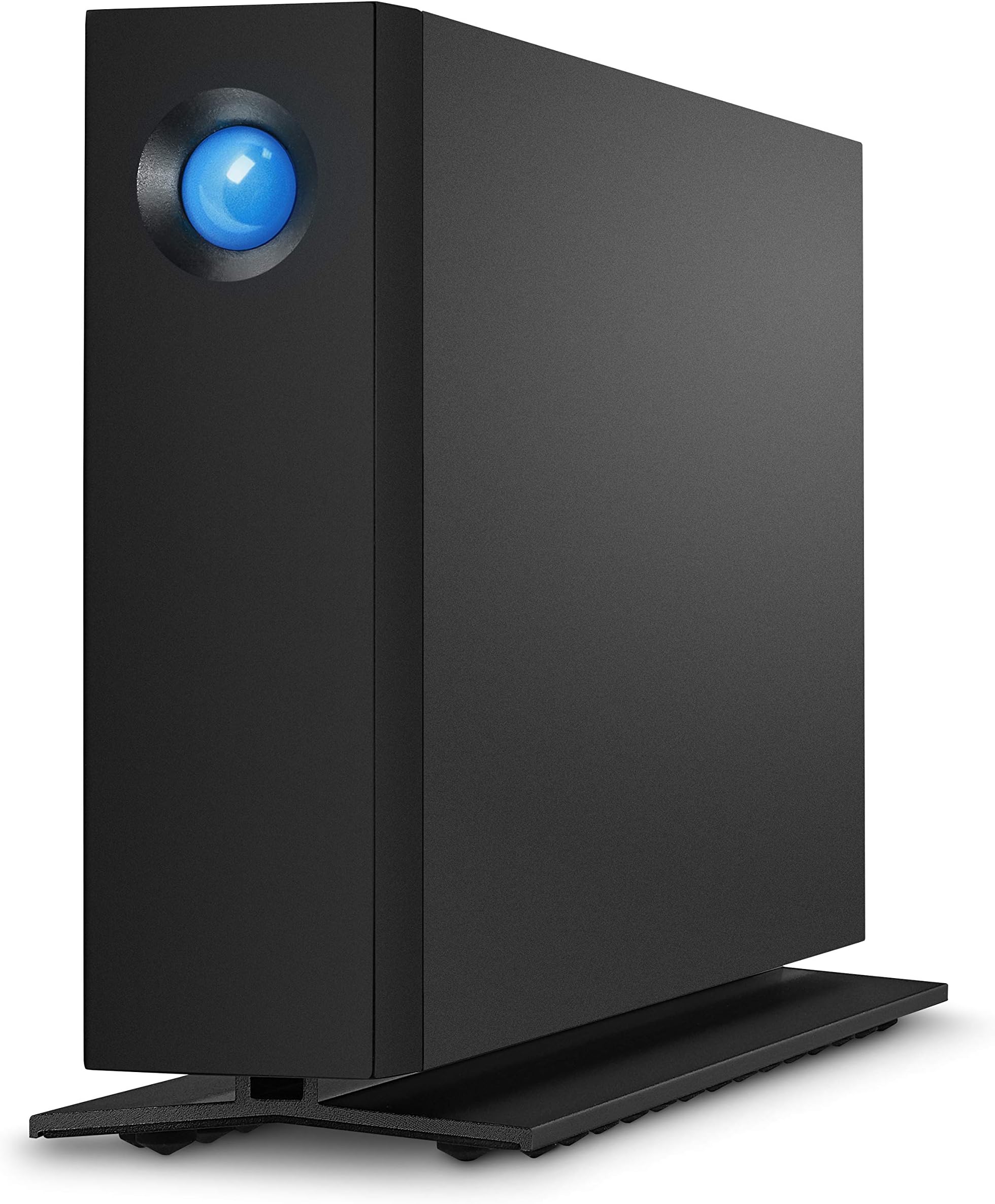
------- ------- ------- Feb 20, 2022 Update ------- ------- ------- The 2 drives that I installed on Sep 13, 2020 will not power on. I swapped the power supplies with the power supply from the 3rd drive - but the drives will not power on. Both drives spun up and can be read after removing from the chassis and plugging them into a docking station. I 'm fairly certain that the power switch/module failed, because swapping the power supply didn't work. The switch is wired to a small board that is in the top of the chassis. The wiring leads to the bottom of the chassis, where the power supply plugs in. I was lucky with this one - both drives are part of a windows storage set and the data is still readable. The drives are non-shingled, 7200 RPM Barracuda Pro drives - which is what I wanted. I'm disappointed that the power switch/module failed on 2 drives and I'm waiting for the 3rd drive to fail. Will see what Seagate (LaCie's parent company) does - the drives are 17 months into a 60 month warranty. I used about 1.5 TB of the 4 TB capacity. Will order a 2 TB SSD and use these as backup drives. ------- ------- ------- Sep 13, 2020 -- Original Review ------- ------- ------- My important files are backed up to multiple SSD drives. I decided that it might be easier to consolidate the backups to a larger mechanical drive, so I looked for an external mechanical drive that was durable and had decent performance. I read the reviews for LaCie and Glyph - it was obvious that Mac Users were having problems, but there were also some problems for Windows users. The problems seemed worse for the 8 & 10 TB drives. I ordered two 4 TB LaCie d2 Professional drives. The drives are very quiet and don't run hot. 1. After registering one drive, the LaCie website kept looping back to a popup window about Seagate. It was impossible to add the 2nd drive until the next day. Maybe a new user account can only register one device when the account is created? 2. I decided that using Windows utilities was easier vs. trying to use either product download. The User Guides are weak and website articles are old. --- Lacie_Desktop_Manager_for_Windows installed correctly, but it couldn't identify any drives, including the LaCie drives. --- LaCieToolkit installed correctly - but didn't do much other than identify both drives. You can mirror a system's boot drive to a LaCie drive, but can't mirror a LaCie drive to another LaCie drive. Same thing applies for Backup & Restore. 2. Both LaCie drives worked out of the box for Windows 10 Pro as standalone drives, but not as Disk Management mirrored volumes. --- The drives were already partitioned into an EFI volume and a larger unallocated volume. --- After reformatting from FAT32 to NTFS, the EFI volumes remained. Used diskpart from the CMD window to delete the EFI volumes. --- Both drives are identical capacities, but I could not add mirrors from Disk Management. The drives would not convert from Basic disk to Dynamic Disk. 2. I ended up using Windows Storage Spaces with 2 way mirrors. The 2 drives are seen as a single, 4 TB drives. ------- ------- ------- Sep 15, 2020 ------- ------- ------- After a couple of days, I noticed other problems - I had upgraded Windows 10 Pro with the May 2020 update. It required a BIOS update, which I applied on Sep 23. There were other driver updates (network & graphics) but none for firmware, storage or USB. A. Sep 15 problem: The laptop reboots after sleeping for about 2 hours. Sep 23 update: The laptop reboots stopped after a BIOS upgrade. ---- The reboots were not related to the LaCie drives which were connected to a docking station. ---- The reboots were related to external SSD drives that were connected to the USB 3.0 and USB-C ports. B. Sep 15 problem: There's a Windows event about a USB device that's draining power from the system. ---- It could be the drives or the USB docking station, but it's a strange message because the devices have their own power supplies. But it's possible that's how the Windows interpreted the problem. Sep 23 update: The May 2020 update removed all the power plans. ---- Added a new Windows power plan to handle sleep & hibernate better. ---- I allowed the laptop to hibernate after about 15 minutes of sleep time. ---- Then went into properties for the Network adapters and set them so they would not sleep. This helps when I want the laptop to come out of hibernate. C. Sep 15 problem: Windows Event messages about the drives having the same disk identifiers. There's a reference KB 2983588 about MPIO, which is not something that I would enable on a laptop. --- Windows Storage Space displays the same serial number for the drives in the storage pool. It may be a virtual S/N because it's not the physical drive's serial number. Sep 23 update: The Disk Identifier message goes back about 4 or 5 years for Windows. ---- It's related to USB 3.0 and a newer protocol. The older USB standards used a Bulk-Only Transport (BOT) protocol to transfer data between devices. ---- When USB 3.0 was introduced, the BOT protocol was retained but a newer USB Attached SCSI protocol (UASP) was defined in the spec which uses the SCSI command set and allows for faster, multi-threaded parallel transfers with command queuing.] ---- The Windows Storage Space serial number is related to the UASP issue.. ------- ------- ------- Sep 16, 2020 -- Added a 3rd drive for Acronis Backup ------- ------- ------- I did not install any of the LaCie/Seagate utilities. Used DiskPart to delete the EFI partition, then reformatted the entire drive to NTFS. Attached to USB-C. No problems like what was observed originally. ------ September 23, 2020 Update -------- All 3 LaCie drives are working well, without any problems.