Desertcart purchases this item on your behalf and handles shipping, customs, and support to Cyprus.
🚀 Elevate your innovation with precision motion sensing in a compact powerhouse!
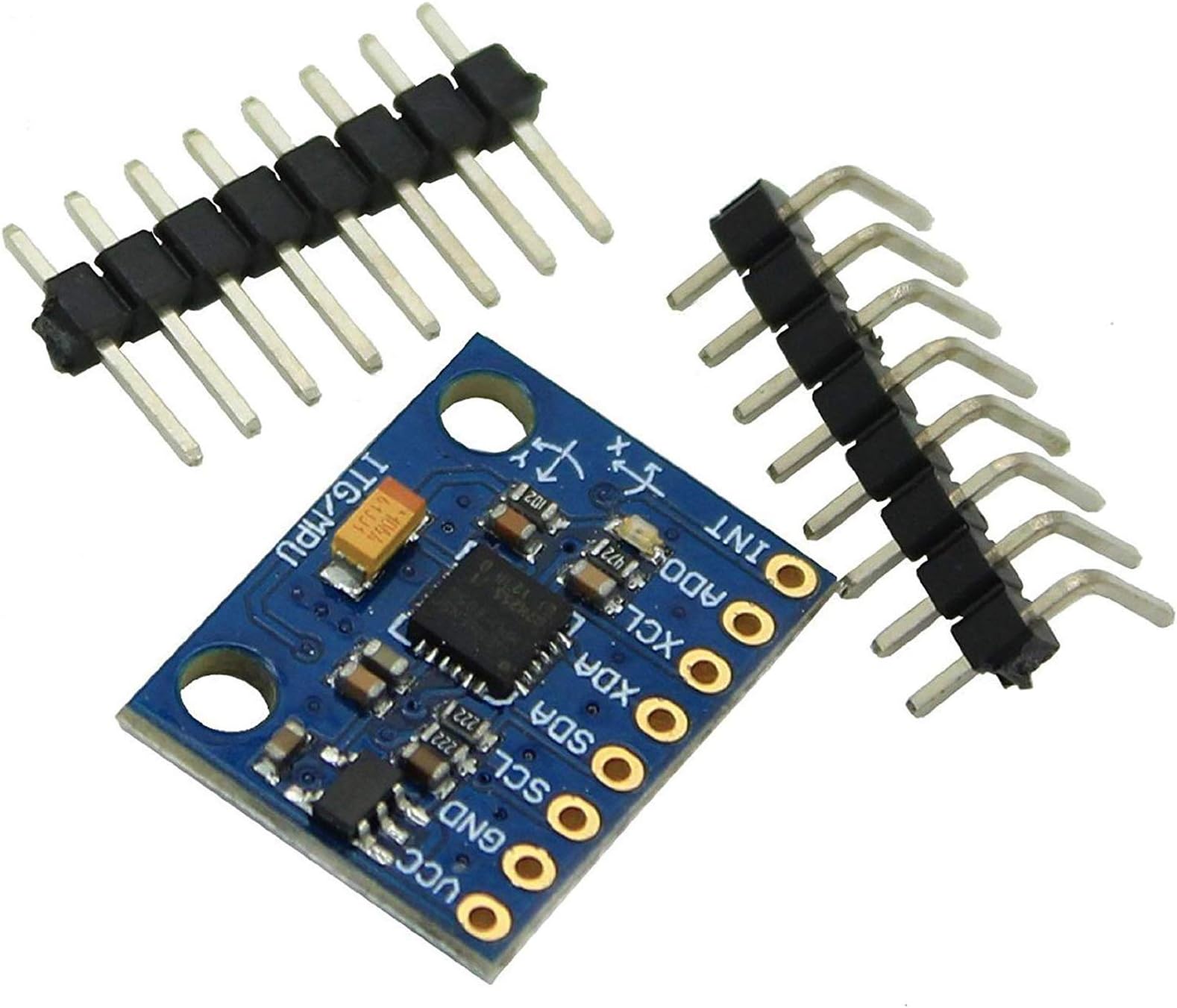
The REES52 MPU-6050 module combines a 3-axis gyroscope and 3-axis accelerometer in a compact 25x25x25mm form factor, delivering ±1° and ±1g measurement accuracy. With stable 2ms sampling and simple I2C connectivity, it offers reliable, real-time motion detection ideal for industrial, research, and DIY electronics projects.
| ASIN | B008BOPN40 |
| Amazon 売れ筋ランキング | 産業・研究開発用品 - 3,458位 ( 産業・研究開発用品の売れ筋ランキングを見る ) 加速度センサ - 1位 |
| GTIN (Global Trade Identification Number) | 00692011914492 |
| UPC | 692011914492 |
| おすすめ度 | 5つ星のうち4.1 849 レビュー |
| スタイル | スピードセンサー |
| スタイル名 | スピードセンサー |
| ブランド | REES52 |
| ブランド名 | REES52 |
| メーカー型番 | GY-521 |
| モデル番号 | REES-01 |
| 出力 | アナログ |
| 商品の重量 | 0.04 ポンド |
| 商品寸法 (長さx幅x高さ) | 25 x 25 x 25 mm |
| 商品本体サイズ | 25 x 25 x 25 mm |
| 測定値の精度 | ±1° (ジャイロ), ±1g (加速度) |
| 測定範囲 | -1° - 1° (ジャイロ), -1g - 1g (加速度) |
| 測定精度 | ±1° (ジャイロ), ±1g (加速度) |
| 計測範囲 | -1° - 1° (ジャイロ), -1g - 1g (加速度) |
A**ー
安価で2msec安定
ArduinoUnoR4で動作しました。I2Cで素人が単に4本の線をつないだだけで簡単に値が出ました。500円足らずでしたが、レジスタ読み込みでサンプリングレート2ms安定で測定できました。DataSheetを見るとノイズとドリフトが大きいですが、この値段ならそんなものかな、と思います。
の**ち
実はMPU6500
ESP32で使用、検知されなくて苦労したが、MPU6500として検知された。
ア**郎
手作りドローンに必要
手作りドローンの姿勢制御センターとして購入しまさ、プロジェクトが成功しました。
K**K
中身が6500でした
Arduinoで接続しようとしましたが、MPU-6050用のライブラリでは動かず。 結論、チップの中身がMPU-6500で、 MPU9250_WEライブラリを使ったら認識しました。 基盤にもチップにもMPU-6050としっかり書いてあったので、見事に引っかかりましたが、 動くには動いたのでまあOKです。
T**A
評価変更
評価を変更させて頂きます。初心者ですがプログラムにみすがありました。
T**I
定番の3軸ジャイロ・加速度センサーです
RP2040と組み合わせて傾き検出の為に使用。MPU6050ライブラリを使えば簡単にアクセス出来ます。加速度センサーとしては使用していませんが、ド定番なチップなので使用例も豊富にあり使いやすいと思います。
T**S
super!
Unlike chips from other online shops, this one was not broken on arrival. Super!
わ**下
初期不良
購入したMPU-6050モジュールについて、初期不良と思われる症状があります。 5V給電で電源LEDは点灯し、VCC-GND間は5.04V、SDA/SCLは各3.26Vでした。 配線はSDA→Arduino Nano A4、SCL→A5で確認済み、導通も確認済みです。 I²Cスキャナを実行しましたが、No I2C devices foundとなり、0x68/0x69のどちらでも認識されません。 Adafruit MPU6050のサンプルでもFailed to find MPU6050 chipとなります。 配線・電源・Arduino側の確認をしても改善せず
A**W
Good unit for the right price.
I am fairly new to Arduino projects, so this was a perfect breakout board to get my feet wet. The major down side to this product is that its difficult to find info on it (as said by other users). After finding some code, the unit seems to work pretty well... I used this board on a quadcopter to help with the inherent stability issues. Hopefully I'll save some people the time to dig up this information. Here is a link for those doing arduino projects: [...] --> See first comment on this post here's the source code for the I2C library I used: [...] --> See first comment on this post This library contains two helpful examples; one that allows the raw accelerometer and gyroscope values to be accessed, and the other calculates Euler angles, yaw pitch roll, world accelerations, and quaternions. If you using this with an arduino, make sure that the I2C library and a MPU6050 library are in the Arduino sketch folder, this will allow it to compile correctly. This was also difficult to find: The GY-521 breakout board is wired to the Arduino Mega as followed: Vcc - 3.3V GND - GND SCL - SCL (pin 21) SDA - SDA (pin 20) ADO - GND INT - D2 The GY-521 breakout board is wired to the Arduino Uno as followed: Vcc - 3.3V GND - GND SCL - D5 SDA - D4 ADO - GND INT - D2
C**.
It really is tiny!
Very good device, behaves 100% as expected. I was very startled by the small size (because the images do not give a clear reference sizing) - but has good power efficiency and excellent form-factor. Wiring it up is a little tricky as that depends upon your microcontroller (for my arduino, had to use Analog pings 4 & 5). Other than that all cool!
R**O
Funciona sin problemas
Funciona perfectamente
V**N
If you're a student, go for it.
I have been using this for about a month and this product works as expected. Its good for what i paid (250 rs in my case) but you can find it for cheaper in local market(-1 star for price). Works fine with my arduino uno, and i expect this to perform similarly on other development boards. I expected this to be bigger looking at the pictures but iys actually quite small. Also, you get header pins with this so you can directly solder if you want to. Go for it if you're a student and are looking for an accelerometer for making self balancing robot and other stuff.
E**E
Fantastic chip, inexpensive but powerful
Chip worked very well with my Arduino. I've used analog accel/gyro sensors before (Razor 6dof), so this was my first encounter with digital. Getting it up and running took a little bit of digging, but there is plenty of information out there to guide you. The best tips I can offer you is to first find code to calibrate this thing. They HAVE to be calibrated to work properly. Jeff Rowberg is a name that will come up, he's written a lot of code for it, but the actual calibration script I found was by Luis Ródenas. You'll need to include the library file, MPU6050.h, but that should be all together. This calibration script will produce 6 calibration offset values... 3 for each of axis for both chips (3*2=6). From that point on you'll need to write those offset values to the chip at the beginning of your code using the function similar to, "accelgyro.setXGyroOffset(30)". So bottom line is, this is an excellent board, it seems very accurate (within tenths of a degree), and works quite well once it's calibrated. Best of luck!
Trustpilot
1 month ago
1 day ago