Buy anything from 5,000+ international stores. One checkout price. No surprise fees. Join 2M+ shoppers on Desertcart.
Desertcart purchases this item on your behalf and handles shipping, customs, and support to Cyprus.
⚡ Carve Your Future: Precision, Power & Possibility in One Compact Machine
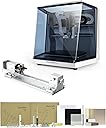
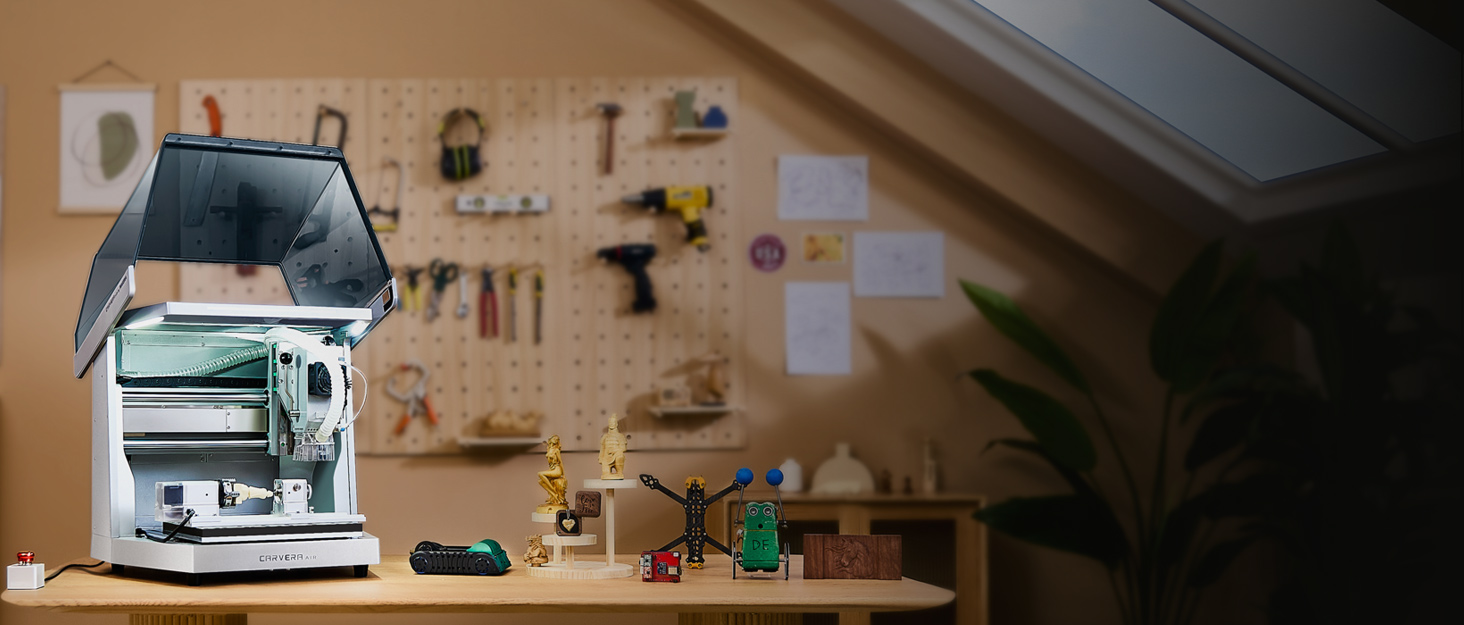
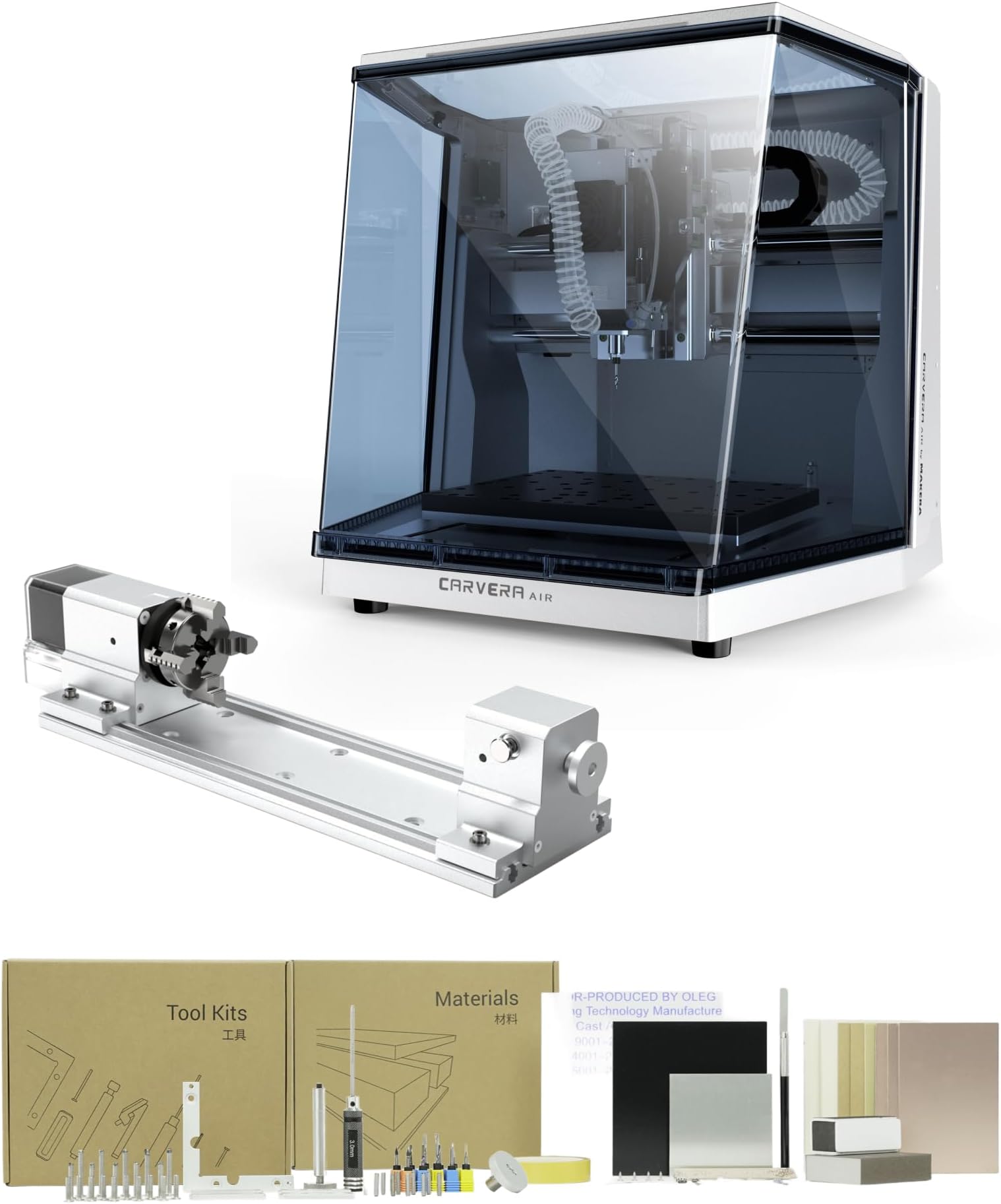
The Carvera Air Desktop CNC Machine is a compact, fully enclosed router featuring a 4th axis rotary for advanced cylindrical machining. It boasts a 200W spindle with speeds up to 13,000 RPM and closed-loop control for exceptional precision. Designed for professionals and hobbyists alike, it offers WiFi connectivity and beginner-friendly CAM software compatible across major platforms, making it ideal for milling, cutting, engraving, and DIY crafts on wood, metal, and plastics.


| Asin | B0F7QXZ8ZM |
| Date First Available | 31 May 2025 |
| Item Model Number | CA1 |
| Manufacturer | Huaibei Makera Technology Co., Ltd |
| Package Dimensions | 59.69 x 57.15 x 54.61 cm; 44 kg |
User
Very useful, very polished, and a lot of fun.
I love this thing. It comes very put together with a lot of quality of life features: the z probe with the little laser that can trace out your job, the tool setter, the precision dowels and reference offsets included in the controller software, the sacrificial MDF wasteboard (plus even if you cut the HDF baseboard a replacement is only $50). An especially nice feature is that the base of the z-probe is threaded in and has a thin sacrificial shaft, so if you crash it, you destroy only the base and not the probe. Not that I've done that twice or anything.The total enclosure is very nice, easy to clean up and provides a large measure of physical and psychological safety.The example projects are quick, easy, and demonstrate the features of the mill well. The basic included workholding works great and is very flexible for holding flat things. The 4th axis works great, chuck is good but needed some way oil when it first arrived.The machine is very upgradeable as well: you can install a 3D probe or even an ATC. There is open source community versions of both the firmware and the controller that add support for these features and many more.It is in no way fast. My 3D printer can produce most things faster. *But*, it can cut a lot faster than you'd think from the manufacturer's recommended speeds and feeds or much of what you see on YouTube. I work mostly in aluminum and brass for now. The work envelope is large enough to handle most of what I need and it's possible to index larger pieces through it.It sounds good, there's not a lot of vibration generally unless you provoke it somehow, and even then a lot of times the vibration is the whole chassis and doesn't affect the cut.I like and recommend it if you have the scratch.I didn't expect it to be bad at all, but it is better than I expected.
User
Fun machine to learn about CNC
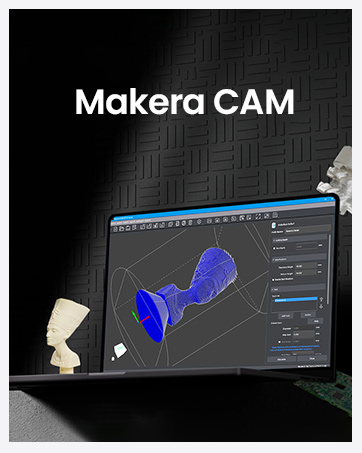
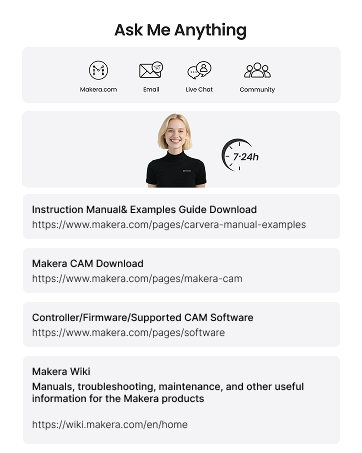
Arrived quickly, well packaged and worked perfectly right out of the box. I have been having a great time learning and making parts. I have been using Fusion for CAD and CAM software. Also using DeskProto for CAM software for 4th axis projects. I look forward to seeing the software that Makera is coming out with in the future.
User
*Edit: snail .nc uploads, 4th-axis does not utilize y-axis
***Edit to the edit: They kindly messaged me and are working on all software issues stated herein. The re-verification issue will be the first fixed in an update coming in a couple weeks, and the other updates to the other mentions of software limitations are actively being pursued yet with no specific timeline in place at the moment. *** The cam software required a re-verification step during offline use to access the software. Reconnection of the software via internet should never be required after the first authorization steps during the software installation process. So far, a great machine except for the current provided software limiting the machine. If the next software updates fix this, I will update my review. I got the fourth axis for a business. With the software provided, however, the y-axis stays stationary so the machine only ever machines as a 3-axis at most (x, z, and rotate around x in the "4th axis" setup). This limits the undercuts achievable. Sometimes the circumference of a larger bit is not accounted for when cutting near undercuts. I heard a rumor they are trying to true the fourth axis by in-situ using the y-axis, but it is hard to know. Also, the software does not utilize even a quarter of my ram or cpu for the controller so it takes ~40 minutes for calculating finishing operations and cashing gcode (for use in wood so far). My computer is not the average store-bought variety. This makes me extremely nervous for my goal of cutting metal, as metal will require smaller step down and ergo much larger files for computing. I had to change the task affinity and priority status in the task manager which significantly helped with the cam software and stopped it from crashing all the time, but uploading and selecting gcodes in the controller software seems to have some processes limiting its computability drastically and it never hits above 10% cpu or memory except for when running code on the machine. The load speeds are quite annoyingly slow. I do not know if this points to a Windows .exe non-verified program issue or the data communication process via a USB-port with the computer and machine when uploading the gcode. I hope they edit the software in the future to recognize portions of the g-code that have been cut to the limit and can be passed or re-grouped for cutting what didn't get cut, as this will cut down file size and cutting time. I recommend using square stock, as circle stock shifted in the chuck. Overall, it is a great little machine, and I am really appreciative to have it. Maintenance things that concern me in the future is little to no protection of the x and y linear rails from debris and no care guide for the machine. The vacuum for this machine (separate purchase) is great for dust collection, but did not completely neutralize laser burning or wood milling odors though I taped the lower gap of the machine above my table. Also, dust falls really easily underneath the machine and onto the y-axis, which is difficult to reach due to having to pick up the machine to get to. This can be a potential fire hazard if you mill wood and then metal but forget to clean underneath the machine.
User
What a great Desktop CNC!
THIS thing is awesome. I could write a lengthy review of the Carvera Air here, but anyone looking here has likely gotten all the info they need from the manufacture's website. As a Prime member, I ordered through Amazon and got it with free shipping and no drama, as expected.Happy CNCing!
User
The machine I got did not work
Unfortunately, I got a bad one right out of the box. I set it up. It started giving me alarms. It wouldn’t Home and the gantry seemed very tight as if something was wrong so I sent it back and they refunded me. No questions asked
Trustpilot
3 days ago
3 weeks ago