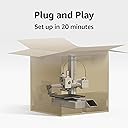
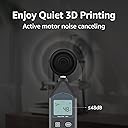
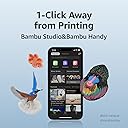
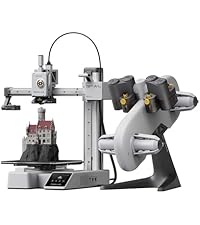
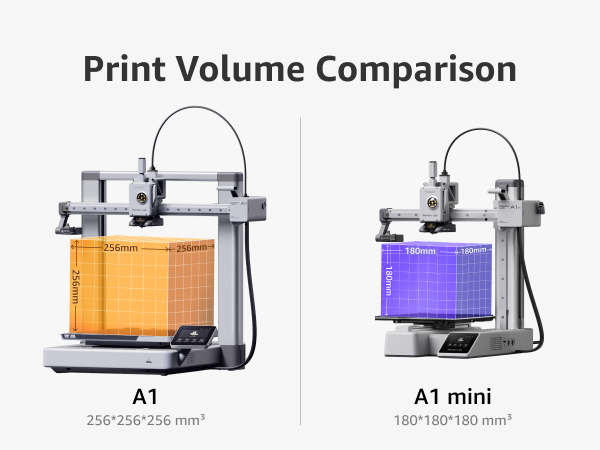
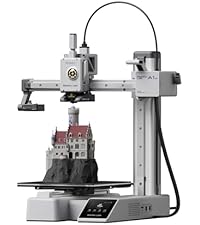
BAMBU LAB PLS GIVE ME A FREE PRINTER THE BIG ONE I BOUGHT THE MINI PLS The Bambu Lab A1 Mini is an absolute masterclass in engineering that has completely redefined the landscape of desktop 3D printing in 2026, delivering a truly seamless, "plug-and-play" experience that was previously thought impossible at this price point. From the moment you open the box, the attention to detail is staggering; the machine arrives nearly fully assembled, allowing even a complete novice to go from unboxing to their first high-quality print in under twenty minutes. What truly sets this machine apart is its sophisticated suite of automated features, specifically the full-auto calibration system that meticulously handles Z-offset, bed leveling, vibration resonance, and even active motor noise cancellation without any manual intervention from the user. This level of automation ensures that the dreaded "first layer struggle" is a thing of the past, as the A1 Mini consistently produces flawless results with a success rate that puts much more expensive industrial machines to shame. Despite its compact 180mm cube build volume, this "mini" powerhouse is remarkably fast, utilizing an advanced motion control system that allows it to maintain incredible precision even at high speeds, turning out a perfect "Benchy" in a fraction of the time required by older Cartesian printers. The integration with the Bambu Lab ecosystem is the icing on the cake; the Bambu Handy app and the MakerWorld platform allow you to browse thousands of models and start a print with a single tap from your smartphone, providing a modern, connected workflow that feels years ahead of the competition. When paired with the AMS Lite, the A1 Mini becomes a multicolor marvel, handling filament swaps with surgical precision and allowing for creative expressions that were once reserved for high-end professional setups. The machine is also whisper-quiet, making it the perfect companion for an office desk or a small apartment where space and noise are primary concerns. The build quality feels premium, the user interface on the touchscreen is snappy and intuitive, and the quick-swap nozzle system makes maintenance or switching between detail and speed an absolute breeze. In an industry often plagued by constant troubleshooting and hardware tinkering, the A1 Mini stands out as a reliable tool that just works, allowing the user to focus entirely on the joy of creation rather than the mechanics of the machine. It is rare to find a product that so perfectly balances affordability, high-end technology, and user-friendliness, but Bambu Lab has achieved exactly that, making the A1 Mini the undisputed champion for hobbyists, educators, and professionals alike who demand excellence in a compact package. If you are looking for the most friction-less entry into the world of 3D printing or simply want a reliable workhorse to add to your farm, this is, without question, the best investment you can make this year—a resounding five-star achievement in every possible metric.