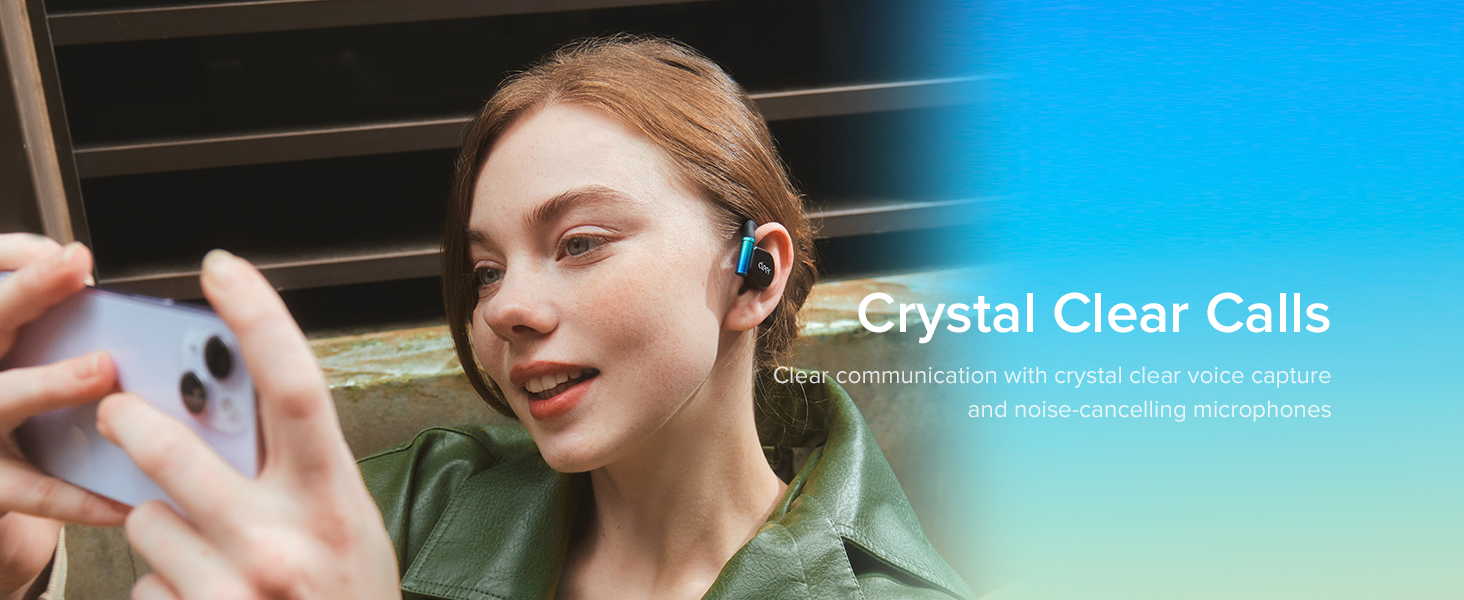
🎮 Game On, Stay Ahead: Hear Every Detail, Feel Every Win
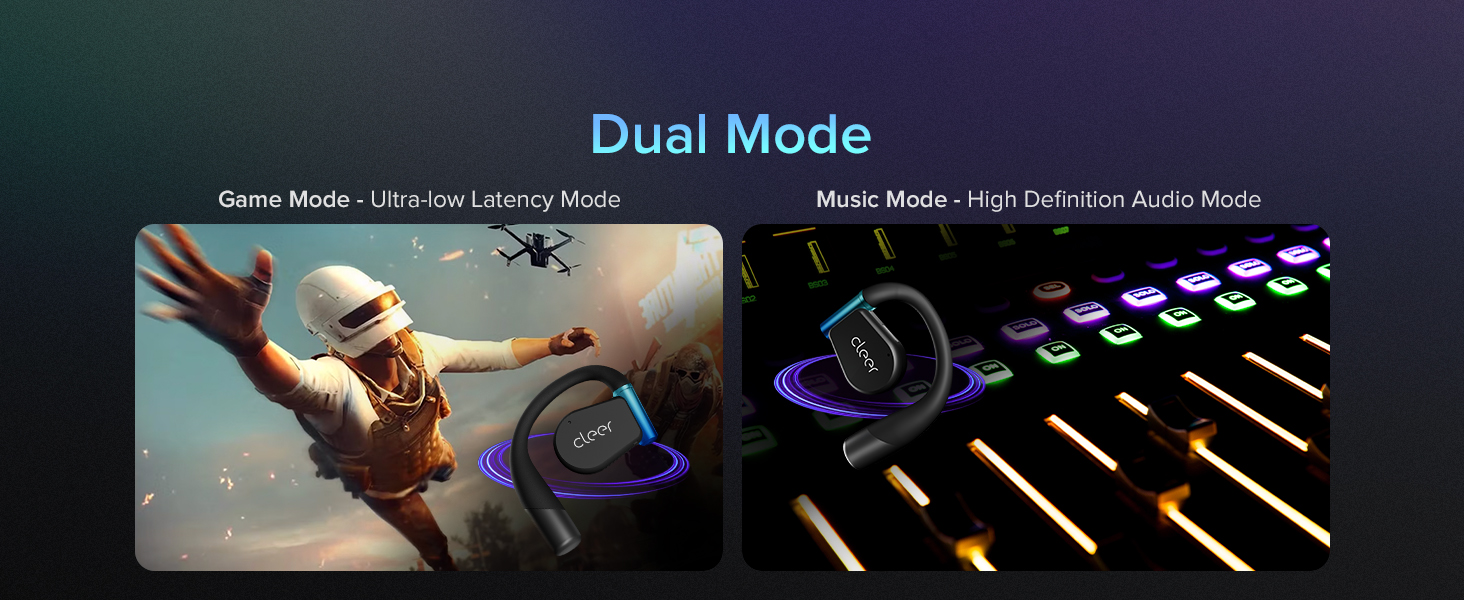
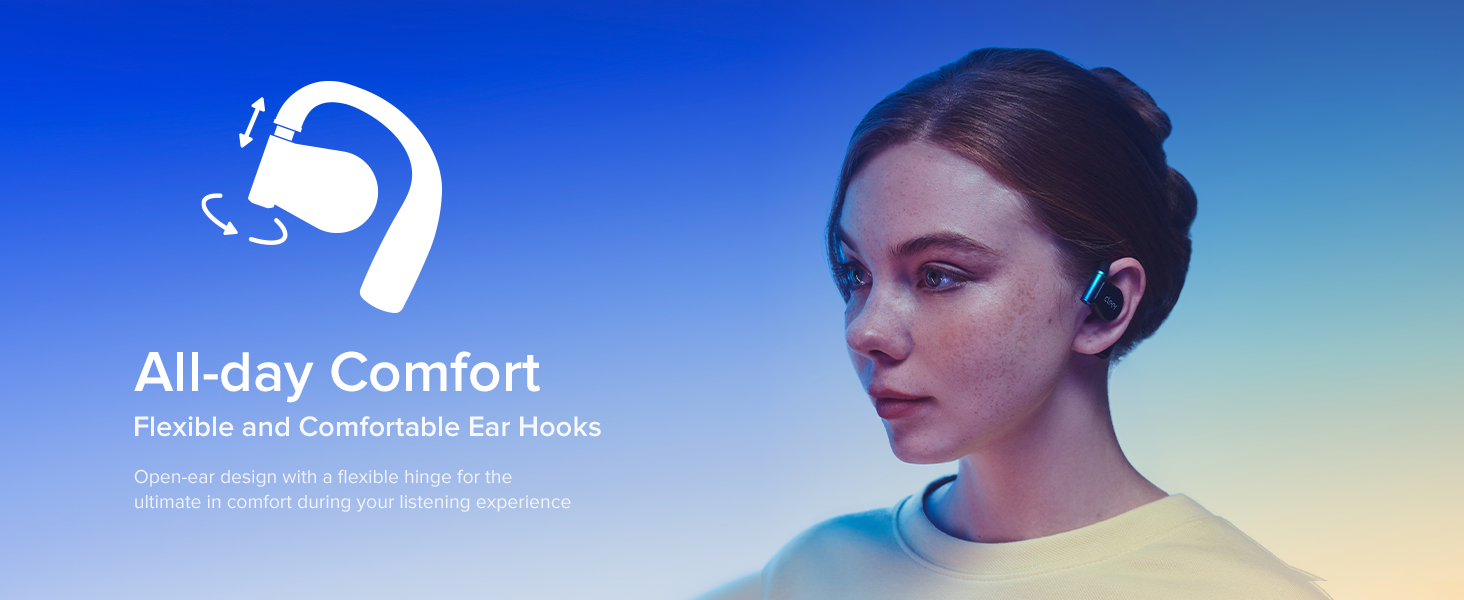
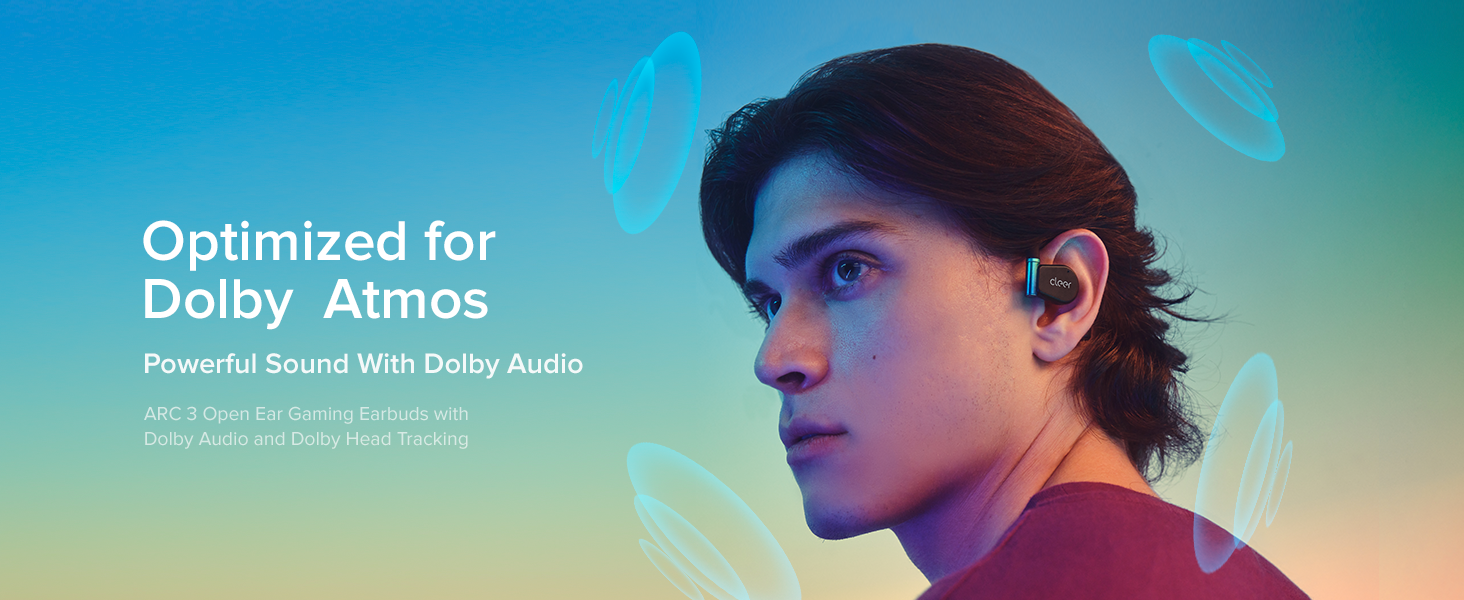
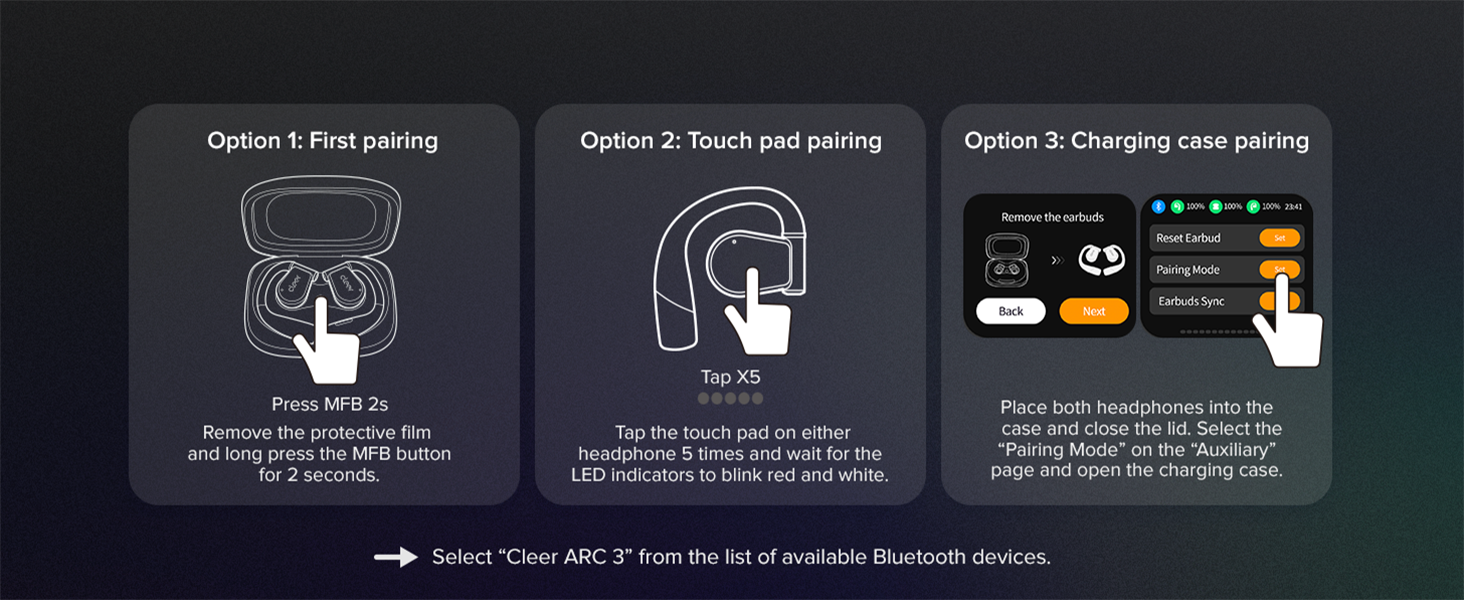
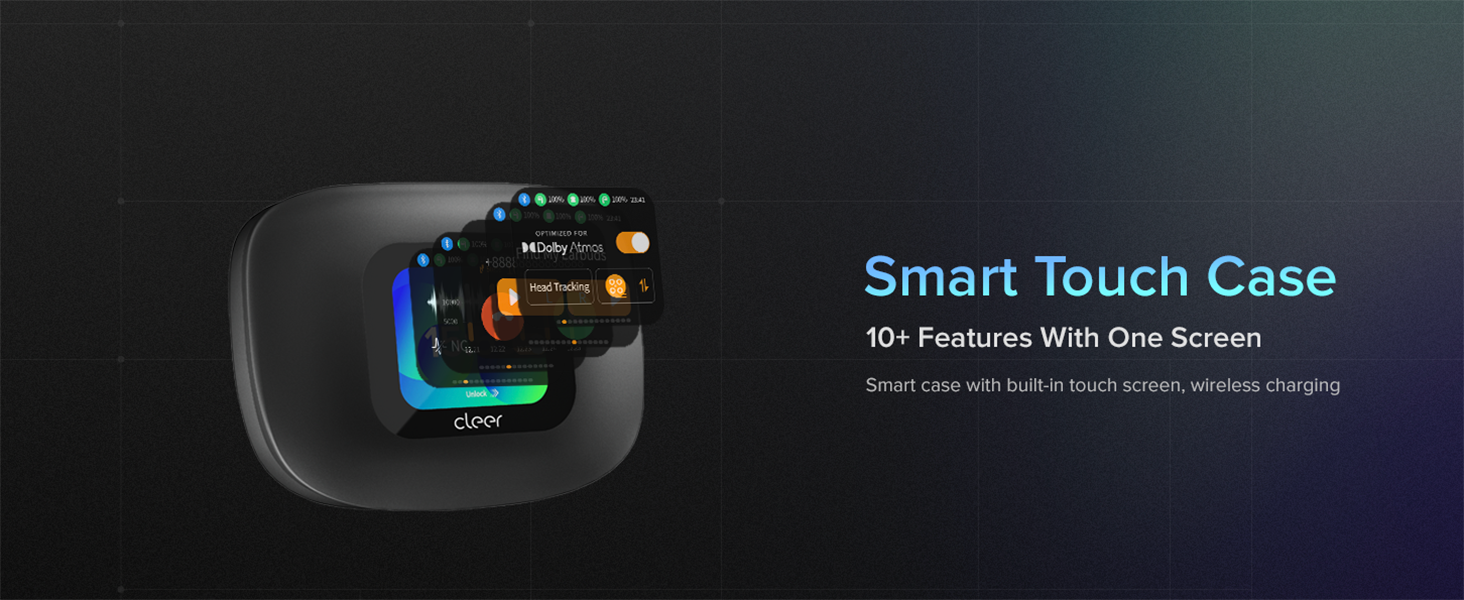
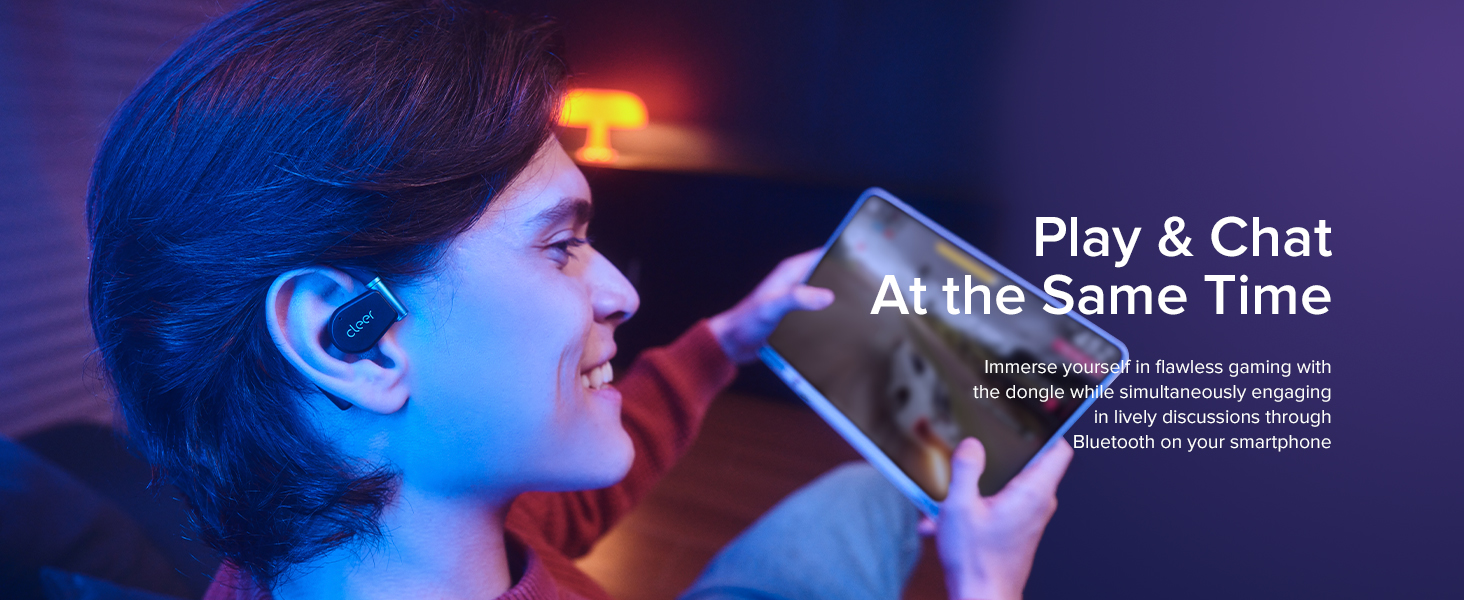
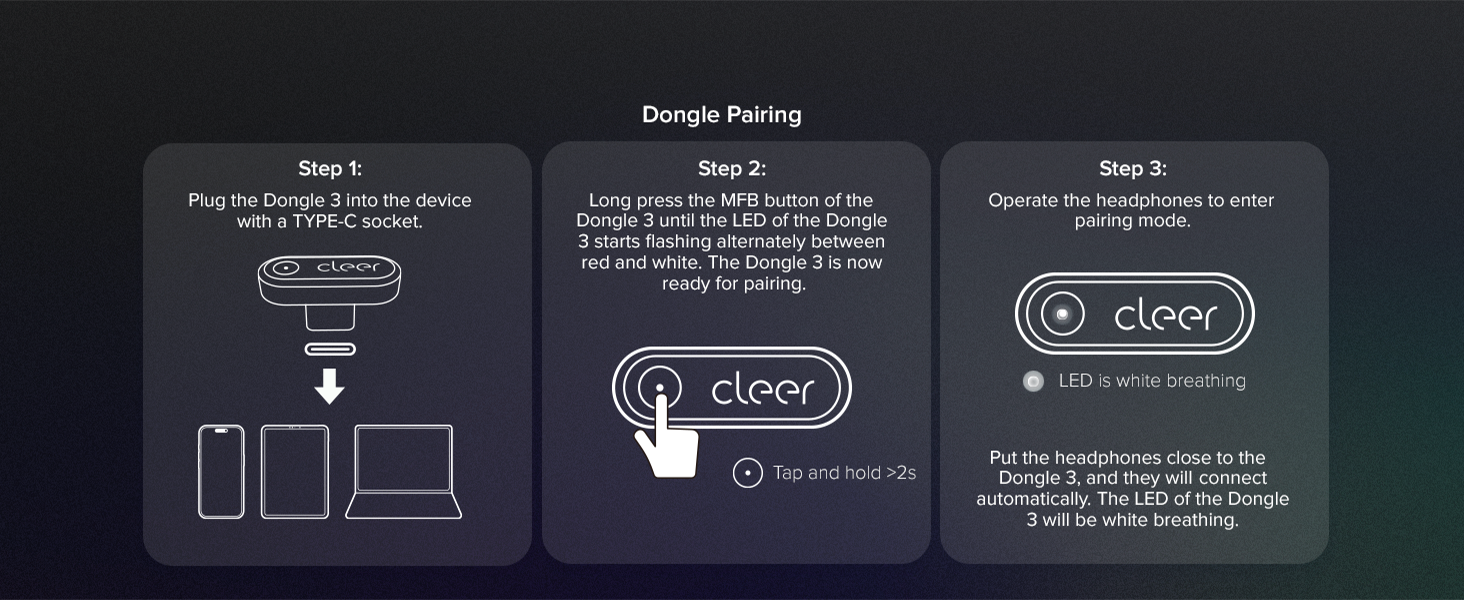
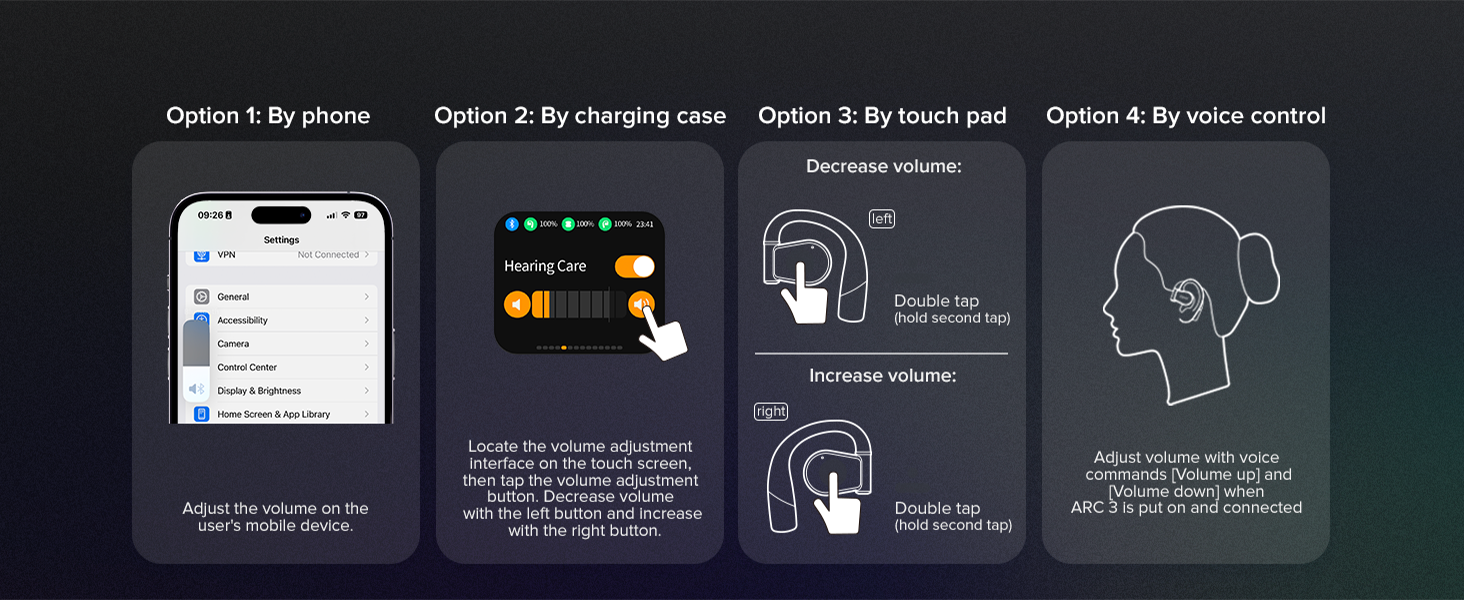
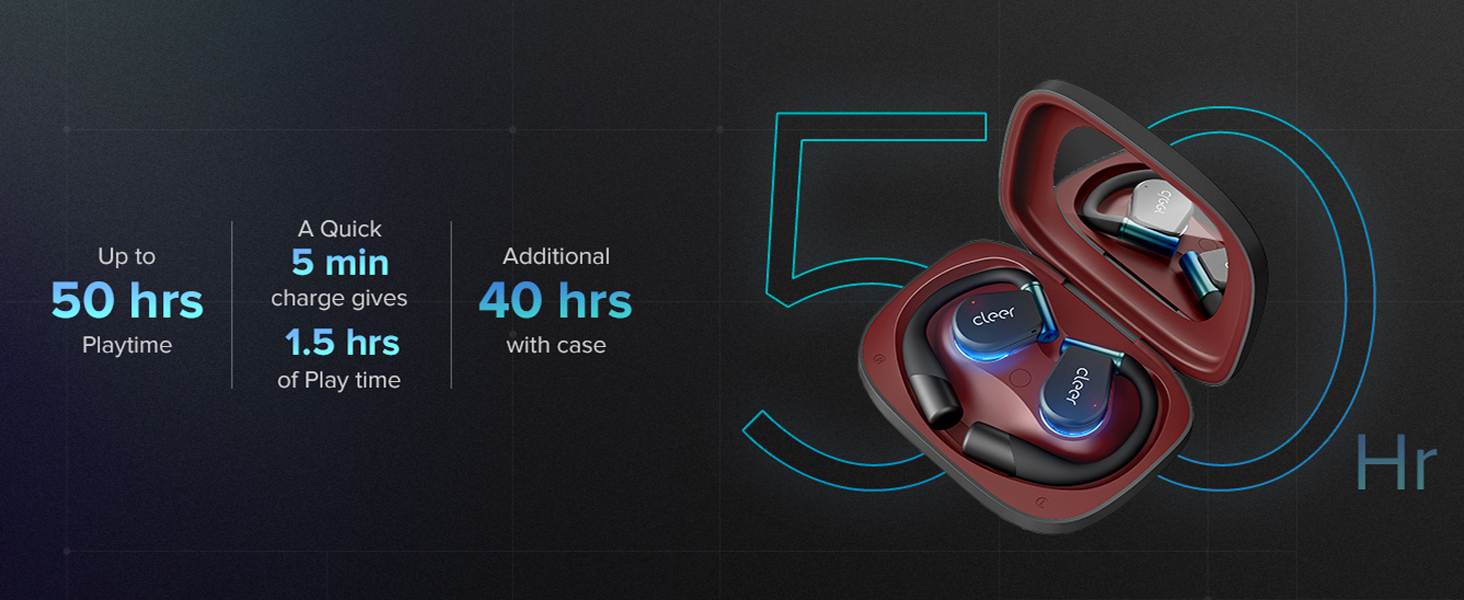
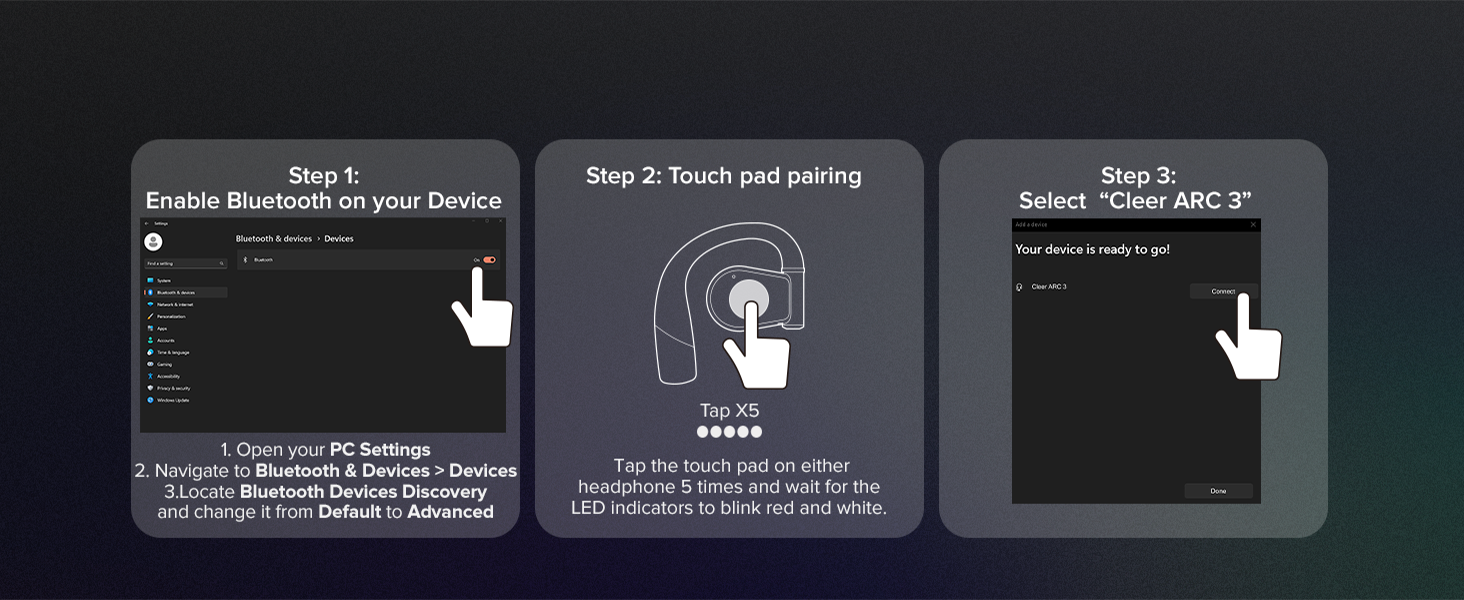
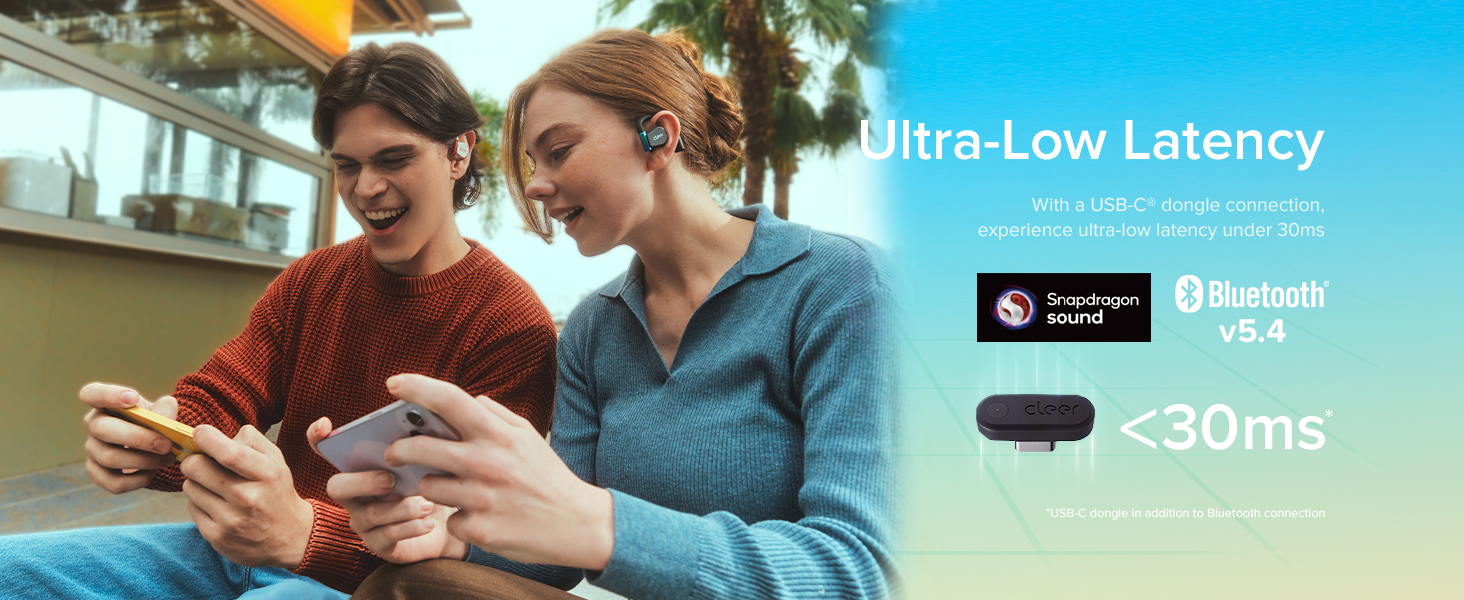
The Cleer ARC 3 Gaming Earbuds combine ultra-low latency under 30ms with Dolby Atmos spatial audio powered by Snapdragon Sound, delivering an immersive open-ear experience. With up to 50 hours of battery life and dual connectivity via Bluetooth 5.4 and a USB-C dongle, these earbuds are engineered for seamless multi-device gaming across PS4/5, PC, Switch, and VR platforms. Their minimalist, ergonomic design ensures comfort during marathon sessions, while intuitive touch controls and an FHD display on the charging case provide easy customization. Ideal for professional gamers and multitasking millennials craving premium sound and uninterrupted play.


| ASIN | B0DMSPKBC9 |
| Age Range (Description) | Adult |
| Audio Driver Size | 16.2 Millimeters |
| Audio Driver Type | Dynamic Driver |
| Audio Latency | 30 Milliseconds |
| Batteries | 2 A batteries required. (included) |
| Battery Life | 50 Hours |
| Best Sellers Rank | #20,140 in Electronics ( See Top 100 in Electronics ) #268 in Open-Ear Headphones |
| Bluetooth Version | 5.4 |
| Cable Feature | Without Cable |
| Carrying Case Color | Black |
| Carrying Case Height | 1.53 Inches |
| Carrying Case Length | 4.8 Inches |
| Carrying Case Weight | 130 Grams |
| Carrying Case Width | 3.42 Inches |
| Charging Time | 1 Hours |
| Compatible Devices | Cellphones, Desktops, Gaming Consoles, Laptops, Tablets |
| Connectivity Technology | Wired, Wireless |
| Control Method | App, Touch |
| Customer Package Type | Minimalist Box |
| Customer Reviews | 3.8 3.8 out of 5 stars (84) |
| Date First Available | November 15, 2024 |
| Earpiece Shape | open-ear |
| Generation | 3 |
| Hardware Interface | Bluetooth, USB |
| Headphones Jack | No Jack |
| Included Components | Charging Cable USB-C to USB-A, Charging Case with Built-in Sterilization using UV-C, Cleer ARC 3 Gaming Open Ear Headphones, User Manual, Wireless Charging Case |
| Input Device Interface | USB, Bluetooth |
| Item Weight | 4.6 ounces |
| Item model number | Arc 3 Gaming |
| Manufacturer | Cleer |
| Material | Plastic, Silicone |
| Model Name | ARC 3 Gaming |
| Noise Control | Adaptive Noise Cancellation |
| Noise Control Features | adaptive_noise_cancellation |
| Number of Items | 1 |
| Package Dimensions | 4.8 x 3.35 x 1.54 inches |
| Recommended Uses For Product | Calling, Gaming |
| Special Feature | Open-Ear Design, Multipoint Connectivity, Water & Sweat Resistance, Dolby Atmos Optimization |
| Specific Uses For Product | Business, Entertainment, Gaming |
| Style | Minimalist |
| Supports Bluetooth Technology | Yes |
| Units | 1.0 Count |
| Water Resistance Level | Water Resistant |
| Wireless Communication Technology | Bluetooth |
C**S
They are awesome (pending bug fixes)
I love this product and I tried a lot of gaming earbuds that I returned with my PlayStation 5. I play FPS Apex Legends game and I value audio quality, battery life and comfort. I like that these headphones are no in-ear and instead over the ear - makes better for long play sessions. I do still have a slight discomfort in long sessions and it’s not a big deal. Anyway, I appreciate the case screen where you can check battery and change EQ settings, the audio quality and battery life. Please note when USB dongle is used, the audio from the phone is deprioritized (at least on iPhone) so I can’t watch TikToks while queuing in the game match lol this sucks… the case supports wireless charging. If you want any to listed to music the sound quality is amazing. Still testing mic since I don’t really use it, it’s not the best from what I can tell. I had connectivity issues which were partially resolved by updating dongle, Headphones and Case Firmware. Oh yeah, the iPhone app works good but case screen does a lot of customization itself so no need to use the app itself as much. I wish there will be custom mute/turn off audio button - maybe they will enable it later with the future FW update. The issues I had were with audio cracking (google posts online) and audio distortion, but it’s fixable with placing headphones back in the case and taking back even in the last FW releases. I hope this will be fixed soon.
M**C
Really good just bad dongle connection
Probably would give these 5 stars if it wasn’t for the dongle issues. These are seriously really good. I’ll wear these for my whole work day without reaching low battery. They sound really solid, much better than your average ear bud. They give you that wide soundstage feel so great for movies and music. I also hardly ever feel discomfort from wearing them, I can usually wear them for the whole day without aching. The big downside here is the dongle, it’s not great. Lots of static, weird disconnects, sometimes loud blasts of static noise would play through the headphones if the dongle is connected directly to my PC. I bought a little extension cable and that seemed to fix some of those issues so maybe it’s some kind of shielding issue with the dongle itself? Hopefully something that can be sorted out with firmware updates, but I don’t think the dongle version (this one) is really worth it. If you don’t care much for a dongle connection, just stick with bluetooth.
H**E
Gaming Earbuds
I was first drawn to the idea of wireless earphones because of their convenience; however, I was also interested in acquiring a product that provided high-quality sound with a little amount of latency. It was at that time that I came across these gaming earbuds; they boast an extremely low latency, use sound technology from both Snapdragon and Dolby, and come with a USB-C adaptor to facilitate seamless compatibility. After reading the description, which said that they had a battery life of fifty hours and that they are compatible with the PlayStation 4, PlayStation 5, Quest, and Switch, I thought that they fulfilled all of my requirements. Now that I have put them through their paces for a few weeks, I can confidently state that my general experience has been fairly favorable, but there are a few elements that are worth mentioning. A set of open-ear wireless earbuds has a fit that is surprisingly comfortable, which is the first and most important thing to note. The one-of-a-kind design seems to provide a comfortable fit without exerting an excessive amount of pressure on my ear canals. Although I have had issues in the past with earphones that were too tight or threatened to slip out if I moved about, these earbuds have not caused me a great deal of problems. It took me a little bit of adjusting to find the proper positioning for my headphones, but once I did, they remained in place over lengthy gaming sessions. Of course, everyone's ears are different. I believe that the sound performance of these earphones is where they truly set themselves apart from the competition. It seems that the sound technology introduced by Snapdragon and Dolby improves both the low and high ranges, providing me with clear auditory cues in games that are fast-paced. In stealth games, even the most inconspicuous noises, such as footsteps, are amplified, which is something that I really love. Voices and sound effects are able to maintain their clarity since the bass is strong without being too boomy. In addition, the claim of having very low latency is supported by my own personal experience; I have not seen any significant delay between the action that is shown on the screen and what I hear. Due to the fact that even the smallest amount of latency may easily throw off my timing in professional battles, this is an essential feature for me.
J**S
Fantastic product and excellent service! The Cleer ARC 3 Gaming earbuds arrived on time, well-packaged, and exactly as described. The sound quality is top-notch, and the open-ear design is a game-changer for long gaming sessions. Highly recommended!
D**I
Absolutely amazing for teams and phone calls
M**Y
Hi, for the price I paid, these headphones are frustrating, they are connected to USB-C over my computer with the dongle provided, they work fine, however I don't need my phone connected, so bluetooth is off, but over the audio prompts, it says "looking for device" every time I put them on and they are already connected to my computer audio. After it says that, it says device not found, but continue to work. Can you please update the software so it only says this audio prompt when it's in pairing mode or just have an option to turn it off? Also I have the settings on so the headphones do not power off when not in use with audio, however they automatically power off after 10 minutes if I don't have music playing over my desktop audio. You need to fix this. It's quite frustrating.
J**K
Returned it. The app did not function as intended
K**L
Item arrived with no shrink wrap, opened box and was missing dongle and all protective film removed already. Also screen was set to Chinese…
Trustpilot
1 day ago
2 months ago