We remain fully operational. Our teams are working around the clock to ensure your deliveries continue safely.

DOWNLOAD THE APP


Customer Services
Copyright © 2025 Desertcart Holdings Limited
DOWNLOAD THE APP
Buy anything from 5,000+ international stores. One checkout price. No surprise fees. Join 2M+ shoppers on Desertcart.
Desertcart purchases this item on your behalf and handles shipping, customs, and support to Cyprus.
🚀 Double your display, double your impact — 8K clarity, zero compromise!
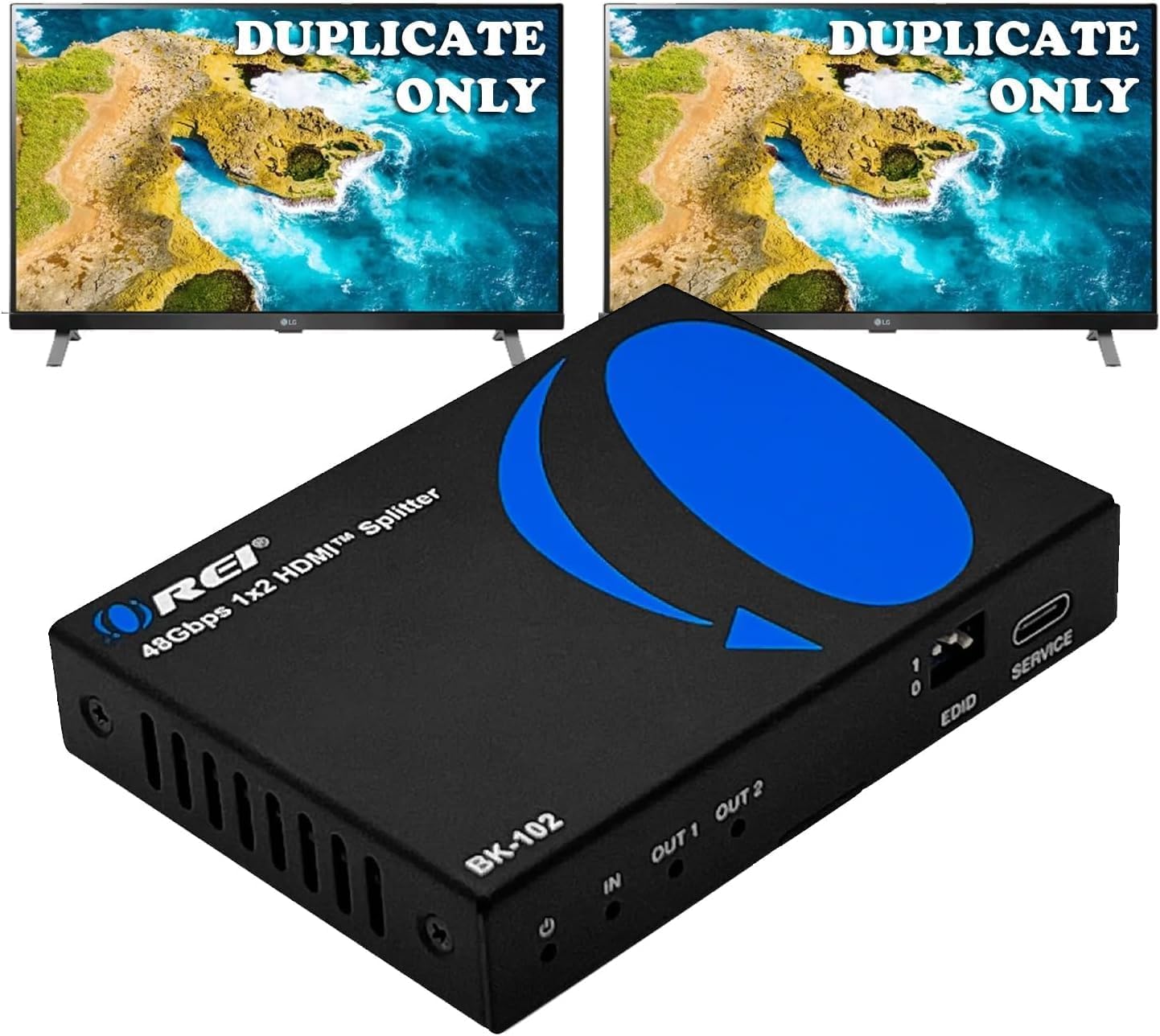
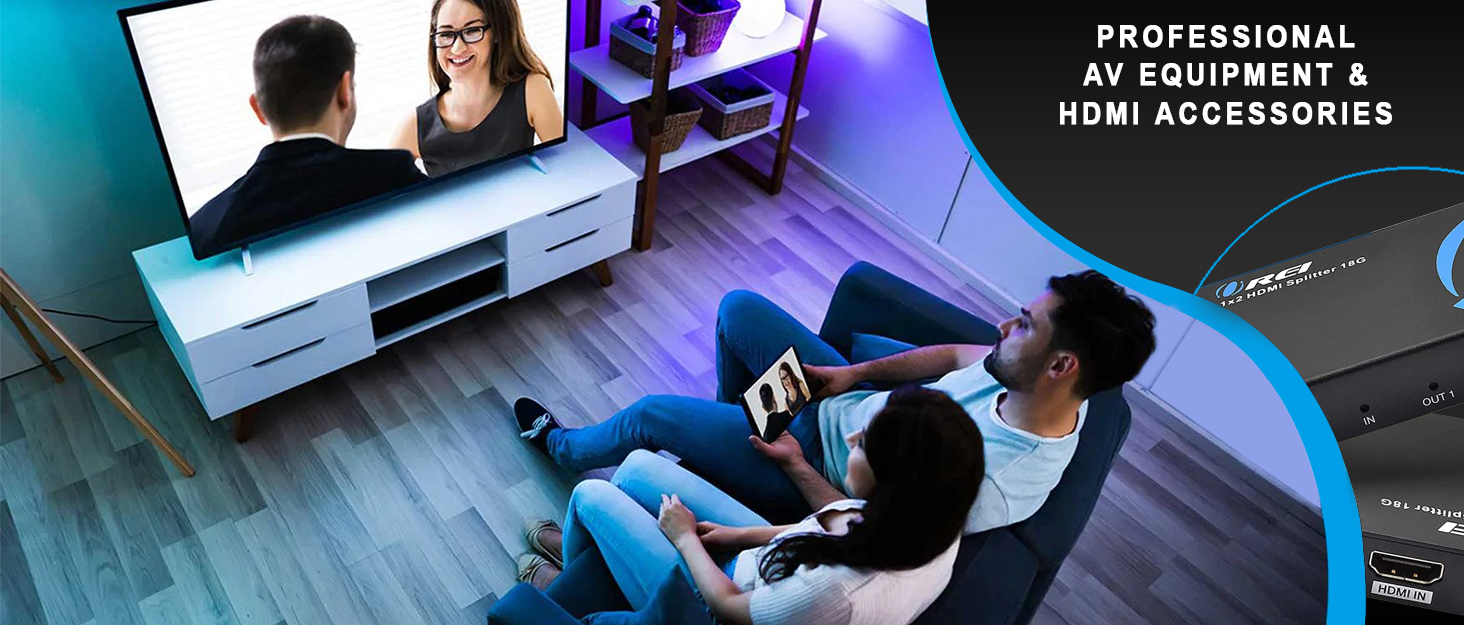
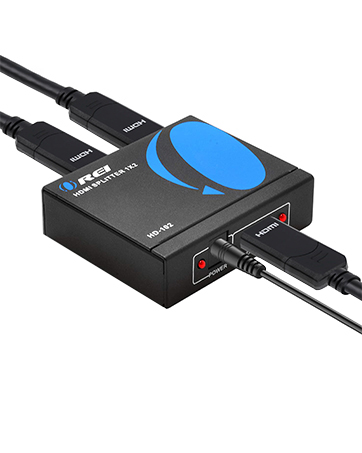
The OREI BK-102 HDMI Splitter is a compact, high-performance 1x2 HDMI 2.1 distribution amplifier that duplicates ultraHD signals up to 8K@60Hz and 4K@120Hz. Designed for seamless multi-display setups, it supports advanced HDR formats and high-fidelity audio passthrough, ensuring flawless video and sound across two HDMI outputs. Compatible with a wide range of devices and operating systems, it features smart EDID management for stable connections and is ideal for gaming, professional environments, and home theaters.

| ASIN | B0CMZ8B6N2 |
| Best Sellers Rank | #68,425 in Electronics ( See Top 100 in Electronics ) #84 in Satellite TV Dish Splitters |
| Item model number | BK-102 |
| Manufacturer | OREI |
| Product Dimensions | 9.53 x 6.99 x 1.65 cm; 340 g |
P**N
I do have maybe a "bit strange" use case for this, which is dealing with the connection of the Nvidia graphics card output to multi-monitor (3x32" 4k, and a 8k Samsung TV used as large monitor) setup with multiple computers, mostly in Linux (Fedora KDE). Where this came in was to have a stable EDID shown to the NVIDIA card, which helped to workaround issues caused from the switching transitions (whether switching computers or from screen locks, monitor power off transitions etc.). It "should not" be needed here, but it is presently the only way I have gotten this to work perfectly on all scenarios. I am not using split function at all, it is 8k in/out towards the Samsung, but I am using the EDID settings switch which "hides" the monitor info as well as presents stable config to a monitor. It also fixed some strange behaviors on display on normal use and improved the switching times. Perfect fix for my somewhat special case at least until Linux HDMI support catches up.
J**D
OREI 8K BK-102 HDMI Splitter is an excellent compact device that’s great for when you need to use a single input signal on multiple screens. This particular splitter is rated for 8K60Hz in a 1 in 2 out configuration this means that for one signal input I get 2 outputs. The construction is high quality metal with sturdy inputs. With the device being HDMI 2.1 compatibility with modern devices is very simple. I am using this device with my PS5 Pro so that I can simultaneously output on my 27” Alienware (AW2725Q) 4K 240Hz QD-OLED monitor and my 55” LG C2 OLED 4K120Hz TV. In my use case there’s no noticeable difference between the splitter and native connection this is true for HDR, VRR, ALLM and 120Hz output. I’ve noticed no perceptible input delay but lack professional grade tools to measure latency in a direct capacity. Sound quality also seems unaffected when compared to native connection but as I use PCM I am likely not stressing the audio output in a meaningful way. I love that the device is so incredibly compact while not sacrificing on features. For a 2.1 splitter from a well known brand value is more than good for what the device accomplishes. It’s worth noting that you need to be mindful of the cables you use and their lengths especially with HDMI 2.1 signals as that can cause a lot of issues. If the devices aren’t matching resolution it’ll downscal output to the lowest resolution in the chain. Despite not advertising it directly I was also pleasantly surprised to to learn the device supports 1440p as well. Overall highly recommend OREI’s 8K splitter if you have a use case like mine.
J**N
The delivery was quick and everything was packed well. The device is easy to use and setup. Unfortunately, I ran into a couple issues with this device when setup with a PS5 outputting to a large 4k OLED display and 4k desktop monitor. The issues below had workarounds, but best case scenario was sacrificing image quality on my large OLED. First problem: Severe discoloration on the desktop monitor when it was connected to output 2. Everything was purple with hazy shadows smearing across the screen. Additionally, the computer speakers I have connected to the monitor were outputting oddly, with sound effects missing and audible crackles. Switching the monitor to output 1 fixed both problems. The next issue isn't as severe, but it would bother me if I continued using the product. The colors on my larger display were washed out, way less contrast, and fuzzy on the edges of characters, level art, etc. The framerate was still very high, but the overall visual quality takes too much of a hit when plugged into the splitter. Which is odd because the quality on the smaller monitor was fine (after sorting out the purple screen issue). Using the splitter in my situation would only be acceptable if I was ignorant of the image quality my display was capable of without it. I tried using different cables, matching video settings, toggling other settings, but nothing could get the quality to match a direct connection. The images I attached depict the difference in image quality when connected to the splitter and when not. These images don't do either enough justice compared to seeing in person. However, it should at the very least show how drastically the visuals change with the device. The last picture is of the monitor when it is plugged into output 2.
F**L
Worked right out of the box. Plug and play. Using for primary 4K TV and two other TVs connected wirelessly, one 720p and one 1080p. With the previous two splitters I tried, I was unable to use DolbyVision on the primary TV (max HDR10+), but with this splitter, no issue.
A**S
Need this to mirror one into my tv and one into my capture card. Without this product, I would need to have the pc always on in order to play on my tv. However, this eliminates that as it outputs two signals at the same time. Plug in and play, no need to set up. The picture quality and the sound quality is good as well, nothing being diminished as far as I can tell. There would be the occasional screen going a little haywire, but nothing like a simple unplugging and plugging back the power source can't fix.
Trustpilot
2 weeks ago
1 month ago