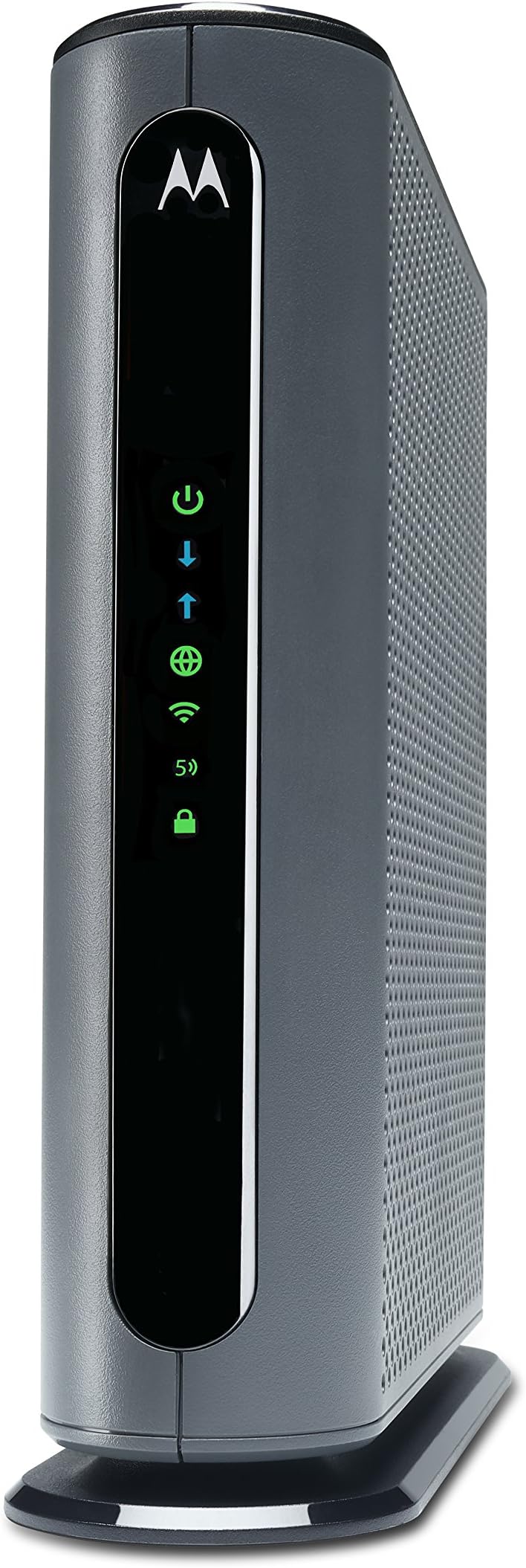
When I first got the Motorola MG7700, I was pleased with it. My cable company had no problem activating it once I set it up. We connected WiFi stuff that had been having problems on our cable rented modem. Plugged in 3 ethernet connected computers. Everything was hunky dory. Then, after about 1 month of use, our connection went down. Contacted the ISP, they said everything was fine on their end. The indicators on the modem said we were connected. But all our devices, ethernet and WiFi, were unable to get to the internet. Since I still had the old modem, I reconnected that one - we were back in business. WiFi wasn't great (one of the reasons we had gone with a new one) but back in business. So, I called customer support for the Motorola. The guy who helped me guided me through about an hour of steps, checking a bunch of settings in the Motorola, re-setting it to factory default, unconnecting and reconnecting things, and we finally got the connection up and running again. His name was John, and he was wonderful. He said since the modem had been connected for as long as it had been, and the settings we had gone through were what they were, most likely it wasn't the ISP but the modem that had a problem. Said he would put a bunch of notes in the case and if I had the problem again, they would replace the modem, because that's what seems to be the problem. One week later (yesterday), it died again. Called the Motorola service people again. NEW guy I talked to insisted it was the ISP that was the problem, and that I needed to call them and re-activate the modem. He admitted that since the modem HAD worked for a while that was a wierd thing to have happened, but insisted it couldn't be the modem. We went through the whole procedure of re-setting the modem to factory new again, and unplug the thing again, unscrew it from the connection to the ISP again, and nothing was done other than that. Yeah, we got it working again, but HE said if it went down again it was the ISP. I asked if I could somehow call the ISP BEFORE it goes down again to fix whatever he thinks is wrong. He said yes, I should do that. So, I called the ISP. They could see nothing wrong, but I finally got them to deactivate then reactivate the modem as the second tech guy had insisted was the problem. They said they had never had that problem with this brand and model of modem, and didn't see that it would do any good, but they would do it since I asked them to. It's been about 5 hours now. Modem is working at the moment. But I am expecting it to go out again. I have had more than a few modems in my lifetime, and this is the first one I've had so much trouble with. I'm disabled, and having to deal with constantly re-setting and unplugging the modem is a pain (literally). I went with this modem to save some money on renting from the ISP, but this is not worth it. I can't even bring in the old modem so I can stop renting the stupid thing because I need a backup for when this new one dies . . . NOT a happy camper. Not thrilled that the second tech support guy basically devalued everything the first one said and blamed the ISP. Not happy that I've had to re-set this stupid modem I believe it's 3 times (or is it 4?) since I set it up only a month and a half ago. At this point I would not purchase a Motorola Modem ever again. Addendum: Have called product support 7 times. Sometimes I'm on hold for over 45 minutes and they hang up on me. Sometimes I talk to someone who still insists it's the ISP. ISP says they show that they are connected properly with the modem. They've resed the stupid thing over and over again - sometimes it works, sometimes it doesn't. Have to constantly hit the "factory reset" button when it dies. The 7th time I called Motorola product suppoer, I finally got someone who said they would send me a new one. Now, THAT process is a pain too! They want a credit card number, in case I don't return the old one. They say I have to pay to send the old one back, and that I better make sure I pay for tracking becuase it might not get there. Whole process is a pain in the butt. I am even more unhappy now. Downvoted this thing to 1 star due to their product support. I would suggest not purchasing this POS. New Addendum: These idiots want to put an amount "on hold" for the new modem. An amount that is MORE than we paid for the modem in the FIRST PLACE! Never dealt with such a bunch of jerks! The customer support person didn't say they were going to do that. In fact, he specifically said there would be no charge if we turned in the old one within 30 days. But no charge is NOT the same as "we will put a hold on your credit card for $184.99. I am NOT authorizing this crap! Don't trust them at all at this point. Buyer beware!