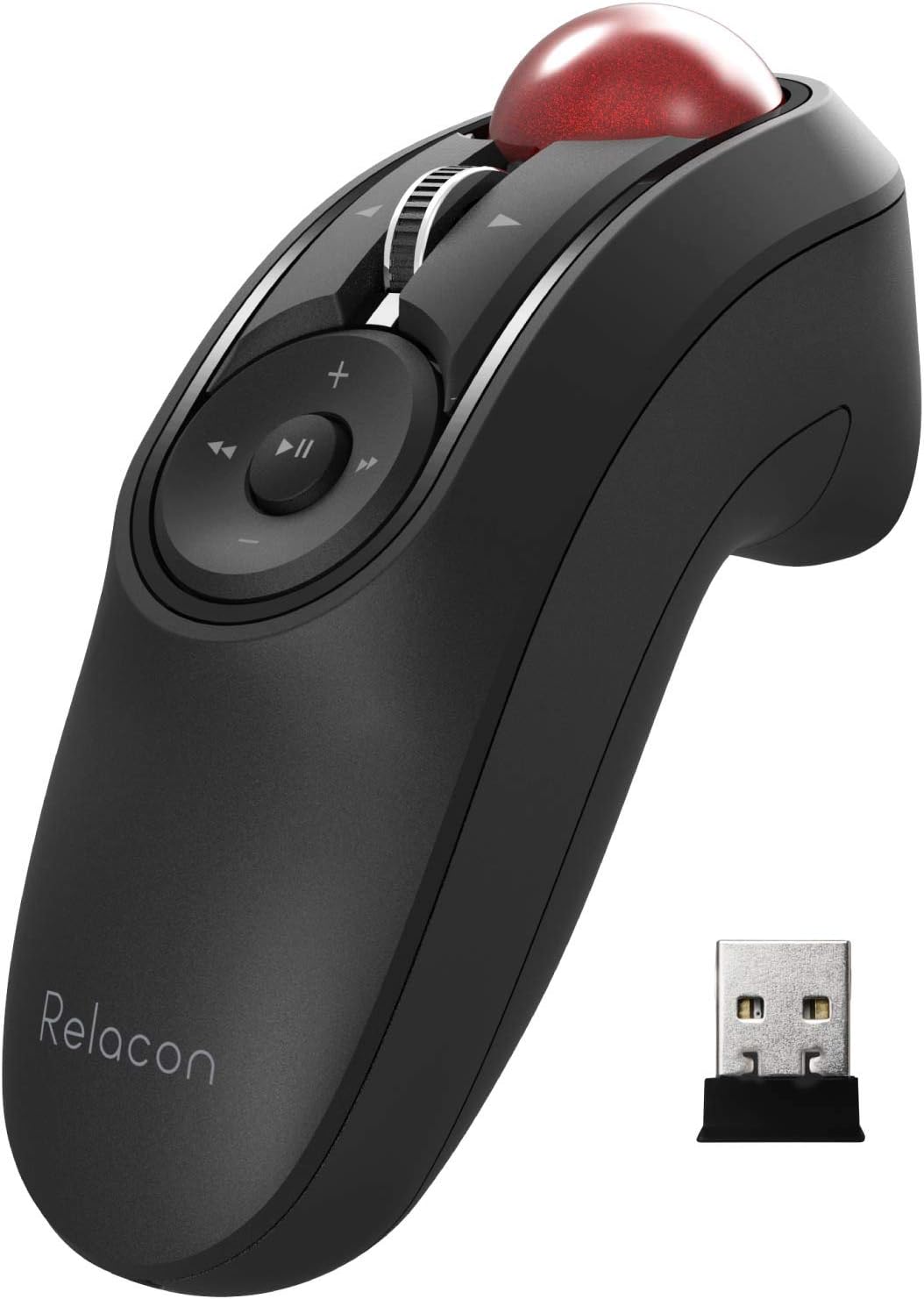
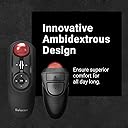
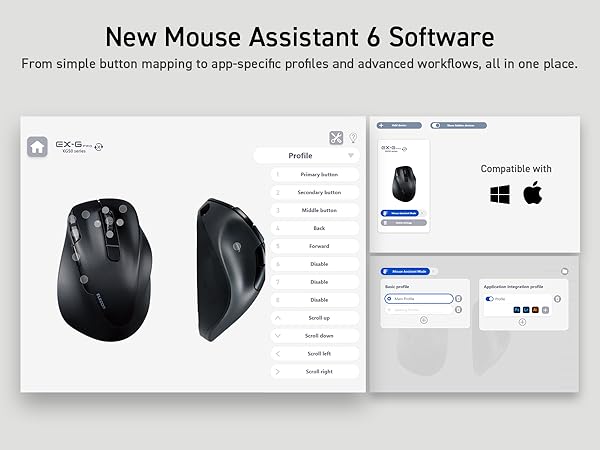
I really like this mouse in a lot of ways, but there are other times when I've struggled with it, and I've ended up not using it as my daily mouse (I keep it on hand in case my daily mouse dies, like my Logitech finally did). I could see it being great for specific situations (like the listing that shows using it with a laptop at a non-desk location, using as a media controller, etc) but as my everyday mouse at my desk it just didn't work out. I've been using a trackball super happily for about 5 years, so all of the pros and cons below I'm approaching as already being a trackball user. (If you're not already a trackball user... hang in there. Once you get used to it it's GREAT.) PROS ------ - Can hold it in really any position, and it doesn't have to be up on your desktop. I just held it down in my lap a lot, or next to my side when I'm using a standing desk, but you can also rest your hand on the edge of the desk in different positions too. Even set your hand on a luxurious pillow if you want. :D - It's ambidextrous, so it works great for righties and lefties. I'm not ambidextrous myself at all, but if my right wrist is really bothering me I can switch to my left hand; it slows me down a little, but I'm still perfectly able to keep doing what I was doing. - Super flexible in that it allows you to hold it basically however you want. I wish I could adjust the curve of the underside (like have the finger groove hold my other fingers further back) but I don't know how you'd possibly make that adjustable), but just being able to not have your wrist on a desk is a pretty big deal by itself. I've had a lot of wrist pain over the years and this DEFINITELY helps. - Programmable buttons are nice! I don't need them mostly and even the ones I would use (like the back and forward web browsing buttons) I just forget they exist, but if I used it for a long time I'm sure I'd eventually make use of them. It also has a tilting scroll wheel... I had to look up what that even was for, but turns out it's for scrolling horizontally. The more you know! :D I never used it, but it's often just nice to have more options rather than less with anything. - The driver/controller program for it lets you set which button does what, and things like your scroll speed and how to make the wheel do a speed-scroll, plus there's a DPI controller on the mouse itself. CONS ------- - Switching between mousing and typing is just prohibitively annoying. Because it's not on the desktop, every time you want to type two-handed you have to either put the mouse completely down or set it on its stand. And if you're holding down in your lap like I do it you're reaching up and down a ton (which to be fair you'd be doing to reach the keyboard anyway). I just wound up doing a lot of hunt-and-peck typing with my left hand only, which made me remarkably slow at what I was doing compared to what I was doing with my previous trackball. - The stand is basically there to hold the mouse when not in use, but it's a little bit precarious. If you set the mouse down carelessly, it might slide off. I've knocked it off by jostling my desk. My cat's knocked it off. (Why is my cat on my desk? I'd also like to know this!) I'm working in a room with carpeted floor so it hasn't been a serious problem, but if I was using this in my previous workplace with concrete floors, it'd be extremely broken by now. This issue AND the problem mentioned above could be solved by a more substantial base where you could set it (and it would stay) that could turn it temporarily but SECURELY into a desktop mouse. If the stand allowed you to more easily actually USE the mouse while it's set there, it'd become like 90% easier to work with it when you also have to type. - Precision work (like for instance trying to draw or erase an area in Photoshop) was surprisingly difficult. I'm not sure why; I've been doing that work with a trackball mouse for years, so maybe this one's just a bit more sensitive or the ball's a little looser? I really had a hard time producing any sort of non-wobbly line, and no amount of fine-tuning the speed or DPI or anything really helped. - It's a little small, so if you have huge mitts it might be too little for you. For reference, I typically wear a medium in latex/nitrile gloves, and a large in outdoor type gloves, and it fits my hand pretty great. I think smaller hands would probably be fine also, I just think it might be uncomfortable for folks with really big hands. - If you need to get the trackball out to try to clean out gunk, it's surprisingly hard to get it out. It is surprisingly EASY to get it out however if it's knocked on the floor. - I really needed this to have a storage space for the USB dongle, like my old Logitech did. That one you could store the dongle inside the battery compartment; this one's a little weirder shaped but it has an entire base that could have had, if not a screw-top compartment or something, a little slot built into it. I don't think it's terribly overpriced or anything for what it is, but an upgrade on the stand design would make it so much better. In summary, it's a good mouse and if you've got problems with your wrist and don't need to switch constantly between mousing and typing, it's worth a try. For me after about four days of trying I've switched away to another type of ergo desktop model (wish me luck lol) but I'll have it on hand if I need it. Possibly all bagged so I don't lose any components. :D