Buy anything from 5,000+ international stores. One checkout price. No surprise fees. Join 2M+ shoppers on Desertcart.
Desertcart purchases this item on your behalf and handles shipping, customs, and support to Cyprus.
๐ Power Your Smart Home with Speed & Stability
The Dbit N300 Easy Setup Wireless Wi-Fi Router delivers reliable 2.4 GHz Wi-Fi 4 connectivity at speeds up to 300 Mbps, supported by dual high-power 3dBi antennas for enhanced range and stability. Featuring four fast Ethernet ports, parental controls, bandwidth management, and easy setup via an intuitive assistant and WPS, itโs designed for seamless streaming, gaming, and smart home integration. Ideal for professionals seeking hassle-free, robust internet performance in home or small office environments.


| ASIN | B0CGDR2Z8D |
| Antenna Location | Business, Gaming, Home |
| Antenna Type | Fixed |
| Best Sellers Rank | #29,485 in Electronics ( See Top 100 in Electronics ) #211 in Computer Routers |
| Brand | DBIT |
| Built-In Media | Power Adapter, Quick Installation Guide, RJ45 Ethernet Cable, WiFi Router |
| Color | Black |
| Compatible Devices | Personal Computer/Laptop/Smartphone/TV/Printer/IP Camera |
| Connectivity Protocol | Wi-Fi, Ethernet |
| Connectivity Technology | Ethernet, Wi-Fi |
| Control Method | App |
| Controller Type | Application |
| Coverage | Strong and reliable WiFi coverage |
| Customer Reviews | 3.9 out of 5 stars 52 Reviews |
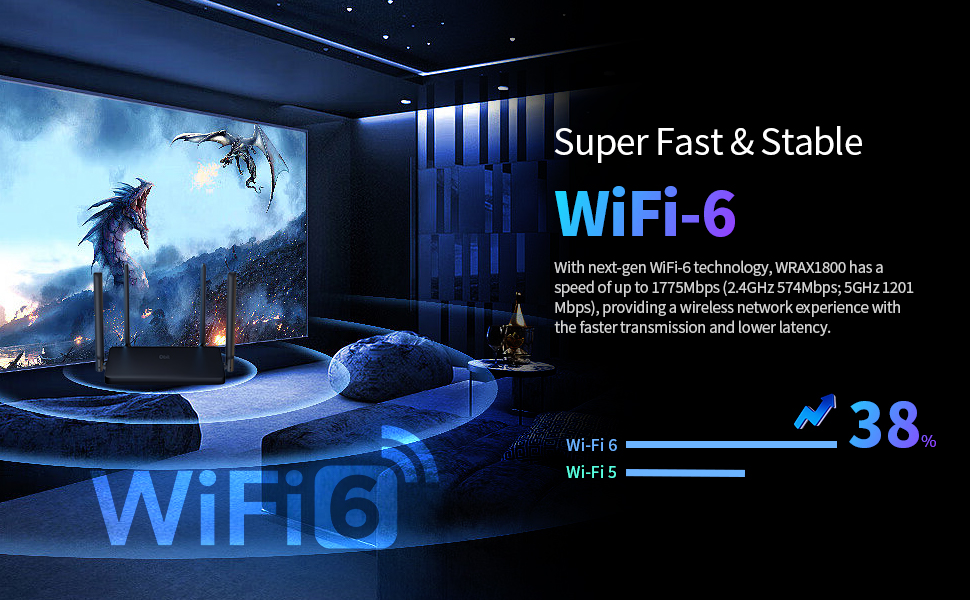
| Data Transfer Rate | 1800 Megabits Per Second |
| Frequency | 5 GHz |
| Frequency Band Class | Dual-Band |
| Is Electric | Yes |
| Is Modem Compatible | No |
| Item Dimensions L x W x H | 9"L x 5.7"W x 6.9"H |
| Item Weight | 264 Grams |
| LAN Port Bandwidth | 10/100/1000 Mbps |
| Manufacturer | Micronet-Union Technologies, Inc. |
| Maximum Upstream Data Transfer Rate | 1200 Megabits Per Second |
| Mfr Part Number | WRAX1800 |
| Model Name | WRAX1800 |
| Model Number | WRAX1800 |
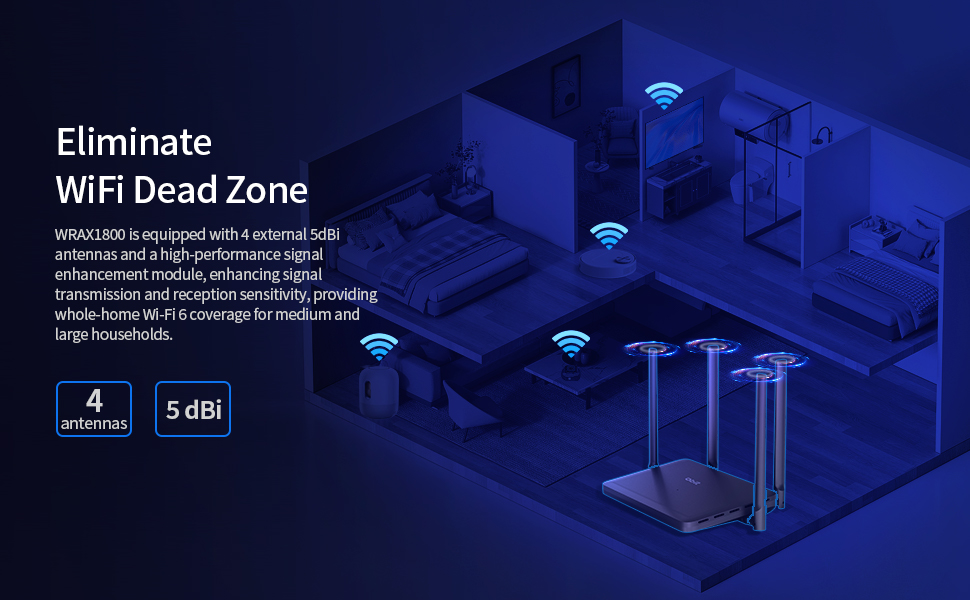
| Number of Antennas | 4 |
| Number of Ports | 4 |
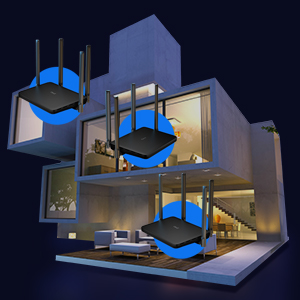
| Other Special Features of the Product | Access Point Mode, Beamforming, Guest Mode, Parental Control, QoS, MU-MIMO, WPS, EasyMesh |
| Security Protocol | WPA3 |
| Special Feature | Access Point Mode, Beamforming, Guest Mode, Parental Control, QoS, MU-MIMO, WPS, EasyMesh |
| Voltage | 120 Volts (AC) |
| Warranty Description | 1 year manufacturer |
| Wireless Communication Standard | 802.11ax |
| Wireless Compability | 802.11ax |
H**I
It works!
Took me some time to set up, but itโs worked well for me
A**G
Router is marginal
It would not cover my whole house had to install a extended
D**Y
just don't expect customer service from Dbit
the router itself is easy to install, connected internet and wifi w/o effort bgger box than I expected - it's 7.5"L x 5in H
J**D
Better Range than expected
I got this Router not having very high expectations for the WIFI range, however I was pleasantly surprised. My home is a rather long 2 story ranch style house with a basement and WIFI coverage has always been a problem. So when I got this Router my expectations for coverage range weren't particularly high. To my surprise, even with the router connected to the cable modem on one end of my home, I am able to get acceptable signal strength at the opposite end, something that I have never been able to do with other WIFI routers I have used. It does struggle on the second floor, and in the basement at the furthest points, but I would have been very surprised if it hadn't, and I am very please with the improvement in coverage on the main floor. Physically it isn't very attractive so it isn't something that most will want out in the open areas of their home or office, but that is typical of this type of device. It is noticeably absent of LED's with just one small LED in the center of the top to indicate status. Some will appreciate the lack of constantly flickering lights, and others may feel there isn't enough visible status information displayed. Personally I prefer the less busy display of lights that is typical of many other network devices. Basic setup is very easy, and one only needs to connect the power adapter and the WAN port on the router to the corresponding port on the modem with the supplied Ethernet cable to be up and running. It is of course advisable to reset the admin password and the WIFI password as part of the setup, and that is easily accomplished as well via the web portal from any web browser. So far I don't really have any complaints, however I do have one concern and that is that it seems to run a little bit hot compared to my previous router. Only time will tell if this turns out to be significant in any way or just an inconsequential observation, but I will certainly update this review if necessary. Assuming the somewhat high operating temperature isn't a problem, this router seems to be a good value compared to other similar products and I have no problem recommending it.
N**N
Provide great coverage with the ability to setup WiFi 6.
The router provides great coverage throughout the house without any signal problem. With this router you can setup 2.4Ghz, 5.0Ghz or WiFi 6 to have better WiFi experience, but just remember only some newer devices work with WiFi 6 and old device do not work with WiFi 6. Installing and configuring the router was quite simple, just plug in the Ethernet cable from your modem to the WLAN port, connect the power and you are ready to use the router. From here you can connect your laptop or other device to the router WiFi and begin configuring the router to your needs. The default username and password of the router configuration page can be found on the bottom of the router including the default gateway if you need it to log in to the configuration page. Once you are in the configuration screen, just follow the on screen instruction starting with the first tab on the left to set up your wireless router.
S**N
Just what I needed.
I wanted to replace my cheap little extender with something more beefy that would have some better reach and faster speed. This fits that bill. It was easy to setup, and I didn't do any extra configuration - basically cat5 to the main router as the network connection and renamed the SSID. It assigns IP addresses in the 192.168.10.* by default, but I'm pretty sure you can change that to the more standard 192.168.0.* or 192.168.1.* - but I sort of like it as is, so I'm going with it. Took almost no time to set up and my distance is probably tripled and the speed is noticeably faster - ie. web pages change and load faster, so it's not just overall speed, it's the latency as well. But my last one was like a cheap two chip noname $20 extender. It's amazing what you can get these days for your dollar. There is a lot to this that I am not using and may never use, but I'm glad it's there if I do. Quite happy.
B**C
Easy to set up and configure. Was faster than my old router but failed after 6 months
I had been using a router that was provided by my cable/internet provider. I replaced it with this one and immediately everything seemed faster. The reach was better too. I had a WiFi extender in my upstairs hallway but that could barely connect to my old router. With this router, I didn't even need the extender, getting good signal all over the house. Update: Almost 6 months to the day, the router started acting weird. First my WiFi printer lost connection and I couldn't get it restored. I tried restarting the modem, router, and printer. I reset the router and some things started working again and some didn't. I noticed that it wasn't broadcasting its SSID anymore which made reconnecting my many, many devices a nightmare. The router admin software is not very robust and I couldn't find any way to control whether or not the SSID was broadcast. I replaced it with another brand and everything is good again.
W**G
A basic router with all the latest features and protocols.
It was time to update my over 10-year old Apple Airport Extreme Dual-band to a current WiFi6 router with all the updated specs, features, performance and security. This QBit AX1800 offers a lot of functionality of today's WiFi6 standard in an affordable package. First thing I must address is the somewhat misleading 4 Gigabit Ethernet ports onboard. Most of today's routers come with 4 Gigabit LAN ports. What it actually is on the QBit is 3 Gigabit LAN ports + the WAN port to give you 4 Ethernet ports. Hmmm. It's a minor thing, but I took away 1 star for this bit of marketing. Blame your marketing department! :) The unit is relatively lightweight. There is no hardware to setup or assemble. All the requisite beaming antennas are attached. There is only 1 LED indicator at the center of the unit. The setup is via a web portal. It is typical of most routers, and this one appears to be a generic web app. There is no mention of the QBit branding. But most of the expected options are available, and functional. As compared to a TpLink router my friend has. There are nice features like DOS defense, and parental features. I of course got it for its connectivity bandwidth and upgrade path to Mesh one day. But the WPA-3 is assuring to have NOW! I tested it to my laptop with a 3 antenna Intel Centrino WiFi AGN card capable of ~450Mb/sec. But for some reason I was only connecting at 802.11.n and not at 802.11.a. And the bandwidth never got higher than 180Mb/sec. Hmmm. I will have to continue to play around with this to see if the placement is the issue. I have a lot of metallic obstacles between me and the router. Or something needs to be enabled in the router. Overall, I quite satisfied, it functions and setup is straight forward for anyone who has some experience with routers.
Trustpilot
1 week ago
2 weeks ago