š Elevate your workspace with smart signage that means business.
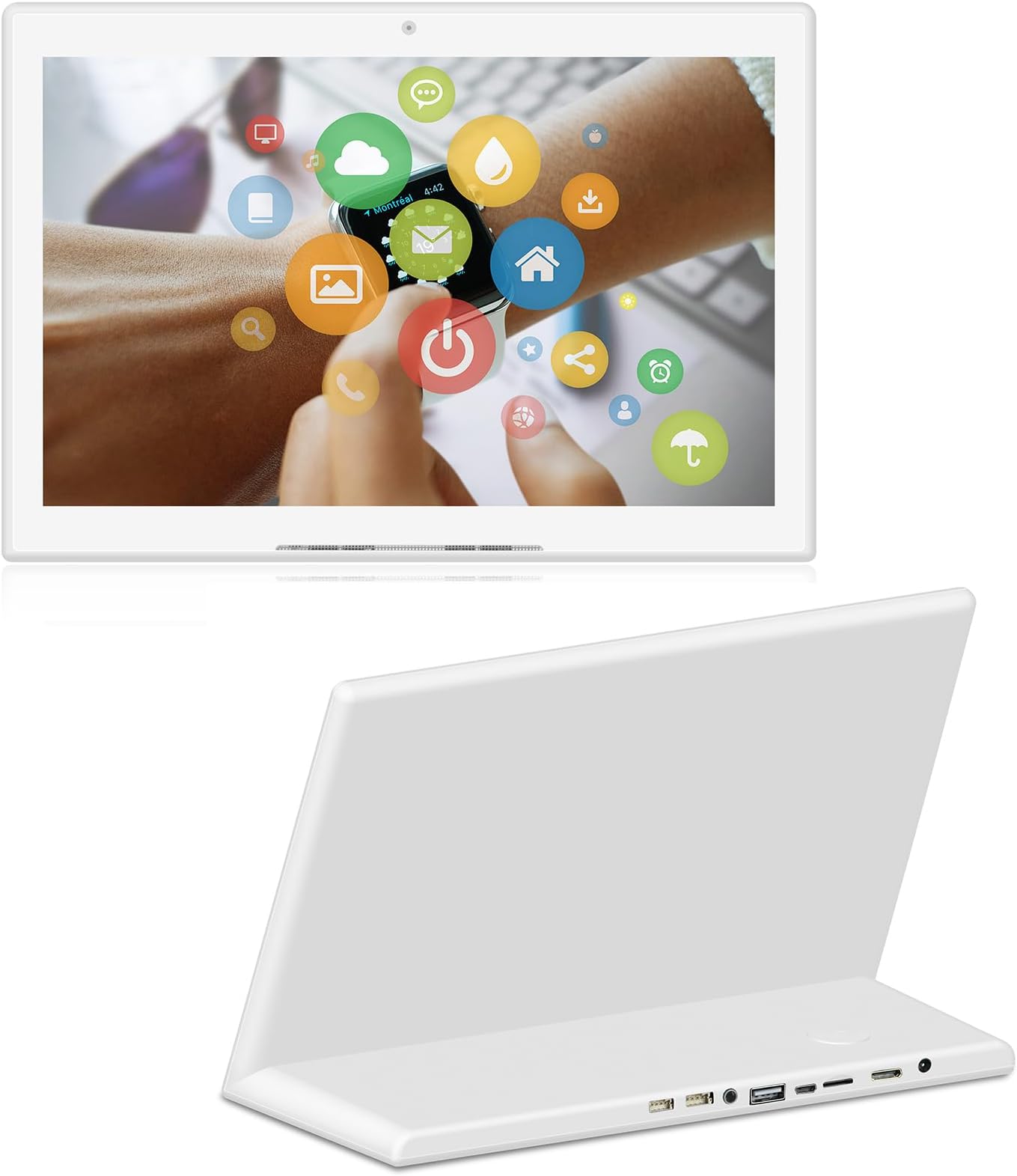
This 10.1-inch WiFi Android tablet features a unique L-shaped design optimized for desktop use without extra stands. It boasts a 10-point capacitive touch screen, Qualcomm processor, and multiple ports including USB and HDMI, making it a versatile digital signage and media player solution. Designed for commercial environments, it supports app installations for dynamic content delivery, with built-in security and cooling to ensure durability during extended operation.


| ASIN | B0CJXN35ST |
| Best Sellers Rank | #405,794 in Electronics ( See Top 100 in Electronics ) #4,822 in Computer Tablets |
| Brand | dxmart |
| Card Description | Integrated |
| Color | White |
| Customer Reviews | 2.0 2.0 out of 5 stars (9) |
| Date First Available | September 27, 2023 |
| Graphics Coprocessor | Mali-T7xx |
| Item Weight | 2.27 pounds |
| Item model number | fc37c65b-b3bf-41bf-996a-c3358904a2c4 |
| Max Screen Resolution | 800*1280 |
| Operating System | Android |
| Package Dimensions | 11.89 x 8.5 x 4.76 inches |
| Processor Brand | Qualcomm |
| Screen Resolution | 1280 X 800 |
| Series | L-Type LCD Digital Signage Display |
| Standing screen display size | 10.1 Inches |
| Wireless Type | 802.11g |
M**D
Low functioning
I bought this mainly for family meal planning and calendar. Looks nice in the counter. Not many reviews, but thought I'd give it a shot. It takes so long to open , doesn't allow past a the homepage of anything. Such low function. I don't know any applications that would work for what they advertise it to be capable of. Very disappointed. I was looking forward to this new solution for smooth family meal planning. Will be returning this asap
B**N
Donāt get waste of your life
Horrible dial up like Iām in 1995
D**F
Technology though is good but not there yet.
Technology is good but not there yet.
M**T
This is a PHOTO FRAME š« NOT A TABLET!
RATING 0 āThis is š« NOT A TABLET! It is a PHOTOT FRAME! It does not fold. It is not portable. We are returning for a refund.
W**S
ONLY good as a Digital Picture Frame
I've got an intriguing little device beside me, currently showcasing a gallery of images, and I've just ordered three more from a different vendor. This gadget, however, isn't for the faint-hearted or those in a rush. Here's why: Patience is Key: This device is practically a relic, boasting a meager 1GB of RAM and 16GB storage, running on Android 6.0.1. That's right, it's well below today's standards, but there's potential for those willing to dig deep. Getting Started: First off, perform a complete factory reset to give it a fresh start. This step alone feels like rejuvenation. Then, gear up for a lengthy session as you update the system to access the Google Play Store. Boosting Performance: If you're tech-savvy or adventurous, check if your model can be rooted; mine was already unlocked. I installed "ROM Toolbox Pro," which lets you tweak performance settings. I cranked it from a sluggish 200 MHz to a more bearable 800 MHz. Anything beyond might make it feel somewhat usable. Minimalistic Apps: Once you're past the initial setup, focus solely on essential apps. I recommend "Fotoo" if your goal is to sync with Google Photos. It's lightweight and does exactly what's needed for displaying your photo albums without bogging down the system. Why Bother?: This device shines in its form factor and screen quality ā the touch is smooth, and the display crisp. If your aim is a dedicated device for Google Photos with a nice screen and you're willing to endure some setup pain, this could be your niche find. A Word of Caution: Tread lightly with modifications. I'd advise against tinkering with kernel settings unless you're prepared for potential mishaps. Stick to enhancing processor speed, and you should be fine. In essence, this gadget is not for everyone. But for those looking for a unique, photo-centric device with character, and who don't mind a bit of tech archaeology, this could just be the quirky companion you didn't know you needed.
M**S
The Answer is No
This Device doesn't function well. I spent 2 days trying to key in signin information,the system takes forever to load. I could only pull up website and the connect would disconnect. I preloaded my USB and I couldn't upload the files due to system saying software doesn't have application to open a PDF or image.
C**B
Could not get this to work
Charged it and followed the directions and no signs of life. It would look and sound like it was struggling to turn on and then immediately shut down again (over and over and over again).
Trustpilot
1 week ago
1 month ago