We remain fully operational. Our teams are working around the clock to ensure your deliveries continue safely.

DOWNLOAD THE APP


Copyright © 2025 Desertcart Holdings Limited
DOWNLOAD THE APP
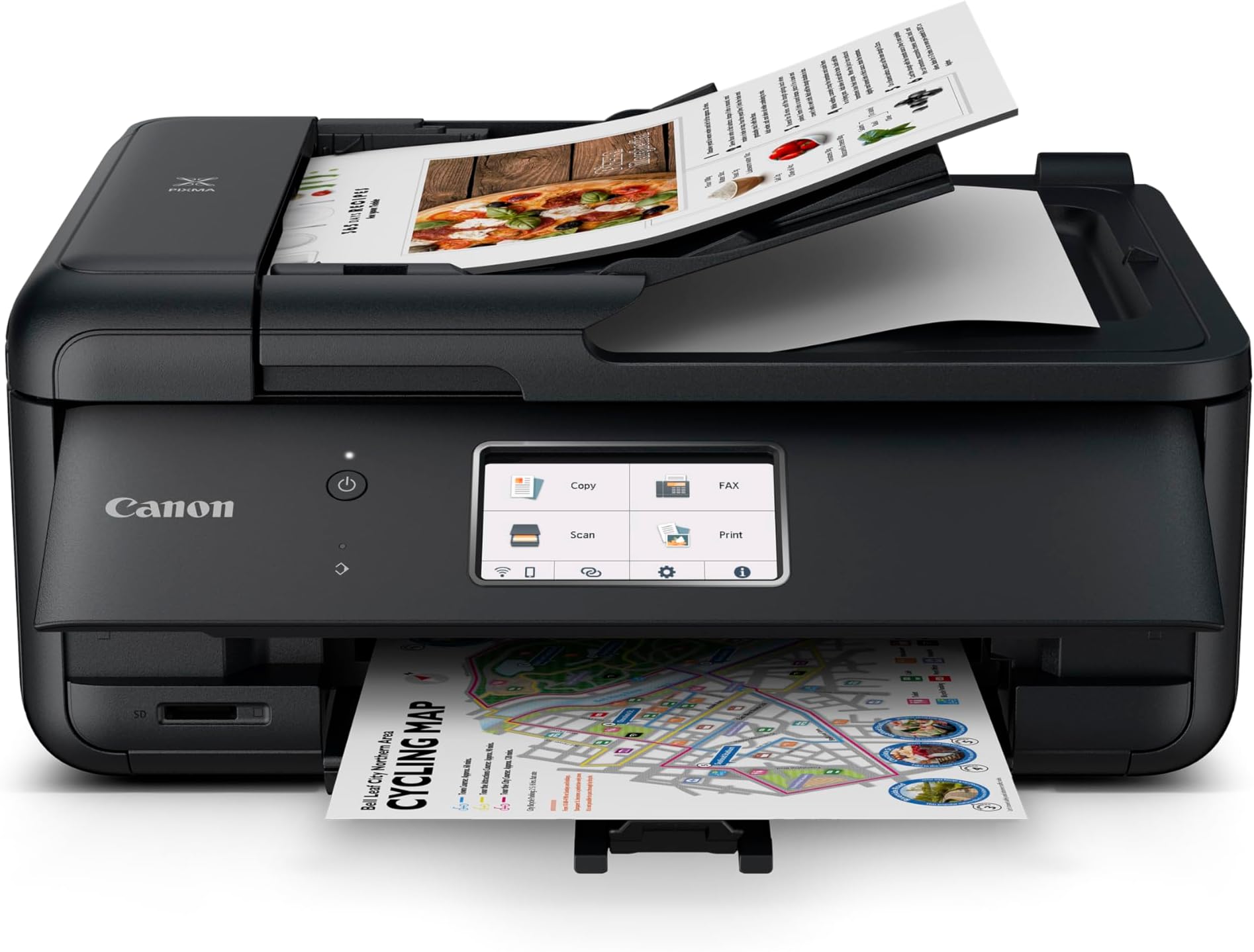



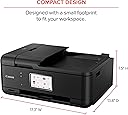


🖨️ Elevate your home office game with smart, sleek, and seamless printing!
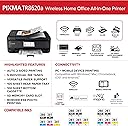
The Canon PIXMA TR8620a is a versatile wireless all-in-one printer designed for the modern home office. Featuring a compact footprint, a user-friendly 4.3” touchscreen, and easy smartphone setup, it supports faxing and includes a 20-sheet automatic document feeder for multitasking efficiency. Auto duplex printing reduces paper waste, while high-resolution output ensures crisp documents and vibrant photos. Ideal for professionals seeking reliable, space-conscious printing with smart connectivity.


| ASIN | B09TRZLPXP |
| Are Batteries Included | No |
| Best Sellers Rank | #38,610 in Computers ( See Top 100 in Computers ) #107 in Ink Tank Printers |
| Color | black |
| Colour depth | 30 bpp |
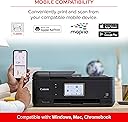
| Compatible devices | Laptops, Desktops, Smartphones, Tablets |
| Connectivity Type | Wi-Fi |
| Controller type | Android |
| Customer Reviews | 4.0 4.0 out of 5 stars (5,683) |
| Date First Available | 5 May 2022 |
| Dual-sided printing | Yes |
| EU Spare Part Availability Duration | 1 Years |
| Form Factor | All-in-One |
| Hardware Platform | Smartphone |
| Included components | Power cable |
| Item Weight | 7.89 Kilograms |
| Item model number | 4451C032 |
| Manufacturer | Canon |
| Max copy speed (black & white) | 15 ppm |
| Max input sheet capacity | 100 |
| Maximum Media Size | A4 |
| Maximum black and white print resolution | 4800 x 1200 dpi |
| Maximum color print resolution | 4800 x 1200 dpi |
| Number of USB 2.0 Ports | 1 |
| Operating System | Android |
| Power consumption | 15 Watts |
| Print media | Glossy photo paper |
| Processor Count | 1 |
| Product dimensions | 35.1D x 43.9W x 19.1H centimeters |
| Scanner type | Sheetfed |
| Sheet size | 210 millimeters |
| Standing screen display size | 4.3 Inches |
| Warranty type | 1 Year Warranty |
P**R
Great printer. Easy to setup without going online. The print that arrives with it is the standard amount not just a starter sample. It was up and ready to use quickly. I have windows 11 and this printer works well with it. It holds a nice amount of paper in the lower drawer. It scans and copies multiple documents from the upper document feeder without problem. It prints and copies double sided saving paper. I have had many problems with 2 other HP printers. The jam, use lots of expensive ink, and do not work well with Windows 11. I finally have a great working printer. I am very happy and recommend this item. My friend recommended it after a few use of trouble-free use. She has printed photos well. I have not tried that yet.
I**E
Compleja para configurarla
J**S
Muy complicado empatarla con la lap top, además instrucciones nada claras
3**W
I’ve been using the TR8620a for a bit now and, honestly, it’s a decent printer. The setup was straightforward and it hasn't given me any trouble with connectivity or jam-ups yet. The Pros: The print quality is sharp and the speed is excellent for a home office setup. It handles photos and documents equally well. The Build: The only thing worth noting is that the parts do feel a bit "budget." You can tell it’s made of fairly thin, cheap plastic, so it’s probably not a machine you want to be rough with. Overall: It’s working well and gets the job done. If you want high-quality prints and don't mind the lightweight build, it’s a solid choice.
G**Q
We are exactly one year in with this printer and it's served us very well as a typical household (not office) printer. The setup was simple and connecting with my home network (using the Canon driver) was straightforward as well. From that point on you have a reliable printer. The driver package also installs scanner software that gives you options for photo and document scanning (the primary difference is where the file is saved (photos or docs) and file type (pdf or jpg). There's a bit of setup for that if desired as you get to choose where files are saved and types but the defaults work well. To connect your computer/laptop to this printer you get a choice wifi or ethernet but (curiously) not both so most will likely go with wifi. That's also how your phone will connect using the Canon app which gets a little cranky sometimes. It may take a minute to connect. Overall, I'm happy with the print quality (I haven't printed photos on photo paper so no judgement there). I've been using a non Epson ink cartridge set with excellent results so don't be afraid of using half price ink. What I'm not happy with: Amount of paper the tray holds. While some printers can seemly swallow most or even all of a ream, this devices will only take about a half inch stack in the main tray which means frequent reloads. Scans and document copies using the auto feeder tend to get progressively more crooked page after page. I've tried cleaning every reachable part of the feeder but no joy, scans using it are always slightly off kilter. Odd disconnects that occasionally produce a "printer offline" message when trying to print or scan. The printer sits literally two feet from my router so it's not a weak wifi signal causing this. Clearing the error means turning the printer off then back on again. The reboot always works and, usually, the print job sent while the printer was "offline" begins printing like nothing happened. Note, this isn't an every day thing but happens often enough to be mildly annoying because it shouldn't happen at all. Would I buy this model again? Yes. And I'd recommend it to others. Just keep in mind you're probably going to spend very little so don't expect the TR8620a to perform like a $300+ device.
Trustpilot
1 month ago
3 weeks ago