❄️ Keep your PS5 chill and your gameplay hotter than ever!
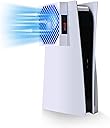
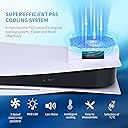
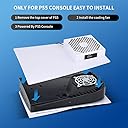
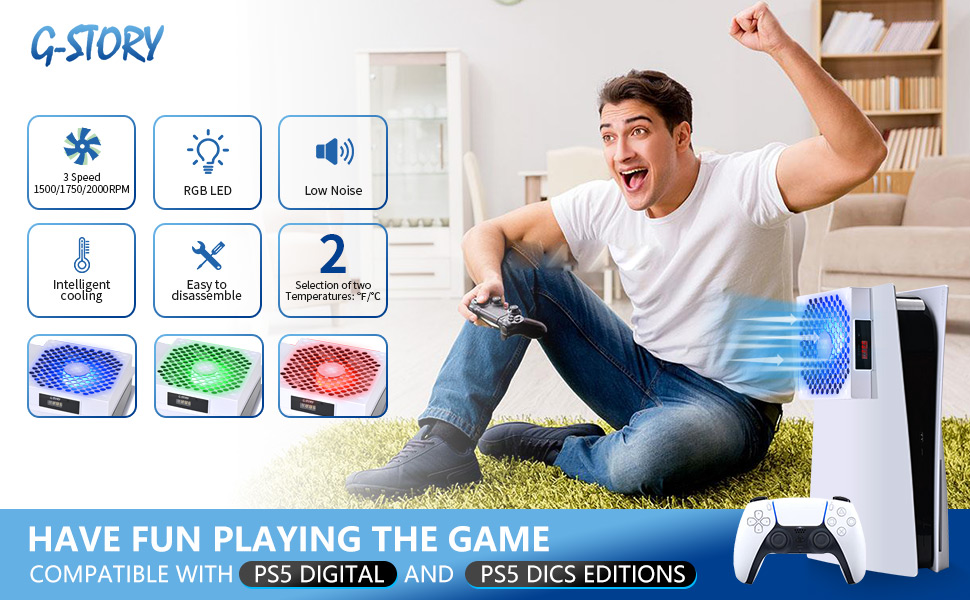
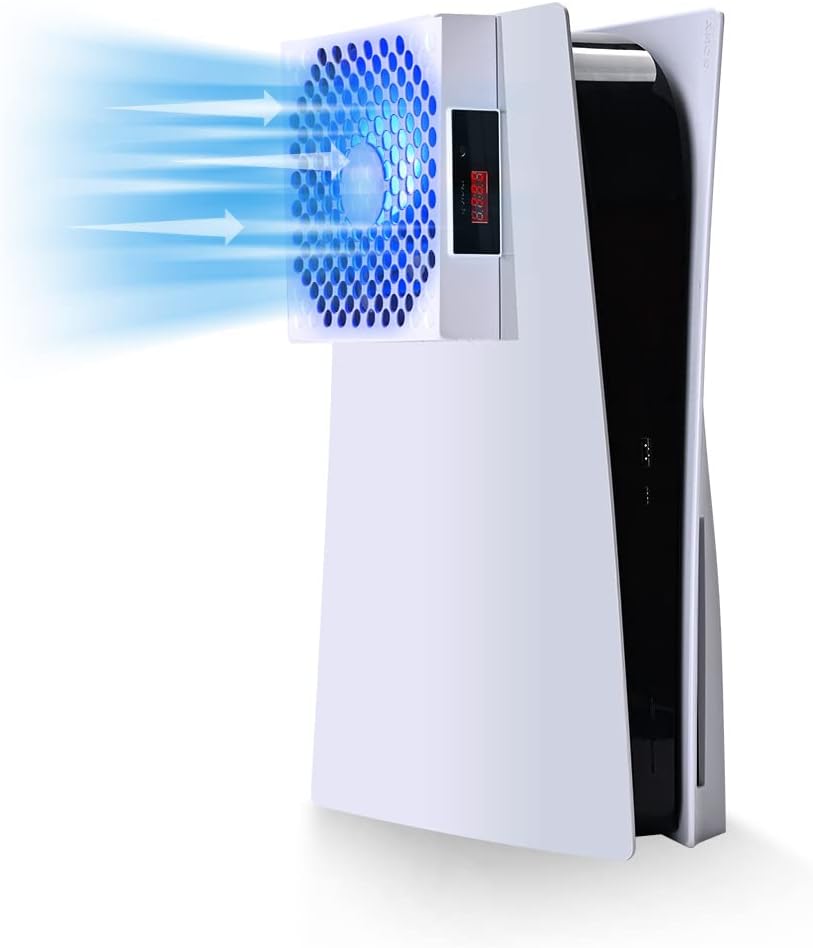
The G-STORY PS5 Cooling System is a precision-engineered accessory that enhances your console’s original cooling with a smart, quiet fan running up to 2000 RPM. Featuring a real-time LED temperature display and automatic/manual fan speed modes, it fits both PS5 Disc and Digital editions, ensuring optimal performance and longevity while maintaining whisper-quiet operation at just 32 decibels.


| ASIN | B0B8846RNL |
| Best Sellers Rank | #4,822 in Video Games ( See Top 100 in Video Games ) #11 in PlayStation 4 Faceplates, Protectors & Skins #65 in PlayStation Accessories |
| Brand Name | G-STORY |
| Compatible Devices | Gaming Console |
| Cooling Method | Air |
| Customer Reviews | 4.6 4.6 out of 5 stars (470) |
| Item Dimensions L x W x H | 15.4"L x 1.3"W x 10.2"H |
| Manufacturer | G-STORY |
| Material Type | Plastic |
| Maximum Rotational Speed | 2000 RPM |
| Noise Level | 32 Decibels |
| Power Connector Type | 2-Pin |
| Unit Count | 1.0 Count |
| Voltage | 5 Volts |
| Wattage | 2 watts |
A**Y
Nice and effective. Automatically tracks the temp.
I have this product as a backup fan for my PS5. I already have the cooling stand. This panel tracks the temperature of your PS5 and turns on when you ps5 reaches 100 degrees Fahrenheit. There are 3 settings on the fan. You can also manually start the fan. Easy to install. I have actually added a usb connector to the panel and plugged the panel into that so that the fan always has power. There are 3 led indicators. Blue for low, green for medium and red for high. Between the two products, I never have to worry about my ps5 overheating. I just tested the panel fan in manual. It took my ps5 from 98 degrees down to 88 degrees in a matter of 5 minutes on medium. Yes, the fan is lined up with the fan installed in the PS5, no matter what other reviews say. I know because I installed this myself. There is a hole in the backside of the panel that lines the G-Story fan up directly with the fan in the ps5. Outcome: this panel fan can and will make your ps5 run at a cooler temperature when ran in manual mode. All you do is hold the button located near the temp screen down until “AA” shows up on the screen. Then you click the button until you get the desired setting (low, medium, high) It’s pretty simple. When you want to put it back in auto, you just click the button until the fan shuts off.
C**S
Great purchase!
Worked very well. Keeps PlayStation cool. Love the fact that it comes with filters would buy definitely again
C**N
Perfect for long play
Super dope, works like a charm. Tight fit but cools the system cool and lets you know the temp. Different modes so if you wanna just run the fun or have it on automatic.
T**M
Excellent Fan
This is an excellent fan, seemingly far superior to all other available cooling fans made specifically for the PS5. Installation is easy, self-explanatory right out of the box - I personally kept the box to safely store the original PS5 plate this one replaces. Fitment is excellent, as if it was made by the original manufacturer. It does take away some visual appeal as it makes its own lines, but it works really well to keep the PS5 cool while actively monitoring and displaying current temperature. This fan features three speeds, but also includes an “auto” function that enhances cooling in higher temperatures. The fan can be loud at high speeds, but that’s expected. If you want a great cooling fans for your PS5, don’t mind staying with the original white color, this fan is ideal. It fits and works well on my “fat” disc edition PS5.
C**A
Works great and turns on automatically when required.
Plug and play! I also purchased a stand to help my power supply get air from this fan. I used the grill cover to keep the dust out better and keep the air in. It hasn’t gone to red ever. Thermometer reading show when I play different games that the temperature ranges from 98 Fahrenheit to 108 degrees maybe up to 114 but never noticed it go to red. I purchased this in the fall so I haven’t seen how this operates in the summer yet. I live in a mobile home.
B**H
Stay cool players cause ur system will
With dust protection inside and out, I figured I'd need more air flow and this thing is a pretty genius addition. Thermostat temp control or manual settings
D**R
Best Buy
Best intercooler on the market. Airflow is optimal and the auto detect speed change is amazing. Not loud at all. Fits perfect.
M**R
Keep the PS5 cool
G-Story PS5 cooling fan is pretty legit. It keeps the system cool when it’s hot and shuts down when the PS5 is at a steady cool. The build on it makes the PS5 looked bulky, but it’s a big fan. Performance wise is top notch, it’s not too loud and sometimes I don’t even noticed that the fan is on. It actually blows hot air out the system the correct way then other cooling device on the market. It has a thermometer display that reads the heat coming out of the PS5, so that’s a good thing. It runs on a USB cord that connects to your PS5 so it’s only on when the PS5 is turned on and I like that about it, because if it had its own dedicated power plug then it’ll always be on. Also has a button to turn the fan on or off as you like. Another thing would make this product more awesome is adding different color variations. I wanted to get a black variation but they only had it in white. Good product, would recommend this to anyone who is looking for a PS5 cooling system.
E**A
كما في الوصف
E**O
Excelente producto muy muy recomendable enfría super rápido la consola tiene modo automático y manual es fácil de instalar
S**V
The best fan ou there.. not kidding, my son plays ps5 alot and it was always crashing/over heating I bought many other fans and finally decided to buy this one which did cost a little more but totally worth every penny.. the ps5 hasn't crashed since it is amazing. If you have the same problem as me but now you won't be disappointed. And it was super easy to install and I'm a mom with not electronics experience...
S**.
Like how it fits perfectly into the USB port on my ps5
I**E
Le queda muy bien a la consola facil de instalar y lo mas importante el enfriamiento es super bueno, antes cuando jugaba fornite se calentaba bastante pero ya con el ventilador no se calienta como antes.
Trustpilot
2 months ago
3 days ago