🎥 Elevate your remote presence with privacy and clarity that means business.
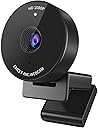
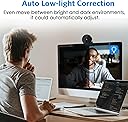
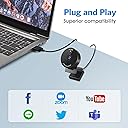
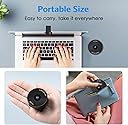
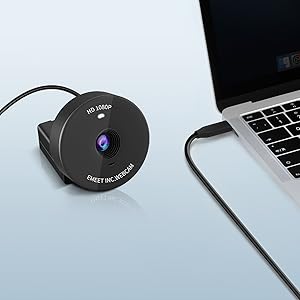
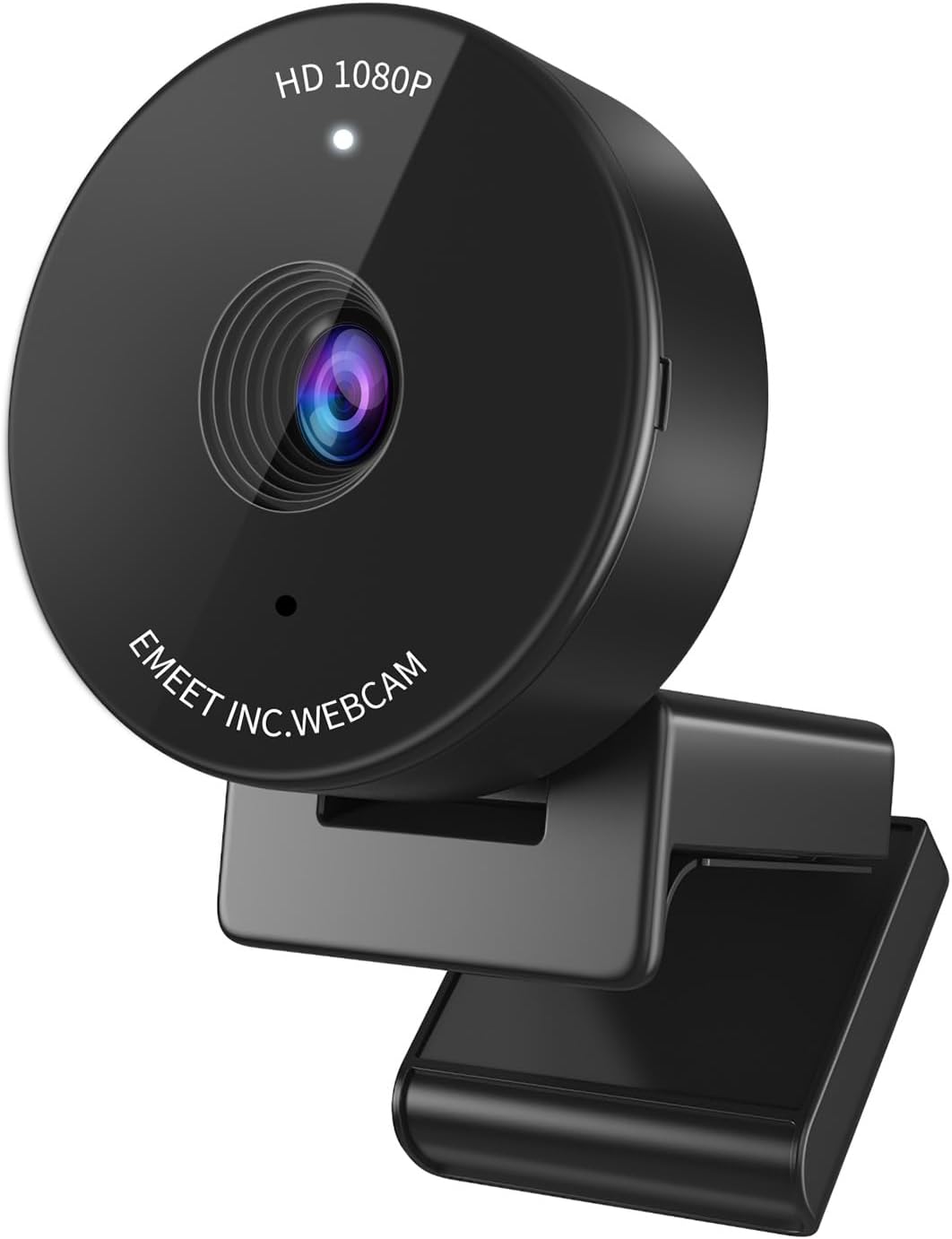
The EMEET C950 is a sleek, portable 1080P webcam designed for professionals and remote workers. Featuring a physical privacy cover, auto low-light correction, and a 70° field of view, it delivers crisp video and secure, hassle-free USB plug-and-play connectivity. Compatible with all major operating systems and video conferencing platforms, it’s the perfect upgrade for seamless, secure, and stylish virtual meetings.


| ASIN | B09KCJ36FS |
| Best Sellers Rank | #18 in Webcams |
| Brand Name | EMEET |
| Color Name | Black |
| Customer Reviews | 4.4 4.4 out of 5 stars (5,831) |
| Date First Available | January 12, 2022 |
| Is Discontinued By Manufacturer | No |
| Item Weight | 4.2 ounces |
| Item model number | C950 |
| Product Dimensions | 1.97 x 1.97 x 1.46 inches |
| Special Features | Physical Privacy Cover, Software Control, Noise-Canceling Microphone, Auto Low-light Correction, Business Webcam |
N**M
Great little budget webcam
The Emeet 1080p webcam is a great option for anyone looking for a high-quality webcam that is easy to use and versatile. It produces clear and sharp video and audio, and it is easy to set up and use. The only downside is that it does not come with a tripod, and it does not have autofocus. However, these are minor drawbacks that are not enough to outweigh the webcam's many positive features. I would definitely recommend the Emeet 1080p webcam to anyone looking for a great value webcam for online meetings, video calls, streaming, and recording. It’s not the best but for the price it’s a great little webcam. The setup was 5 minutes to my Mac MIni M2 , and it worked great in my work zoom meetings as well as FaceTime calls.
C**N
Great webcam!
I bought this webcam to replace an older Logitech 720p webcam that was at least 10 years old and had no compatible drivers for Windows 11. I use my webcam for work Zoom and Teams meetings 95% of the time. It’s extremely rare I use it for personal. My work provided me the old crummy 720p webcam. I plug my webcam into a USB hub that plugs into a KVM. This allows me to quickly flip between my work laptop and home desktop seamlessly while using all the same peripherals such as keyboard, mouse, monitor, webcam, USB drive, and a smart card reader. My work laptop runs on Windows 10 while my personal desktop runs Windows 11. The old webcam was still working fine on Windows 10, but no longer worked on the personal computer since I upgraded it to Windows 11. For these reasons I knew I didn’t want to spend a lot on a webcam, and I needed a webcam that could also easily work well with my setup. I installed this webcam the minute it arrived on my doorstep, and I must say I couldn’t be happier with it. This was on sale when I bought it for only $16.19! I plugged it into my USB hub/KVM, and both computers saw the new device with no problems, and native Windows drivers set it up automatically on both computers. I was up and running in less than 5 minutes, and I didn’t have to do anything other than plugging it in. I’m impressed with the quality. At 1080p I could see an improvement over a lower grade 720p webcam. I have a bookshelf behind my desk, and before with the 720p webcam you wouldn’t have been able to read the text on the spines of most of the books. Now with this 1080p webcam you can see the text on most of the spines just fine. The color and contrast balance is good too. The only drawback of this camera is it’s 30 FPS, but I knew that before I bought it. It’s not really a criticism of the product itself, as that’s normal for a lower budget webcam. Just something to be aware of. Unless you plan on running or dancing in front of your webcam having a higher FPS really won’t matter that much. The webcam also comes with a privacy cover. It’s very small, so be careful not to accidently overlook it and throw it away with the packing. I put it on mine, and I do use it when it’s not in use. The camera does show a light to indicate when it’s active anyway, but I still like that extra reassurance of privacy. The webcam also comes with a small instruction manual that includes a link to download the EMEET software. I went ahead and installed that software, but subsequently uninstalled it. The software was extremely basic, and in my opinion unnecessary. It has options to adjust color, brightness, etc…, but those are all things you can already do from within the Windows Camera app, Zoom, and Teams. I’m also an avid Linux user (Linux admin by day), and I confirmed it works on Linux just fine as well. I tried it on Ubuntu and Rocky (RHEL) Linux. Overall I think this was a great deal. Other similar big brand webcams would have cost much more.
M**S
It works better than my laptop's webcam
My laptop Webcam stopped working for some reason. Kept saying it's being used an another app although I couldn't find anything wrong. I of course looked for a Webcam and found this one which has decent reviews. It also was on sale so for $20, I took the chance. Overall, it's nice looking Webcam. It is plug and play so worked right out of the box on my Windows 11 laptop. You can download an app for adjustments but haven't done so yet. My concern is how it fits on top of the laptop. It fits fine as you can see in the pics. It does hold as I checked to see if it loosens when I move the screen back and forth. It held fine. The picture quality is fine. My lighting was not great when I tried it but the quality was good considering the lighting. I will test under better lighting to see if the quality gets better. Both photos and videos look fine. It comes with a privacy screen that you can attach if you want. Overall, it's not bad for the price. I am not using this for HD videos or taking pics. For video conferencing, it seems to be perfect. If you can find it on sale for $20, it's even better. I will post updates later once I used it more times.
T**Z
Reliable and High-Quality Webcam
The Emeet C950 webcam is a great choice. Since I use three monitors with my laptop closed, I needed a dependable camera, and this works perfectly. The video quality is sharp, and the build feels durable. Easy to set up and use. I highly recommend it for anyone needing a reliable webcam.
P**B
Great quality - very good value for money. I just got it and it’s def better than my laptop camera. Crisper. It’s more zoomed in so I have to move away from the laptop but not an issue. The photo I attached here is low res but the actual camera resolution in real time is very good. So far I am happy with the (inexpensive) webcam and my colleagues have noticed. PS: The difference in image quality is less noticeable if you use a blurred background on Teams.
A**M
I am very satisfied with quality of the cam. I bought it because builtin cam in my Dell laptop is awful. This one provides clear picture with correct colors. I use it at both Windows PC and Macbook Pro (when it is connected to a dock so the lead is closed)
M**U
It is very nice and clear during using. No blur image's.
C**E
Great looking webcam Quality as good as my laptop camera Still need fron light to look good otherwisse a bit dim For this price, not bad
S**D
Easy set up. Plug and use. Camera qaulity is pretty good and auto adjust lighting. My only issue is that it doesn't have different zoom options.
Trustpilot
2 months ago
1 week ago