

Desertcart purchases this item on your behalf and handles shipping, customs, and support to Cyprus.
๐ค Stop Typing, Start Leading Your Workflow
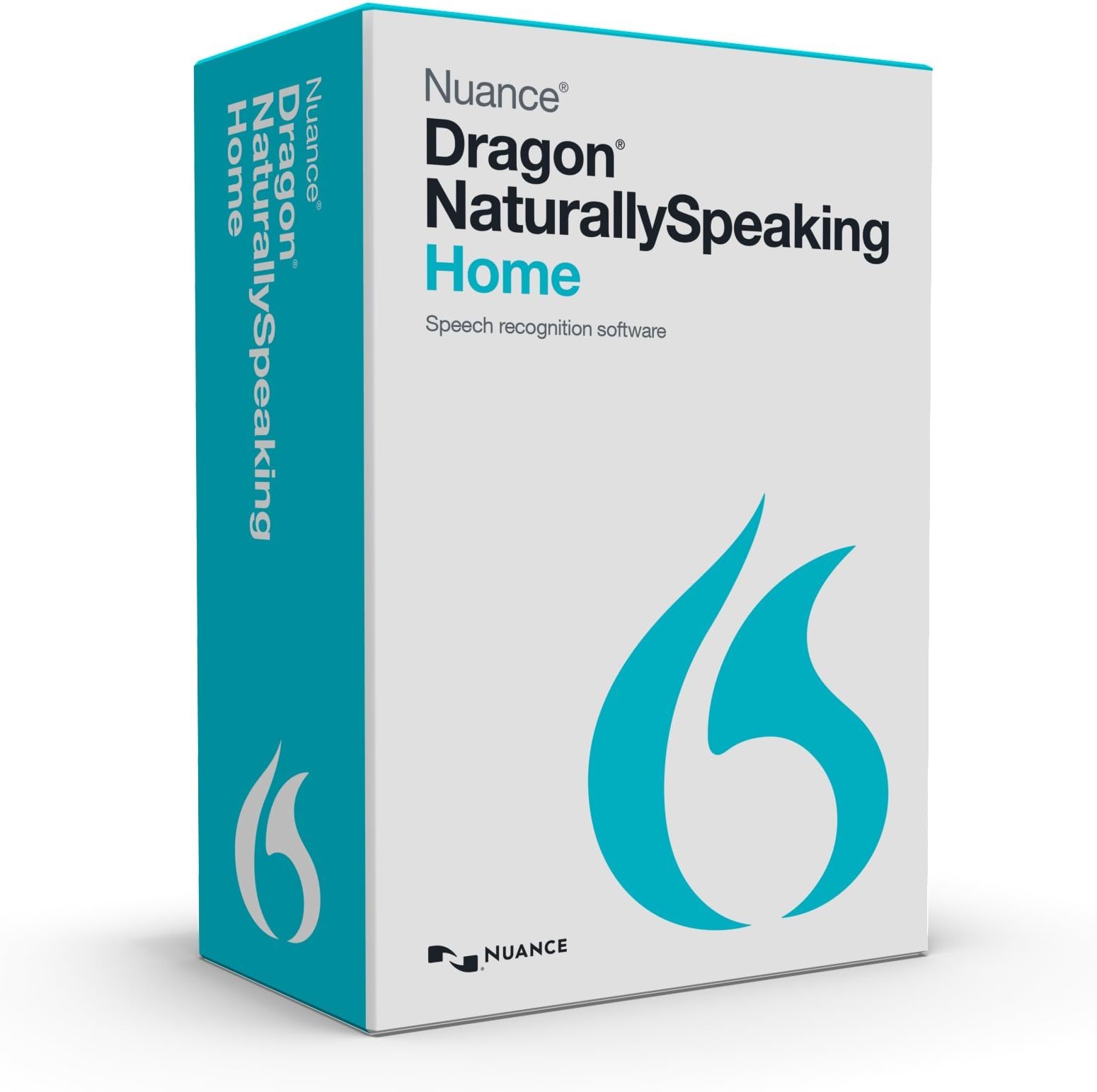
Nuance Dragon NaturallySpeaking Home 13 is a top-tier speech recognition software designed to boost your daily productivity by converting voice to text up to three times faster than typing. With adaptive learning for personalized accuracy exceeding 99%, it supports seamless dictation and editing in popular applications like Microsoft Office 2010 and 2013. Its user-friendly interface and tutorials make voice-driven computing accessible, empowering professionals and creatives to work smarter and faster at home or school.
| ASIN | B00LX4BZAQ |
| Best Sellers Rank | #541 in Software ( See Top 100 in Software ) #6 in Word Processing (Software) #7 in Voice Recognition |
| Customer Reviews | 3.6 3.6 out of 5 stars (2,083) |
| Date First Available | July 12, 2014 |
| Is Discontinued By Manufacturer | No |
| Item model number | K409A-G00-13.0 |
| Manufacturer | Nuance Communications |
| Product Dimensions | 7.5 x 5 x 2.5 inches; 4.8 ounces |
C**K
Great program, extremely slow install
I am now going to review Dragon Naturally Speaking 13, Home. (Business comes with tools for using Excel and other business programs I don't use that much.) I found the installation process a little interesting as the program progress bar does not seem to move at first. After a while, when I was about ready to give up, it did move and the installation continued. However it was very, very slow. I had turned off my antivirus software as suggested and followed the prompts. Installation process was slow enough that I could have literally gone out, made a meal and then come back and found the installation still in progress. This concerned me a little because I was not sure that my computer was up to the task of running this program as expected. My computer runs Win 7 Pro, with a 2.66 GHz processor, four gigs of RAM even though Windows 7 can only utilize 3.5 gigs. I am now typing this in Word 2007 and it seems to be working quite well. When I went through the registration process, I noticed that it one point a window came up and said that it needed the serial number. The serial number was already in the box and was highlighted. When I pressed continue or next, a window popped up and said that the registration was not completed. I went back and took out the highlighted number and then retyped it using the numbers at the top of the keyboard rather than on the keypad, as previous experiences shown that some programs in some instances will not accept the import from the keypad the same way they accept information from the numbers across the top of the keyboard above the letters. DO NOT put n the hyphens, as I believe the program will not register properly if you do. There is a sentence that tells you not to put them in. Getting used to this is interesting as it seems to recognize all my words and unfortunately my bad grammar and my way of speaking in run-on sentences. However, as I learn the commands, I think that it will be quite helpful in getting my thoughts down at a higher rate of speed. So far the accuracy is very, very good probably more than 99%. It doesnโt like words like very, very good (two of the same word repeated.) I just tried using Dragon in Final Draft 2.5. I use it for script writing and for movie production. The Dragon box came up and would allow me to paste my text into the program and it seemed to work just fine. This one extra step is probably not a huge issue and will actually allow me to edit my thoughts better than if I type directly into the program. So very pleased with this program so far. Follow the instructions for installation to the letter. They are there for a reason and you probably wonโt have any problems.
J**W
Update: No Longer Speechless
I am typing this the old fashioned way. After spending more than 30 hours trying ideas from Nuance Customer Support, user websites and YouTube videos, changing settings and even uninstalling and reinstalling the program on 2 different computers (both running Windows 10), I still have not been able to get the software to work. The frustrating thing is the microphone is working and I can use it, but not with Dragon. I get to the microphone check, see my device in the window and can speak into it and make the bars move, but when I select it and click next I get the error message: The sound system you have selected is not responding. Try selecting a different one, or check to make sure that no other application, such as Dragon Naturally Speaking, is accessing the sound system. There must be a solution for this I havenโt found, but as I am out of patience with the whole thing I will have to take a break from it. Perhaps someone will read this and be able to help me and any others who have the same issue. Update, I finally got Dragon to work, at least on my laptop. I have a new laptop that I only use for work, but I decided to see if I could set up Windows speech recognition on it, something I wasnโt able to do on my other machines. In 2 minutes I was dictating into notepad. All 3 machines run Windows 10, whatโs the difference? Could it be how they got there? One computer started out as a 7 machine, the other as an 8.1. I decided to try an experiment with my 8.1 machine. First, I installed a clean version of Windows 10 (which erases everything on your computer), then I set up speech recognition and confirmed it was working. After that I reinstalled Dragon and all my other software. Took the whole day, but it works. I am not recommending this course of action to anyone else as I am not the brightest bulb in the sign when it comes to computers. Iโm sure there was an easier solution to my problem, but I went the long way around to discover if you canโt get Windows speech recognition to work, Dragon wonโt work either. Anyway, I went through the Naturally Speaking tutorial, then dictated a couple pieces of my writing and got surprising accuracy. Nothing close to perfect, but far fewer mistakes than I anticipated. I originally gave this a 1 star review, but I would up it to 3 stars now.
A**L
It Did Not Work and Messed Up My Machine
I am sitting at my wife's computer writing this review because the Dragon program messed up mine. I installed the Dragon Naturally Speaking Home on my computer, a Cybertron running Windows 10 with an i7 processor. The program came with a headset, so I used that on my computer. After installing it, the program has a set up. First you go through a long processes of registering the program, then it takes you to a set up sequence. During this set up it installs a menu that has a large button on it. Hovering over that button will tell you if the microphone is on or off. It started in the off position, and it never changed. It is impossible to turn the button on. As I was going through the set up, it wanted me to download Bonjour, an Apple program free on the internet. I tried to do that but ran into issues. I finally downloaded the program, but when I tried to continue to load Dragon it failed to recognize the microphone. Over and over it kept telling me to turn on the microphone before it could continue. Over a dozen times I went to the dashboard button and clicked it, but it never came on. I went to the help sites, both on Nuance and on the web, and never resolved the issue. I plugged and unplugged the line numerous times on the headphone/microphone set that came with the program without any progress. I also switched locations from the back of the tower, to the front of the tower, then to the monitor and none of them changed the outcome. The microphone stayed off. So I switched microphones. I put a KLIM USB microphone on the machine, and it still failed to work. The program set up will not recognize any microphone I have tried. And I plugged and unplugged the KLIM several times and used several USB ports. In addition, Bonjour turned off the speakers on my computer. When searching the system error messages I was told the download turned off my speakers, but it never told me how to turn the speakers back on. More problems. Because of this, I manually loaded the microphone specs into the program. It accepted them and said OK, but the microphone never turned on. I erased Bonjour and reloaded everything, to no avail. The microphone will not work. It's simple enough, no microphone no speech program. So, I am now faced with a total disaster. My computer's speakers are disabled, and none of the microphones will work. The Bonjour seems to have turned off the ability of my computer to recognize any microphone for any purpose. Of course, it could have been the Dragon program that messed them up. It's hard to say. Even when I leave Dragon, none of the microphones work, but they did before - so why did they quit now? Without some kind of outside help this isn't going to resolve itself. I may be stuck with taking my computer into a repair shop and paying for some type of reset. All because I bought this program. Even if Amazon gives me my money back, which they might not, I'll have to pay extra to fix the computer problems caused by the program. Believe me when I tell you this is a dangerous program to install on Windows 10. In my opinion, this program has the potential to devastate your computer. This is NOT a benign install. I've researched other dictation programs, but - at least on Amazon - none are available. AD2
J**R
Works as Advertised
I am in the process of writing a book and am a horrible typist. So it's taking forever. I stumbled upon this software while reading some writing blogs. I almost didn't buy it because of the negative reviews but I figured, for the price, why not? I purchased the disk version, used an external optical reader to load it on to my computer and it worked out of the box, as advertised. I was afraid I was going to have problems getting it loaded because it took literally 10 full minutes before it started installing. Perhaps people are just aborting the process when it appears to lock up? I went through a couple of screens with the install wizard before it appeared to freeze but I just left it alone and it eventually loaded with no problem. Of course, I have a newer computer so that may make a difference. I have had no problem getting it to work at all and the accuracy is exceptional. Certainly far better and quicker than anything I could produce. I have a relatively neutral accent and am a public speaker so I do tend to speak and enunciate my words clearly. I only use Dragon for Word to work on the book; I did not load it onto my browser. My productivity has gone up exponentially! I am not using the headset that came with the box; instead I am using a $60 Microsoft headset I bought off Amazon a while back. Using the headset makes working on my book as mobile as working on my laptop - even when dictating while at my son's baseball practice, the headset did not pick up anything other than my voice (not the music, coaches, kids or external sound). I did let the program peruse other documents, including my current book draft, so that it could learn my writing style and pick up some vocabulary words. Between that and reading the passage that Dragon provides to train the program, it took all of 10 minutes to "train." I went back and forth on whether to get the home or premium version. For my needs, this home version is perfect because I'm not going to use this for Excel, nor am I going to use an external voice recorder. Finally, I began practicing law over 20 years ago and always used dictation (because I couldn't type) so relearning dictation commands hasn't been difficult. Dragon comes with a cheat sheet to help you while you learn the commands. I'll keep it with me till I learn everything and then store it away. If you're thinking about purchasing this program, I'd say go for it. For the price of a family meal at a restaurant, its a relatively low risk investment.
W**K
Great program--but the "package" deal is not so great.
So far so good. I've been using the Windows Speech Recognition program that was built into Windows 7 (my current OS) but comparing Dragon to the Windows program is like comparing a Lexus to a Model T. They both do pretty much the same thing but Dragon does it FAR better. Some of the advantages of Dragon: It is intuitive, whereas the Windows program doesn't seem to be, at least not nearly as much. For instance, when dictating (for example) "the weather was fair today" Dragon anticipates the meaning based on the context and will print "fair" rather than "fare", a problem that was chronic with the Windows program with many similar-sounding words. It learns: the more you use it the better it gets. I've had mine for only a few weeks and it is already much better at transcribing what I say. The commands seem to be designed for speed. For example with the Windows program if you want to capitalize a word or phrase you need to speak the phrase, then go back and highlight the word/words you want capitalized and say "capitalize". With Dragon, just saying "cap" before the word will capitalize the word. Other commands make equal sense. Some of the commands in Dragon are similar to the ones in the Windows program (and can work interchangeably) but with the ones that are different the Dragon versions seem much speedier. The Text Box. With the Windows program there were applications that wouldn't accept dictation, in which case you'd need to open MS Word, speak your text and after it was written, cut-and-paste it into the document in your other application. With Dragon, it instantly recognizes when it cannot type into an application and will bring up a "text box" that allows you to dictate your text. When finished just use the "transfer" command and Dragon posts it into your document. Problems? The instructions with the program tend to over-complicate things, but if you've used the windows program there is enough similarity so that once you've loaded Dragon you can use it immediately. However there are enough differences so that unless you really read the instructions and understand Dragon, you won't get nearly the speed out of it that it is capable of delivering. Also, I ordered the package deal with earphones and Dragon for Dummies--but if you do this please note that at least with the package I got, the Dragon for Dummies included was for Version 12, not Version 13 (which was the version of Dragon that I got) and there seemed to be enough differences so that the book, while helpful, is not the resource that it could be if it were based on the current version. Also note that the dragon software itself comes with a set of earphones (which I didn't know), so now I have two sets of earphones for the program, neither of which I use because of the analog connections (I have a USB set that is far superior to either of the two included with my order). All in all, a very good bang for your buck and light-years ahead of the program I was using. Just be sure what is in the package you are ordering.
K**R
HIGHLY RECOMMEND
LOVE DRAGON PRODUCTS. VERY EASY TO USE. EXCEEDED EXPECTATIONS. WAS VERY IMPRESSED WITH EASE OF USE AND ACCURACY.
C**L
So many ways to dislike this software
So many ways to dislike this software. First of all, it took over an hour to install; but I guess I should feel lucky as, when I read the experiences of others, many were not able to install it at all. Next, setting up the microphone was a challenge. The software came with a new headset/microphone combo so when setting it up with the software, there was an option for Dragon Remote Microphone or something like that. There was no explanation that that option pertains to an Android app which allows your tablet to act as a microphone, consequently I wasted a lot of time and finally found the answer to that problem by Googling it several times. Tried setting it up for my wife who is vision-challenged, thus her display is set to high-contrast. This resulted in some of the setup dialog boxes being invisible. Wouldn't you think that this software is likely to be used by someone with vision problems and design it to work with high contrast displays? Anyway, once we figured that out, the next challenge one faces is that of having to read documents of 5000 words, yes FIVE THOUSAND WORDS, or so to train it. The Microsoft speech recognition software that comes with Windows allows you to train it as you go, reading as much or as little at a time as you desire, a much more user-friendly way to go. Also maddening is the fact that there are dead links within the Dragon software. For example, in the training texts, a link appears above stating something like "Click here to learn how to improve visibility of the text". Guess what? You click the link and absolutely nothing happens. I always thought the Microsoft Speech Recognition software was pretty good but my wife insisted she wanted to try Dragon as she had heard so many good things about it. I set up a profile for myself and 'trained' it; so far I haven't found anything it could do that the Microsoft software couldn't do as well, so I would just as soon have saved the 50 bucks or so that I spent on Dragon Naturally Speaking as a gift for my wife.
G**E
Way better than expected.
I was actually surprised at how accurate it is, especially after such little training of the program. I tried varying my voice, speaking very succinctly, but then also very naturally with run together words and higher speed and it kept up impressively. Most of the errors were my own as it is a little unnatural to say all the punctuation out loud. It's spelling is impeccable and I may be hallucinating but it seems to pick the right word in context for words that are similar in sound like hear and here. Maybe I'm imagining things. I'm using it to transcribe 100 yr old typewritten pages for archiving and it turns out to be quicker to read the pages out loud than to use professional OCR software which is inaccurate for typewritten text from old mis-registering typewriters on aging and stained paper. Correcting the OCR is very time consuming. There's far less to correct using Dragon (most are my errors anyway) and you can make many corrections using voice commands while transcribing. As it seems to work as an input device like a keyboard (albeit with a clipboard-like step) I suspect I'll be finding ways to use it in multiple programs. The headphones that came with it work very well and are comfortable over a few hours. It was very easy to set up, though it took a while for installation to complete. Overall, I love this thing!
C**N
Arnasue
Arnaque logiciel en anglais je demande un remboursement
S**I
Four Stars
Very useful
O**2
the Product would not install
After several attempts by me to install the product, I had two lengthy conversations with Nuance Technical Support. Their technician with my permission entered my computer and made several failed attempts to install the product for me. A few days later I made a further telephone request to Nuance Technical Support to launch the product and they seemed to have lost interest and suggested that I get someone locally with a knowledge of computers to start it for me. I have used computers at work and at home for about 30 years and during that time successfully installed issues 7-12 inc) successfully. I found the Nuance Technical Support staff, who spoke to me., to be incompetent and rude'. I made a third telephone request of Nuance Technical Support to start the product, but they seemed to have lost all interest. It appears that I need to give the product a rating before my submission is forwarded to you. My rating for it is zero.
R**N
DNS 13 home version (HOME) โ โ a mature software that performs!
I first tried DNS several years ago with the version 7 and found it to work fine, however, the user interface left much to be desired! Later, I had lots of trouble with the reinstalling after my computer crashed (not due to the speech recognition system) and I upgraded my computer and operating system. Recently, due to health reasons, I needed a replacement for my usual typing and tried the built-in speech recognition software in Windows 7. I found this extremely ineffective and so decided to try the Dragon speech recognition system once again.I purchased DNS version 13 home edition from from Amazon Canada. I simply couldn't get the installation going successfully on my Dell laptop and emailed Dragon Systems support. Within 24 hours I received an email from them asking for more details and within hours of that I received an email response for an alternative method of installation.it involved installing from the hard drive rather than the DVD. The instructions were very clear for the most part and worked like a charm! I found the new version to work a lot smoother than the earlier version 7. The software interface is vastly superior and user-friendly with excellent help files. Once set, without much training the dictation works nearly flawlessly; indeed I am using the software to dictate this! Very few errors, on some difficult words, capitalization at the beginning of sentences particularly when there is a pause in the dictation.overall I'm very happy with the performance of this extremely helpful software. One problem that I experienced, although it may have nothing to do with Dragon system software was noticed in the Virtual machine (XP) that I use on my XP Pro OS. It Would not shut down normally. I had to figure out with the help of Microsoft online help files, but once done, XP has been working nicely.I suspect that this XP mishap was independent of Dragon software. HIGHLY recommended!!
E**N
arnaque
article non conforme langue anglaise avec inscription ne doit pas รชtre vendu en Europe
Trustpilot
2 months ago
5 days ago