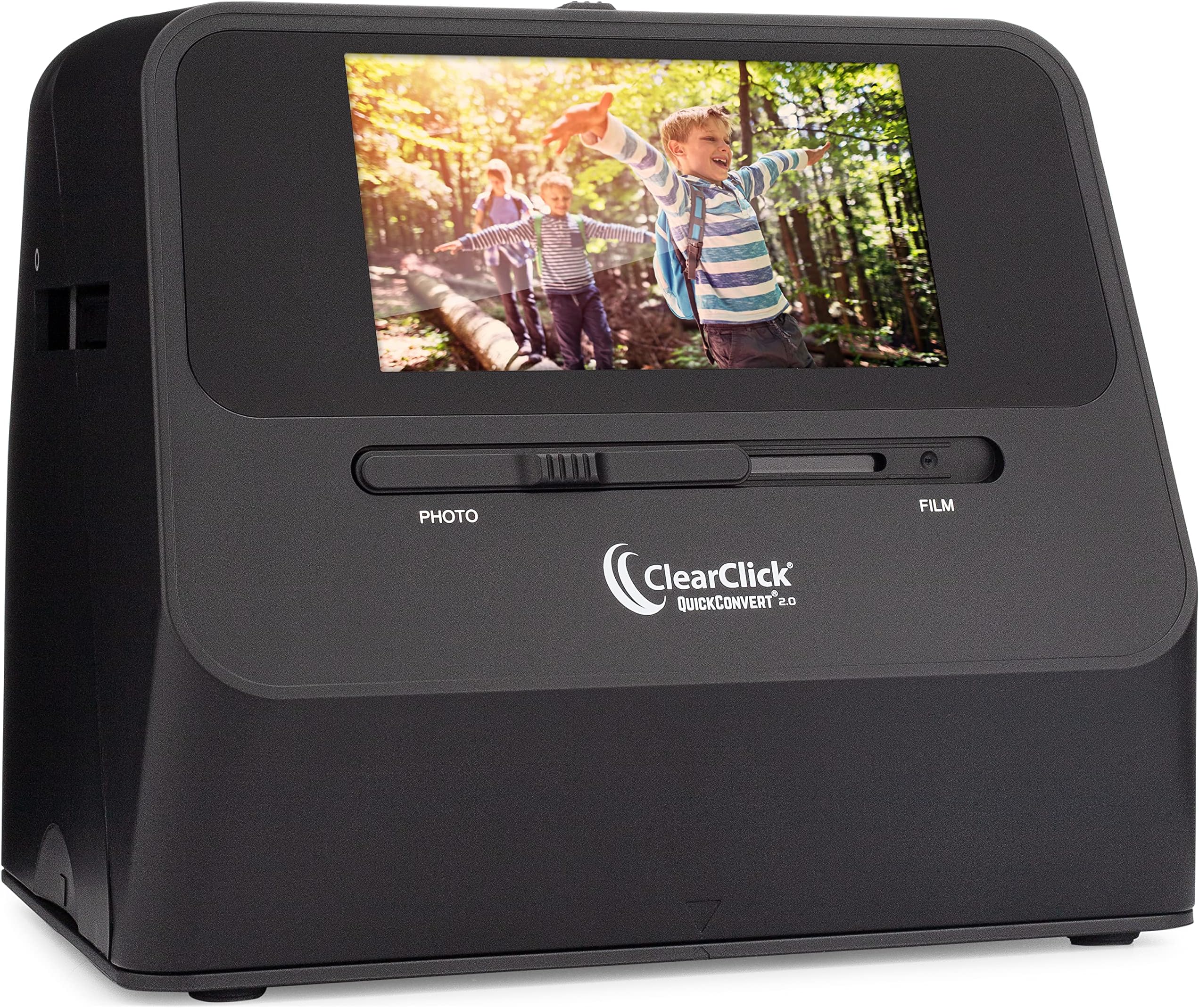
This ClearClick image scanner was purchased (initially) for the creation of the ultimate Christmas gift. Family members *truly* enjoy having their decades-old slides & photos available in electronic format. It is relatively labor intensive to work through any project of this type, but where there is a will, there is a way. No doubt, the ClearClick streamlined the entire process and produced amazing results. Where professional digitizing services charge (on average) ~$1/slide or photo, this unit will far exceed its price tag value when you have hundreds to thousands of photographic memories. If you can allocate the time doing the work, yourself, then just do it. Couple of notes: - if scanning slides, use canned-air to remove dust particles prior to each scan. It's well worth the effort, you don't want to have to redo anything. I went through 2 cans, cleaning ~900 slides. I eventually picked up an electric handheld, dust-blower/remover since canned-air can be pricey. At present, I still have a over a few thousand slides yet to scan. - If scanning boxes of slides, carousels of slides, or envelopes of photos: -- Just a suggestion: do one entire box/envelope/slide-carousel at a time. I moved them after each completed batch to a computer. -- I named them using the slide/photo film development date and slide/photo number (when available), using a naming scheme of '<year>_<month>__<slide#/photo#>.jpg, so '1971_08__15.jpg' as an example. Where there was more than one box with same developing dates, I suffixed the month with a letter, ex: '1971_08b__15.jpg' which was slide 15 from the second box. Moving the image files off from the scanner card (using USB mode on the ClearClick) and renaming the jpeg files right away eliminated any potential for confusion of what had already been scanned. - Scanning one slide/photo does take ~1-2 seconds, as indicated. - Scanning photos while they're still in the plastic of an album 'works' but the rows of scanner LEDs could sometimes be seen on the top and bottom of the finished scan. Removing them from the plastic, while it adds more time, is well-worth the effort. You only want to "have to" scan your photos one time, in my opinion. - The ClearClick on-screen menu took a little bit to get used to, but it's relatively intuitive. I only used the brightness and RGB color adjustments a small handful of times. Keep in mind that each of those color adjustment settings remains 'set' until the unit's power is cycled or if you go back in to reset them. - I haven't tried the HDMI 'preview via a TV' feature, but that is certainly a bonus. The screen on the unit worked for my needs. - The included 32GB SD card was more than enough. Image files were, on average, 3-4MB in size using the 22MP setting. The ~900 jpeg files were ~3GB, in total.