We remain fully operational. Our teams are working around the clock to ensure your deliveries continue safely.

DOWNLOAD THE APP


Copyright © 2025 Desertcart Holdings Limited
DOWNLOAD THE APP



Buy anything from 5,000+ international stores. One checkout price. No surprise fees. Join 2M+ shoppers on Desertcart.
Desertcart purchases this item on your behalf and handles shipping, customs, and support to Cyprus.
🔗 Connect in style, convert with confidence.
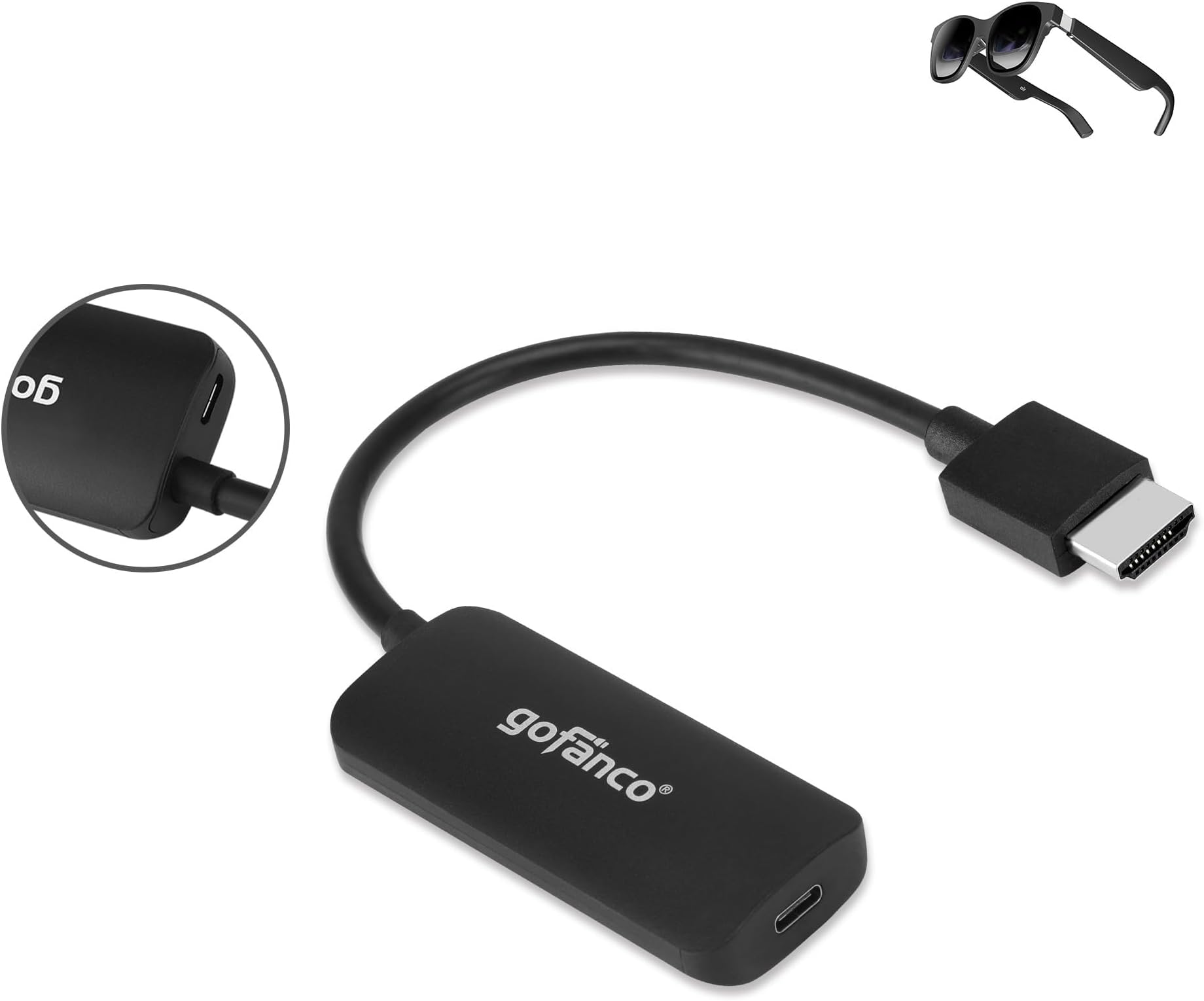
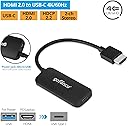
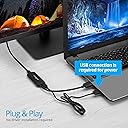
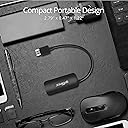
The gofanco HDMI 2.0 to USB-C Converter transforms HDMI output into crisp USB-C display input supporting up to 4K@60Hz 4:4:4. Compatible with popular devices like PS5, Steam Deck, and Xreal, it offers plug-and-play convenience with optional USB power support. Designed for professionals seeking hassle-free, high-quality video conversion backed by reliable tech support and warranty.


| ASIN | B08Y5PBWLQ |
| Best Sellers Rank | #248 in Video Converters |
| Brand | gofanco |
| Color | black |
| Compatible Devices | Monitor |
| Connector Type | HDMI, USB Type C |
| Current Rating | 1 Amps |
| Customer Reviews | 4.4 4.4 out of 5 stars (200) |
| Finish | Hdmi |
| Input Voltage | 5 Volts |
| Item Dimensions | 2.81 x 0.48 x 1.22 inches |
| Item Weight | 0.07 Pounds |
| Manufacturer | gofanco |
| Model Number | HDMIUSBC |
| Nominal Power | 5 Watts |
| Number of Items | 1 |
| Number of Ports | 2 |
| Package Quantity | 1 |
| Power Plug Type | No Plug |
| Specific Uses For Product | Monitor,Tv |
| UPC | 818354022421 |
| Unit Count | 1 Count |
| Warranty Type | Limited |
S**T
works
This actually works for the dockcase explorer hub I got recently and seems to be a cheaper option than the by siig as that one had a price increase. Not only does the product allow alt mode it also allows for data and hardware connections on hardware that would fail if one tried to plug in a display via the usb c
K**N
For XReal One Pro, great
I bought this as part of my XReal One Pro + PS5 setup. It handles the HDMI -> USB C conversion. And it handles the job with much less hassle than the PeakDo that I purchased for the same purpose. Just remember to buy an HDMI coupler unless you're plugging this adapter directly into your PS5. And if you're an electricity miser like me, you may want to buy another switched power strip--for the usb micro power input that probably doesn't need to be drawing juice 24x7.
K**N
Works with PS4 and Nreal Airs
I bought this as it's currently the only HDMI to USB-C adapter I know of and my Nreal Air glasses only accept USB-C input. The glasses needed an update from my phone, but after that they worked perfectly with this adapter and my PS4 to make gaming with it on the go with it significantly easier. The adapter does have trouble with higher power displays, it's unable to power my Asus portable monitor unfortunately, but as that's not the primary reason I picked it up I don't mind at all. I hope to see more competition in the space to bring prices down, but even at the current price if you have a use case for it, it's worth getting.
J**S
Compact, but USB port could be placed in the back next to the HDMI port AND NO HDR.
One of the most compact converters out there. Not a fan of where the USB power goes, but at least supports USB data (for touch screens). Also, it does not carry over HDMI HDR data, so you are stuck with SDR only.
K**R
All features worked - Video sound and it even detected the camera
My job gave me a professional video device for work. It has a built in camera, and 1 HDMI port and 1 USB-C port for inputs. I wanted to use chromecast on it, which is HDMI only. My laptop also did not have a USB-C port available from its docking station. So I plugged the chromecast at the HDMI port, and for my laptop, used the gofanco to convert a HDMI OUTPUT to a USB-C INPUT. Everything worked great. I got video, audio and to my surprise, the laptop was even able to recognize the camera from the video device. Definitely recommend if you're looking for a converter for HDMI OUTPUT to USB-C INPUT. It's not designed to work the other way around.
A**W
Confirming works well with Xreal Air 2 Pro Glasses
Works well out of the box, just plug and play. As others have mentioned, it is a good idea to plug in the micro usb for power along side using the hdmi port for audio. In my current setup, I plugged the adapter directly into the HDMI port of my GPU and works flawlessly. I am running the glasses on 120Hz and is smooth. One thing to note regarding receiving audio input using the Air 2 Pro, be sure you click on your sound/volume icon on your taskbar and choose the correct source. The glasses will generate two separate sound sources if you are plugging in the adapter directly to your GPU. For me, I had to select "Headset Earphone (2- XREAL Air 2 Pro)" instead of "Air 2 Pro (NVIDIA High Definition Audio)" as my audio source and works well. Everyone's sound source name might differ slightly depending on your brand of GPU. I am using a nvidia GPU so my sound source states NVIDIA. Hope this helps someone looking to use this adapter for Xreal glasses!
R**Y
Can only be used with dock. Can not be used any other way.
For the cost I'd say search harder or buy a nreal version that's portable. The sound quality is OK, it's ease of use is only possible with the switch in it's dock. Picture quality is not to bad normal I'd say. The cable is far to short for home use, The device doesn't seem to heat up. The connectivity is bland and limited to powered out use only, not mobile use.
T**M
It works for the nreal display, but audio does NOT get sent through the HDMI cable.
I ended up purchasing this adapter specifically because I've been looking all over for an adapter that would enable audio through HDMI. I've purchased around 5 different HDMI to USB-C converters trying to find the best solution for the nreals, hoping I could get audio as well as video 50ft across my home. Unfortunately, this one is like the others that allow audio -- you must plug in the USB port into your device with audio output in order to hear things. Although it's not the most compact of the various options I tried out, I think it's the winner in overall placement of the various ports, so I'll keep it.
T**T
Works great for connecting a Windows desktop to an LG Ultrafine 4K monitor. This replaced a DP to USB C cable from another brand which would often not power on consistently, and had no sound. In comparison, this works flawlessly and I can use the Ultrafine’s speakers!
T**O
購入時は、Xreal airから音声出力されなかった。 2023年のアップデートで、DisplayPort音声モードが追加、音声が出力可能となりました。 iPad pro → USB-cマルチアダプターのHDMI出力 → 本製品 → Xreal air でXreal airから音声が出るようになっています。 DisplayPort音声モードへの切り替えは、Brightness +ボタン4秒長押しです。 最新の説明書を参照ください なお、旧iPad air など→ lightningのHDMIアダプター → 本製品 → Xreal air の構成では、DisplayPort音声モードへ切り替えると、音声出力不可で画像もまともに表示されません 本体の出力端子がDisply altに対応している必要があると推測します
F**Z
Very useful
L**I
It works all right with Nintendo Switch and Xreal, however to enable sound you need to press + button for 4 seconds on Xreal. The price is a bit high but it's good quality and the adapter doesn't get hot after some hours of use. I just think they should have done USB C instead of micro.
I**D
Does not work when connected to a canon camera. When used with a Ninja V the screen is a red cast. A M2 mac does not even detect it.
Trustpilot
2 weeks ago
4 days ago