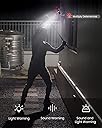


🔒 Secure Your Space, Anytime, Anywhere!
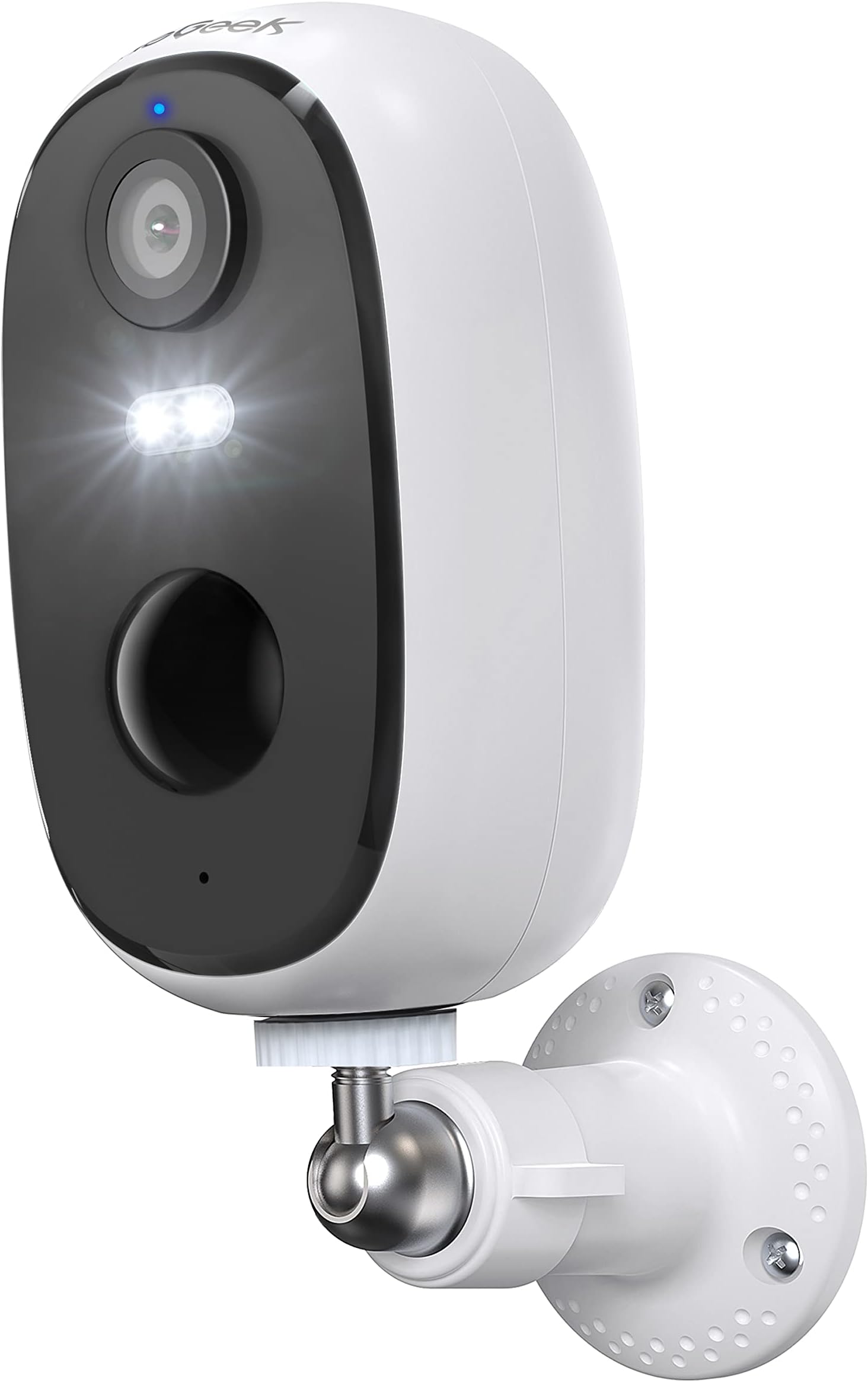
The ieGeek2K Wireless Security Camera offers a robust outdoor surveillance solution with 3MP video quality, colorful night vision, and advanced human motion detection. Its rechargeable battery lasts 3-4 months, and it features two-way audio, IP65 waterproofing, and easy installation, making it perfect for any home or office environment.


| Night Vision | Night Color |
| Night Vision Range | 20 Metres |
| Video Capture Format | MP4 |
| Number of Channels | 2 |
| Connectivity Protocol | Wi-Fi |
| Wireless Technology Type | Wi-Fi |
| Network Connectivity Technology | WiFi |
| Unit Count | 1.0 count |
| Item Weight | 380 Grams |
| Item Dimensions | 5.5 x 5.5 x 10 centimetres |
| Field of View | 130 Degrees |
| Zoom | Digital Zoom |
| Zoom Ratio | 4X |
| Photo Sensor Technology | CMOS |
| Focus Type | automatically |
| Viewing Angle | 130 Degrees |
| Wattage | 5 Watt-hours |
| Battery Power | 5200 Milliamp Hours |
| Batteries are Required | Yes |
| Voltage | 12 Volts (AC) |
| Power source | Battery Powered |
| Effective Video Resolution | 1296 |
| Video Capture Resolution | 3 MP |
| Material Type | Plastic |
| Water Resistance Level | Waterproof |
| Shape | Dome |
| Alert Type | Audio and Motion |
| Waterproof Rating | IP65 |
| Rear Webcam Resolution | 3 MP |
| Control Method | App |
| Room Type | Office, Garden, Garage, Hallway, Nursery |
| Bulb Type | Infrared, LED Spotlight |
| Effective Still Resolution | 3 MP |
| Colour | White |
| Form Factor | Dome |
| Installation method | Screw In |
| Special Features | Night Vision, Motion Sensor, 2-Way Audio, Portable, |
| Indoor Outdoor Usage | Outdoor, Indoor |
| Compatible Devices | Tablet, Smartphone |
| Controller Type | Android |
| Mounting Type | Screw In |
D**S
A very good purchase.
I bought two Iegeek battery cameras to increase the security of both the house and the cars when parked in the drive.The cameras were far better quality than I had been expecting given the price I paid and the initial setup was quite simple.I chose to use the Iegeek app to manage the cameras, but you also have the option to use the CloudEdge app instead should you prefer to.Connecting the cameras to our wireless network was easy - you simply need to point an activated camera at a QR code on the app, there is a positive "beep" and you are ready to locate the cameras.Locating the cameras is assisted by the app showing you the strength of the WiFi signal in your chosen position and, of course, the picture the camera is seeing. All required mountings are included.After a couple of hours I adjusted the alarm areas of both cameras to ensure only the areas I was concerned about sent alarms to my phone.This is as simple as "painting" the area you want to remain activating alarms on pictures within the app.Alarm settings allow you to stop notifications being sent to your mobile and to set the times you want the cameras to be active, though I have left them on 24/7. Initial checking of the battery levels suggests they will last as long as the manufacturer claims.Picture quality is very good and you can save any interesting videos by either downloading from the SD card on a PC or exporting directly from the app if you "record" the video whilst watching it back.
M**K
Great little camera and no wires!
This is like lots of other wifi cameras available, but the big difference is that it runs on rechargeable batteries so is perfect for locations where there is no power available.The camera was very easy to setup in the suggested CloudEdge app, which can be setup to send motion detection alerts along with 2 pictures, or you can switch this off so it will only record when you want to view live footage which will make the battery last even longer.You can also set time periods for the motion detection if you wanted to disable this during the night for example.The picture quality is good and it automatically switched into night vision when it gets dark, or you can switch this permanently on or off if you prefer.The camera can record to a micro SD card so you can easily watch back footage around the time of each motion detection event. I believe there is also a cloud service that you can sign up for so the footage can be uploaded for safe keeping, there is a 7 day free trial although I haven't tried that yet.The app also shows the battery level and will send you an alert when this drops to 20%. To recharge you just bring the camera indoors and connect to a charger with a micro usb cable e.g. a phone charger.I'm impressed with the battery life so far, although ultimately the length of time between charging will depend on how often you access the camera for viewing live or recorded footage and how many motion alerts there are that trigger recording.There is also an intercom function in the app so you can speak to someone via the camera.I've got it setup in my chicken run at the moment to test it out, but I think it would be perfect for inside a chicken coop where getting access to power could be an issue.I think it would also work well to watch the house front door, or to keep an eye on a garage or driveway. As long as there's a wifi signal available it could go almost anywhere.In summary this is a great camera, easy to use and with many potential uses.
B**N
Quality build good picture. And two way audio.
After getting let down by another brand twice, I thought.. Time to move on. I opted for this brand as the feature of two way audio appealed to me along with the price. Connecting via Android phone.No hitches just follow the basic instructions. Simply add your Wwifi password. Scan the QR code that appears on the android screen using the actual camera and you are done! Very smooth operation and very quick install with no mucking around. I like simple!BuildNice and solid.Access ports are to the bottom at the back behind a silicone plug that fully removes from the camera body. This plug has a smaller plug that can be extracted if you decide on cable or solar power connections. The SD card slot could be improved. No indication of which way to put in a card. Logic told me face up. But no @sping@ push fit. I had to use a pin to get the thing out. But no big deal.Software App.Very easy navigation, went through all the settings and found it 99% spot on. I have no need for the pay cloud based access and was worried I would not get certain features but in general everything I needed including push notices.After another play I found that pressing the SD wording on the screen bottom right pulled up a mini menu and bam! full HD! The picture quality even on live viewing was great. You can even digitally zoom in. In the printed booklet it is almost impossible to see the no. codes relating to the features that are printed over the photo images, so I nearly missed this little menu! But the book is done.This camera basically gives you TV ratios. Wide screen basically. So therefore I have mounted the camera at 90 degrees as I have a long garden. I don't wish to cover all the other gardens as the motion sensor picks up my neighbours 10 times a day! I have mounted the camera under the house soffit. This will hopefully avoid rain that may enter the speaker zone which is exposed in the 90 degree position. Some have said this is internally sealed.. We shall see...Night vision is very good as long as you are not pointing at street lights which can fog the image. I have found the camera in areas with LED street lighting, my front way with a car park for instance, actually works great without the need for the night vision setting which can be switched off. Colour rendition is also good in the dark with this model, impressed.Downloading your videos.If you set the camera to activate on motion detection, the camera records these as "alarms" in a list, but when you access those individual videos you can't save them. Simply go to the time line and it scrolls through each motion detection during the day in order and when it gets to the one you want press the screen and the small icons appear, one of which is the record button. Press that and the image is recorded to MPG direct to the camera, no need to take the SD card out of the camera! I am unsure if this creates a screen capture or whether it is the raw data. But the picture looked okay to me which I played back through VLC on the PC. Copy and cut the mpg file to your computer directly to play. It seemed unable to play direct from my plugged in Android device. (possible admin permissions) The cloud facility would only come in handy if someone robbed your house and ripped the cameras off the wall before you had a chance to download! So it is an interesting feature to buy into if you think your cameras could be knocked off or accessed by burglars.Overall and so far I am impressed with the camera. So much so I bought another! This will be subject to change. Time will tell if this is up for the long haul. My purchase allowed me to an extended warranty and a free solar panel! Or you can get a 32GB mini SD card. How is that for service? Well Done!
Trustpilot
1 week ago
3 days ago