⚡ Scan smarter, work faster—because your time is money!
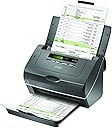
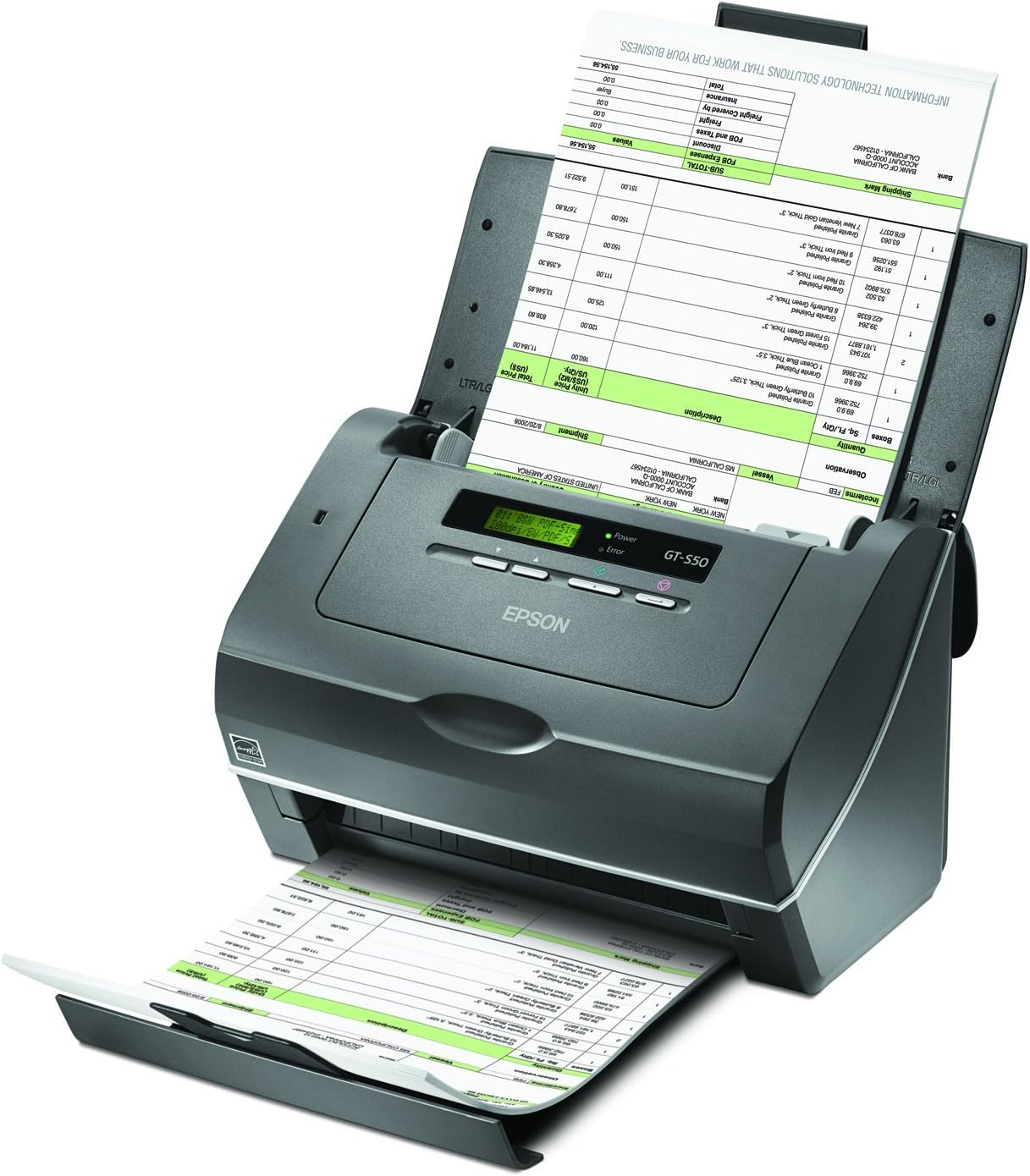
The Epson WorkForce B11B194011 Pro GT-S50 is a high-speed document scanner delivering 25 pages per minute and 50 images per minute duplex scanning. Equipped with a 75-page Auto Document Feeder and shipped in eco-friendly, frustration-free packaging, it’s designed for professionals who demand efficiency and reliability in document management.
P**M
Near flawless performance
The GT-S50 has performed flawlessly on approximately 5,000 scans in the last three weeks or so. I have had about a dozen jams, and all but two were caused by stapled copies I had not found prior to the scan. Most of the scans were copies of letter sized documents, both front only and duplex. They ranged from correspondence to crowded network diagrams and hand-drawn designs. Additionally, there were hand-written letters on various sizes of paper (including odd shapes). I also scanned receipts of various sizes, mixing and matching fairly easily. The scanned images (at lower settings) were all fine. In fact, little was gained in most cases going from 200 dpi to 600 dpi, which I did occasionally when a set of documents were especially dim or crowded.Like some others have commented, the scan speed is excellent. But once the documents have been scanned, there is a significant lag while the documents are processed. Most of this has nothing to do with the hardware, but rather the software handling the scanned images. I am scanning almost exclusively into Acrobat X Professional (a definite downgrade from previous versions of Acrobat) with a high degree of OCR involved so the documents are searchable. I have not clocked using any other software.And that brings me to my last point. I installed the software bundled with the scanner, spent 10 minutes looking at it and doing a test scan or two, and have not looked at it since. I do not mind the look and feel issues that others have commented on, but I personally just don't need the software, nor do I find it very useful. I may use the card scanner in the future since it did a better than adequate job of handling VERY odd business cards I tested. Unfortunately, there is no direct synchronization for my email system nor is there any way to build a custom system (in the few minutes I spent). So I would have to export the data and re-import it into a different database.Summary: Hardware great so far. Software probably not so good. I think the "bend" point will be around 25-30,000 scans. If there is any negative change at that point, I will revise my review.
Q**I
READ THIS TIP VERY IMPORTANT FOR CONTINUED USE OF SCANNER
I have been using this for over a year. I am an attorney and have lots of banker boxes of old client files that I wanted to get rid of. I purchased this because it scans different size papers. Major plus.I have scanned about 50 banker boxes of files, so feel I can give a very good review. This was easy set up. I used the paper port software that came with it and found it easy to operate. I was up and scanning in about 15 minutes. I have put crumpled papers through this, all sorts of odd size papers with no problems. I can load about 25 sheets at a time. After using for a bit you learn quickly how much you can load at a time. There is a pop up box that allows you to set, if it is black and white (using this makes paper fly through the machine) or color (makes the machine slow down) as does setting it for two side coping. You must remove staples, you can leave them in if a single sheet, but if two sheets staples together causes the machine to jam. I just cut the corners off the documents and they feed through fine.HERE IS THE TIP: After scanning about 25 boxes, the machine began misfeeding and taking 5 sheets throug at once or 10 and hanging up. I cleaned the roller, used canned air, nothing worked. Was getting ready to throw the machine across the room, when I decided to order the roller assembly. It runs from 30 to 50 dollars. I didn't think it could be the roller. Well it wasn't, the roller assembly comes with another part that goes on the opposite side of the roller assembly. It is a piece of plastic, kind of like a tongue. When I took out the old "tongue" I could see the difference between the two. The old "tongue" was as thin as paper, where as the new piece was about 1/4 inch thick. This did the trick and the machine was running like new. I have purchased two other sets, so I have them. Strongly recommend buying a couple if you are going to do a lot of scanning. Also when it starts to feed a lot of sheets through, it is time to replace. I wish I would have know this sooner.I scanned about 5 boxes with it malfunctioning and basically having to do each sheet one at a time.This is a great machine for the price. Like I said 50 boxes scanned and probably another 50 to go. It really handles paper in all different shapes and sizes.
Trustpilot
2 months ago
1 day ago